http://www.pisector.com/ or search on youtube PiSector GS08.)
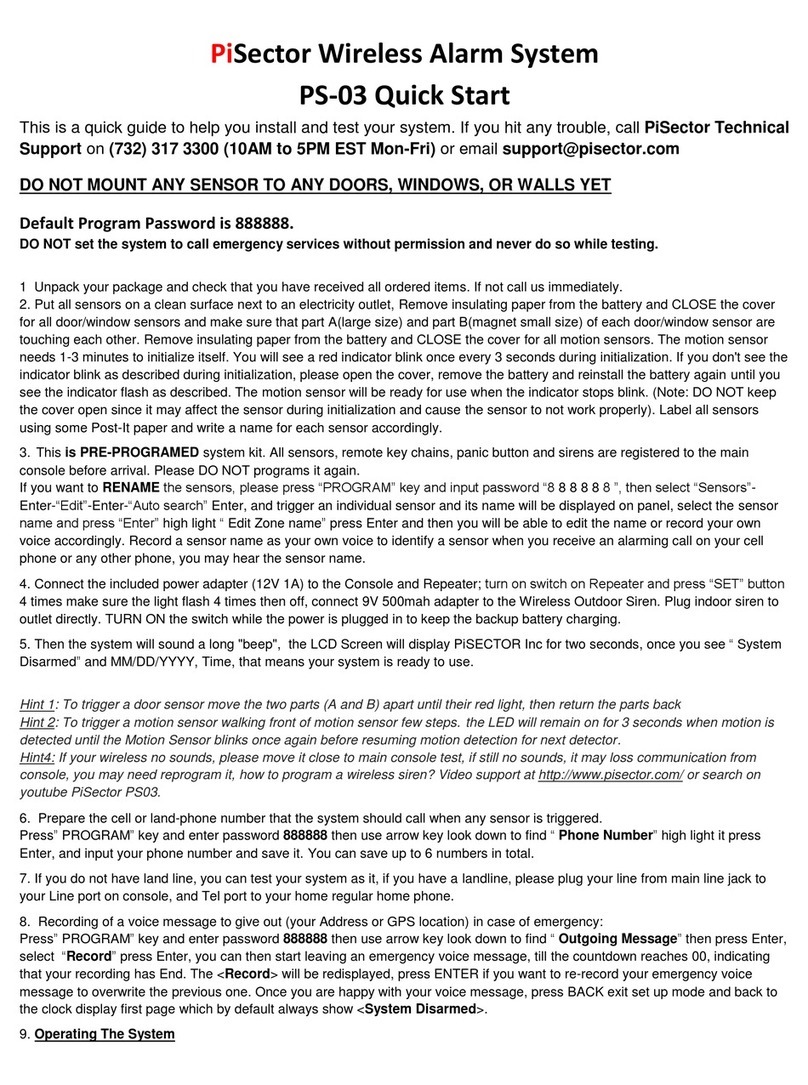
9) Prepare the cell or land-phone number that the system should call when any sensor is triggered.
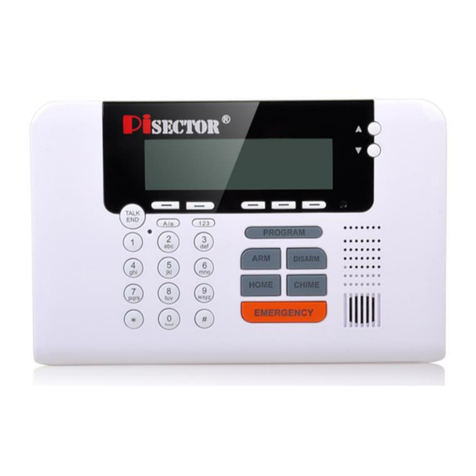
Press PROGRAM key and enter password 888888.Use the arrow key to find Phone Numbers, high light it and press Enter. Input
your prepared phone number and save it. You may save up to 6 numbers in total.
10) Prepare the cell phone number that the system should send text message to when any sensor is triggered. Press Program,
input password 888888 and press ENTER. Use the arrow key to find and select <SMS numbers>, press ENTER, input your cell
phone number and save it. You may save up to 3 SMS numbers in total
NOTE: If you neither have a SIM card nor a land line, you may test your system as it excludes auto dial function and text
message.
11) Recording of a voice message to give out (your Address or GPS location) in case of emergency:
Press PROGRAM, input password 888888 and press ENTER. Use the arrow key to find Outgoing Message, press Enter, select
Record and press ENTER. The word Record will be displayed and you may then start leaving an emergency voice message until
the countdown reaches 00, indicating that your record has Ended. The word Record will be redisplayed, press ENTER if you want
to re-record your emergency voice message to overwrite the previous one. Once you are satisfied with your voice message, press
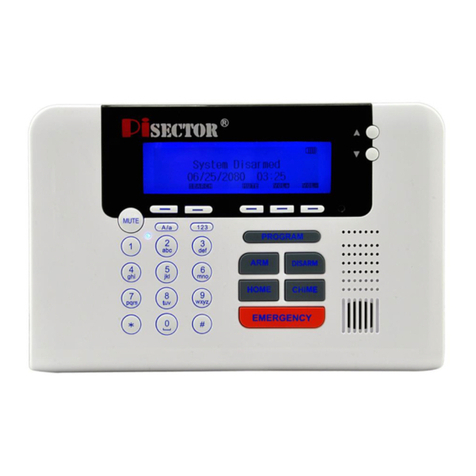
BACK to exit to the set up mode and BACK again to the first page which by default always show <System Disarmed>.
12) Operating The System
You may now use any of the pre-programmed key chains to arm the system by pressing the Locked Pad button once, and wait for
60 seconds until you see “System Armed”on the LCD screen. Try to trigger any of the detectors or sensors, you will see the
sensor name displaying on the screen, the siren starting to sound, and the system making an out call and sending an SMS to the
numbers you have programmed in steps 9) and 10). Answer the call to hear the emergency voice record made in step 11).
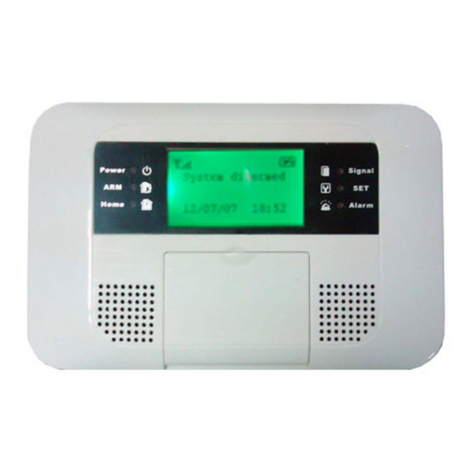
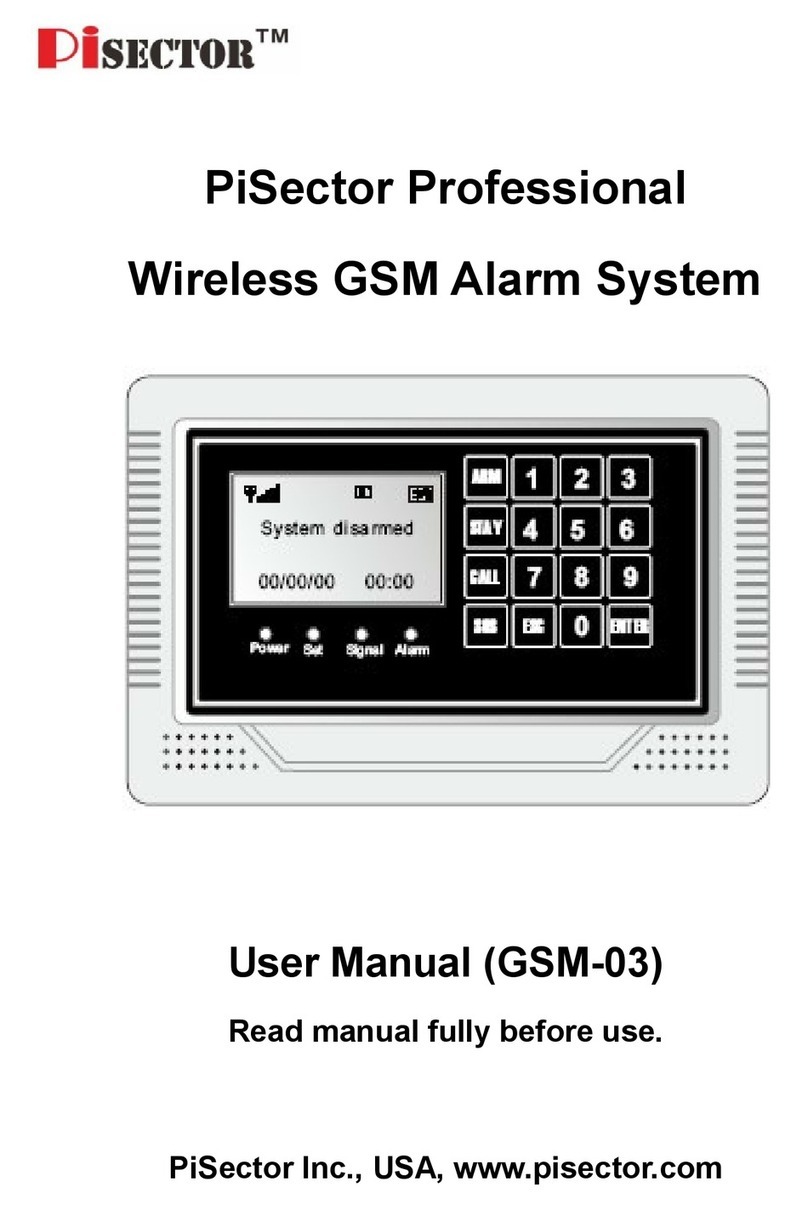
You may also press ARM key on the console and input default password, then the system will beep for 60 seconds and display
“SYSTEM ARMED”. You may then trigger any of the sensors, and it will be the same as using LOCK button on the key chains.
13) Remote Control
Call the system connected landline number inside the main unit from another cell or landline phone. After one ring you will hear
<Please enter password>. Input password (default is 888888). After you have entered the password successfully, you will hear
the prompt <Please enter instruction> Enter 1, 2, 3or 4to arm, disarm, listen-in or inter-communicate with anyone near the
system receptor. You may also send an SMS message to the system to arm it or disarm it with the following text messages:
Default (or your) password follow by 1[8888881] to arm system
Default (or your) password follow by 2[8888882] to disarm system
Hint5: If you want to save time without password to control your system, you may Press PROGRAM key on the console, enter default
password 888888. Use scroll key to select Phone Numbers, press ENTER and select a phone number which you want to edit, and set
Auto login as Yes. When you remotely call the system telephone number with the Auto login selected phone number from anywhere in
the world. You will not need to enter the password again. It is recommended to set only your own number as auto login, keep default as No
for all other numbers.
14) If everything is done and working properly, then you should now change the default password (888888) to a more personal and
memorable password to secure your system. The system only accepts 6 digits for a password. Press PROGRAM key and input
default password 888888. Use the arrow key to find System Settings and press ENTER, high light Password and press ENTER.
You will see Old Password 888888 displaying, then press ENTER again, system will allow you to input a new password now.
Input 6 digits for your new password (no letter), then press ENTER, and you will see the message Confirm Password displaying.
Reenter your new 6 digits password and press Save, and you will see Set successful displaying. Use Back key to return to
Program status.
Now you can physically install the detectors and sensors at their intended zones (doors, windows, walls, ...)
For better Environmental protection and pollution prevention, we do not afford a paper user manual, please download model GS08
series electrical user manual from our website http://www.pisector.com/manuals/
Our goal is for you to be completely satisfied with this transaction. If this is not the case, we would appreciate it if you would give us
a chance to address your concerns before leaving feedback.
If you've had a pleasant buying experience, we would be grateful if you would leave us a positive feedback. You are guaranteed a
FREE door sensor OR remote control (as you choose) as a gift by leaving a 5 star products review and seller feedback with your
user experience (please email us and provide the review link for the gift)
We value you highly and look forward to serving you again in the near future.
Sincerely