manuals.online logo
Brands
  1. Home
  2. •
  3. Brands
  4. •
  5. Planet
  6. •
  7. Power Supply
  8. •
  9. Planet XGS3-PWR150-AC User manual

Planet XGS3-PWR150-AC User manual

Other Planet Power Supply manuals

Planet MC-1610MR User manual

Planet

Planet MC-1610MR User manual

Planet XGS3-PWR150-48 User manual

Planet

Planet XGS3-PWR150-48 User manual

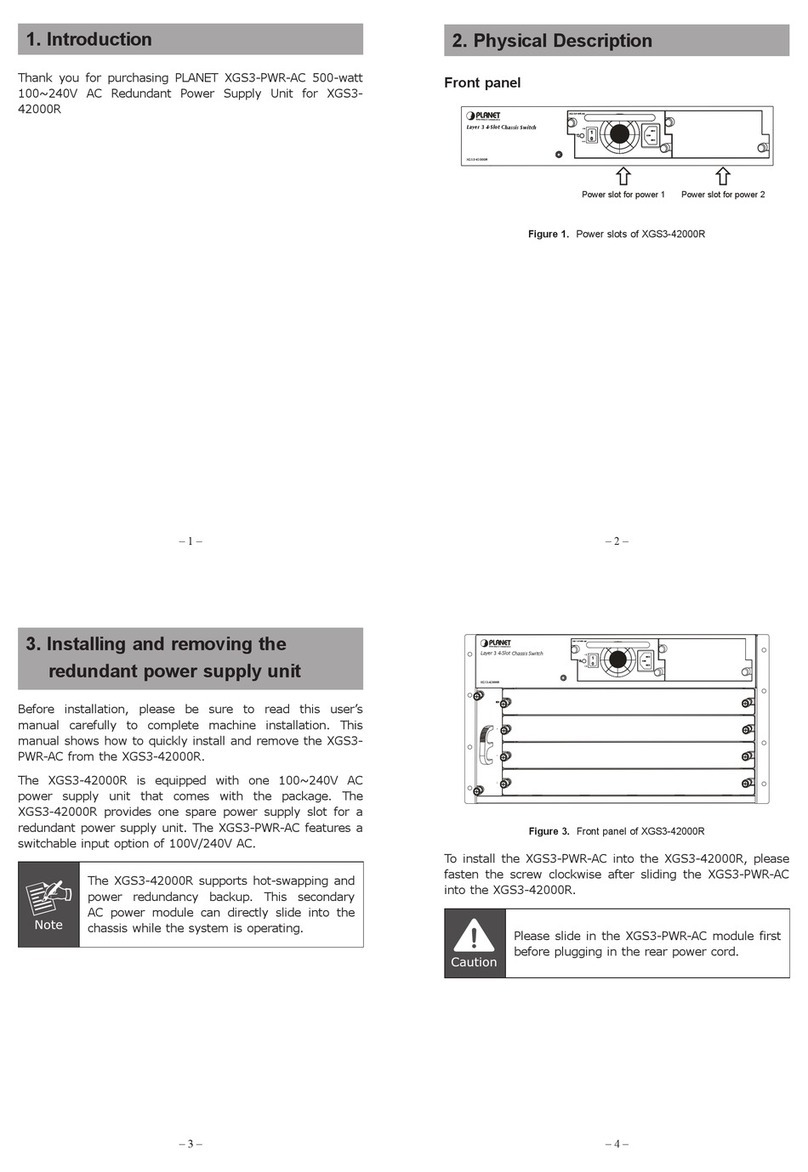
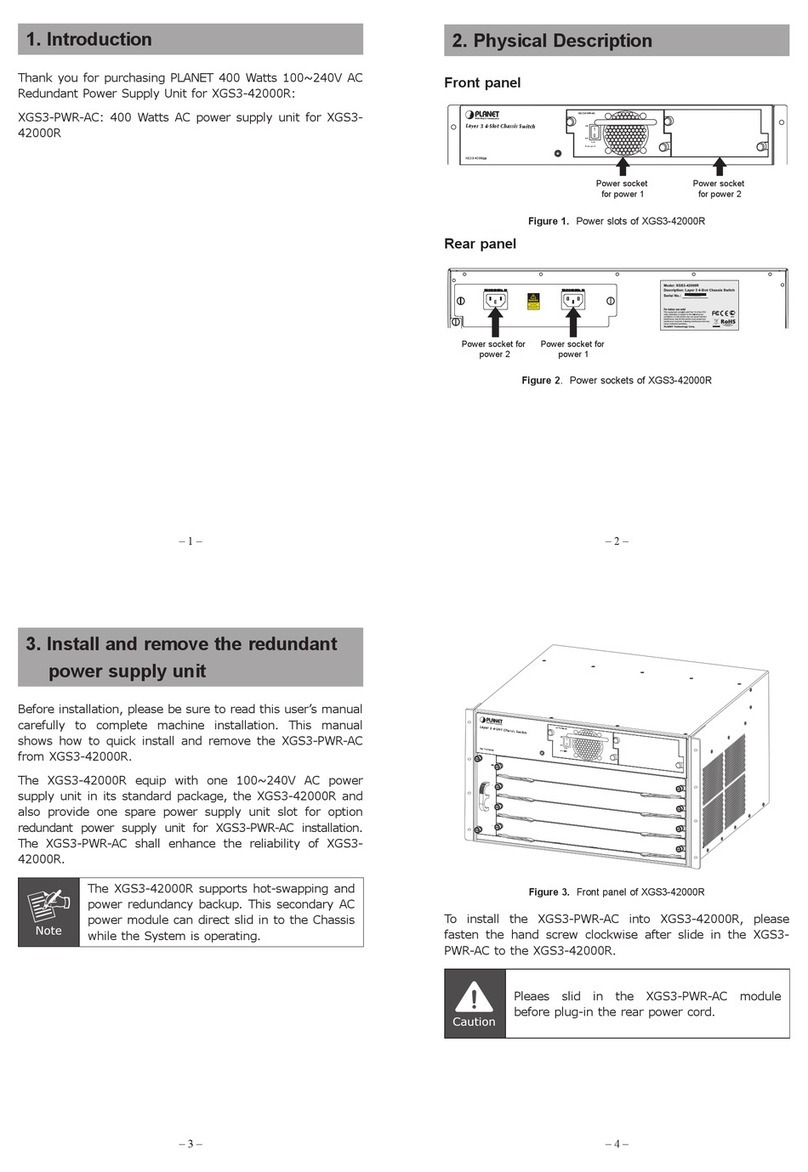
Planet XGS3-PWR-AC User manual

Planet

Planet XGS3-PWR-AC User manual

Planet MC-15RPS90 User manual

Planet

Planet MC-15RPS90 User manual

Planet 8-Port IP Power Manager IPM-8001 User manual

Planet

Planet 8-Port IP Power Manager IPM-8001 User manual

Planet NAS-78RPS User manual

Planet

Planet NAS-78RPS User manual

Planet XGS-PWR350 Series User manual

Planet

Planet XGS-PWR350 Series User manual

Planet XGS3-PWR-AC User manual

Planet

Planet XGS3-PWR-AC User manual

Popular Power Supply manuals by other brands

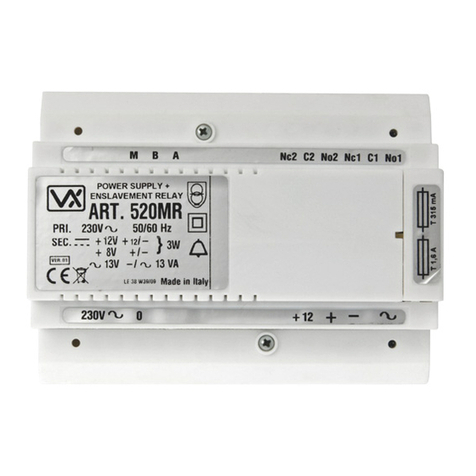
Videx 520MR Installation instruction

Videx

Videx 520MR Installation instruction

Poppstar 1008821 Instructions for use

Poppstar

Poppstar 1008821 Instructions for use

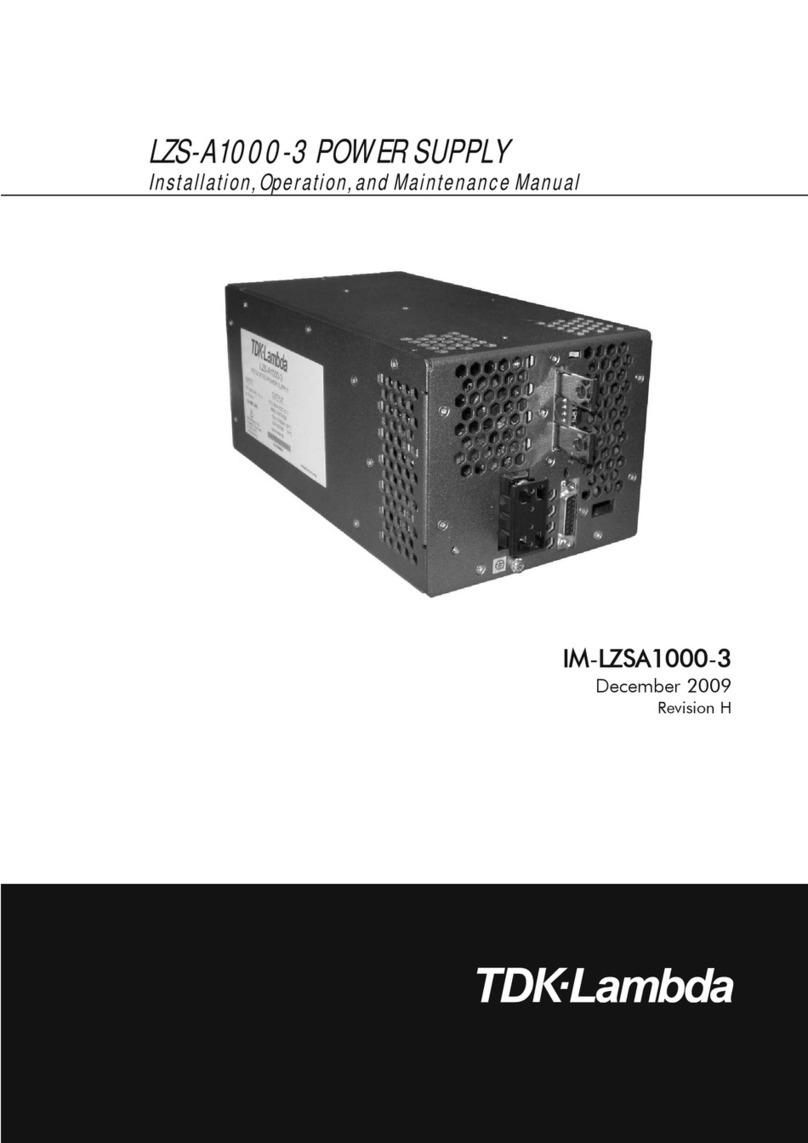
TDK-Lambda LZS-A1000-3 Installation, operation and maintenance manual

TDK-Lambda

TDK-Lambda LZS-A1000-3 Installation, operation and maintenance manual

TDK-Lambda 500A instruction manual

TDK-Lambda

TDK-Lambda 500A instruction manual

Calira EVS 17/07-DS/IU operating instructions

Calira

Calira EVS 17/07-DS/IU operating instructions

Monacor PS-12CCD instruction manual

Monacor

Monacor PS-12CCD instruction manual

VOLTIMA MagicBox 15 Installation and operating instructions

VOLTIMA

VOLTIMA MagicBox 15 Installation and operating instructions

Miller Auto Deltaweld 452 owner's manual

Miller

Miller Auto Deltaweld 452 owner's manual

BCP PUOUBK How to install

BCP

BCP PUOUBK How to install

HC 2210 manual

HC

HC 2210 manual

Agilent Technologies 6032A Service manual

Agilent Technologies

Agilent Technologies 6032A Service manual

Radial Engineering SB-48UB user guide

Radial Engineering

Radial Engineering SB-48UB user guide

Puls CT5.241 installation manual

Puls

Puls CT5.241 installation manual

OCZ ZX1250W Technical specifications

OCZ

OCZ ZX1250W Technical specifications

iseg ECH 238 manual

iseg

iseg ECH 238 manual

Agilent Technologies 6631B Service manual

Agilent Technologies

Agilent Technologies 6631B Service manual

Power XXL A Series instruction manual

Power

Power XXL A Series instruction manual

HP 6200B Operating and service manual

HP

HP 6200B Operating and service manual

manuals.online logo
manuals.online logoBrands
  • About & Mission
  • Contact us
  • Privacy Policy
  • Terms and Conditions

Copyright 2025 Manuals.Online. All Rights Reserved.

– 1 – – 2 –
– 3 – – 4 –
1 Overview
Thank you for purchasing PLANET 150-watt AC power
supply.
Power Supply Unit Input Range
XGS3-PWR150-AC 100 to 240V AC
Open the box of the Redundant Power Supply unit and
carefully unpack it. The box should contain the following
items:
The AC Power Supply unit x 1
User’s Manual x 1
If any item is found missing or damaged, please contact
your local reseller for replacement.
2 Introduction
Before installation, please be sure to read this user’s
manual carefully to successfully complete the installation of
the machine. This manual shows how to quickly install the
power into the XGS3-24042/XGS3-24242.
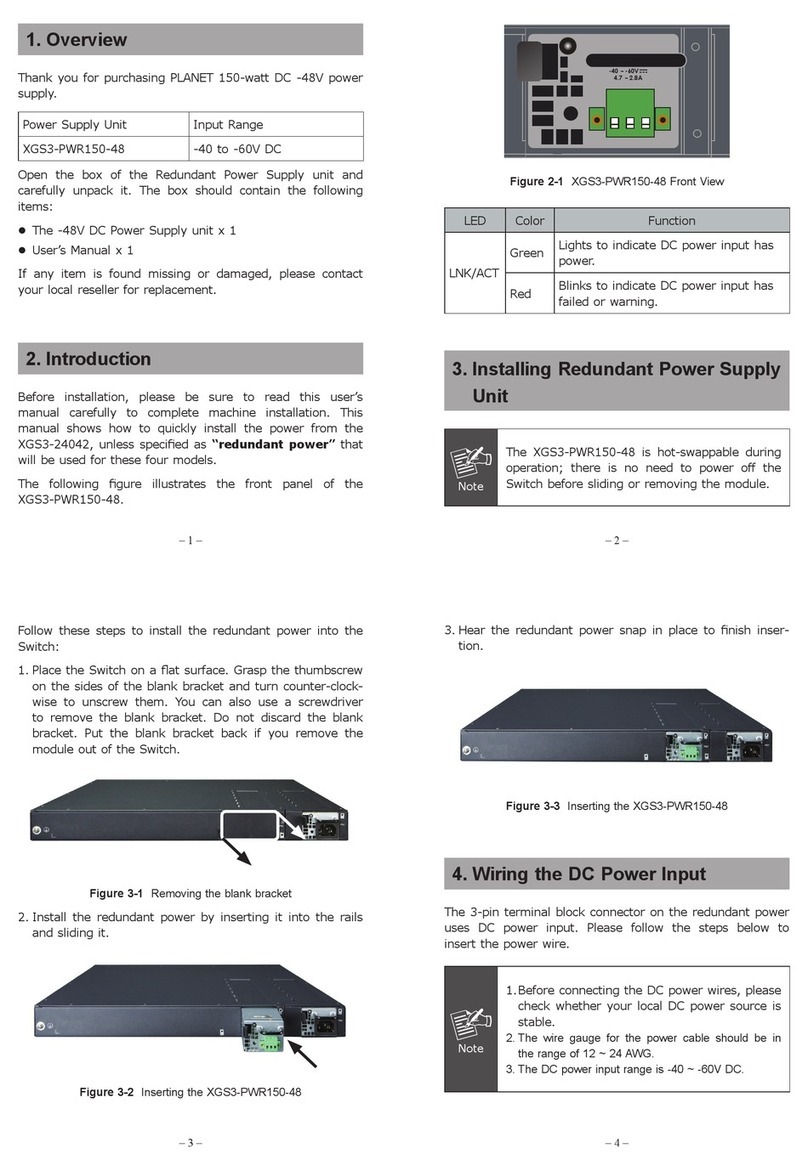
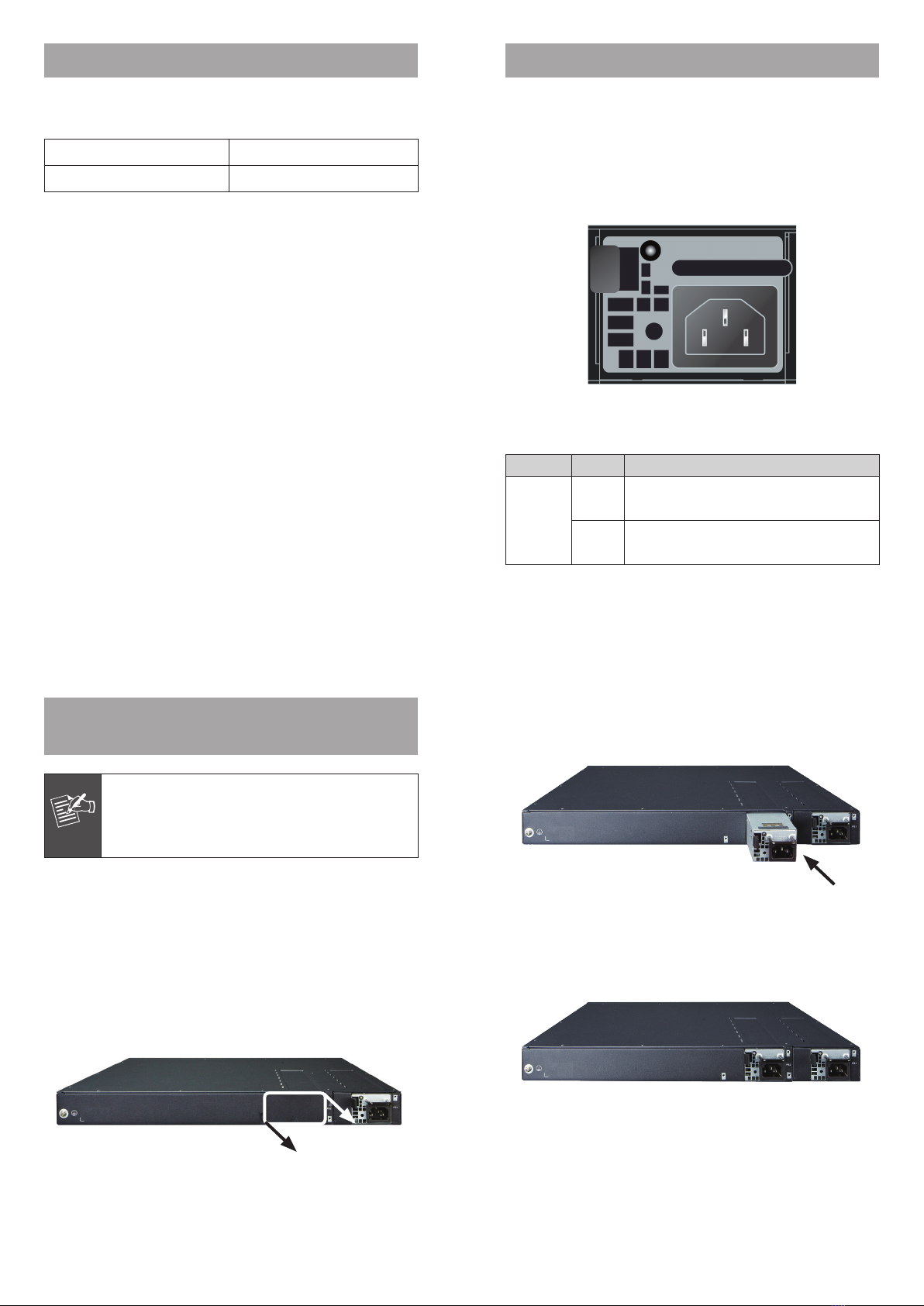
The following gure illustrates the front panel of the XGS3-
PWR150-AC.
Figure 2-1 XGS3-PWR150-AC Front View
LED Color Function
LNK/ACT
Green Lights to indicate AC power input has
power.
Red Blinks to warningly indicate AC power
input has failed.
3 Installing Redundant Power
Supply Unit
Note
The XGS3-PWR150-AC is hot-swappable during
operation; there is no need to power off the
Switch before removing the module.
Follow these steps to install the redundant power into the
Switch:
1. Place the Switch on a at surface. Grasp the thumbscrew
on the sides of the blank bracket and turn counter-clock-
wise to unscrew them. You can also use a screwdriver
to remove the blank bracket. Do not discard the blank
bracket. Put the blank bracket back if you remove power
the module from the Switch.
Figure 3-1 Removing the blank bracket
2. Install the redundant power by inserting it into the rails
and sliding it.
Figure 3-2 Inserting the XGS3-PWR150-AC
3. Hear the redundant power snap in place to nish inser-
tion.
Figure 3-3 Inserting the XGS3-PWR150-AC

– 5 – – 6 –
4 Removing Redundant Power
Supply Unit
Follow these steps to install the redundant power into the
Switch:
1. Remove AC power cord from the XGS3-PWR150-AC.
2. To remove the redundant power from the XGS3-24042/
XGS3-24242, move the lever to the right and pull it out.



Figure 4-1 Removing the XGS3-PWR150-AC