Download the Plejd app on the
App Store or Google Play. Open the
app and follow the instrucons to add
the Gateway to your Plejd system.
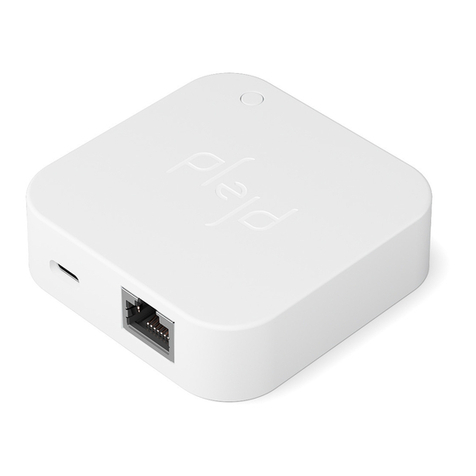
The Gateway connects to your local
network via Ethernet and communicates
wirelessly with your Plejd products.
Place the Gateway within clear range
of your Plejd system, not in a closed
metal cabinet.
The Gateway can also be mounted
in place with the accompanying wall
bracket. A network cable and a power
adapter are supplied in the box. Screws
for the wall bracket are not included.
Setup requires an Internet connecon
on your phone. With the mobile app you
can communicate directly to the unit via
Internet and Bluetooth.
Connect the product
1
Download the app and follow the instructions
2