Deutsch
8
Battery Pack
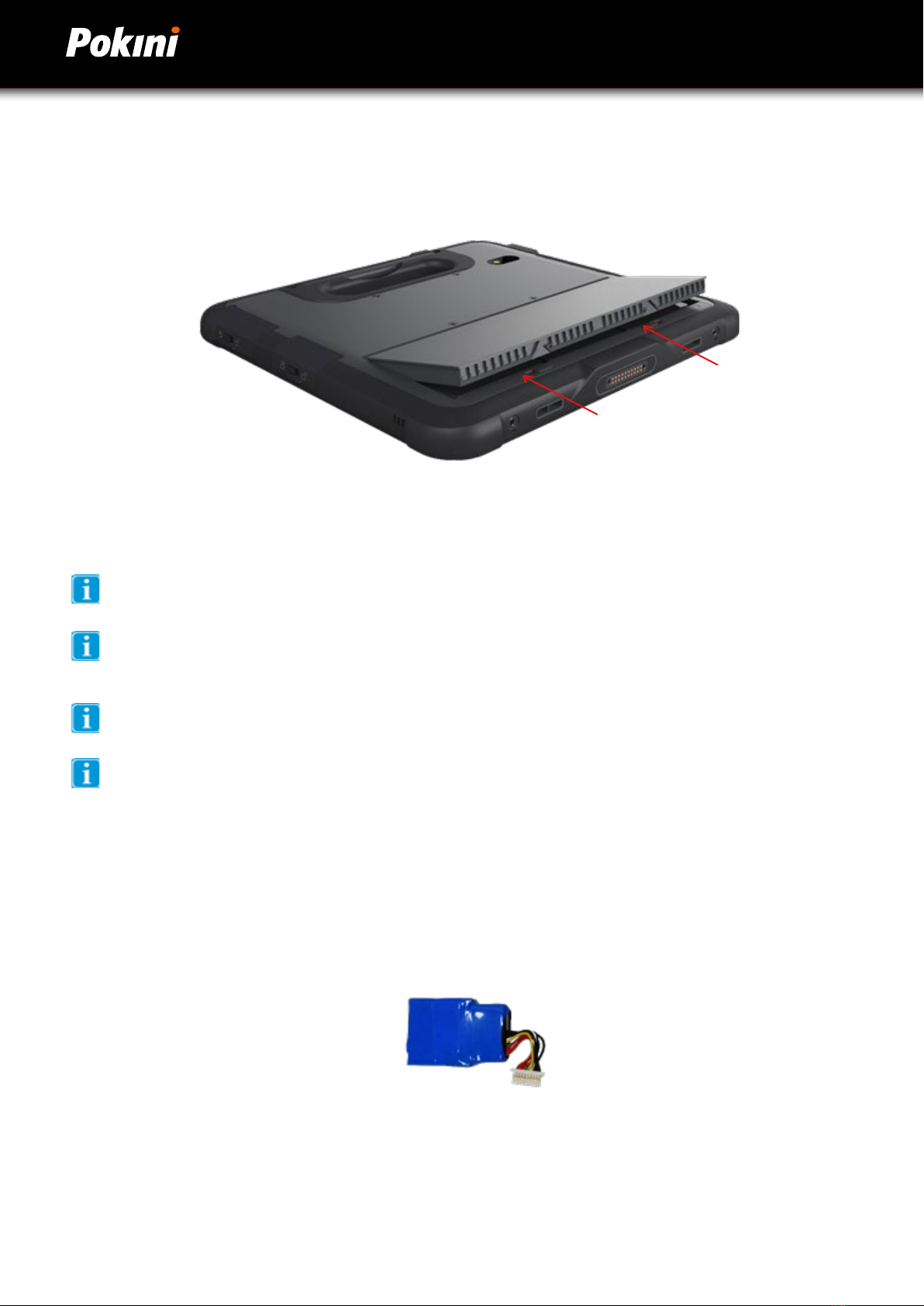
The G10/M10 device has one small, permanent, internal battery and one hot-swappable battery. When hot swappable
battery has low voltage and needs to be replaced, the built-in battery will power the tablet for up to 30 minutes.
To charge the Battery Pack:
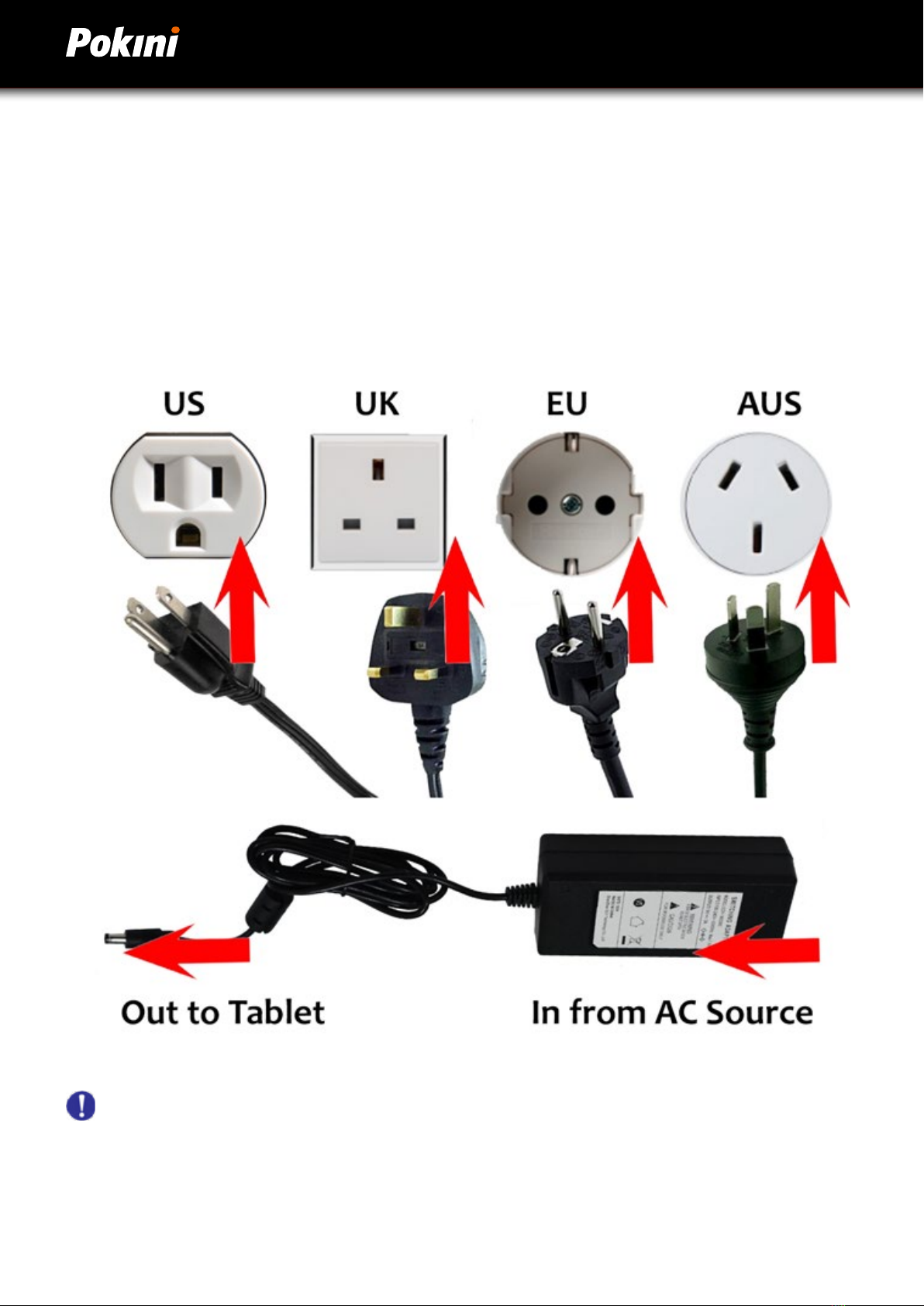
1. Connect the power cable to the charging port on the device.
2. Connect the power adapter to an electrical outlet and charge the tablet until the battery is fully charged.
3. After your device is fully charged, disconnect the charger from both the device and the electrical outlet.
4. Additional hot-swappable batteries can be charged independently of the Tablet PC by placing the battery
into a docking station with a battery charging bay (available separately).
NOTE: To prevent damage to batteries, please see Section 8: Safety
Battery life naturally degrades over time. Failure to follow instructions for recommended operating
temperatures, charge and discharge rates, and other instructions may accelerate battery decay rates. If your
tablet battery will not accept or hold a satisfactory charge, it may need to be replaced.
For battery storage and charging temperatures, see Section 8: Safety
Checking the Battery Level
To check the battery charge level of the G10/M10, you may use the battery monitor within Windows operating system
or by the voltage gauge of hot swappable battery pack.
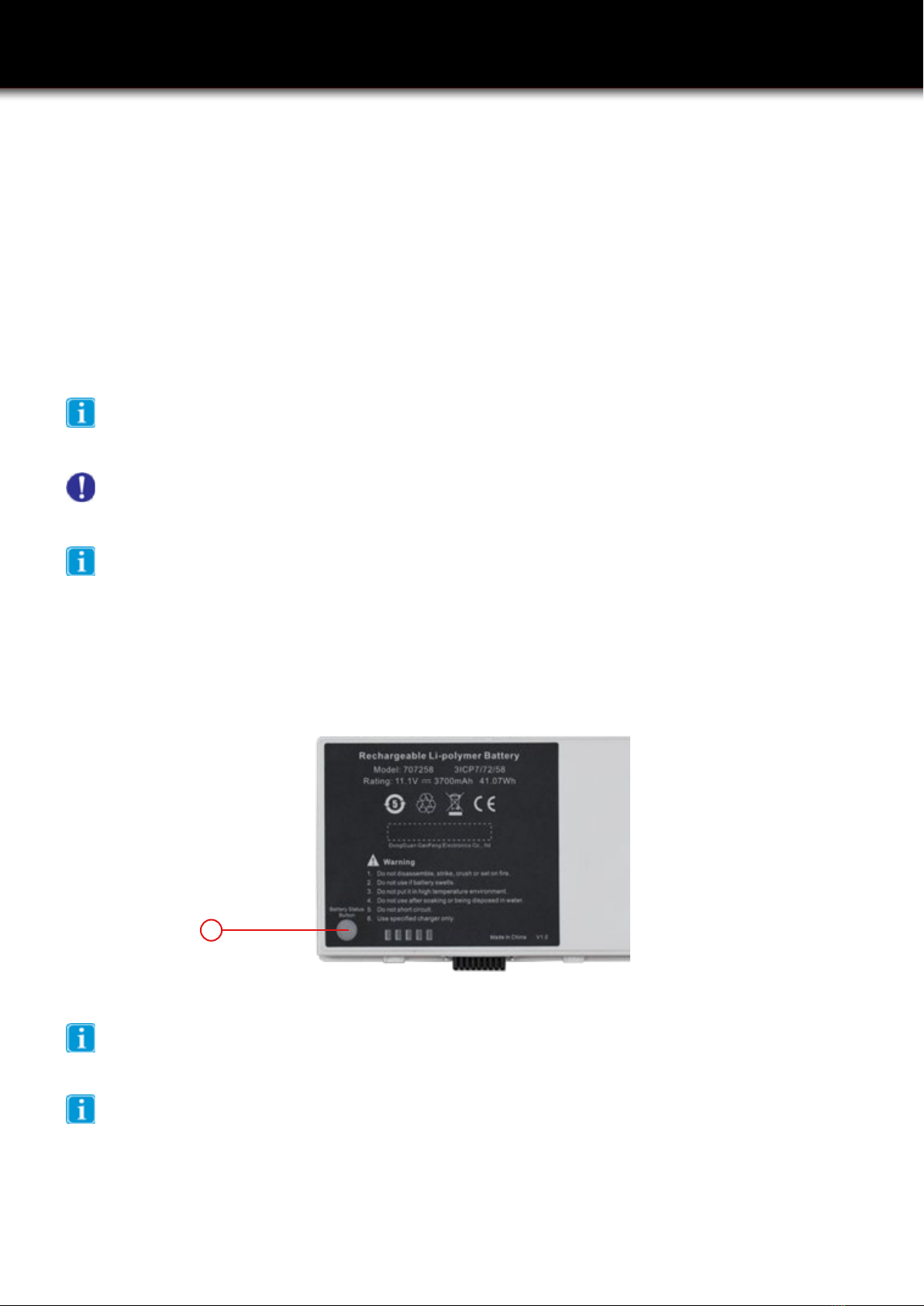
When the hot swappable battery pack is not installed in the Tablet PC and you want to know the battery level, press
the Battery Test (1) button. The gauge will display the battery level.
Any battery level indication is an estimated result. The actual operating time can be different from the
estimated time, depending on how you are using the Tablet PC.
1
Storage of the battery
Please note that the battery loses 2% of its charge every three days if it remains in the switched-off tablet.
This can lead to deep discharge if stored for too long. Therefore, remove the battery from the device before
storing it.