manuals.online logo
Brands
  1. Home
  2. •
  3. Brands
  4. •
  5. Power Drive
  6. •
  7. Inverter
  8. •
  9. Power Drive PD100D User manual

Power Drive PD100D User manual

Other Power Drive Inverter manuals
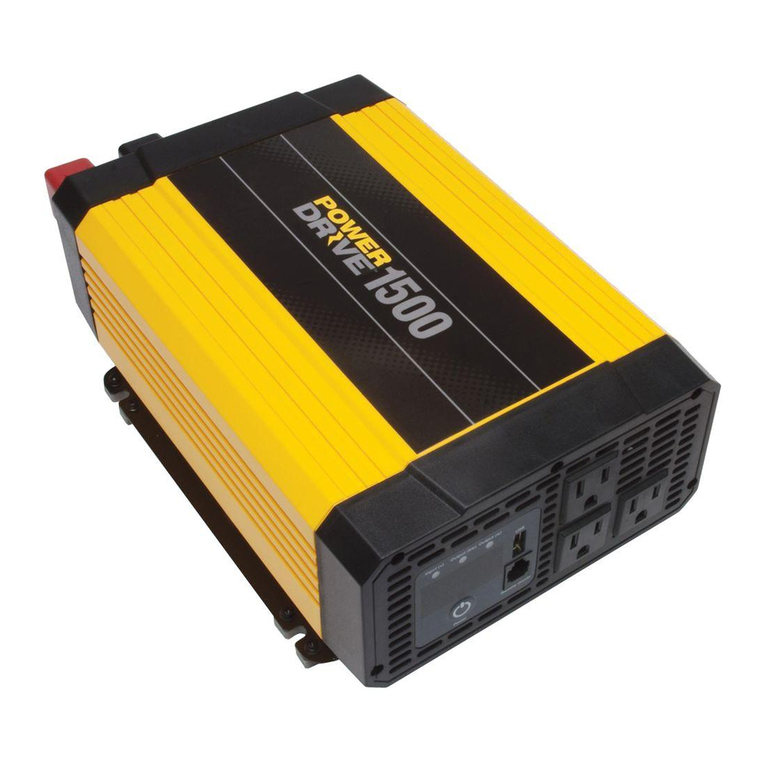
Power Drive 1500 User manual

Power Drive

Power Drive 1500 User manual
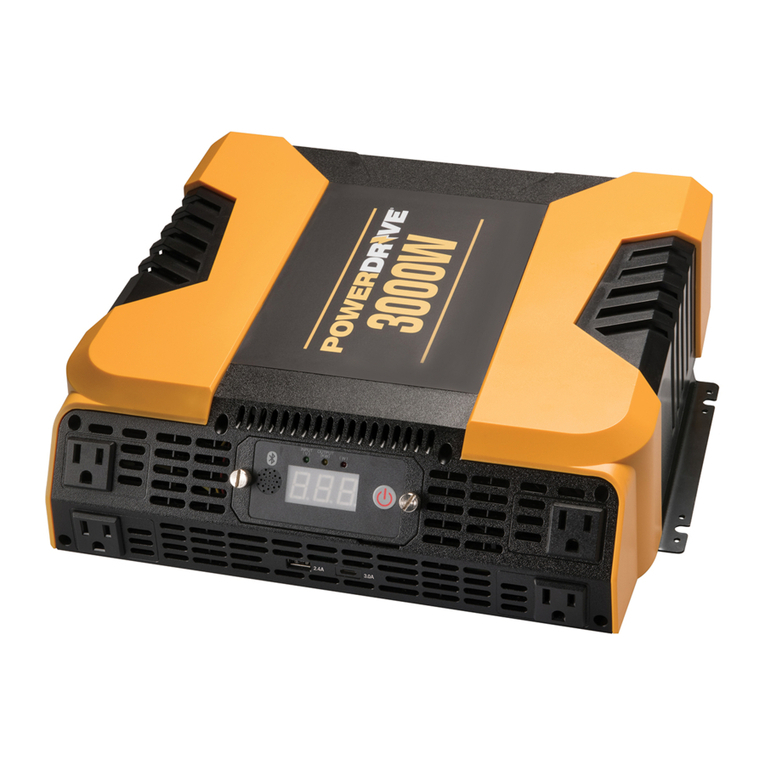
Power Drive PD3000 User manual

Power Drive

Power Drive PD3000 User manual
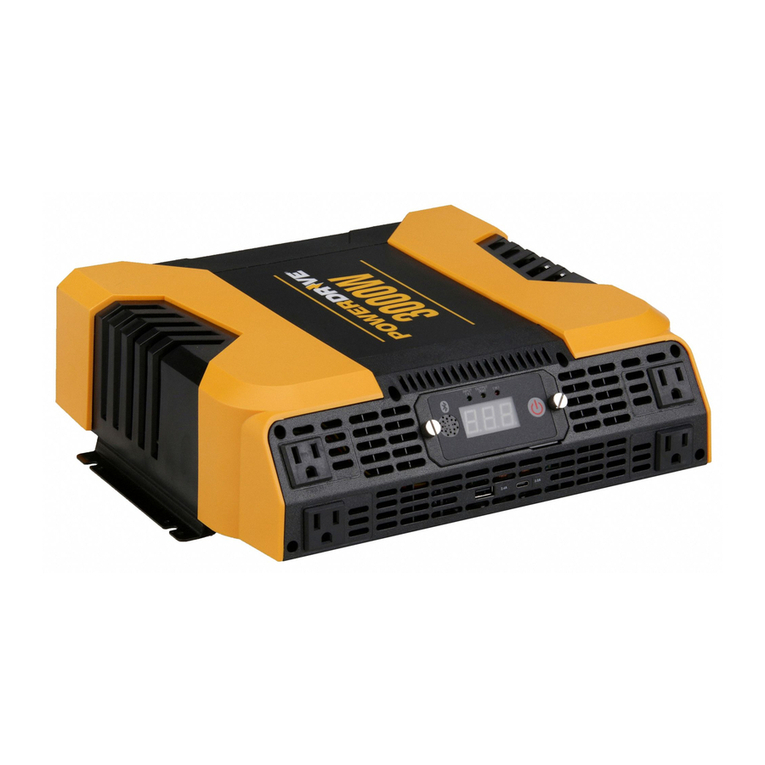
Power Drive PD1000 User manual

Power Drive

Power Drive PD1000 User manual
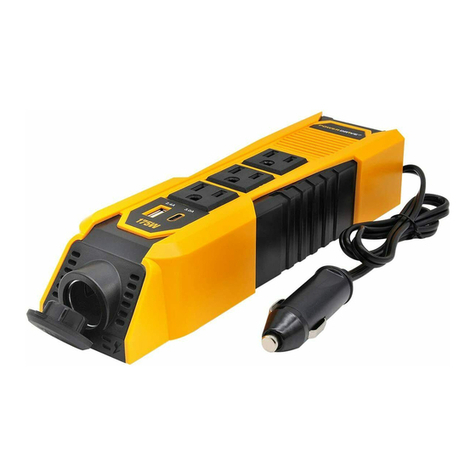
Power Drive PDI175S User manual

Power Drive

Power Drive PDI175S User manual
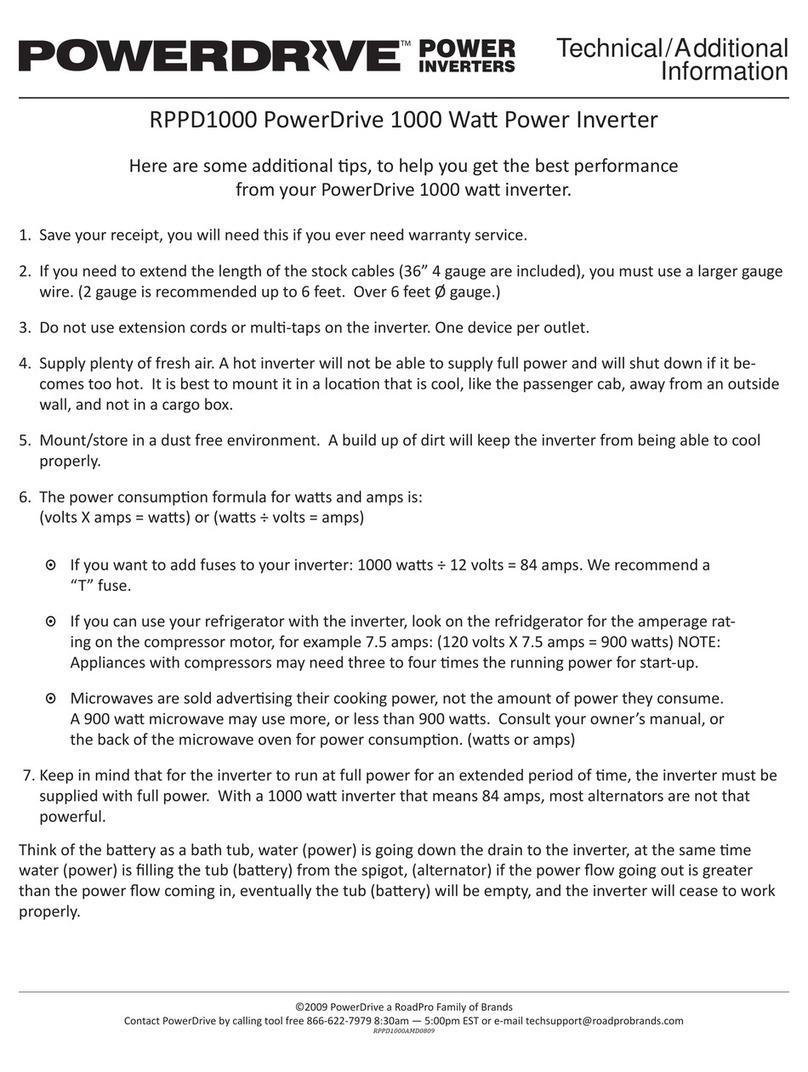
Power Drive RPPD1000 Owner's manual

Power Drive

Power Drive RPPD1000 Owner's manual
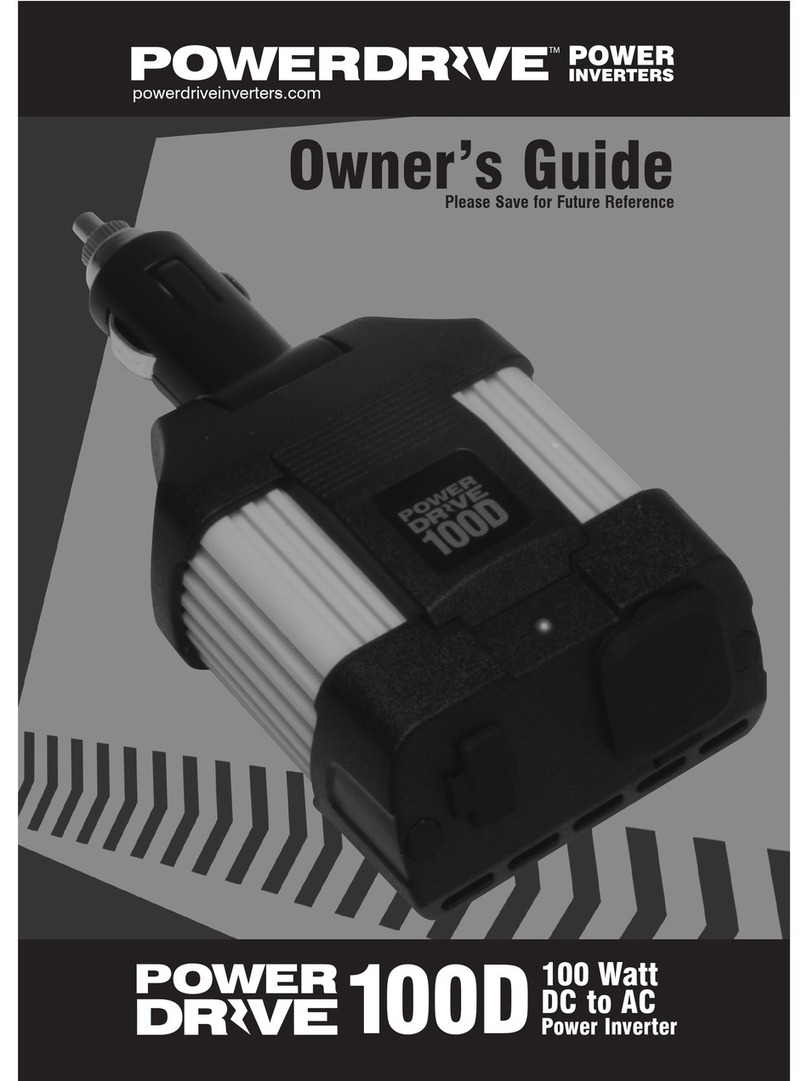
Power Drive 100D User manual

Power Drive

Power Drive 100D User manual
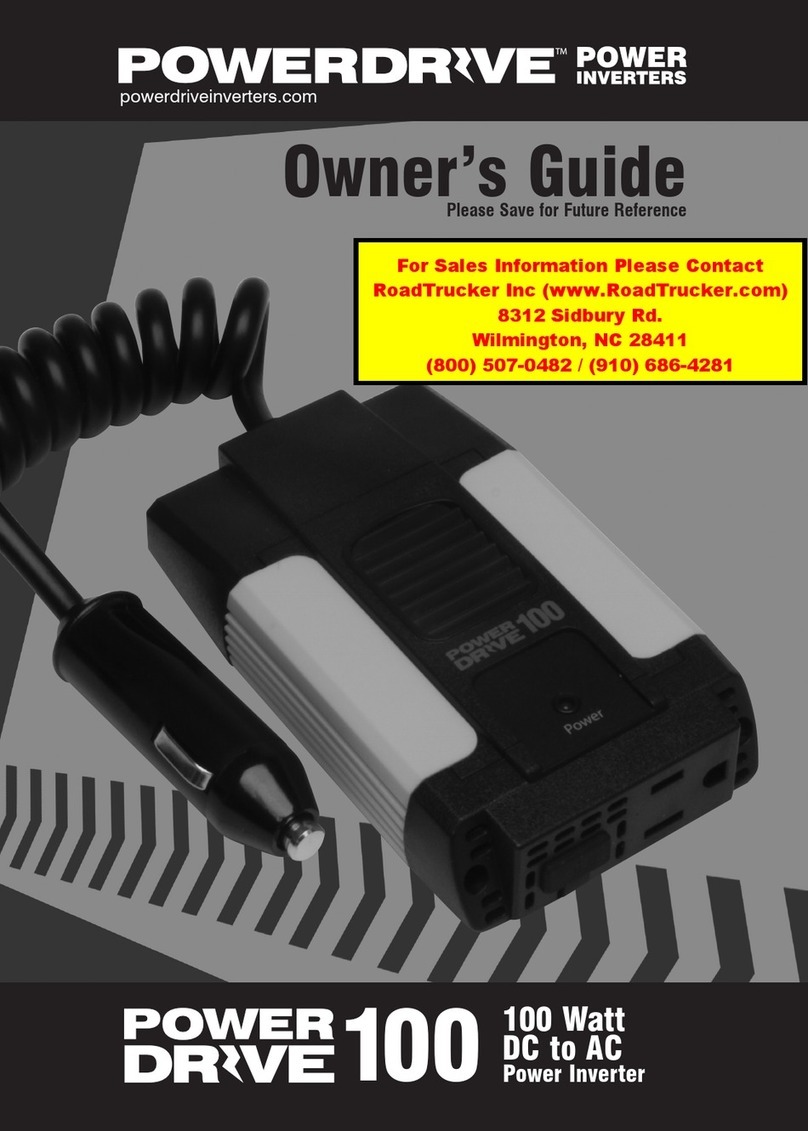
Power Drive RPPD100D User manual

Power Drive

Power Drive RPPD100D User manual
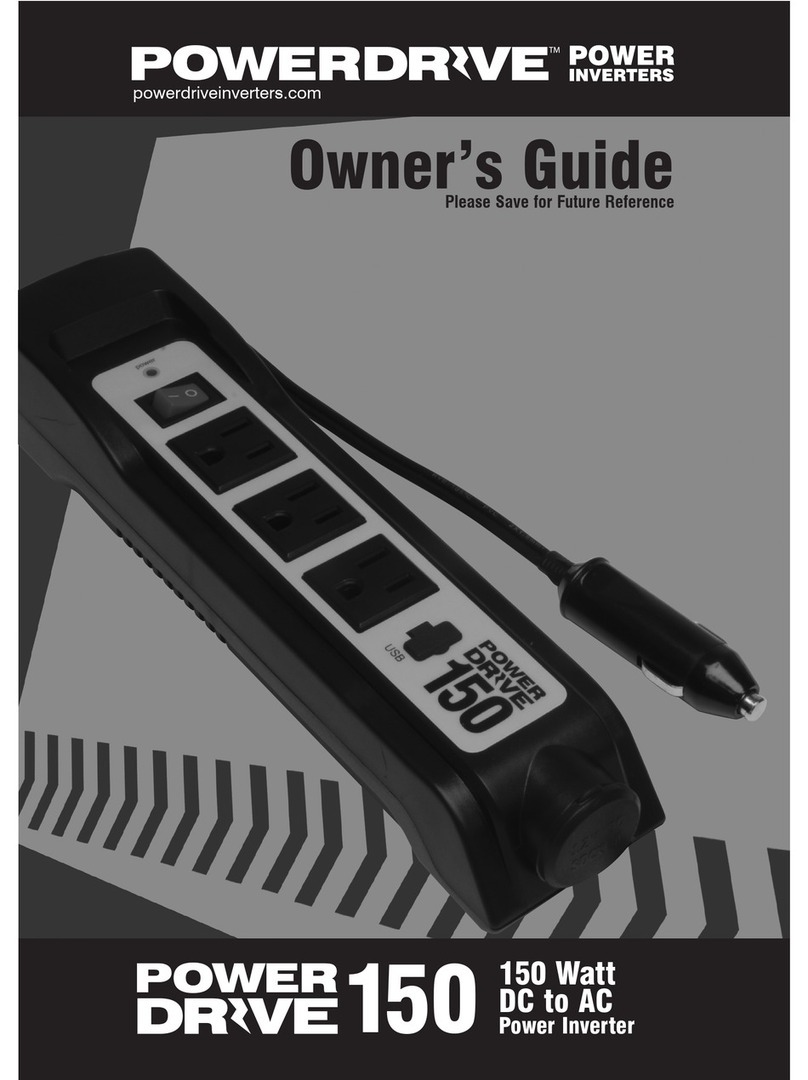
Power Drive 150 User manual

Power Drive

Power Drive 150 User manual
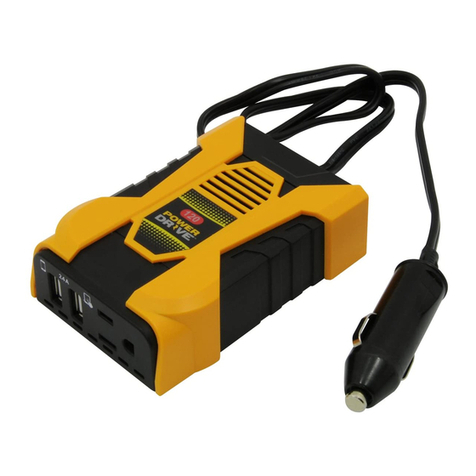
Power Drive PD120 User manual

Power Drive

Power Drive PD120 User manual
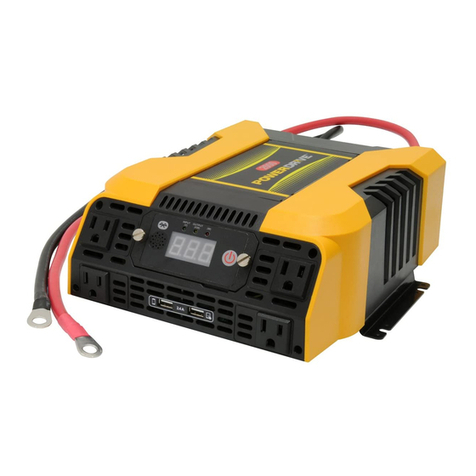
Power Drive PD2000 User manual

Power Drive

Power Drive PD2000 User manual
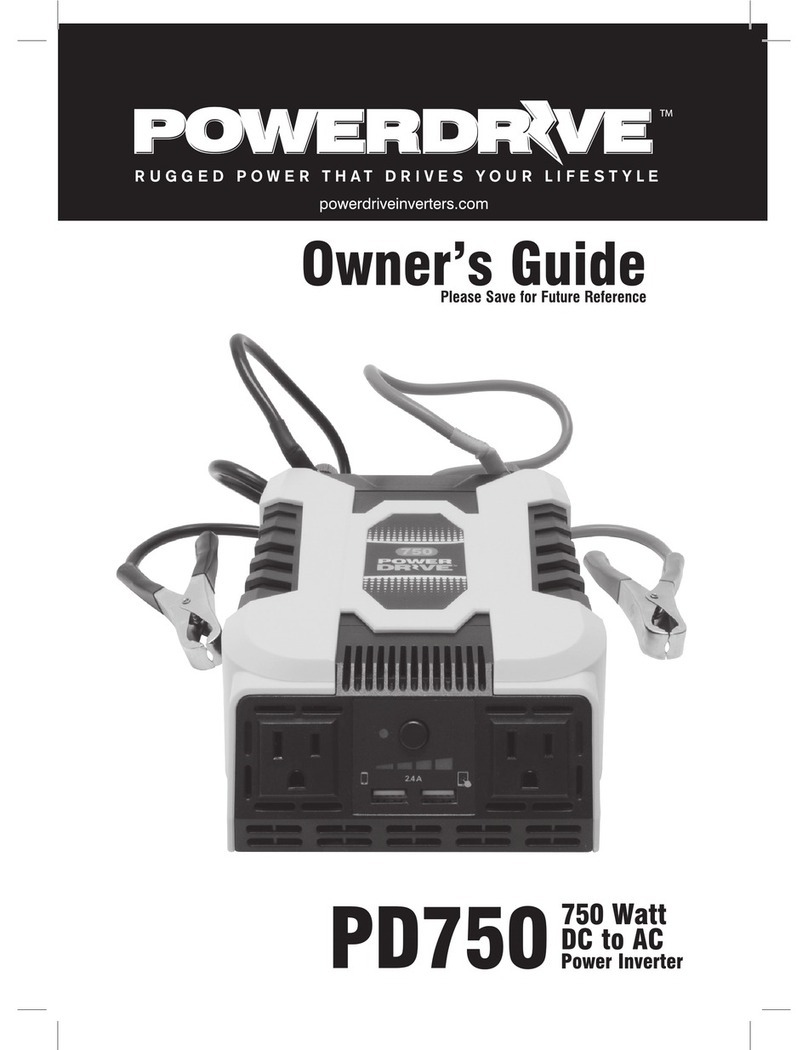
Power Drive PD750 User manual

Power Drive

Power Drive PD750 User manual

Power Drive PDIPS1000B Installation and operating instructions

Power Drive

Power Drive PDIPS1000B Installation and operating instructions

Power Drive 2000 User manual

Power Drive

Power Drive 2000 User manual

Power Drive PD3000 User manual

Power Drive

Power Drive PD3000 User manual

Power Drive 300 User manual

Power Drive

Power Drive 300 User manual

Popular Inverter manuals by other brands

Omnik New Energy Omniksol-1.5k-TL user manual

Omnik New Energy

Omnik New Energy Omniksol-1.5k-TL user manual

Agilent Technologies 33250A user guide

Agilent Technologies

Agilent Technologies 33250A user guide

4-noks ZR-SWITCH-RC instruction manual

4-noks

4-noks ZR-SWITCH-RC instruction manual

V&T V5 Series user manual

V&T

V&T V5 Series user manual

Hon Turing HT-T-S1000-12 introduction

Hon Turing

Hon Turing HT-T-S1000-12 introduction

Metabo E 140 SP Plus Original operating instructions

Metabo

Metabo E 140 SP Plus Original operating instructions

BARRON EXITRONIX Tucson Micro Series installation instructions

BARRON

BARRON EXITRONIX Tucson Micro Series installation instructions

Baumer HUBNER TDP 0,2 Series Mounting and operating instructions

Baumer

Baumer HUBNER TDP 0,2 Series Mounting and operating instructions

electroil ITTPD11W-RS-BC Operation and Maintenance Handbook

electroil

electroil ITTPD11W-RS-BC Operation and Maintenance Handbook

Silicon Solar TPS555-1230 instruction manual

Silicon Solar

Silicon Solar TPS555-1230 instruction manual

Mission Critical Xantrex Freedom SW-RVC owner's guide

Mission Critical

Mission Critical Xantrex Freedom SW-RVC owner's guide

HP 3312A Operating and service manual

HP

HP 3312A Operating and service manual

Hoymiles HM-500T user manual

Hoymiles

Hoymiles HM-500T user manual

Nitecore SPM10 user manual

Nitecore

Nitecore SPM10 user manual

AEG Protect PV installation manual

AEG

AEG Protect PV installation manual

On Board TruePower Plus 1200MS owner's manual

On Board

On Board TruePower Plus 1200MS owner's manual

Plugreen PGM-200P-230 Installation and operation manual

Plugreen

Plugreen PGM-200P-230 Installation and operation manual

Fourgroup Easy use and Programming Handbook

Fourgroup

Fourgroup Easy use and Programming Handbook

manuals.online logo
manuals.online logoBrands
  • About & Mission
  • Contact us
  • Privacy Policy
  • Terms and Conditions

Copyright 2025 Manuals.Online. All Rights Reserved.

Owner's Guide
Please Save for Future Reference
PD100D
100watt
Direct Plug
lnverter
Watt Appliance Watt Appliance
3W Cellular Phone 60W Laptop
15W Tablet 60W Video Game Console
20W Glue Gun 75W Lamps (Up to 70W)
48W 7” DVD Player
Type Possible Cause
How do you know
if the protection is
available
Solution Remarks
Current Overload
If the input exceeds
the rated output
power 10 to 15%.
Fault indicator
LED will light up
and the inverter
will automatically
shut off.
Remove all appli-
ances and turn off
the unit by the ON/
OFF switch. Then
turn on the unit
again. Use smaller
power consump-
tion appliances.
Input Low Voltage
Input voltage lower
than 10.5V.
Remove all appli-
ances and turn
off the unit by the
ON/OFF switch.
Recharge the
battery.
Input High Voltage
Input voltage
higher
than 10.5V.
Remove all appli-
ances and turn off
the unit by the ON/
OFF switch. Check
the battery voltage,
make sure it is
within 11-15V.
Although the invert-
er has protection
against over load,
it may still dam-
age the inverter if
the input voltage
exceeds 16V.
Over Temperature
The PCB
temperature
is around 230°F.
Remove all appli-
ances and turn off
the unit by the ON/
OFF switch. Cool
down for 15 min-
utes before turning
on again.
Please ensure
there
is ventilation in the
surrounding
environments.
Specifications PD100D
AC Power Output
AC Power Voltage 115V
Maximum AC Output Power 100W
Maximum AC Output
Surge Power 200W
AC Output Frequency 58Hz - 62Hz
AC Output Waveform Modified Sine Wave
USB Power Output
DC Output Voltage 5V DC, 2 Ports Shared
2.4 Amps Output
DC Power Specification
DC Input Voltage Range 11V to 15V DC
Battery Drain with No AC Load ≤0.5A
Low Battery
Shutdown Point (nominal) 10.5 ± 0.3V DC
High Battery
Shutdown Point (nominal) 15.5 ± 0.5V DC
Fuse 12A Slip Fuse
Efficiency (maximum) 85%
Physical Specifications
Ambient Operating
Temperature Range 32°F to 104°F
Problem Cause Solution
No power.
No indicator.
Battery is defective. Replace battery.
Blown fuse. Check and
replace fuse.
Loose
connections.
Check
connections,
be sure the ports
and plugs come
into contact with
each other.
The red LED
indicator lights
The actual output
power is higher
than rated power of
inverter, overload
protection has
occurred.
Reduce load to
have the actual
output lower than
rated power of
inverter.
The actual output
is less than rated
power, but high
starting surge has
caused overload
shutdown.
Use a product
with starting surge
power within the
inverter’s capability.
The voltage input is
too low. Charge the battery.
Problem Cause Solution
The red LED
indicator lights.
Inverter is over-
heated due to poor
ventilation and has
shut down.
Disconnect the
inverter from
battery or DC
socket and allow to
be cooled for
15 minutes.
Remove objects
covering unit.
Inverter runs
small loads but not
large loads.
Low voltage
battery. Charge the battery.
Water entered. Water entered
the unit.
Disconnect the
inverter and wipe
immediately with
a dry cloth, or
permanent
damage can occur
from liquids.