manuals.online logo
Brands
  1. Home
  2. •
  3. Brands
  4. •
  5. Power Tec
  6. •
  7. Fitness Equipment
  8. •
  9. Power Tec WB-LTO16 User manual

Power Tec WB-LTO16 User manual

Other Power Tec Fitness Equipment manuals
Power Tec BF601 User manual

Power Tec

Power Tec BF601 User manual
Power Tec WB-LTA13 User manual

Power Tec

Power Tec WB-LTA13 User manual

Power Tec P-LM14 User manual

Power Tec

Power Tec P-LM14 User manual
Power Tec WB-FT14 User manual

Power Tec

Power Tec WB-FT14 User manual
Power Tec WB-HR10 User manual

Power Tec

Power Tec WB-HR10 User manual
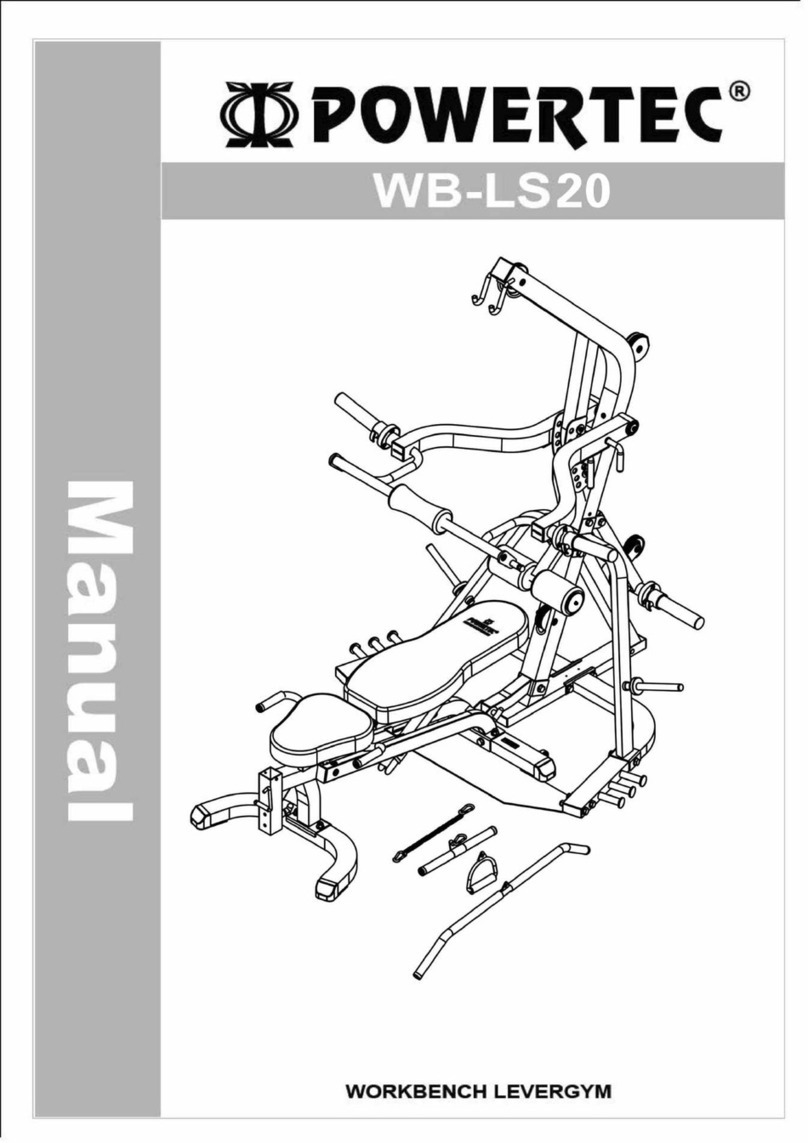
Power Tec WB-LS20 User manual

Power Tec

Power Tec WB-LS20 User manual
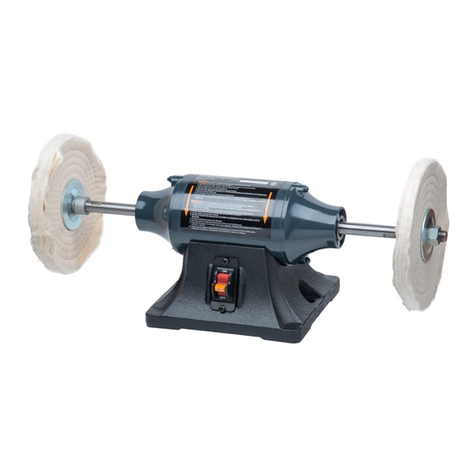
Power Tec BF800 User manual

Power Tec

Power Tec BF800 User manual
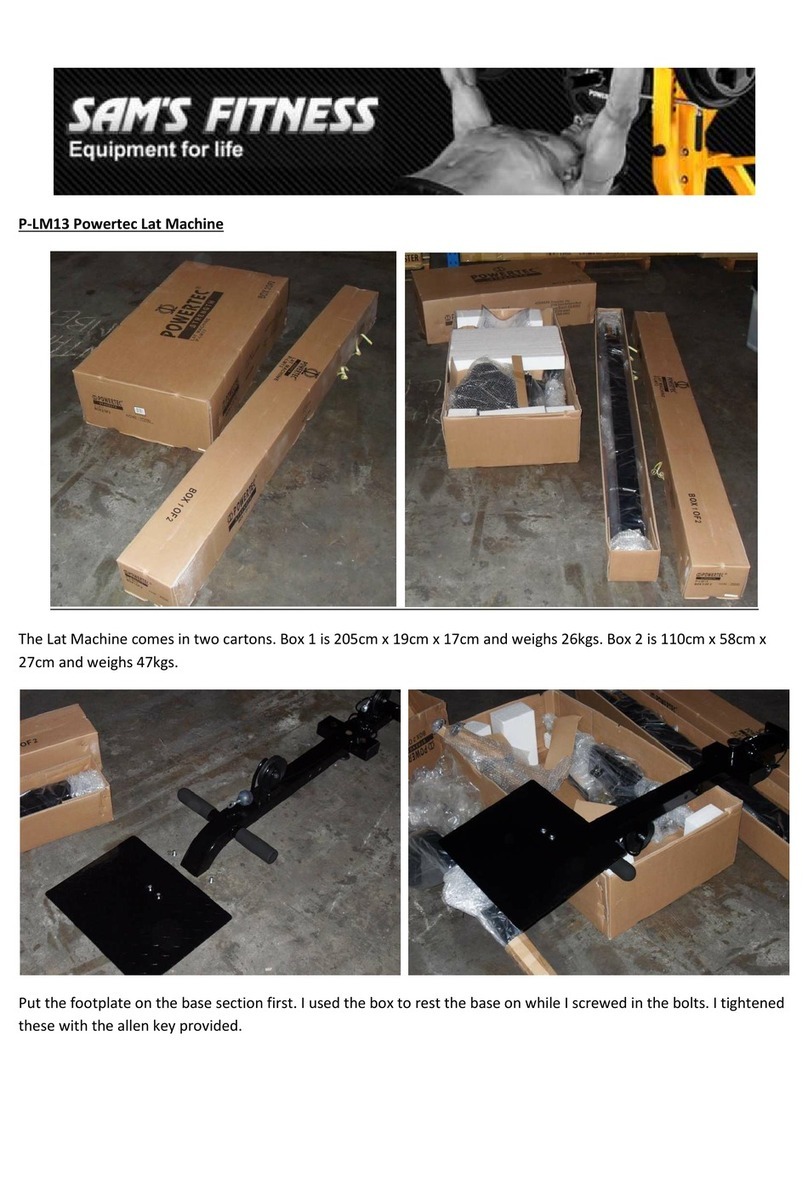
Power Tec P-LM13 User manual

Power Tec

Power Tec P-LM13 User manual
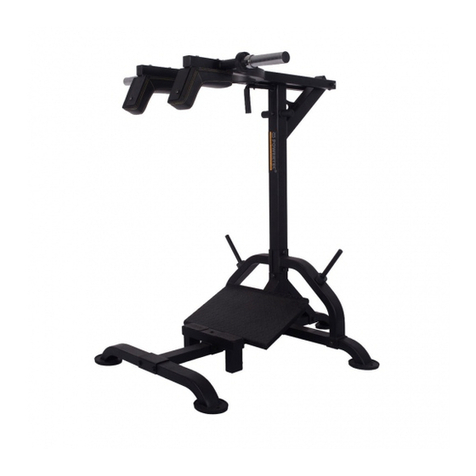
Power Tec L-SC19 User manual

Power Tec

Power Tec L-SC19 User manual

Popular Fitness Equipment manuals by other brands
Revitive Arthritis-Knee user manual

Revitive

Revitive Arthritis-Knee user manual

Domyos BM100 operating instructions

Domyos

Domyos BM100 operating instructions

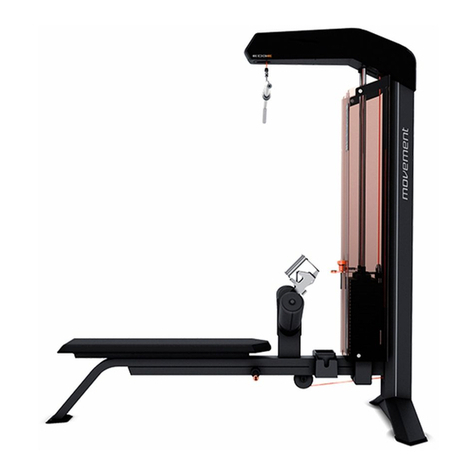
Movement EDGE PUXADA ALTA Assembly manual

Movement

Movement EDGE PUXADA ALTA Assembly manual

Lifeline LLUWB-BLK owner's manual

Lifeline

Lifeline LLUWB-BLK owner's manual

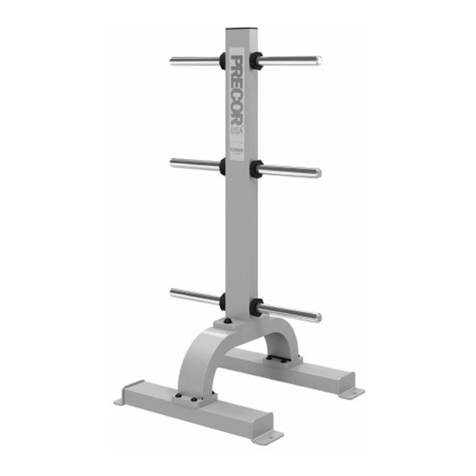
Precor CW-816 Assembly guide

Precor

Precor CW-816 Assembly guide

Balanced Body Precision Rotator Discs manual

Balanced Body

Balanced Body Precision Rotator Discs manual

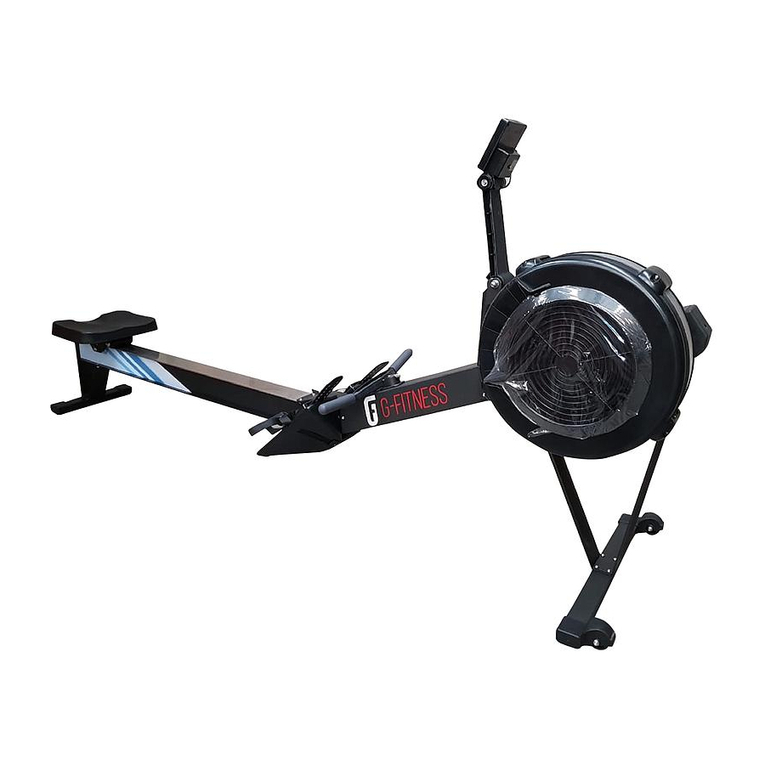
G-FITNESS AIR ROWER user manual

G-FITNESS

G-FITNESS AIR ROWER user manual

CAPITAL SPORTS Dominate Edition 10028796 manual

CAPITAL SPORTS

CAPITAL SPORTS Dominate Edition 10028796 manual

Martin System TT4FK user guide

Martin System

Martin System TT4FK user guide

CIRCLE FITNESS E7 owner's manual

CIRCLE FITNESS

CIRCLE FITNESS E7 owner's manual
G-FITNESS TZ-6017 user manual

G-FITNESS

G-FITNESS TZ-6017 user manual

Accelerated Care Plus OMNISTIM FX2 CYCLE/WALK user manual

Accelerated Care Plus

Accelerated Care Plus OMNISTIM FX2 CYCLE/WALK user manual

pedalo 20230165 manual

pedalo

pedalo 20230165 manual

Saebo SaeboStim Pro Instructions for use

Saebo

Saebo SaeboStim Pro Instructions for use

Performance HyperVibe User instructions

Performance

Performance HyperVibe User instructions

Scalamobil S27 Operator's manual

Scalamobil

Scalamobil S27 Operator's manual

Precor Experience Series Service manual

Precor

Precor Experience Series Service manual

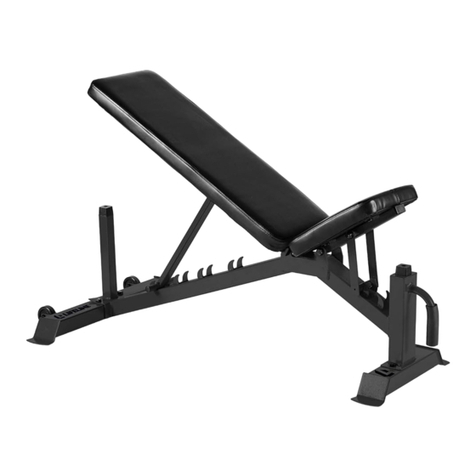
FYTTER RedMIUM BENCH BE-T6R manual

FYTTER

FYTTER RedMIUM BENCH BE-T6R manual

manuals.online logo
manuals.online logoBrands
  • About & Mission
  • Contact us
  • Privacy Policy
  • Terms and Conditions

Copyright 2025 Manuals.Online. All Rights Reserved.

POWERTEC WB-LTO16
ASSEMBLY GUIDE
Before starting to assemble make sure you have all the parts. During the assembly, DO NOT
TIGHTEN THE BOLTS AND NUTS. Do it after the assembly starting from top.
Step 1: Unpack all the items so you can see each part, this will help you with the construction of the
WRKBENCH LAT TOWER OPTION and make sure you have all the parts.
Attach part No 1 to the Power Rack using parts No 36, 38,41 and a plate (No 9) on the inside of the
Power Rack.
It shoud look something like this.
No 1
No 36,38
No 41,38,9
WB-PR16
Step 2. Install weight horns (No 14), onto weight support tube (No 4), using parts No 29.
Step 3. Place tubes (No 3) into the part No 1.
No 4
No 14
No 29
No 3
Step 4. Place parts No 6, No 21 and No 4 on the tube.
Step 5. Attach part No 2 to the part No 1 using bolts No 34 and washers No 38.
No 6
No 21
No 4
No 2
No 34,38
Step 6. Attach part no 7 using bolts No 34 and washers No 38 to part No 1. Attach part No 22 to part
No 7 using nuts and bolts (No 33, 39)
No 2
No 7
No 34, 38
No 22
Step 7. Attach part No 8 to the part No 7.
Attach the pads to the part No 8 and put the caps on the end of the tube. Then place No 8 in to part
No 7 and put the bolt, washer and nut (35, 38, 41). After placing the bolt put the pin No 27 into
place.
Step 8. Attach part no 5 to the Power rack using nuts and bolts (No 36, 38, 41) and a plate (No 9)
which goes to the back of the rack.
No 7
No 8
No 38,35 41
No 27
Step 9. Attach part No 10 to the cables.
No 5
No 36, 38,
41, 9
No 10
Step 10. After running all the cables through attach cover support frame (No 15) to the main frame
of the Lat Tower (No 1 and No 5) using nut and bolts (No 30 and 37)
Step 11. Attach the cover No 16 using screws No 28 to the cover frame (No 15).
No 15
No 30 and 37
No 16
No 28