manuals.online logo
Brands
  1. Home
  2. •
  3. Brands
  4. •
  5. PowerTac
  6. •
  7. Flashlight
  8. •
  9. PowerTac WARRIOR-G4FL User manual

PowerTac WARRIOR-G4FL User manual

Other PowerTac Flashlight manuals

PowerTac PATROLMAN LE-10X User manual

PowerTac

PowerTac PATROLMAN LE-10X User manual

PowerTac MARK MINI LUMINATOR User manual

PowerTac

PowerTac MARK MINI LUMINATOR User manual

PowerTac E5R User manual

PowerTac

PowerTac E5R User manual

PowerTac E9R User manual

PowerTac

PowerTac E9R User manual

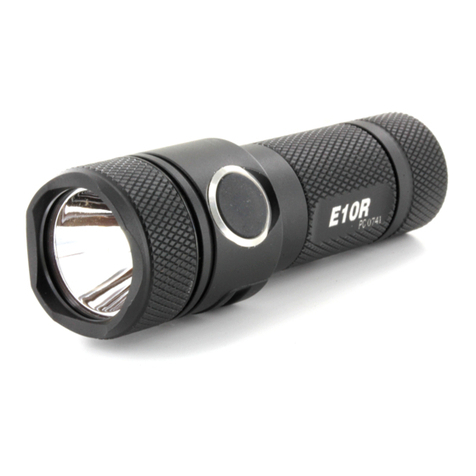
PowerTac E10R User manual

PowerTac

PowerTac E10R User manual

PowerTac E5 Generation IV User manual

PowerTac

PowerTac E5 Generation IV User manual

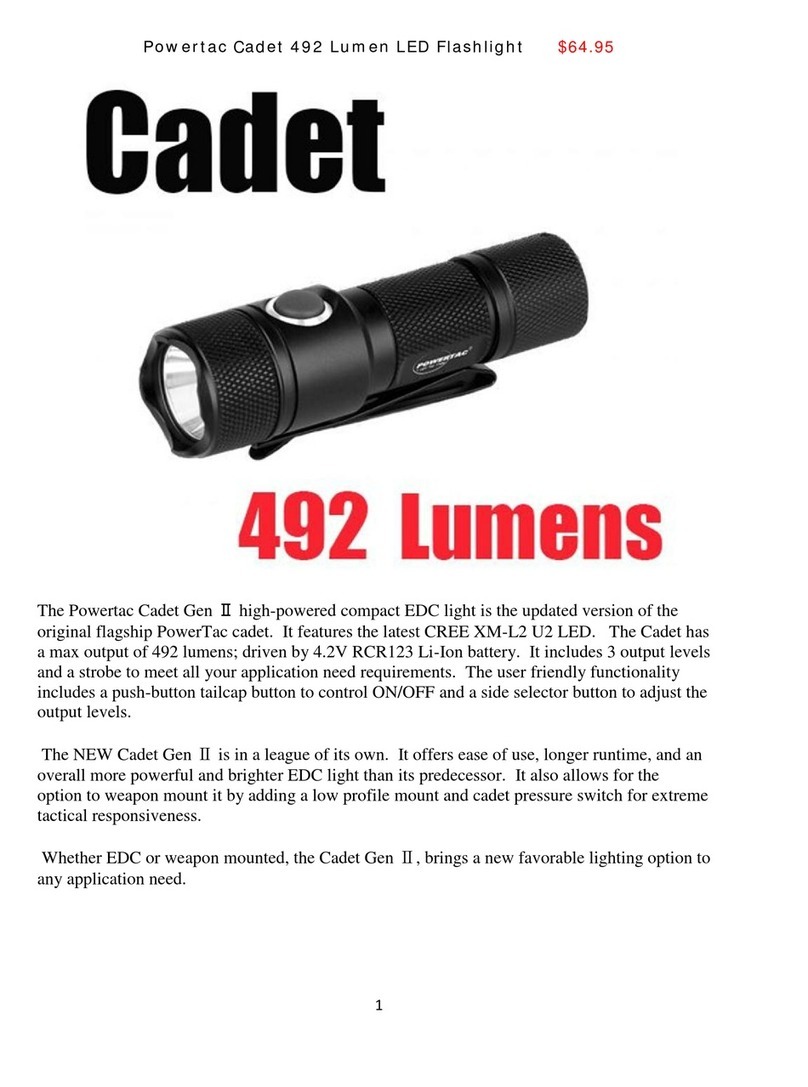
PowerTac Cadet User manual

PowerTac

PowerTac Cadet User manual

PowerTac MARK I LUMINATOR User manual

PowerTac

PowerTac MARK I LUMINATOR User manual

PowerTac E9R-G4 User manual

PowerTac

PowerTac E9R-G4 User manual

PowerTac Scholar User manual

PowerTac

PowerTac Scholar User manual

Popular Flashlight manuals by other brands

LIVARNO LUX LAH 55 A2 operating instructions

LIVARNO

LIVARNO LUX LAH 55 A2 operating instructions

Gama Sonic 23i60065 instruction manual

Gama Sonic

Gama Sonic 23i60065 instruction manual

Avacom AVACOM Ain user manual

Avacom

Avacom AVACOM Ain user manual

Ryobi RFL180M Original instructions

Ryobi

Ryobi RFL180M Original instructions

RIB SPARK ACG7061 quick start guide

RIB

RIB SPARK ACG7061 quick start guide

Abicor Binzel MB EVO PRO Series operating instructions

Abicor Binzel

Abicor Binzel MB EVO PRO Series operating instructions

PELI 7610 instruction manual

PELI

PELI 7610 instruction manual

Black & Decker FSL18 manual

Black & Decker

Black & Decker FSL18 manual

Black & Decker 9506 instruction manual

Black & Decker

Black & Decker 9506 instruction manual

Berner 341709 instruction manual

Berner

Berner 341709 instruction manual

PELI 3415 Zone 0 operating instructions

PELI

PELI 3415 Zone 0 operating instructions

ADC Adlite Pro Use, Care and Maintenance

ADC

ADC Adlite Pro Use, Care and Maintenance

tiki Cabos Warnings and Instructions

tiki

tiki Cabos Warnings and Instructions

Fervi 0338 Operation and maintenance manual

Fervi

Fervi 0338 Operation and maintenance manual

Milwaukee M18 IL Original instructions

Milwaukee

Milwaukee M18 IL Original instructions

Spectronics Spectroline LeakTracker SPI-LT instruction manual

Spectronics

Spectronics Spectroline LeakTracker SPI-LT instruction manual

Larson Electronics SLEDB-110V-M instruction manual

Larson Electronics

Larson Electronics SLEDB-110V-M instruction manual

vulta hurricane 262 lumen fg-e15 user manual

vulta

vulta hurricane 262 lumen fg-e15 user manual

manuals.online logo
manuals.online logoBrands
  • About & Mission
  • Contact us
  • Privacy Policy
  • Terms and Conditions

Copyright 2025 Manuals.Online. All Rights Reserved.

USER MANUAL
FEATURES & SPECIFICATIONS
• Simple user interface for tactical and self-defense .
Integrated side switch for quick access of functions.
• Unique digital circuit technology to maximize battery
life and give consistent light output.
• Reverse polarity protection. Protects from improper
battery installation.
• 6 dierent settings that include 5 levels of brightness
plus a strobe. Auto memorization for all settings.
• Machined from aircraft grade aluminum. Has type lll
anodized nish.
• Double coated glass lens to give maximum OTF (Out
The Front) brightness and beam distance.
• Tempered glass to resist breaking and scratching upon
impact.
• Waterproof to IPX8 standard. Submersible up to 2
meters under water.
RECHARGE INSTRUCTIONS
MAGNETIC CHARGING:
1. plug in the usb charging cable to power source
2. Attach magnetic end of charging cable to mangetic charge port
3. The status indicator will turn“RED” to indicate charging mode.
4. When charging is complete the indicator light will change from“RED”
to “BLUE”
MICRO USB CHARGING:
1. Using a blunt pointed object (IE: Ball-Point pen tip) , carefully insert
under rubber portion of magnetic charge port and lift up to remove
the magnetic charge port component.
2. Once exposing the waterproof micro usb charge port insert a standard
micro usb charging cable to begin charging.
3. Charging indicator will function exactly the same as if using the
magnetic option.
LOW BATTERY INDICATOR
• 30% depleted the indicator will turn“RED”
• 10% depleted the indicator will FLASH“RED”
DISCLAIMER
• After long periods of use on the highest setting, the
surface area may get hot. Please use caution when
using the ashlight in a constant high brightness level.
It is recommended to let the ashlight cool down to
prevent any injury.
• High intensity light is harmful to human eyes. This
product is not meant to be handled by children under
the age of 18 without adult supervision.
• Use the highest quality, protected-circuit batteries to
insure maximum performance and safety. Consult
with the manufacturer regarding any questions or
concerns.
• PowerTac’s liability is voided if the light is not used in a
proper manner or if modied.
• PowerTac reserves the right to change the design
and/or specications of all PowerTac products without
prior notice.
• Please do not change batteries at dangerous locations
such as gas stations. Batteries must only be changed
or removed when light is o.
• Do not use or attempt to recharge a disposable CR123
battery! Do not throw the ashlight into a re as an
explosion may occur.
THE POWERTAC NO-HASSLE LIFETIME WARRANTY
Please visit our website at powertac.com for full
warranty policy.
USAGE INSTRUCTIONS
1. To install battery: Unscrew tail cap. Insert positive end of the battery
towards LED. Tighten the tail cap till it’s completely closed.
2. To turn the light ON: Push the back switch to click. Once Turned on the
ashlight will access the mode last used. To Turn the Light OFF, push the
back button to click.
3. To switch light levels: Turn the light on and press the side switch (click).
Press side switch again (click) will cycle to next light level.
4. Access the direct to strobe function: When the light is o , hold down the
side switch or turn light on and hold down side switch (long click, 0.3
seconds). The light will remain on strobe until you switch light levels
using the side button.
HEAD
POCKET CLIP
MAGNETIC /
MICRO USB
CHARGE PORT
SIDE SWITCH
BATTERY TUBE
BACK SWITCH
Main On / O
LED Type: Cree XHP70 White LED
Battery: (1) 18650 HIGH DISCHARGE Rechargeable Li-ion or (2) CR123A
NOT compatible with RCR123A / 16340
Size: Length:151.9 mm
Bezel Diameter: 36.5mm
Body Diameter: 25.4mm
Weight: 152g (without battery)
Illumination:
Firefly Low Medium High Turbo Strobe
0.72 Lumens 95 Lumens 333 Lumens 1430 Lumens 4200 Lumens 830 Lumens
60 days 15 hrs 5.06 hrs 1.23 hrs 1.23 hrs 3.05 hrs
WARRIOR-G4FL
RECHARGEABLE FLASHLIGHT
FEATURES & SPECIFICATIONS
• Simple user interface for tactical and self-defense .
Integrated side switch for quick access of functions.
• Unique digital circuit technology to maximize battery
life and give consistent light output.
• Reverse polarity protection. Protects from improper
battery installation.
• 6 dierent settings that include 5 levels of brightness
plus a strobe. Auto memorization for all settings.
• Machined from aircraft grade aluminum. Has type lll
anodized nish.
• Double coated glass lens to give maximum OTF (Out
The Front) brightness and beam distance.
• Tempered glass to resist breaking and scratching upon
impact.
• Waterproof to IPX8 standard. Submersible up to 2
meters under water.
RECHARGE INSTRUCTIONS
MAGNETIC CHARGING:
1. plug in the usb charging cable to power source
2. Attach magnetic end of charging cable to mangetic charge port
3. The status indicator will turn“RED” to indicate charging mode.
4. When charging is complete the indicator light will change from“RED”
to “BLUE”
MICRO USB CHARGING:
1. Using a blunt pointed object (IE: Ball-Point pen tip) , carefully insert
under rubber portion of magnetic charge port and lift up to remove
the magnetic charge port component.
2. Once exposing the waterproof micro usb charge port insert a standard
micro usb charging cable to begin charging.
3. Charging indicator will function exactly the same as if using the
magnetic option.
LOW BATTERY INDICATOR
• 30% depleted the indicator will turn“RED”
• 10% depleted the indicator will FLASH“RED”
DISCLAIMER
• After long periods of use on the highest setting, the
surface area may get hot. Please use caution when
using the ashlight in a constant high brightness level.
It is recommended to let the ashlight cool down to
prevent any injury.
• High intensity light is harmful to human eyes. This
product is not meant to be handled by children under
the age of 18 without adult supervision.
• Use the highest quality, protected-circuit batteries to
insure maximum performance and safety. Consult
with the manufacturer regarding any questions or
concerns.
• PowerTac’s liability is voided if the light is not used in a
proper manner or if modied.
• PowerTac reserves the right to change the design
and/or specications of all PowerTac products without
prior notice.
• Please do not change batteries at dangerous locations
such as gas stations. Batteries must only be changed
or removed when light is o.
• Do not use or attempt to recharge a disposable CR123
battery! Do not throw the ashlight into a re as an
explosion may occur.
THE POWERTAC NO-HASSLE LIFETIME WARRANTY
Please visit our website at powertac.com for full
warranty policy.
WARRANTY DISCLAIMER
The above warranty is exclusive, and to the extent
permitted by applicable laws, shall be in lieu of all other
warranties, express or implied, including, without
limitation, any warranty of merchantability or tness for a
particular use or purpose. PowerTac disclaims any and all
liability for product malfunctions, physical injuries, or
property damages that result in whole, or in part, from
the criminal, negligent, or improper use of the product,
or from modications or alterations thereto. In no event
shall PowerTac be liable for any incidental, special, or
consequential damages relating to the purchase, use, or
performance of any PowerTac product.
WARRANTY CLAIMS
Please go to www.powertac.com/warranty and follow
instructions.
MAINTENANCE
Every 3 months, threads should be wiped with a clean
cloth followed by a thin coating of silicon-based
lubricant.
© 2019 POWERTAC USA, INC. ALL RIGHTS RESERVED
WWW.POWERTAC.COM