Protocol OFFICE BASH User manual

Wall
1. Screw the wall mount base securely into a wall using
the four screws provided. Make sure the wall can
handle both the weight of the set and the force applied
during workouts.
2. Place the plastic cap over the base with the bolt through
the hole.
3. Place the rubber washer over the cap and bolt.
4. Screw the spring into the bolt.
5. Place the spring washer at the top of the spring and screw
the punching ball into the spring.
10
11
5
6
7
9
1
OFFICE
BASH
DESKTOP PUNCHING BALL
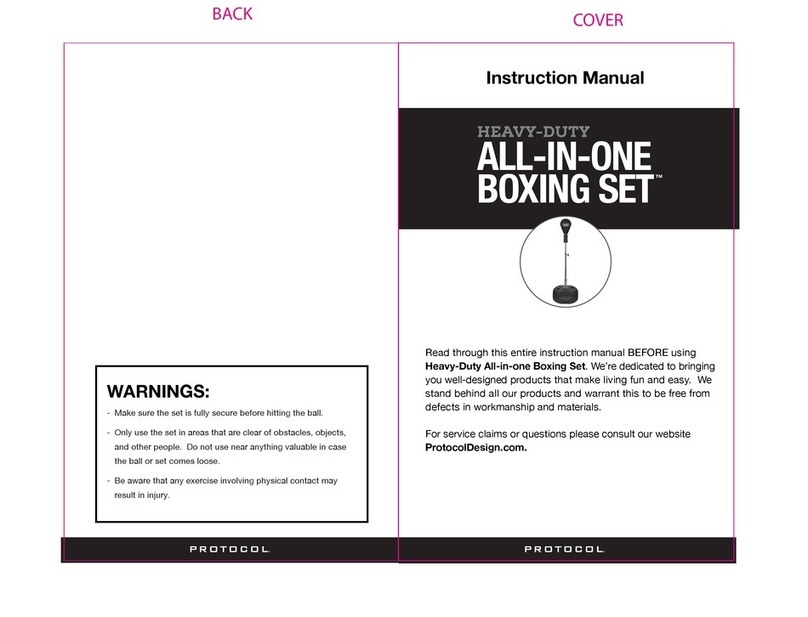
Instruction Manual
Read through this entire instruction manual BEFORE using
Office Bash. We’re dedicated to bringing you well-designed
products that make living fun and easy. We stand behind
all our products and warrant this to be free from defects in
workmanship and materials.
For service claims or questions please consult our website
ProtocolDesign.com.
WARNINGS:
- Make sure the set is fully secure before hitting the ball.
- Only use the set in areas that are clear of obstacles, objects,
and other people. Do not use near anything valuable in case
the ball or set comes loose.
- The suction cup is designed to stick to flat clean surfaces.
Any dirt or variations in the surface can affect how well the
cup sticks.
TM
INSTALLATION:
COVER
BACK

PARTS: INSTALLATION:
Inflate the punching bag using the inflation pump and
pump needle.
IMPORTANT: This punching bag is
constructed with an inner bladder
beneath the surface. When inflating
the punching bag, use care when
inserting the needle. Wet it first
and then insert it GENTLY into the
air hole taking care not to puncture the inner bladder.
Parts:
1. Punching ball
2. Air hole
3. Inflation pump
4. Pump needle
5. Spring
6. Rubber washer
7. Plastic cap
8. Suction cup base
9. Spring washer
10.Wall mount base
11.Screws
Desktop
1. Stick the suction cup base to a flat and clean surface
making sure it sticks.
2. Place the plastic cap over the base with the bolt through
the hole.
3. Place the rubber washer over the cap and bolt.
4. Screw the spring onto the bolt.
5. Place the spring washer at the top of the spring and screw
the punching ball into the spring.
1
2
34
5
6
7
89
10
11
1
2
5
6
7
8
9
Other Protocol Accessories manuals