2 of 50
FF 500 CNC Operating Instructions
Translation of the Original Operating Instructions
1. Some generalities in advance… ..............................................................................4
2. The technology of your FF 500/BL CNC at a glance................................................5
2.1. A short overview of the mechanics:......................................................................5
2.2. A short overview of the electronics:......................................................................6
3. View of the machine with its elements.....................................................................8
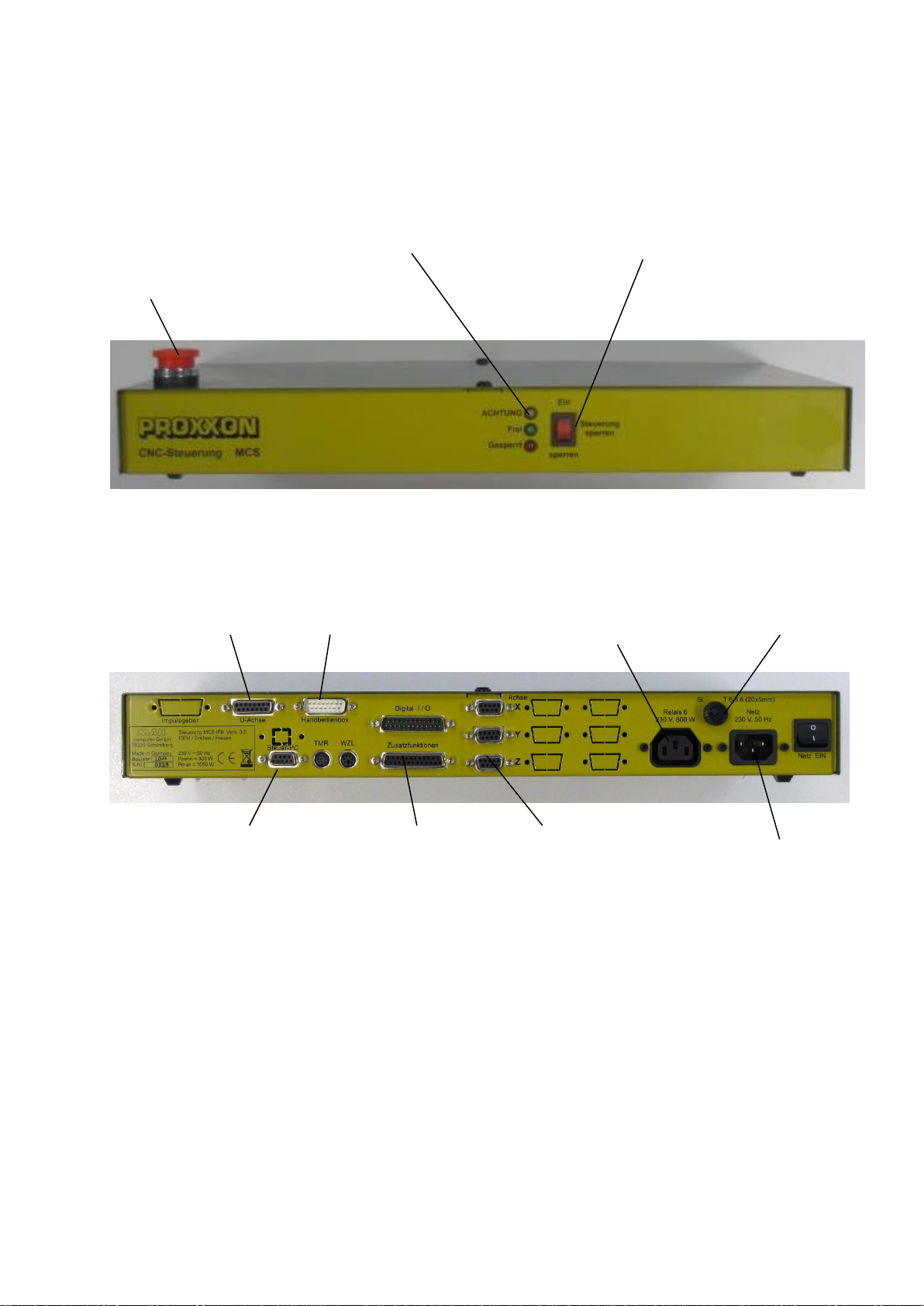
4. CNC control MCS with operating elements..............................................................9
5. Technical data .......................................................................................................10
5.1. Milling machine:..................................................................................................10
5.2. Drives of the tool axes........................................................................................11
5.3. Software and stepping motor controllers............................................................11
5.4. Further data........................................................................................................12
5.5. Milling cutter dimensions (Fig. 4)........................................................................12
6. Scope of delivery ...................................................................................................12
7. Basic tips on setting up and installing the machine................................................13
7.1. Unpacking and setting up the machine ..............................................................13
7.2. Connecting the cabling.......................................................................................14
7.3. Additional connection options.............................................................................15
8. Installing the software............................................................................................16
8.1. Minimum hardware requirements.......................................................................16
8.2. Installation procedure.........................................................................................16
8.3. Starting the software nccad8..............................................................................17
8.4. Selection of the language...................................................................................17
8.5. Parameter settings.............................................................................................17
8.6. The status display at the CNC control MCS.......................................................18
8.7. Locking Switch/EMERGENCY-Stop...................................................................18
9. The nccad 8-software ............................................................................................19
9.1. The integrated training videos............................................................................19
9.2. The integrated manual with the help system......................................................20
9.3. The structure of the "Help topics" window..........................................................20
9.4. Search methods.................................................................................................20
9.4.1 Contents.........................................................................................................20
9.4.2 Index...............................................................................................................20
9.4.3 Search............................................................................................................21
9.4.4 Explanation of the icons and the Status bar ...................................................21
9.5. Online support....................................................................................................21
10. Important note for working in practice....................................................................22
10.1. Better one reference run too much than too little ...............................................22
10.2. Simple stopping of the machine and the Emergency-Off switch ........................22
10.3. Safety stop, lock.................................................................................................22
10.4. Room EMERGENCY Off....................................................................................22
11. First steps: The "Basics of milling with nccad8"-chapter........................................23
11.1. Simple test of the machine.................................................................................23
11.2. Com-Port-Adjustment.........................................................................................24
11.3. The "Update"-Functionality.................................................................................24
11.4. Semi-automatic operation: Traversing the CNC axes with the cursor keys........25
12. Working with the milling cutter ...............................................................................26
12.1. General information for working with milling cutter.............................................26
12.2. Working with the drilling lever.............................................................................27