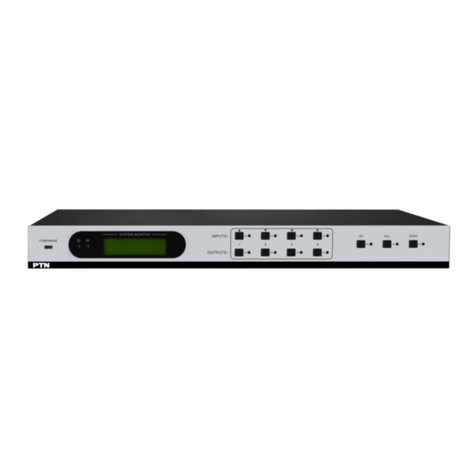
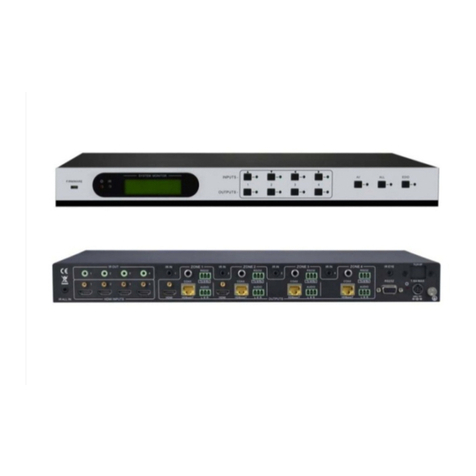
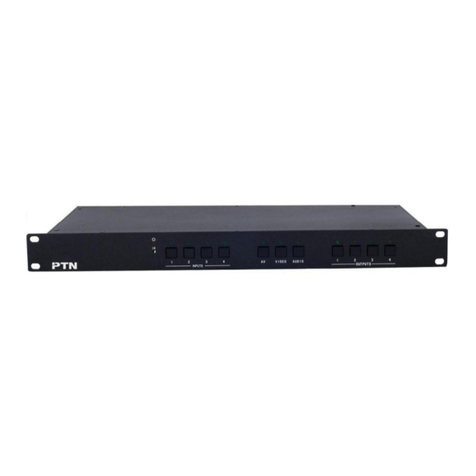
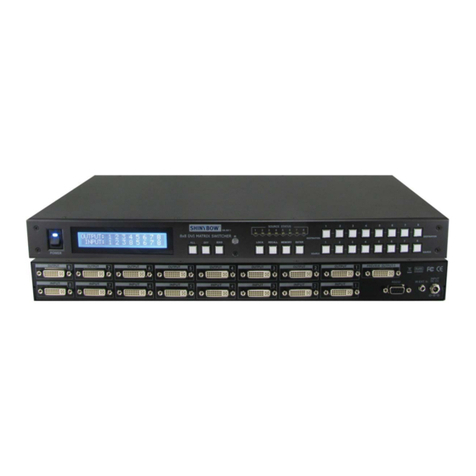
HDBaseT 4x4 Matrix Switcher-N
PTN Electronics Limited www.PTN-electronics.com
Contents
1. Introduction.................................................................................................................1
1.1 Introduction to MHD44TP-N ..............................................................................1
1.2 Features ............................................................................................................1
1.3 Package Contents.............................................................................................1
2. Product Appearance of MHD44TP-N..........................................................................2
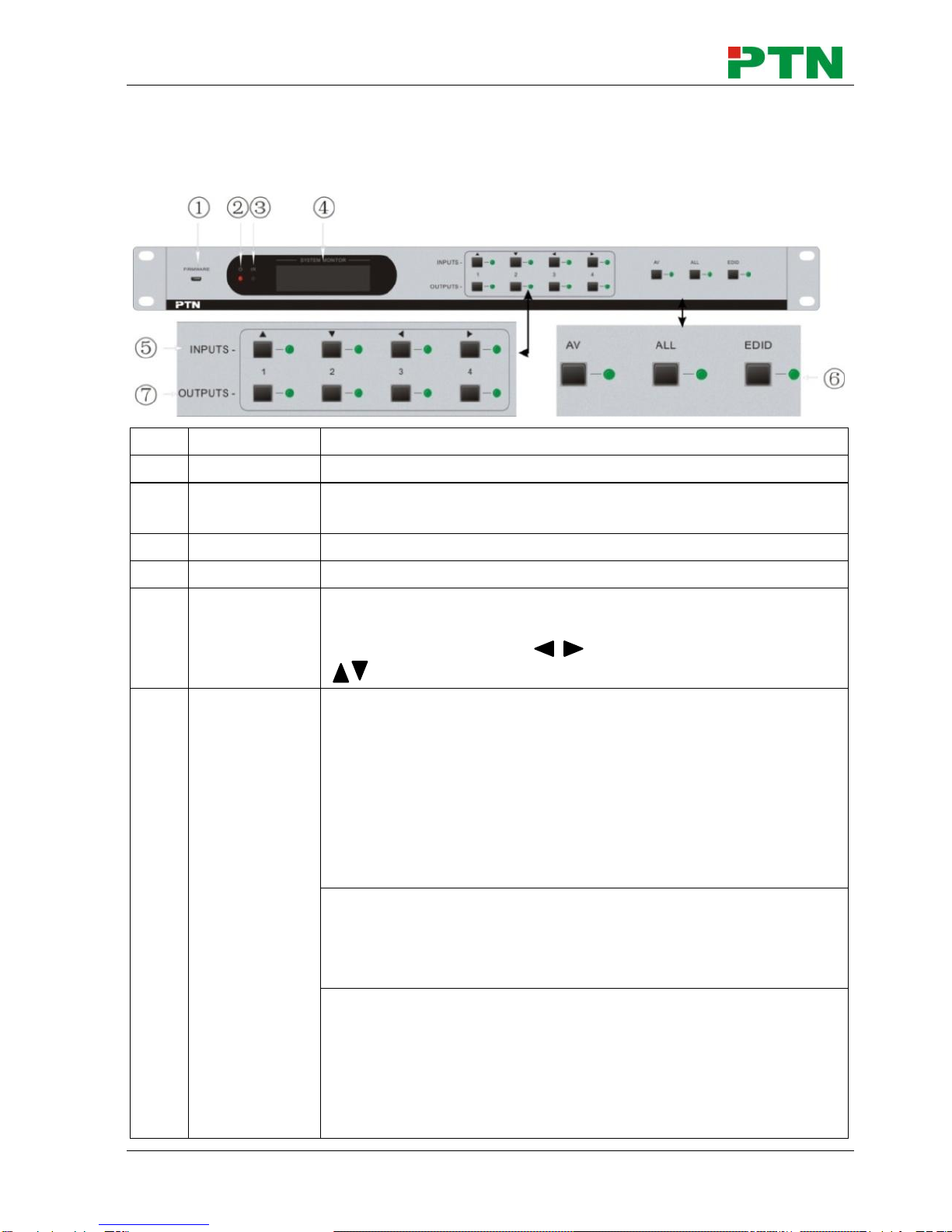
2.1 Front Panel........................................................................................................2
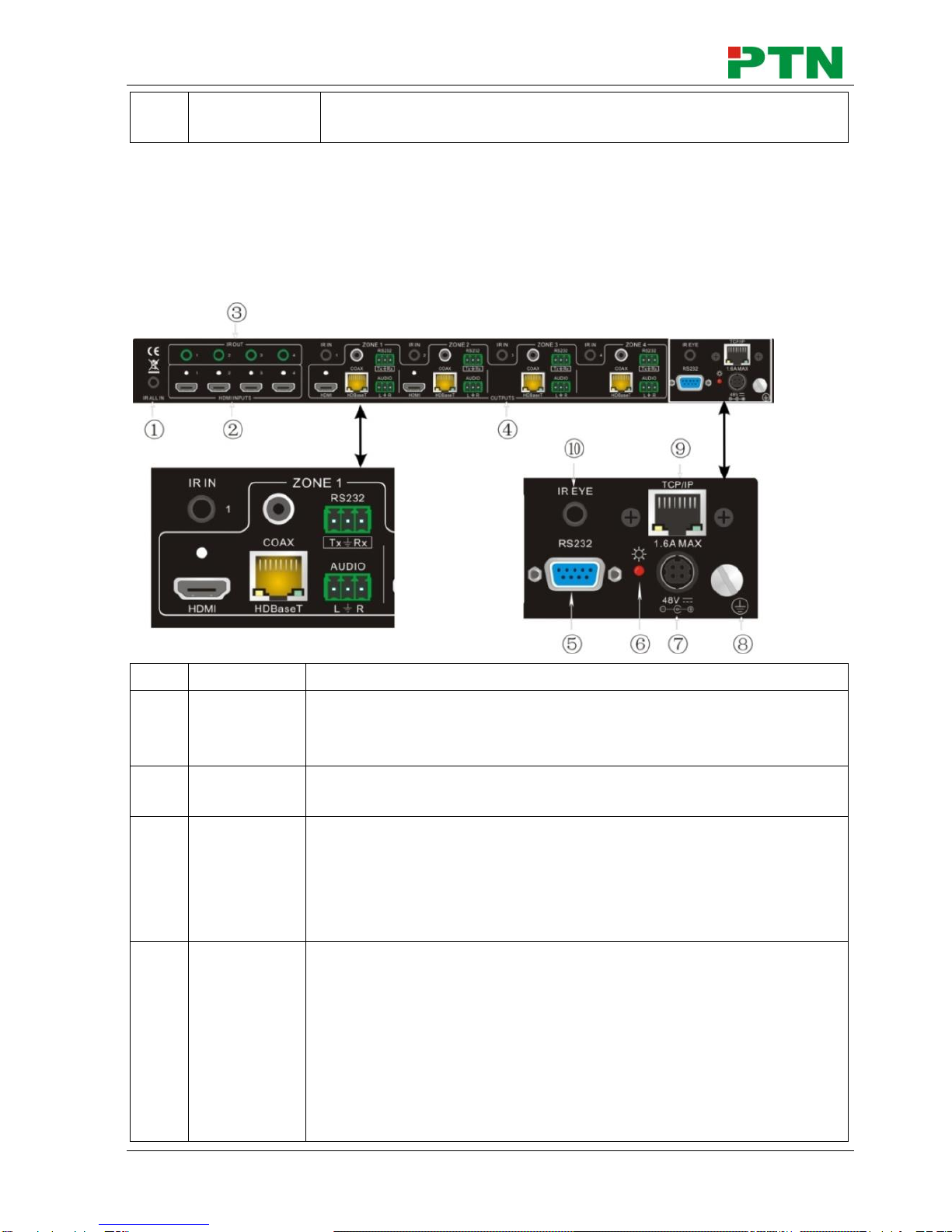
2.2 Rear Panel.........................................................................................................3
2.3 Connection with RS232 Communication Port....................................................4
2.4 Twisted Pair Cable Connection..........................................................................5
3. System Connection.....................................................................................................5
3.1 Usage Precautions............................................................................................5
3.2 System Diagram................................................................................................6
3.3 Connection Procedure.......................................................................................6
3.4 System Applications ..........................................................................................7
4. Application Solution ....................................................................................................7
5. System Operations .....................................................................................................9
5.1 Button Control....................................................................................................9
5.2 IR Control ..........................................................................................................9
5.2.1 Usage of IR Remote..............................................................................10
5.2.2 IR Operations ........................................................................................11
5.3 RS232 Control.................................................................................................14
5.3.1 RS232 Commands................................................................................14
5.3.2 Control MHD44TP-N .............................................................................20
5.3.3 Control 3rd-Party Device from Local......................................................20
5.3.4 Bi-directional RS232 Control .................................................................21
5.4 TCP/IP Control.................................................................................................22
5.4.1 Control Modes.......................................................................................22
5.4.2 TCP/IP Settings.....................................................................................24
5.5 USB Firmware Updating..................................................................................27
6. Specification .............................................................................................................28
7. Panel Drawing ..........................................................................................................30
8. Troubleshooting & Maintenance ...............................................................................30
9. After-sales Service....................................................................................................32