Contents
1. Introduction............................................................................................................................. 1
1.1 About HDMI Matrix Switcher System .........................................................................................1
1.2 HDMI Matrix Switcher Models.....................................................................................................1
2. MHD Packing of the Product............................................................................................... 2
3. MHD Installation ..................................................................................................................... 2
4. Front View and Rear View of the Product........................................................................ 2
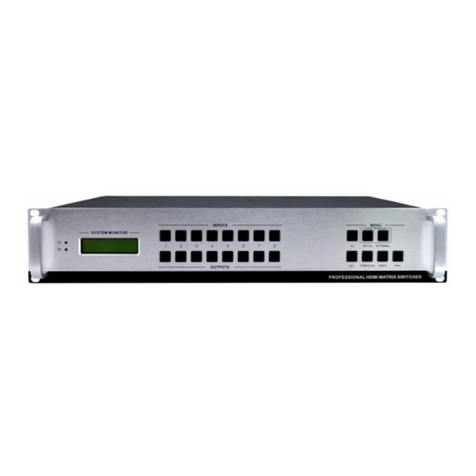
4.1 Front view of MHD88.....................................................................................................................2
4.2 Rear view of MHD88 ......................................................................................................................3
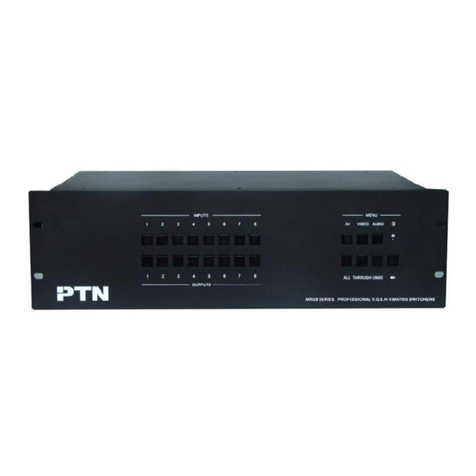
4.3 Front view of MHD1616.................................................................................................................3
4.4 Rear view of MHD1616 ..................................................................................................................3
5. External Connection.............................................................................................................. 3
5.1 Introduction of the Input and Output Connectors ......................................................................3
5.2 Connection of RS-232 Communication Port................................................................................4
5.2.1 Connection with Control System.........................................................................................................4
5.2.2 Connection with Computer...................................................................................................................4
5.3 How to Connect with the Input and Output Terminals...............................................................4
6. Operation of the EDID management................................................................................. 6
6.1 EDID automatically shake hand..................................................................................................6
6.2 EDID management of MHD matrix..............................................................................................7
7. Operation of the Control Panel........................................................................................... 8
7.1 Front Panel Description.......................................................................................................................8
7.2 Command Format of the Switching Operation.................................................................................9
7.3 Examples of Operation...................................................................................................................9
8. Usage of the Remote Controller......................................................................................... 10
9. Communication Protocol and Command Codes..........................................................11
10. Specification...................................................................................................................... 14
11. Troubleshooting & Maintenance.................................................................................. 15