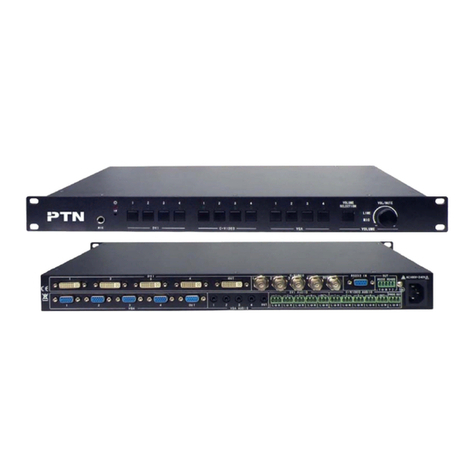
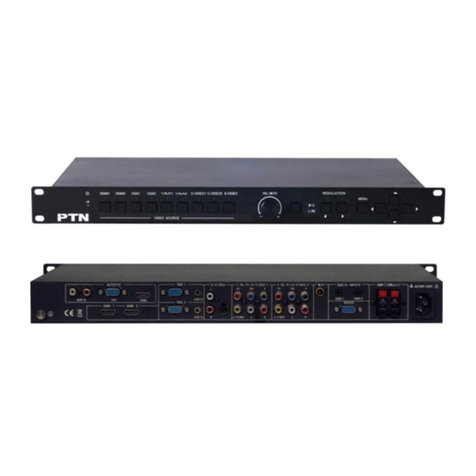
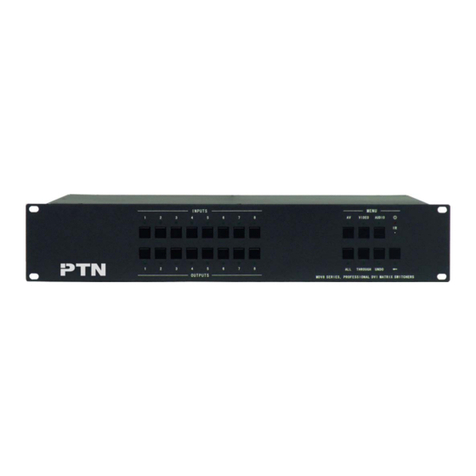
DVI Video Processing Switcher 4x4
PTN Electronics Limited www.PTN-electronics.com
Table of Contents
1. Introduction.............................................................................................................1
1.1. Introduction to MV4........................................................................................1
1.2. Package Contents..........................................................................................1
2. Specification...........................................................................................................1
3. Rear Panel and Connection ...................................................................................2
3.1. Rear panel introduction..................................................................................2
3.2. Connection with RS232 Communication Port................................................3
3.3. Connection with USB Interface......................................................................4
3.4. Twist Pair Connection....................................................................................4
4. Operations of the Front Control Panel....................................................................5
4.1. Front Panel Introduction.................................................................................5
4.2. Operations of the Menu Buttons ....................................................................6
4.3. Operations of the Input/output Selection Buttons...........................................6
4.4. Operations of the Function Buttons................................................................7
4.5. Operations of the Customized Buttons and the Numeric keys.......................8
4.6. Menu Levels Introduction...............................................................................8
5. Operations of the Software...................................................................................11
5.1. Introduction of the Software.........................................................................11
5.1.1. Installation & uninstallation..................................................................11
5.1.2. Control connection...............................................................................11
5.2. Main Interface..............................................................................................12
5.3. Menu Bar Function Settings.........................................................................12
5.3.1. File Button...........................................................................................12
5.3.2. Connection Button...............................................................................13
5.3.3. View Button .........................................................................................13
5.3.4. Help Button..........................................................................................13
5.4. Main Function Settings ................................................................................13
5.4.1. 4x Zoom-in Function............................................................................14
5.4.2. 3x Zoom-in Function............................................................................14