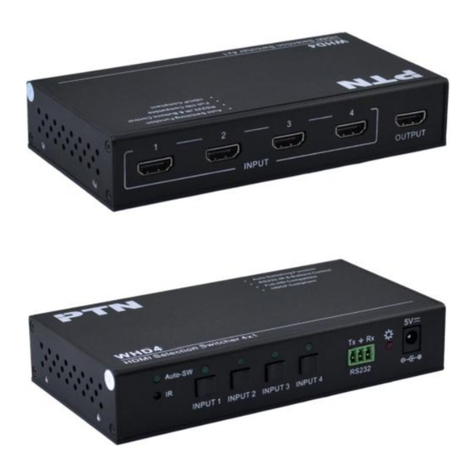
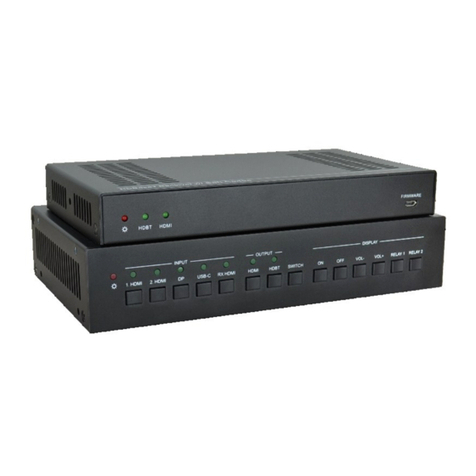
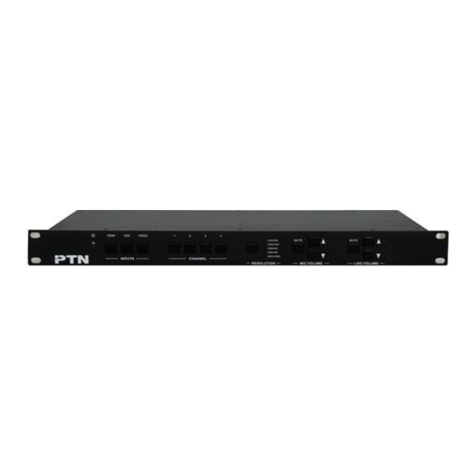
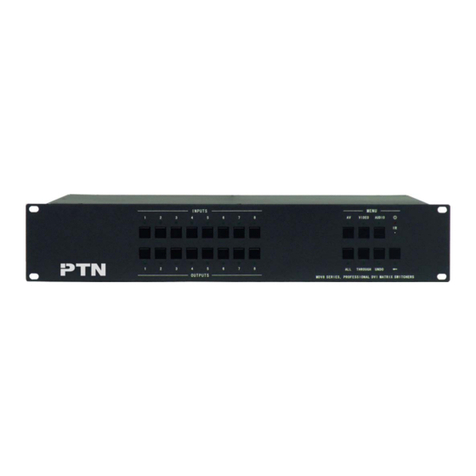
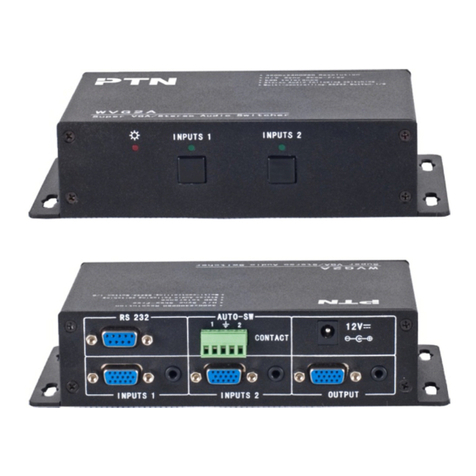
4K HDMI Switcher 4x1
PTN Electronics Limited www.PTN-Electronics.com
Contents
1. Introduction.................................................................................................................1
1.1 Introduction to WUH4A......................................................................................1
1.2 Features ............................................................................................................1
1.3 Package List......................................................................................................1
2. Panel Description........................................................................................................2
2.1 Front Panel........................................................................................................2
2.2 Rear Panel.........................................................................................................3
3. System Connection.....................................................................................................3
3.1 Usage Precautions............................................................................................3
3.2 System Diagram................................................................................................3
3.3 Connection Procedures.....................................................................................4
3.4 ARC Solution.....................................................................................................4
3.5 Application.........................................................................................................5
4. System Control...........................................................................................................5
4.1 Front Panel Control ...........................................................................................5
4.2 IR Control ..........................................................................................................6
4.3 RS232 Control...................................................................................................6
4.3.1 Installation/uninstallation of RS232 Control Software..............................6
4.3.2 Basic Settings..........................................................................................7
4.3.3 RS232 Communication Commands ........................................................8
4.4 EDID Management............................................................................................9
5. Firmware Upgrade....................................................................................................10
6. Specification .............................................................................................................11
6.1 Supported Input Video Formats.......................................................................12
7. Panel Drawing ..........................................................................................................12
8. Troubleshooting & Maintenance ...............................................................................13
9. After-sales Service....................................................................................................14