manuals.online logo
Brands
  1. Home
  2. •
  3. Brands
  4. •
  5. Pvelectronics
  6. •
  7. Clock
  8. •
  9. Pvelectronics Nixie FunKlock Configuration guide

Pvelectronics Nixie FunKlock Configuration guide

Other Pvelectronics Clock manuals
Pvelectronics SN-18 Configuration guide

Pvelectronics

Pvelectronics SN-18 Configuration guide

Pvelectronics Frank 3 Configuration guide
Pvelectronics

Pvelectronics Frank 3 Configuration guide

Pvelectronics Nixie Maestro Configuration guide

Pvelectronics

Pvelectronics Nixie Maestro Configuration guide

Pvelectronics Frank 3 Configuration guide

Pvelectronics

Pvelectronics Frank 3 Configuration guide

Pvelectronics Nixie Maestro Configuration guide

Pvelectronics

Pvelectronics Nixie Maestro Configuration guide

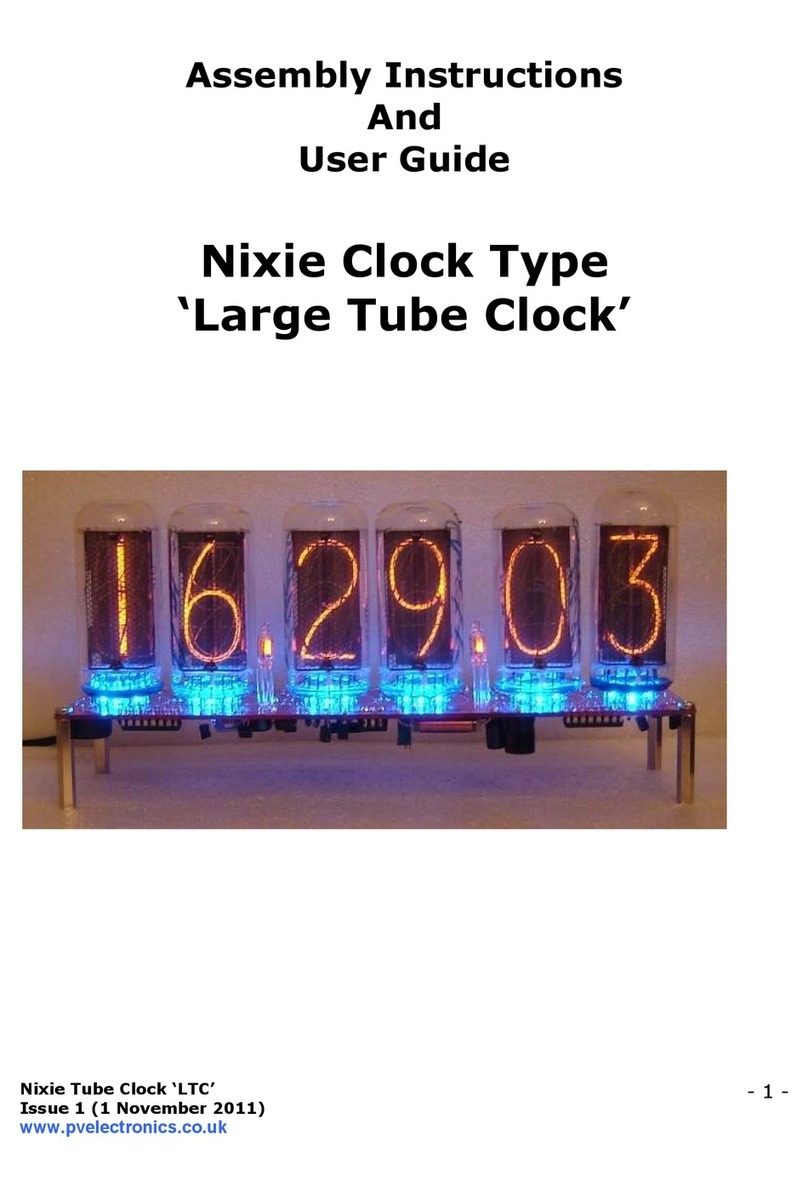
Pvelectronics IN-8 Configuration guide
Pvelectronics

Pvelectronics IN-8 Configuration guide

Pvelectronics Halo Clock Configuration guide

Pvelectronics

Pvelectronics Halo Clock Configuration guide

Pvelectronics Nixie QTC Plus Configuration guide

Pvelectronics

Pvelectronics Nixie QTC Plus Configuration guide

Pvelectronics Halo Chroma Configuration guide

Pvelectronics

Pvelectronics Halo Chroma Configuration guide

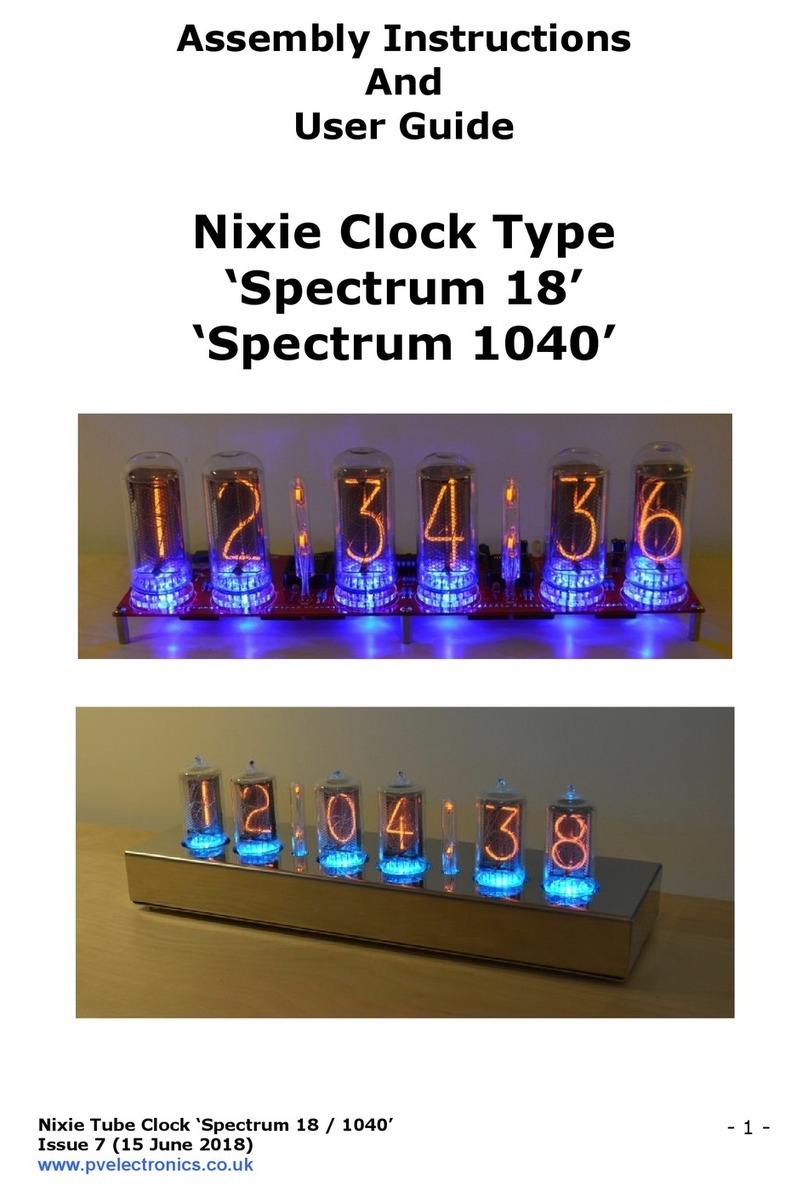
Pvelectronics Spectrum 18 Configuration guide

Pvelectronics

Pvelectronics Spectrum 18 Configuration guide

Pvelectronics Nixie 5750 Configuration guide

Pvelectronics

Pvelectronics Nixie 5750 Configuration guide

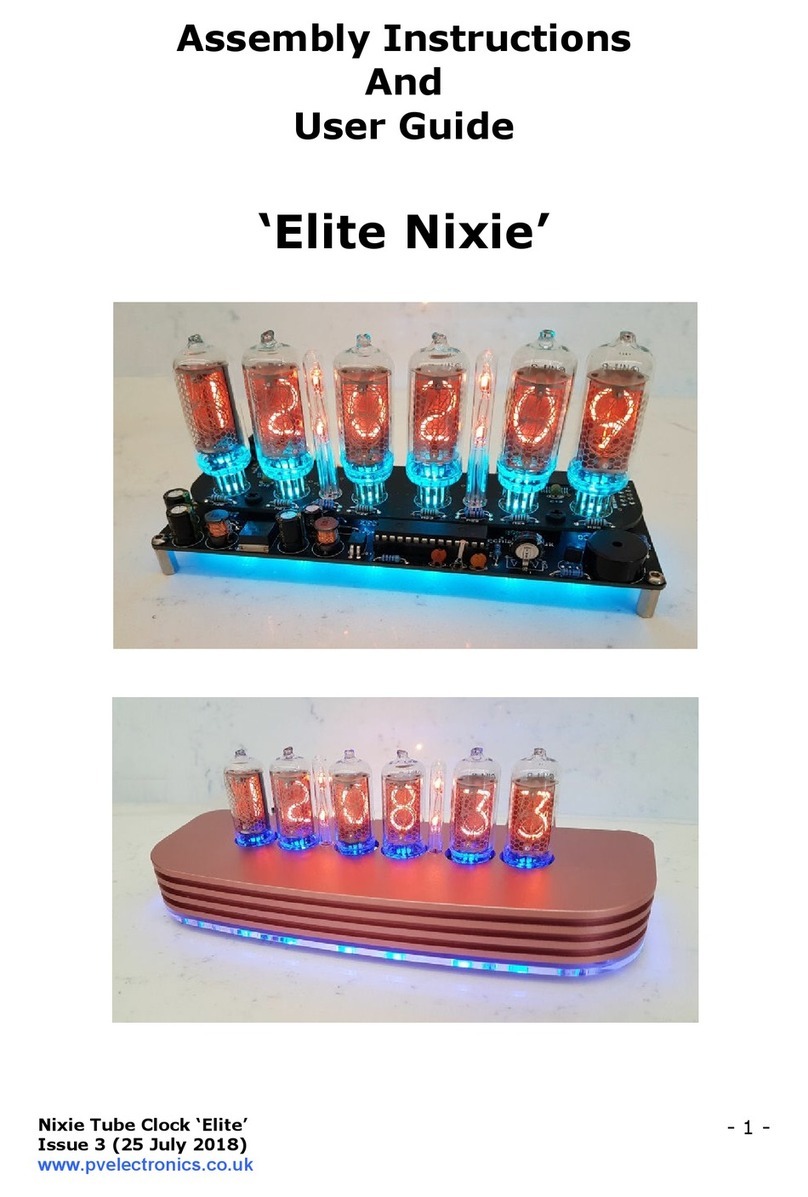
Pvelectronics Elite Nixie Configuration guide

Pvelectronics

Pvelectronics Elite Nixie Configuration guide

Pvelectronics Nixie QTC User manual

Pvelectronics

Pvelectronics Nixie QTC User manual

Pvelectronics Nixie QTC-Four Configuration guide

Pvelectronics

Pvelectronics Nixie QTC-Four Configuration guide

Pvelectronics Frank 3 Configuration guide

Pvelectronics

Pvelectronics Frank 3 Configuration guide

Pvelectronics Quattro Configuration guide

Pvelectronics

Pvelectronics Quattro Configuration guide

Pvelectronics Frank 3 Configuration guide

Pvelectronics

Pvelectronics Frank 3 Configuration guide

Pvelectronics Frank 2 IN-16 Configuration guide

Pvelectronics

Pvelectronics Frank 2 IN-16 Configuration guide

Pvelectronics Dink Configuration guide

Pvelectronics

Pvelectronics Dink Configuration guide

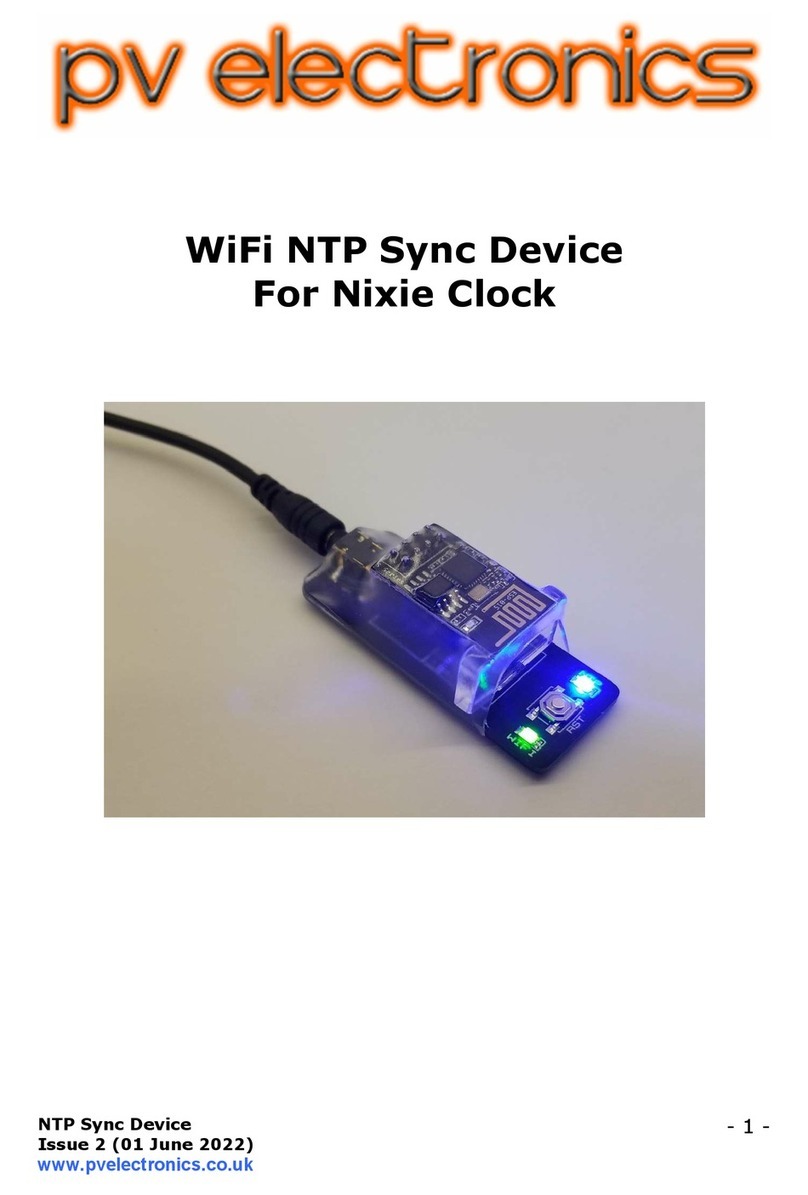
Pvelectronics WiFi NTP Sync Device User manual

Pvelectronics

Pvelectronics WiFi NTP Sync Device User manual

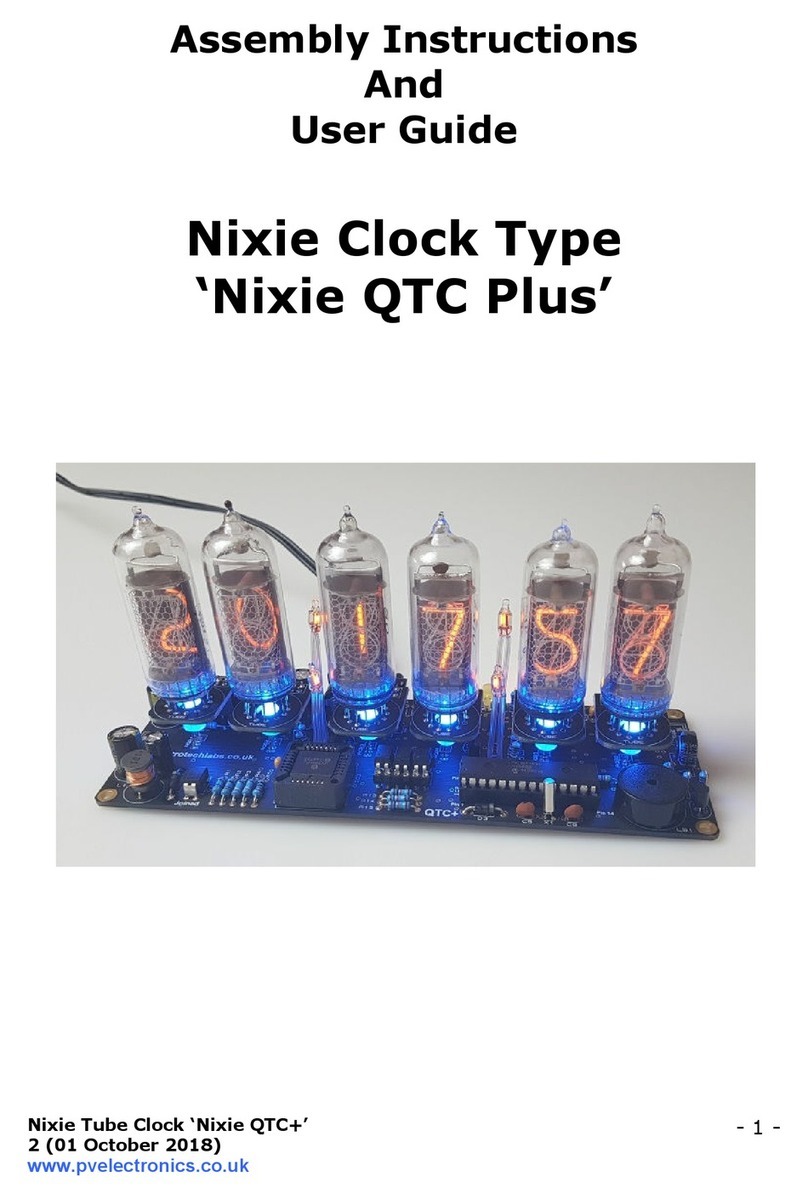
Pvelectronics Nixie Large Tube Clock Configuration guide
Pvelectronics

Pvelectronics Nixie Large Tube Clock Configuration guide

Pvelectronics Spectrum 1040 Quick start guide
Pvelectronics

Pvelectronics Spectrum 1040 Quick start guide

Popular Clock manuals by other brands

Sapling NTP 7000 Series installation manual

Sapling

Sapling NTP 7000 Series installation manual

Amano MTX-30F Installation & operation guide

Amano

Amano MTX-30F Installation & operation guide

La Crosse Technology BBB86118v3 Setup guide

La Crosse Technology

La Crosse Technology BBB86118v3 Setup guide

BEARWARE 304474 manual

BEARWARE

BEARWARE 304474 manual

LS & S RTC103U instruction manual

LS & S

LS & S RTC103U instruction manual

BitGen Technologies LED Walk/Don't Walk Clock user manual

BitGen Technologies

BitGen Technologies LED Walk/Don't Walk Clock user manual

Heathkit GC-1005 Assembly manual

Heathkit

Heathkit GC-1005 Assembly manual

Oregon Scientific PRYSMA RMR221P manual

Oregon Scientific

Oregon Scientific PRYSMA RMR221P manual

Andrew O'Malley DOTKLOK Assembly instructions

Andrew O'Malley

Andrew O'Malley DOTKLOK Assembly instructions

Nixie Clock Divergence Meter user manual

Nixie Clock

Nixie Clock Divergence Meter user manual

La Crosse Technology WS-8256-AL user manual

La Crosse Technology

La Crosse Technology WS-8256-AL user manual

Mini Gadgets MCPro user manual

Mini Gadgets

Mini Gadgets MCPro user manual

Casio TMR-200 user guide

Casio

Casio TMR-200 user guide

Progetti KALIMERO Directions

Progetti

Progetti KALIMERO Directions

Progetti ILTEMPOSTRINGE Directions

Progetti

Progetti ILTEMPOSTRINGE Directions

La Crosse Technology WT-3141b Quick setup instructions

La Crosse Technology

La Crosse Technology WT-3141b Quick setup instructions

IKEA ROTBLÖTA manual

IKEA

IKEA ROTBLÖTA manual

U-Line Н-2811 instructions

U-Line

U-Line Н-2811 instructions

manuals.online logo
manuals.online logoBrands
  • About & Mission
  • Contact us
  • Privacy Policy
  • Terms and Conditions

Copyright 2025 Manuals.Online. All Rights Reserved.

‘FunKlock’
Issue 5 (14 November 2019)
www.pvelectronics.co.uk
- 1 -
Assembly Instructions
An
User Gui e
Nixie FunKlock
For Parts Bags Serial Numbers 4000 onwar s
‘FunKlock’
Issue 5 (14 November 2019)
www.pvelectronics.co.uk
- 2 -
REVISION HISTORY
Issue
Number
Date Reason for Issue
5 14 Nov 2019 Added support for DekaDuo and 3 way header
to PCB
4 1 ebruary 2017 New diode for D2
3 27 December 2013 C7 / C8 error page 15
2 7 November 2013 Errors corrected
1 1 November 2013 New document
‘FunKlock’
Issue 5 (14 November 2019)
www.pvelectronics.co.uk
- 3 -
1. INTRODUCTION
1.1 Nixie FunKlock - Features
- Hours, Minutes and Seconds display on four IN-12 Nixie Tubes
- Uses a Quartz Crystal Oscillator as the timebase
- Programmable leading zero blanking
- Supercapacitor backup. Keeps time during short power outages
- Simple time setting using two buttons
- Variable intensity LED backlighing in a variety of colour options
- Programmable leading zero blanking
- ive programmable neon colon settings ( lashing AM/PM indication,
illuminated AM/PM indication, both flashing, both on, both off)
- Seconds can be reset to zero to precisely the set time
- Programmable night mode - blanked or dimmed display to save tubes
or prevent sleep disturbance.
- Separate modes for colon neons during night mode
- Standard, or scrollback display modes
- ‘Slot Machine’ Cathode poisoning prevention routine
- Not AC frequency dependent – works in all countries
- All user preferences stored to non-volatile memory
- Timekeeping trimmable in configuration setup
- Dedicated 3 way header to power and Synchronise our DekaDuo
Dekatron driver.
‘FunKlock’
Issue 5 (14 November 2019)
www.pvelectronics.co.uk
- 4 -
1.3 SAFETY
DANGER: The clock pcb includes a switched-mode voltage booster
circuit. This generates nominally 170 Volts DC, but is capable of
generating up to 300 Volts before adjustment. Assembly may only be
undertaken by individuals who are suitably qualified and experienced in
electronics assembly, and are familiar with safe procedures for working
with high voltages. If in doubt, refer to a suitably qualified engineer
before proceeding.
The voltages generate by this circuit can give a potentially
LETHAL ELECTRIC SHOCK.
DISCLAIMER: This product is supplied as a kit of parts, intended only for
suitably qualified electronic engineers, who are suitably qualified and
experienced in electronics assembly, and are familiar with safe
procedures for working with high voltages. The supplier, his agents or
associates accept no liability for any damage, injury or death arising from
the use of this kit of parts.
This is not a finished product, and the person assembling the kit is
responsible for ensuring that the finished product complies with any
applicable local regulations governing electrical equipment, eg. UL, CE,
VDE.
‘FunKlock’
Issue 5 (14 November 2019)
www.pvelectronics.co.uk
- 5 -
2. TOOLS AND EQUIPMENT REQUIRED
2.1 Tools require to assemble the PCB.
The following tools will be required to assemble the PCB:
- Soldering iron with a small tip (1-2 mm)
- Wire cutters (TIP: A small pair of nail clippers works very well for this
function)
- Wire strippers (TIP: A small pair of scissors is quite suitable)
- Multimeter for voltage tests and for identifying the resistors.
- Small flat screwdriver for adjusting the high voltage supply
2.2 Materials you will nee .
Solder – lead / tin solder is preferred. Lead free solder, as now required
to be used in commercial products in Europe, has a much higher melting
point and can be very hard to work with.
Desoldering wick (braid) can be useful if you accidentally create solder
bridges between adjacent solder joints.
2.3 Other items you will nee
The clock kit does not include a power adapter. This is because the kit is
sold to many countries around the world, each with very different
household mains outlet socket types.
The suitable type of power adapter can be obtained at very low cost. The
following specification of adapter should be obtained and used with the
kit:
Output 12V DC regulated, minimum output capability of 300 mA
Output plug: 2.1mm pin, centre positi e.
There is no maximum power output for the adapter as the clock only
draws what it needs.
A suitable adapter is shown below:
‘FunKlock’
Issue 5 (14 November 2019)
www.pvelectronics.co.uk
- 6 -
3. LIST OF COMPONENTS
3.1 Table of Electronic Components
Circuit Designation Part Description
Resistors
R1 4.7K, ¼ Watt
R2 390K, ¼ Watt
R3, R4, R5 4.7K, ¼ Watt
R6 - R9 1K or 1.1K, ¼ Watt
R10 - R13 2.7K, ¼ Watt
R14, R15 4.7K, ¼ Watt
R16, R17 390K, ¼ Watt
R18, R19 270R 1/4 Watt
Capacitors
C1, C2 100n Ceramic
C3 1u 250V Electrolytic
C4 220u 16-25V Electrolytic
C5 15p Ceramic
C6 33p Ceramic
C7 100n Ceramic
C8 0.1 or 0.22
Transistors
Q1 IR D220 MOS ET
Q2 – Q5 EL817 Optocoupler
Q6, Q7, Q8 MPSA42 NPN
Diodes
D1, D3 1N5819
D2 1N4001
D4 U 4004
D5 - D8 3mm LED (various colours)
Integrated Circuits
IC1 78L05 5V voltage regulator
IC2 PIC16 xxxx 8-bit microcontroller
IC3 74141 / K155ID1 Nixie driver
Miscellaneous
L1 100uH Radial Inductor
AM, PM 4mm wire ended neon lamp
SET, ADJ Miniature push button
IC Socket for IC2 28 Way IC socket for IC2
J1 2.1mm PCB power socket
J2, J5 10 way pin header
J3, J4 10 way socket
USE 500mA fuse
Insulation Clear insulation for neons
X1 32.768KHz watch crystal
Misc 44 X 1mm sockets
Deka 3 way 0.1” Male Header for
DekaDuo
‘FunKlock’
Issue 5 (14 November 2019)
www.pvelectronics.co.uk
- 7 -
3.2 Electronic Components Parts List / Packing Sheet
Part Description Quantity
Resistors
270R, ¼ Watt 2
1K or 1.1K, ¼ Watt 4
2.7K, ¼ Watt 4
4.7K, ¼ Watt 6
390K, ¼ Watt 3
Capacitors
220u , 16-25V, Electrolytic 1
1u 250V, Electrolytic 1
100n Ceramic 3
15p Ceramic 1
33p Ceramic 1
0.1 or 0.22 1
Transistors
IR D220 MOS ET 1
EL817 4
MPSA42 NPN 3
Diodes
1N5819 2
1N4001 1
U 4004 fast recovery diode 1
3mm LED (various colours available) 4
Integrated Circuits
78L05 5V voltage regulator 1
PIC16 xxxx 8-bit microcontroller 1
74141 / K155ID1 Nixie driver 1
Miscellaneous
100uH Radial inductor 1
4mm wire ended neon lamp 2
Miniature push button 2
28 Way IC socket for IC3 1
2.1mm Chassis power socket 1
500mA fuse 1
6 cm clear insulation 1
10 way female socket 2
10 way male socket 2
1mm socket receptacle 44
32.768KHz watch crystal 1
3 way 0.1” Male header 1
It is recommended that the kit is checked against the list above, to
ensure all parts are present before commencing assembly. Don’t be
‘FunKlock’
Issue 5 (
14 November 2019
www.pvelectronics.co.uk
alarmed if there are some extra components, as some component
bags are shared between different kit types.
The resi
stors used in the kit are 1% tolerance metal film. They are
marked with 4 coloured bands to identify the value. However it is
sometimes unclear in which direction the bands should be read.
Therefore, we recommend that the resistors be identified with a
multimeter.
The fuse is a self-
resetting type and can be confused for a resistor.
This is what it looks like:
Q1 (IR D220) is in a very similar package to Q2
can tell the difference, in addition to the part marking by looking at
the
pins. Q1 has two pins that are actually joined at the resin body.
Q2 -
Q5 have 4 separate pins.
Inductor L1 may be one of three types
14 November 2019
)
alarmed if there are some extra components, as some component
bags are shared between different kit types.
stors used in the kit are 1% tolerance metal film. They are
marked with 4 coloured bands to identify the value. However it is
sometimes unclear in which direction the bands should be read.
Therefore, we recommend that the resistors be identified with a
resetting type and can be confused for a resistor.
This is what it looks like:
Q1 (IR D220) is in a very similar package to Q2
-
Q5 (EL817). You
can tell the difference, in addition to the part marking by looking at
pins. Q1 has two pins that are actually joined at the resin body.
Q5 have 4 separate pins.
Inductor L1 may be one of three types
:
- 8 -
alarmed if there are some extra components, as some component
stors used in the kit are 1% tolerance metal film. They are
marked with 4 coloured bands to identify the value. However it is
sometimes unclear in which direction the bands should be read.
Therefore, we recommend that the resistors be identified with a
resetting type and can be confused for a resistor.
Q5 (EL817). You
can tell the difference, in addition to the part marking by looking at
pins. Q1 has two pins that are actually joined at the resin body.
‘FunKlock’
Issue 5 (14 November 2019)
www.pvelectronics.co.uk
- 9 -
4. ASSEMBLY OF THE PCB
The PCB is supplied as a single board, with a V-score to break in
half. Simply bend at the score line and the PCB will split into two
parts. Start work below on the tube board:
4.1 1mm Sockets For Nixie Tubes
There are 44 individual sockets that need to be placed. Note that
there is 1 hole per tube with NO SOCKET.
Insert the sockets from the side shown below:
Then place a hard flat object over the sockets and flip over the PCB
and solder the sockets in place as shown below:
‘FunKlock’
Issue 5 (14 November 2019)
www.pvelectronics.co.uk
- 10 -
4.2 Low Voltage Power components:
J1, FUSE,
D1, D3 (1N5819)
D2 (1N4001)
IC1 (78L05)
C1, C2 (100 nF)
Start by installing D1-D3. Align the white band on the components
with the band marked on the PCB.
Continue to mount C1, C2, J1, IC1 and USE. Note that J1, the DC
power socket, is mounted on the opposite side of the PCB to the
other components.
4.2 Testing Low Voltage.
Identify the test 5V, GND and 170V test points as shown below.