3
CDs
CDs that can be played on this unit:
-Conventional audio CDs bearing the CD Digital Audio logo on the label.
-Duly-made CD-R and CD-RW CD-MP3-CDs.
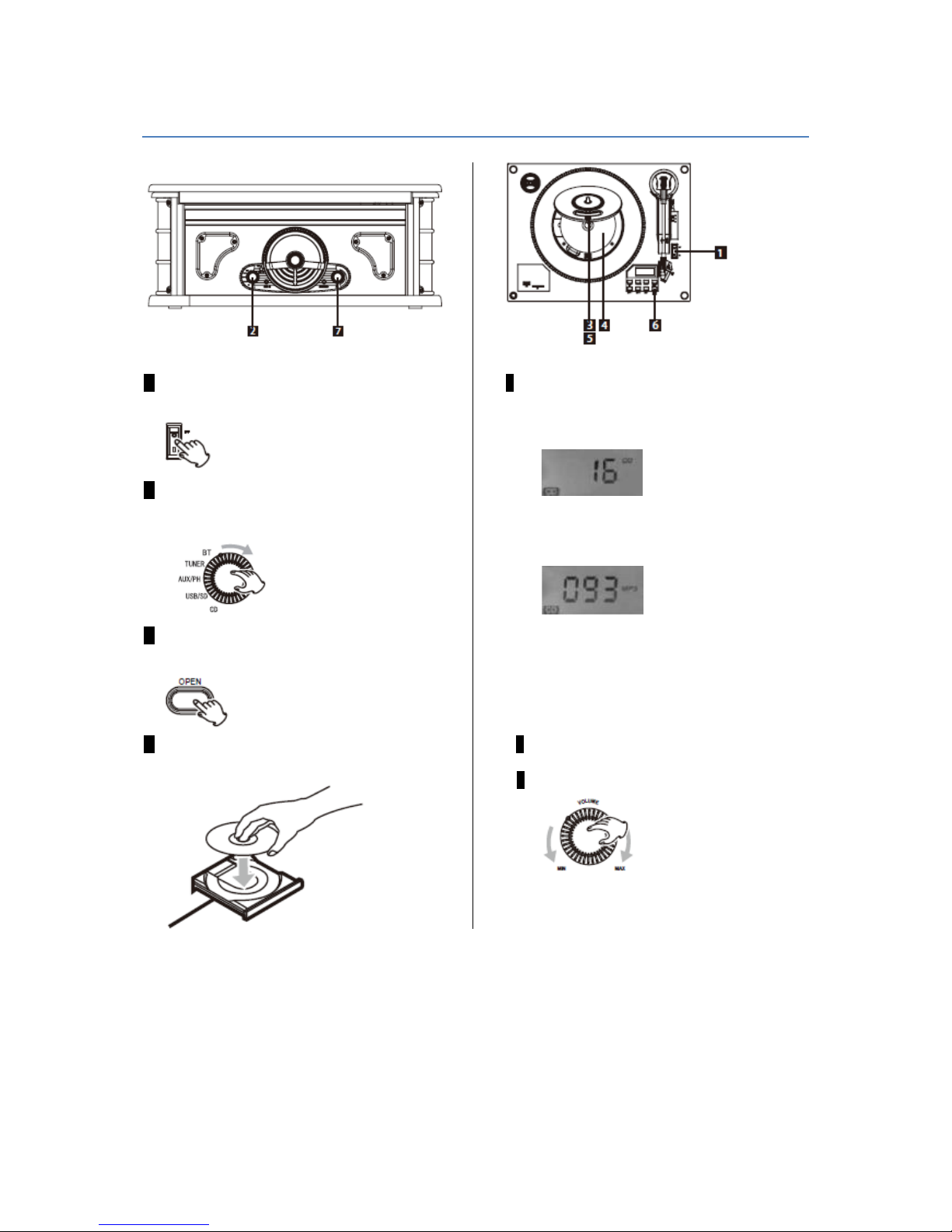
-Insert the disc with the printed side up in the drive.
(Compact discs can be played only on a page or record.)
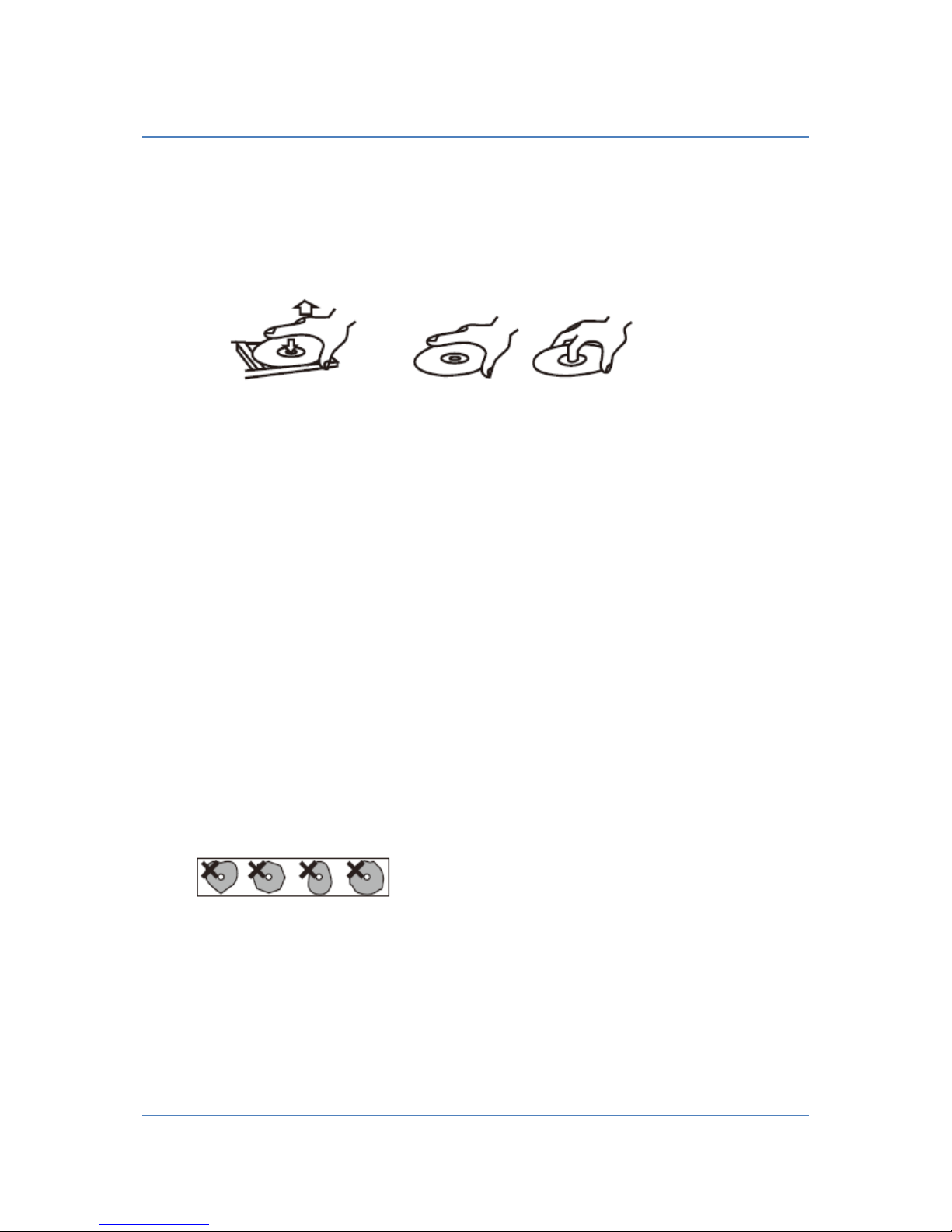
-To remove a disc from its case, press in the center of the housing to single out the CD.
Removing the CD Holding the CD
-If the disc is dirty, wipe the surface radially (from the center hole outward towards the outer edge) using
a soft, dry cloth.
-Do not use to clean chemicals such as record sprays, antistatic sprays or liquids, such as gasoline or paint
thinner the CDs. Such chemicals / fluids cause irreparable damage to the plastic surface of the CDs.
-CDs should be placed back in their cases after use to prevent damage from dust and scratches. This can
cause the laser single or multiple titles "skips".
-Do not expose CDs to direct sunlight or high humidity. Prolonged exposure to high temperatures can
have deformations of the CD result.
-CDs that are warped, deformed or damaged should not be played because it could cause irreparable
damage to the unit
-CD-R, CD-RW and CD-MP3-CDs are more sensitive to the effects of heat and ultraviolet rays than
ordinary CDs. It is therefore important that they are not stored in a location where they are exposed to
direct sunlight. In addition, you should store them outside heat sources such as heaters or heat-
generating electrical devices.
-Printable CD-R, CD-RW and CD-MP3-CDs are not recommended, since the label pages can melt at high
temperatures and become sticky, which can lead to damage to the device.
-Please use the protection of CDs no papers, protective films or sprays.
-Use a soft oil-based felt pen on to record information on the label side. Please do not use ballpoint pens
or other fixed point, as this may cause damage to the recording side.
-Never use a stabilizer. Using commercially available CD stabilizers with this unit will damage the
mechanisms and ensure that they no longer function properly.
-Do not use CDs with unconventional form.
(Octagonal, heart-shaped, business card size, etc.). CDs of this sort can damage the unit.
-- If you are not sure with the care and handling of a CD-R / CD-RW and CD-MP3-CD, read the supplied
instructions, or contact the manufacturer directly.