GL502MG User Manual
QSZTRACGL502MGUM0100
Contents
0. Revision History.............................................................................................................................1
1. Introduction ..................................................................................................................................2
1.1. GL502MG Product..............................................................................................................2
1.2. Reference ...........................................................................................................................2
1.3. Terms and Abbreviations....................................................................................................2
2. Product Overview..........................................................................................................................3
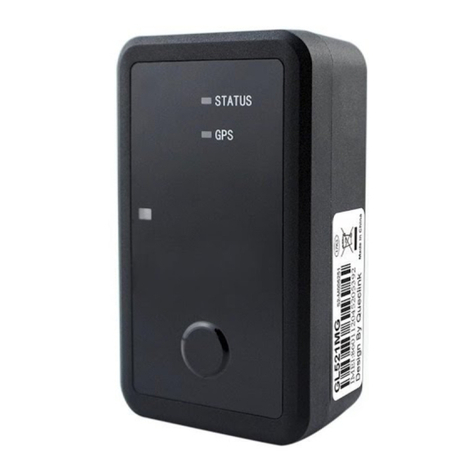
2.1. Product Appearance...........................................................................................................3
2.2. Magnetic Reed Switch Description.....................................................................................3
2.3. LED Description ..................................................................................................................4
2.4. Parts List .............................................................................................................................5
3. Interface Definition .......................................................................................................................6
4. Getting Started..............................................................................................................................7
4.1. Opening and Closing the Case............................................................................................7
4.2. Turning on/off the Device ..................................................................................................7
4.3. Installing a SIM Card...........................................................................................................8
5. Installation Precautions.................................................................................................................9
6. Troubleshooting and Safety Info .................................................................................................10
6.1. Troubleshooting ...............................................................................................................10
6.2. Safety Info ........................................................................................................................10
7. Appendix: Supported Accessories...............................................................................................11
8. FCC Statement.............................................................................................................................12