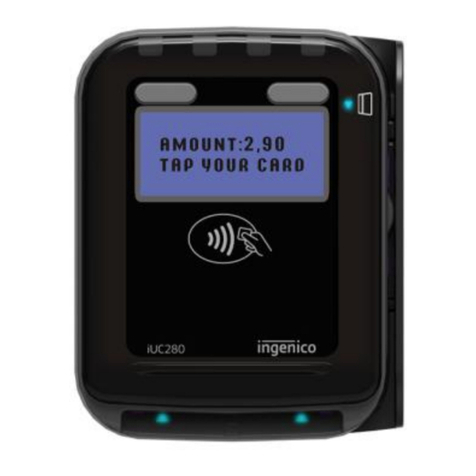
Rapyd Getting Started with The Ingenico
Move 3500 Mobile 8
MOTO
1. Press the key, and then select MAILORDER , then choose SALE .
2. Key in the customer’s card number and press Confirm .
3. Enter the expiry date, the start date (if required), the issue number (if
required), pressing Confirm after each entry.
4. Enter the card security Code (CSC), the numbers from the cardholder’s
postcode (e.g. GU7 1LG is 71), and the numbers from the cardholder’s
address (e.g. Flat 1, 28 High Street is 128), pressing Confirm after each entry.
5. (You can press the Confirm key without entering anything to bypass the
check when appropriate.)
6. Enter the transaction amount and press Confirm .
7. The terminal connects to Rapyd for authorisation and will prompt you to
choose “Decline” or “Accept”.
8. The result of the CSC/AVS check is displayed, and the two receipts are
printed.
REFUNDING A SALE
Chip & PIN
1. From the idle screen, press key, and then select REFUND .
2. Enter the Supervisor password and press Enter to confirm.
3. Insert The Customer's Card, face up, chip forward.
4. Enter the refund amount and press Confirm .
5. The terminal connects to Rapyd for authorisation.
6. When the refund is authorised, “ REFUND ACCEPTED ” is displayed.
7. A merchant copy of the receipt is printed.
8. Ask The Customer To Sign This Receipt.
9. Remove The Card.
10. Check the signature on the receipt with the one on the card. If the signature
is valid then choose “ YES ”, otherwise choose “ NO ”.
11. The Customer Receipt Is Then Printed.