2
Table of Contents
1Using This Guide ............................................................................................................................................................................................... 3
1.1 Purpose.......................................................................................................................................................................................................... 3
1.2 Additional Documentation .............................................................................................................................................................................. 3
1.3 Disclaimer....................................................................................................................................................................................................... 3
2Physical Description ......................................................................................................................................................................................... 4
2.1 Front Panel..................................................................................................................................................................................................... 4
2.1.1 Status LCD ........................................................................................................................................................................................... 4
2.1.2 LED indicators ...................................................................................................................................................................................... 5
2.2 Rear Panel ..................................................................................................................................................................................................... 5
3Hardware Installation ........................................................................................................................................................................................ 6
3.1 Connecting the RDS Encoder........................................................................................................................................................................ 6
3.2 Hardware Settings.......................................................................................................................................................................................... 7
3.2.1 On-board adjustable elements ............................................................................................................................................................. 7
3.2.2 Loop/Side switch .................................................................................................................................................................................. 7
3.3 Power Supply ................................................................................................................................................................................................. 7
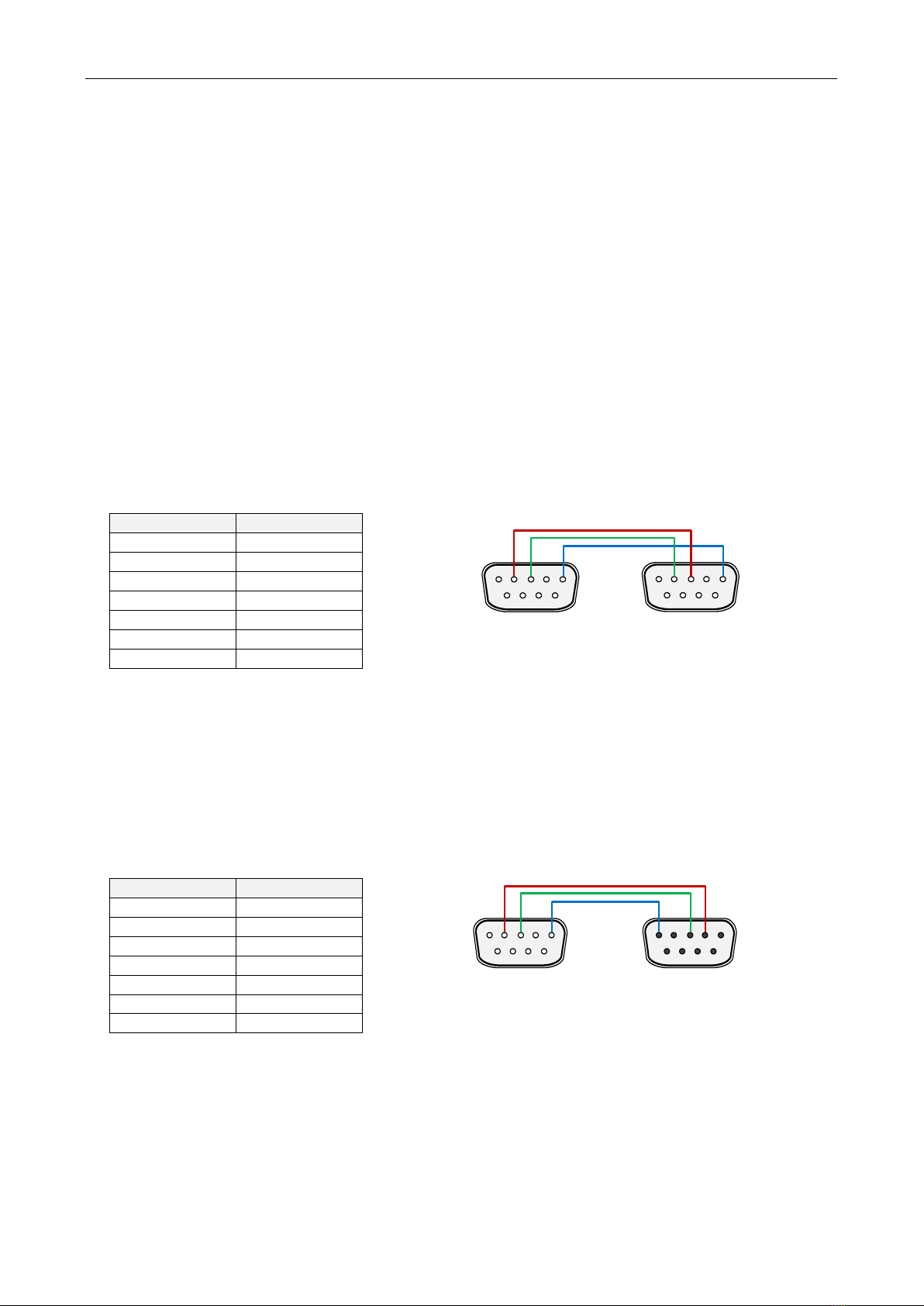
3.4 Connecting the RDS Encoder to a local PC or a serial data source.............................................................................................................. 8
3.4.1 Connection to a USB port of the PC..................................................................................................................................................... 8
3.4.2 Connection to a serial port of the PC ................................................................................................................................................... 8
3.4.3 Connection to a DCE device ................................................................................................................................................................ 8
3.5 RDS Level Adjustment................................................................................................................................................................................... 9
3.6 Low Power Operation..................................................................................................................................................................................... 9
4Software Installation........................................................................................................................................................................................ 10
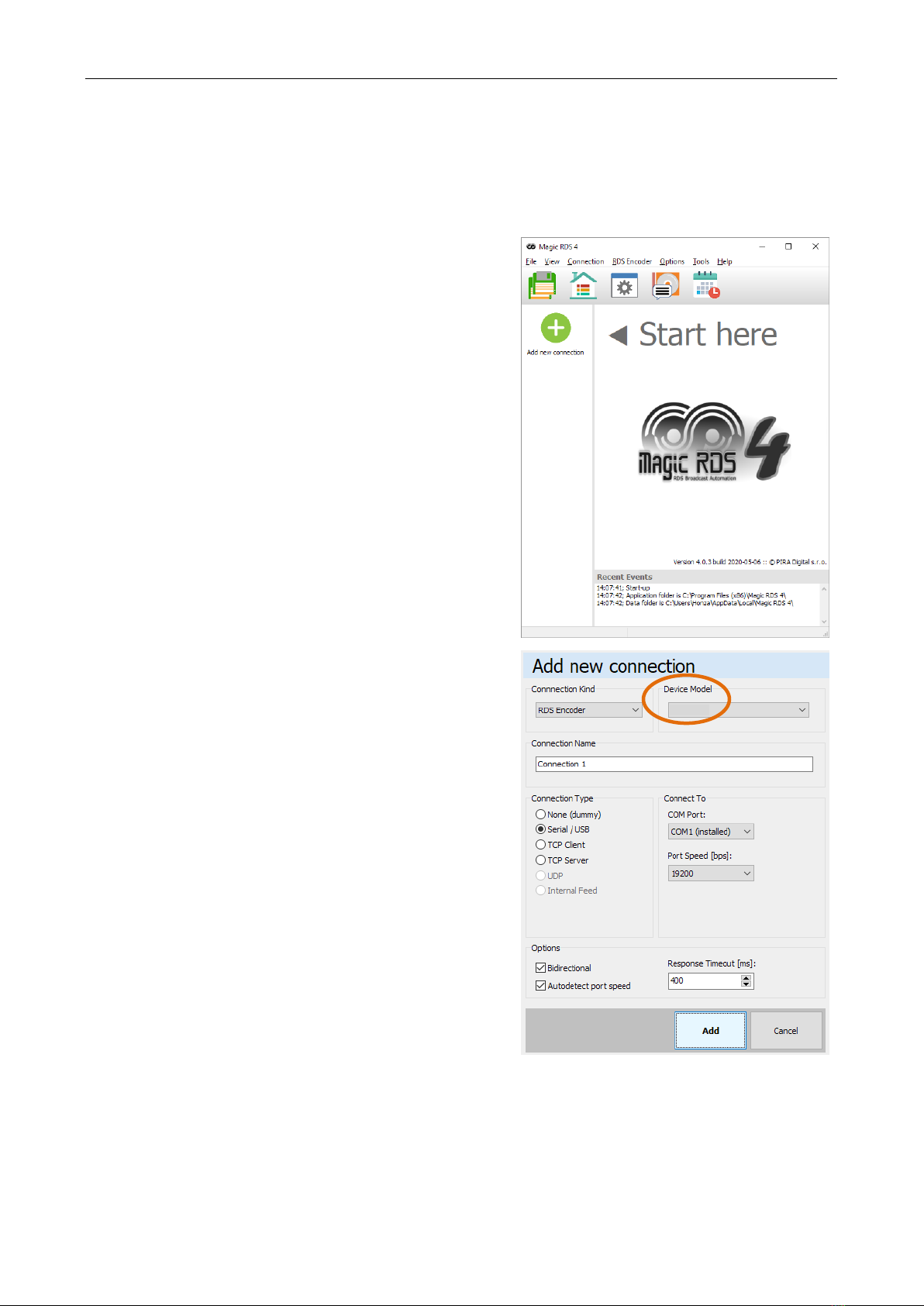
4.1 Establishing a First Communication with the RDS Encoder ........................................................................................................................ 10
4.2 Communication Setup.................................................................................................................................................................................. 11
4.3 Setting Basic RDS Data ............................................................................................................................................................................... 12
4.3.1 PI (Program Identification).................................................................................................................................................................. 12
4.3.2 PS (Program Service name)............................................................................................................................................................... 12
4.3.3 PTY (Program Type) .......................................................................................................................................................................... 12
4.3.4 TP (Traffic Program)........................................................................................................................................................................... 13
4.3.5 MS (Music/Speech) ............................................................................................................................................................................ 13
4.3.6 AF (Alternative Frequencies).............................................................................................................................................................. 13
5Broadcast Automation System Link-up ........................................................................................................................................................ 14
5.1 Indirect Link.................................................................................................................................................................................................. 14
5.2 Direct Link .................................................................................................................................................................................................... 14
5.2.1 Physical port connection setup procedure ......................................................................................................................................... 14
5.2.2 Data format......................................................................................................................................................................................... 15
5.2.3 Compatibility commands .................................................................................................................................................................... 15
5.2.4 Radiotext Plus (RT+ tagging) ............................................................................................................................................................. 15
5.2.5 X-Command for RDS encoders.......................................................................................................................................................... 15