manuals.online logo
Brands
  1. Home
  2. •
  3. Brands
  4. •
  5. red lion
  6. •
  7. Network Router
  8. •
  9. red lion RAM-6021M12 Operating and maintenance instructions

red lion RAM-6021M12 Operating and maintenance instructions

Other red lion Network Router manuals

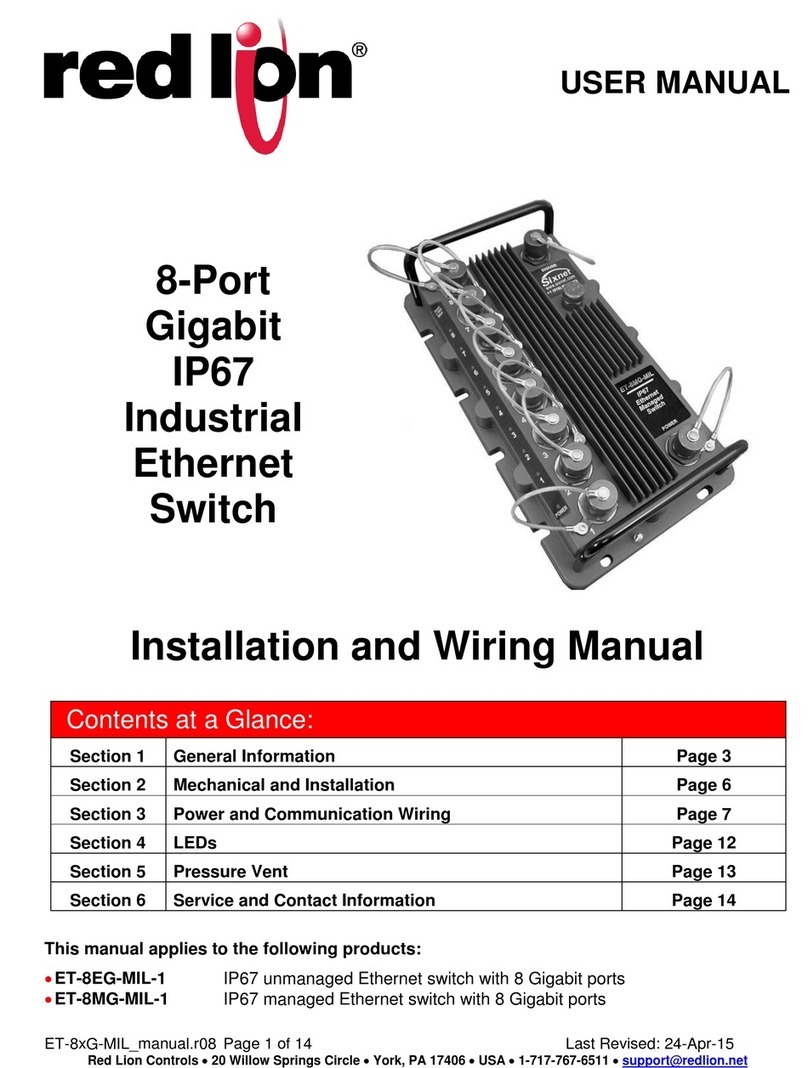
red lion ET-18MG-MIL-SS User manual

red lion

red lion ET-18MG-MIL-SS User manual

red lion RAM 6000 User manual

red lion

red lion RAM 6000 User manual

red lion RAM-6021 Safety guide

red lion

red lion RAM-6021 Safety guide

red lion NT24k Series User manual

red lion

red lion NT24k Series User manual

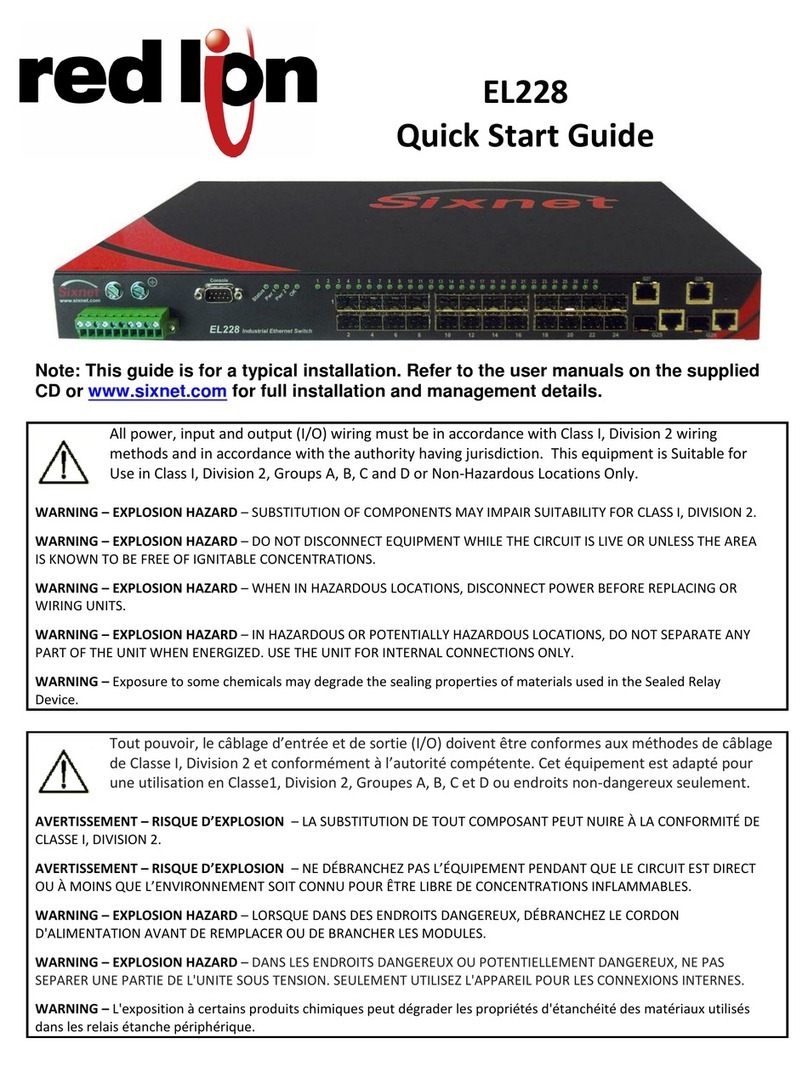
red lion EL228 User manual

red lion

red lion EL228 User manual

red lion IndustrialPro SN-6621 User manual

red lion

red lion IndustrialPro SN-6621 User manual

red lion RAM-6021 User manual

red lion

red lion RAM-6021 User manual

red lion ET-8ES-MIL-1 User manual

red lion

red lion ET-8ES-MIL-1 User manual

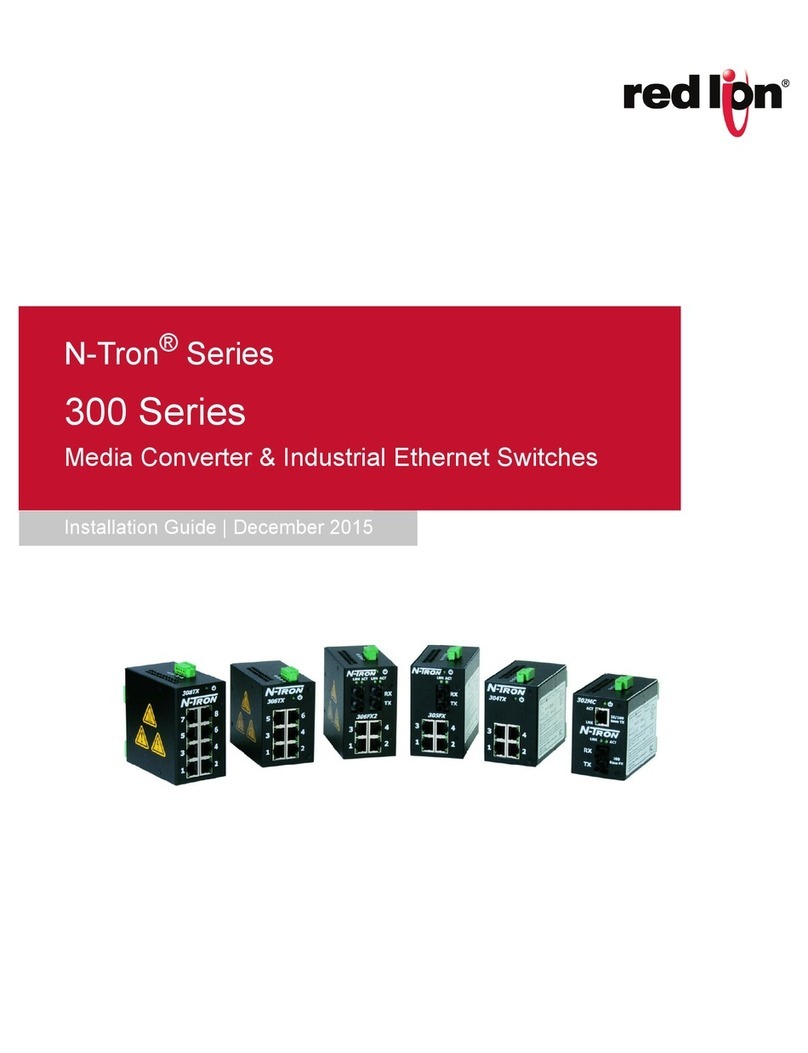
red lion N-Tron Series User manual

red lion

red lion N-Tron Series User manual

red lion SN-66 series Mounting instructions

red lion

red lion SN-66 series Mounting instructions

red lion ET-8EG-MIL-1 User manual

red lion

red lion ET-8EG-MIL-1 User manual

red lion IndustrialPro SN 6000 User manual

red lion

red lion IndustrialPro SN 6000 User manual

red lion N-Tron 302MC Installation instructions

red lion

red lion N-Tron 302MC Installation instructions

red lion Sixnet BT/SN-660 Series Installation instructions

red lion

red lion Sixnet BT/SN-660 Series Installation instructions

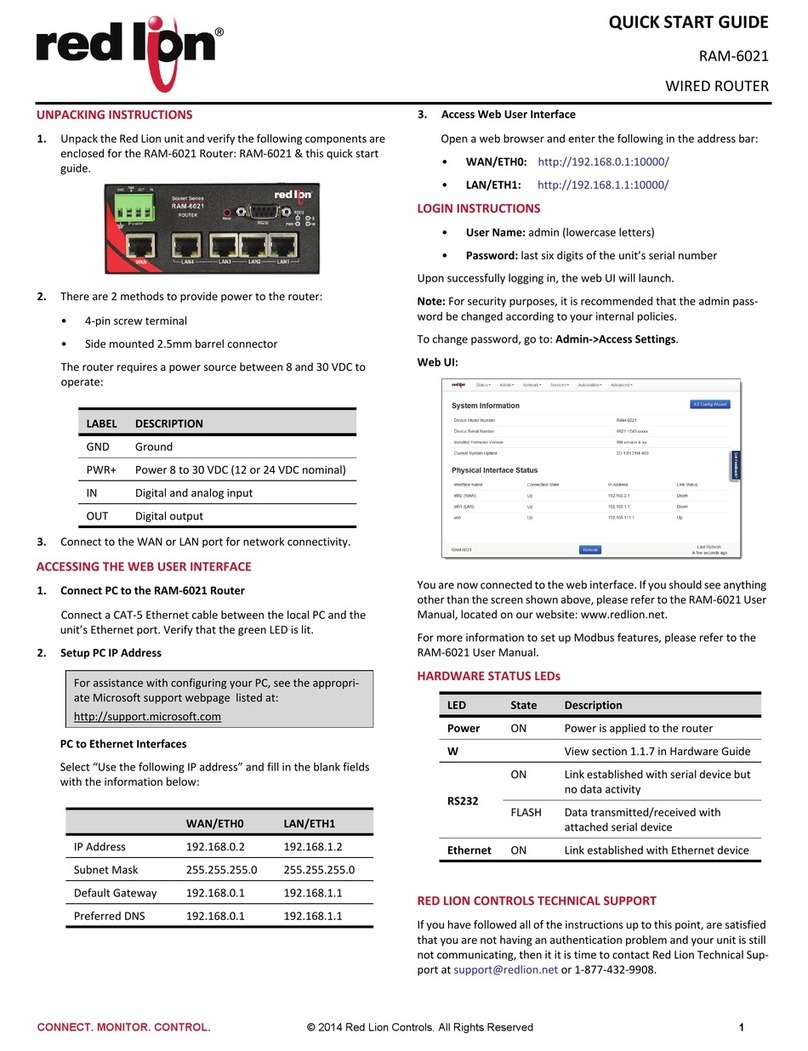
red lion RAM-6021 Installation instructions

red lion

red lion RAM-6021 Installation instructions

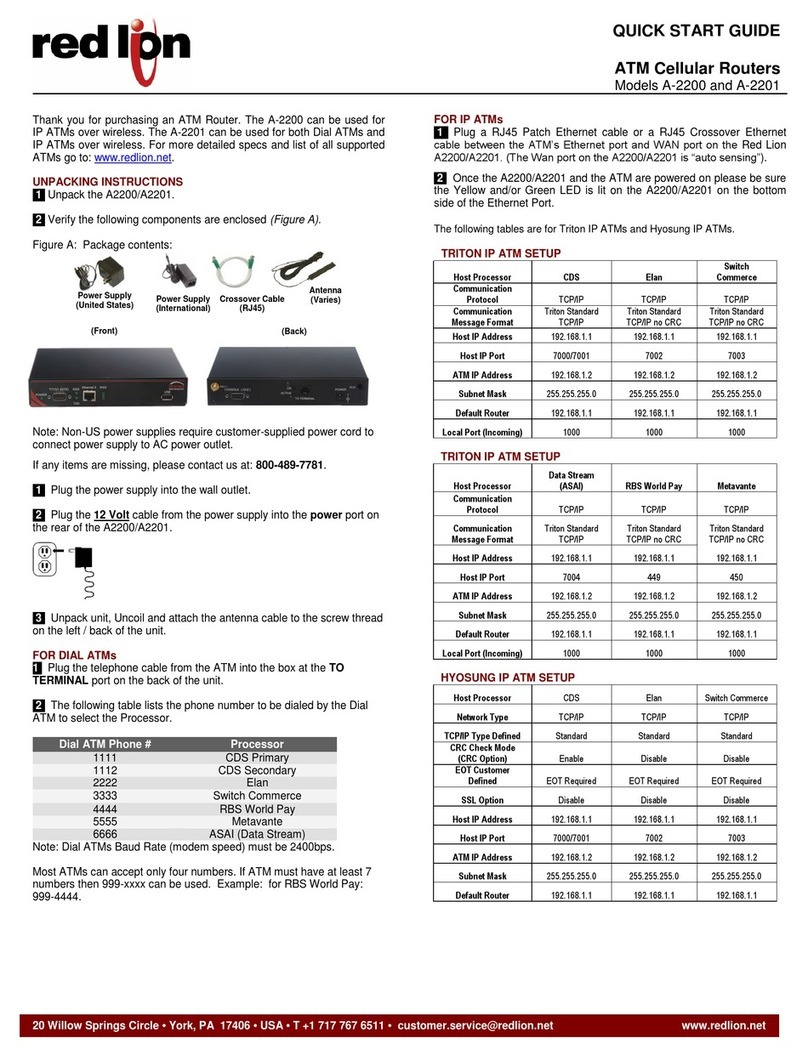
red lion A-2200 User manual

red lion

red lion A-2200 User manual

red lion RAM-6021 User manual

red lion

red lion RAM-6021 User manual

red lion RAM-6021 User manual

red lion

red lion RAM-6021 User manual

Popular Network Router manuals by other brands

TRENDnet TEW-435BRM - 54MBPS 802.11G Adsl Firewall M Quick installation guide

TRENDnet

TRENDnet TEW-435BRM - 54MBPS 802.11G Adsl Firewall M Quick installation guide

Siemens SIMOTICS CONNECT 400 manual

Siemens

Siemens SIMOTICS CONNECT 400 manual

Alfa Network ADS-R02 Specifications

Alfa Network

Alfa Network ADS-R02 Specifications

Barracuda Networks Link Balancer quick start guide

Barracuda Networks

Barracuda Networks Link Balancer quick start guide

ZyXEL Communications ES-2024PWR Support notes

ZyXEL Communications

ZyXEL Communications ES-2024PWR Support notes

HPE FlexNetwork 5510 HI Series Openflow configuration guide

HPE

HPE FlexNetwork 5510 HI Series Openflow configuration guide

Allied Telesis AT-AR236E quick start guide

Allied Telesis

Allied Telesis AT-AR236E quick start guide

ADTRAN NetVanta 3458-PoE quick start

ADTRAN

ADTRAN NetVanta 3458-PoE quick start

C&H Technologies EM405-8 manual

C&H Technologies

C&H Technologies EM405-8 manual

Huawei WiFi Mesh 3 Product description

Huawei

Huawei WiFi Mesh 3 Product description

Addonics Technologies ISC8P2G-S Quick install guide

Addonics Technologies

Addonics Technologies ISC8P2G-S Quick install guide

Atel W02 Arch+ Faqs

Atel

Atel W02 Arch+ Faqs

Allnet ALL0333AU user guide

Allnet

Allnet ALL0333AU user guide

Sercomm Genesis OC3505D Quick installation guide

Sercomm

Sercomm Genesis OC3505D Quick installation guide

Billion BIPAC 5102 Series user manual

Billion

Billion BIPAC 5102 Series user manual

TP-Link TD-8817 QIG

TP-Link

TP-Link TD-8817 QIG

Motorola MR1900 user guide

Motorola

Motorola MR1900 user guide

Cisco SOHO Series Regulatory compliance and safety information

Cisco

Cisco SOHO Series Regulatory compliance and safety information

manuals.online logo
manuals.online logoBrands
  • About & Mission
  • Contact us
  • Privacy Policy
  • Terms and Conditions

Copyright 2025 Manuals.Online. All Rights Reserved.

Inside US: +1 (877) 432-9908 Quick Start Guide
Outside US: +1 (717) 767-6511 RAM® Series
www.redlion.net Drawing No. LP1061-A
-1-
RAM® 6021M12 Router
Unpacking Instructions
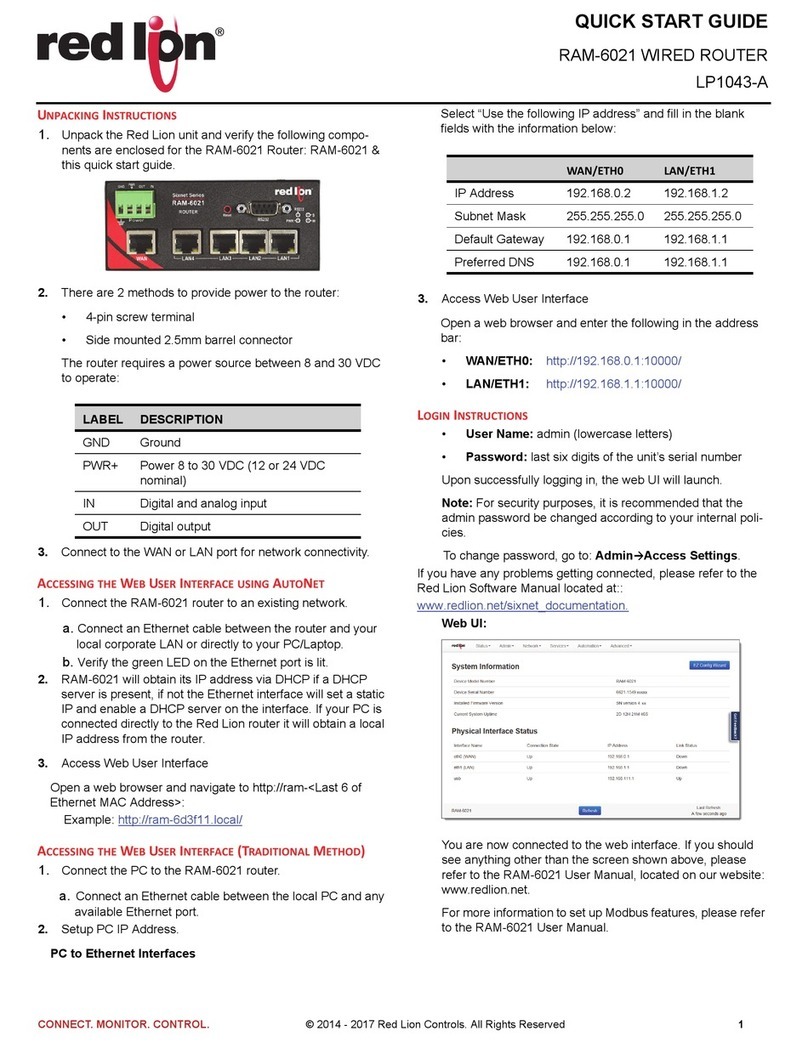
1. Unpack the Red Lion unit and verify the following components are enclosed in the package:
•Quick Start Guide
•RAM-6021M12 Router
2. The RAM-6021M12 is powered by two redundant power inputs located on a single 5-pin
M12 A-coded connector.
•The router requires a power source rated between 8 and 49 VDC
3. Connect to the WAN or LAN port for network connectivity.
Item Description
Input Voltage Power 8 to 49 VDC
Steady Input Current 0.15A @ 24VDC
BTU/hr 12.25
Inrush Current 33.9A/0.0287ms @ 24VDC
Accessing the Web User Interface using AutoNet
1. Connect the RAM-6021M12 router to an existing network.
a. Connect an Ethernet cable between the router and your
local corporate LAN or directly to your PC/Laptop.
b. Verify the green LED on the Ethernet port is lit.
2. RAM-6021M12 will obtain its IP address via DHCP if a
DHCP server is present, if not the Ethernet interface will set
a static IP and enable a DHCP server on the interface. If
your PC is connected directly to the Red Lion router it will
obtain a local IP address from the router.
3. Access Web User Interface
Open a web browser and navigate to http://ram-<Last 6 of
Ethernet MAC Address>:
Example: http://ram-6d3f11.local/
Accessing the Web User Interface (Traditional Method)
1. Connect the PC to the RAM-6021M12 router.
a. Connect an Ethernet cable between the local PC and any
available Ethernet port.
2. Setup PC IP Address.
PC to Ethernet Interfaces
Select “Use the following IP address” and fill in the blank
fields with the information below:
3. Access Web User Interface
Open a web browser and enter the following in the address
bar:
•WAN/ETH0: http://192.168.0.1:10000/
•LAN/ETH1: http://192.168.1.1:10000/
Login Instructions
•User Name: admin (lowercase letters)
•Password: last six digits of the unit’s serial number
Upon successfully logging in, the web UI will launch.
Note: For security purposes, it is recommended that the
admin password be changed according to your internal
policies.
To change password, go to: AdminAccess Settings.
If you have any problems getting connected, please refer to
the Red Lion Software Manual located at:
http://www.redlion.net
Web UI:
Item WAN/ETH0 LAN/ETH1
IP Address 192.168.0.2 192.168.1.2
Subnet Mask 255.255.255.0 255.255.255.0
Default Gateway 192.168.0.1 192.168.1.1
Preferred DNS 192.168.0.1 192.168.1.1
Inside US: +1 (877) 432-9908 Quick Start Guide
Outside US: +1 (717) 767-6511 RAM® Series
www.redlion.net Drawing No. LP1061-A
-2-
You are now connected to the web interface. If you should
see anything other than the screen shown above, please
refer to the RAM-6021M12 User Manual, located on our
website: www.redlion.net.
For more information to set up Modbus features, please
refer to the RAM-6021M12 User Manual.
Hardware Status LEDs
Red Lion Controls Technical Support
If you have followed all of the instructions up to this point,
are satisfied that you are not having an authentication
problem and your unit is still not communicating, then it is
time to contact Red Lion Technical Support at:
[email protected] or call
Inside US:+1 (877) 432-9908
Outside US: +1 (717) 767-6511
Installation and Hazardous Area Warnings
All power, input and output I/O wiring must be in accordance
with Class I, Division 2 wiring methods are in accordance
with the authority having jurisdiction. This equipment is
suitable for Use in Class 1, Division 2, Groups A, B, C and D
or Non-Hazardous Locations Only.
WARNING - EXPLOSION HAZARD - DO NOT
DISCONNECT EQUIPMENT UNLESS POWER HAS BEEN
SWITCHED OFF OR THE AREA IS KNOWN TO BE NON-
HAZARDOUS.
WARNING - DO NOT REMOVE OR REPLACE PORT
CONNECTIONS WHILE CIRCUIT IS LIVE UNLESS THE
AREA IS KNOWN TO BE FREE OF IGNITIBLE
CONCENTRATIONS OF FLAMMABLE SUBSTANCES. For
the required marking for the port connections, instruction
shall be included indicating that the marking shall be
displayed on a prominent place on the end-enclosure.
These devices are open-type devices that are to be installed
in a tool only accessible enclosure suitable for the
environment.
T-Code of T4A was established.
Avertissements Pour Installation et Endroits Dangereux
Tout pouvoir, le câblage d'entrée et de sortie (I/O) doivent
être conformes aux méthodes de câblage de Classe I,
Division 2 et conformément à l'autorité compétente. Cet
équipement est adapté pour une utilisation en Classe1,
Division 2, Groupes A, B, C et D ou endroits non-dangereux
seulement
AVERTISSEMENT - RISQUE D'AVERTISSEMENT - NE
DÉBRANCHEZ PAS L'ÉQUIPEMENT PENDANT QUE LE
CIRCUIT EST DIRECT OU À MOINS QUE
L'ENVIRONNEMENT SOIT CONNU POUR ÊTRE NON-
DANGEREUX.
AVERTISSEMENT - NE PAS RETIRER OU REMPLACER
LES CONNEXIONS DE PORT ALORS QUE LE CIRCUIT
EST VIVRE À MOINS QUE LA RÉGION EST CONNUE
POUR ÊTRE LIBRE D'IGNITIBLE LES
CONCENTRATIONS DE SUBSTANCES INFLAMMABLES.
Pour le marquage obligatoire pour les connexions de port,
l'enseignement doit être inclus en indiquant que le
marquage doit être affichée sur une place de premier plan
dans l'enceinte.
Ces appareils sont de type ouvert matériels qui doivent être
installés dans un boîtier de l'outil accessible uniquement
adapté à l'environnement.
T-Code de T4A a été établie.
LED State Description
Power ON Power is applied to the router
W Refer to Hardware Guide for details
RS232 ON Link established with serial device but

no data activity
FLASH Data transmitted/received with
attached serial device

Ethernet ON Link established with Ethernet device