manuals.online logo
Brands
  1. Home
  2. •
  3. Brands
  4. •
  5. Resolution Products
  6. •
  7. Accessories
  8. •
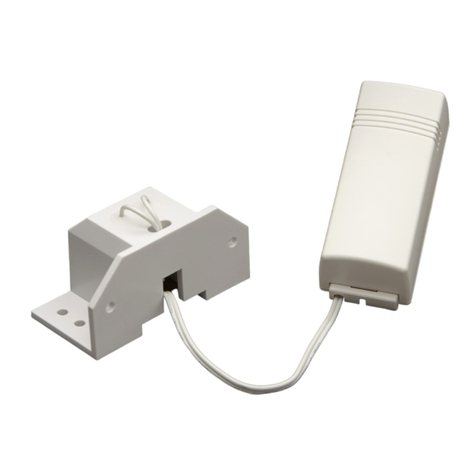
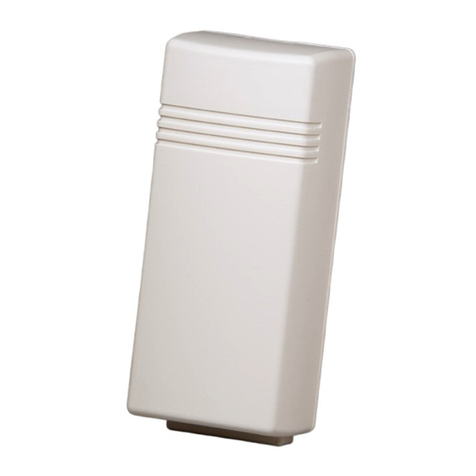
  9. Resolution Products Alula RE306 User manual

Resolution Products Alula RE306 User manual

Other Resolution Products Accessories manuals

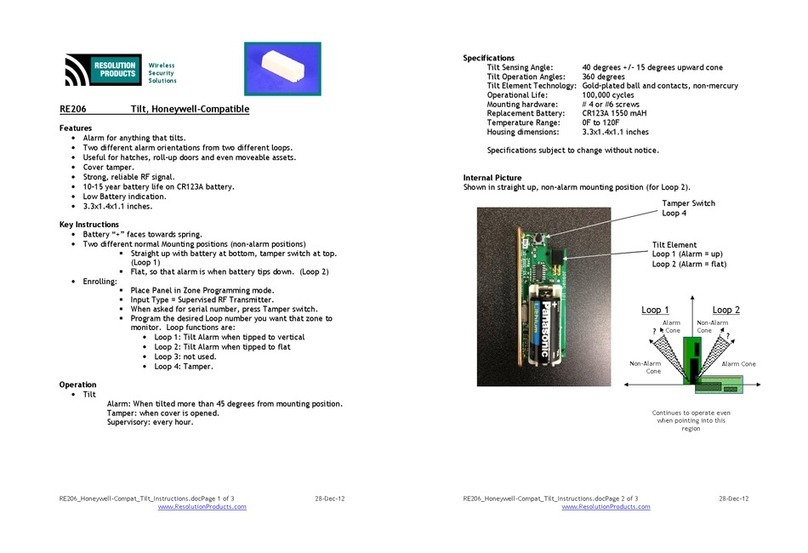
Resolution Products RE206 Operating and maintenance instructions

Resolution Products

Resolution Products RE206 Operating and maintenance instructions

Resolution Products RE619 User manual

Resolution Products

Resolution Products RE619 User manual

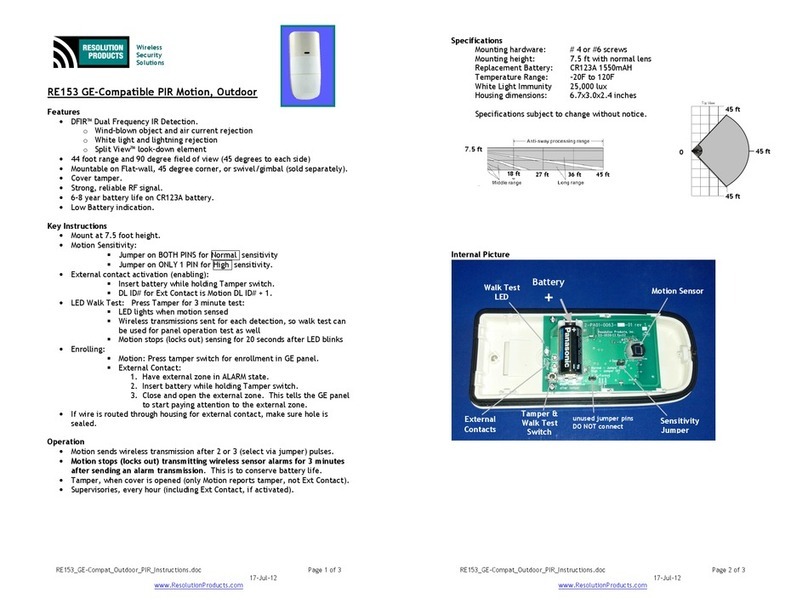
Resolution Products RE153 User manual

Resolution Products

Resolution Products RE153 User manual

Resolution Products RE305 User manual

Resolution Products

Resolution Products RE305 User manual

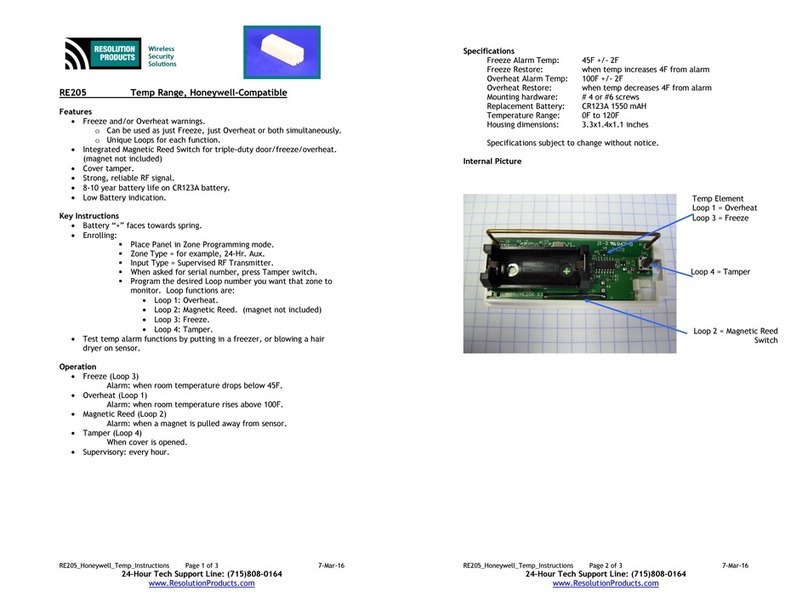
Resolution Products RE205 User manual

Resolution Products

Resolution Products RE205 User manual

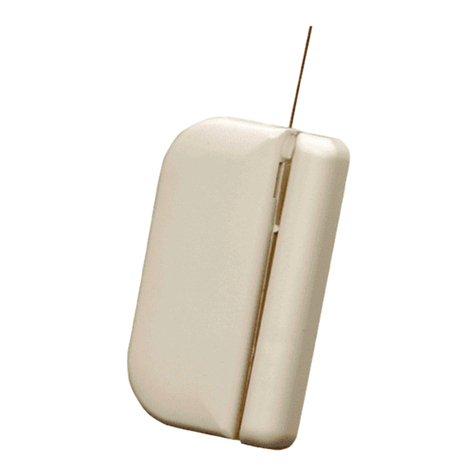
Resolution Products RE311 Mighty Mouse User manual

Resolution Products

Resolution Products RE311 Mighty Mouse User manual

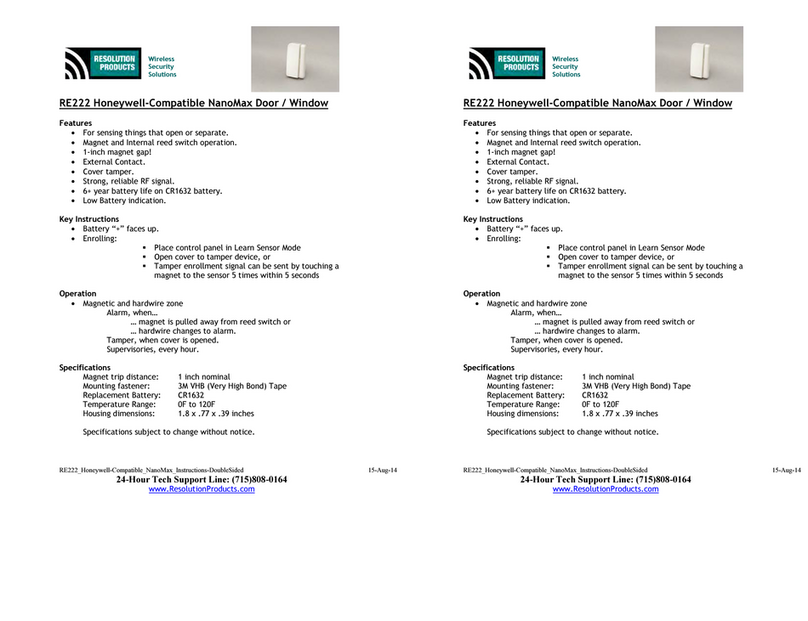
Resolution Products RE222 User manual

Resolution Products

Resolution Products RE222 User manual

Popular Accessories manuals by other brands

Quincy lab 140AE-1 operating manual

Quincy lab

Quincy lab 140AE-1 operating manual

HomePro ZIR000 user manual

HomePro

HomePro ZIR000 user manual

DOL 20SCR Technical user guide

DOL

DOL 20SCR Technical user guide

RAB Smart Task installation manual

RAB

RAB Smart Task installation manual

Kemppi KMS 300 quick guide

Kemppi

Kemppi KMS 300 quick guide

Stearns 57,500 Series Installation and service instructions

Stearns

Stearns 57,500 Series Installation and service instructions

iGuzzini TWILIGHT COPENAGHEN manual

iGuzzini

iGuzzini TWILIGHT COPENAGHEN manual

Adelaide Annexe & Canvas Avan Deluxe installation guide

Adelaide Annexe & Canvas

Adelaide Annexe & Canvas Avan Deluxe installation guide

OHAUS 5000 instruction manual

OHAUS

OHAUS 5000 instruction manual

HOME8 WLS1300 quick start guide

HOME8

HOME8 WLS1300 quick start guide

MAXBOTIX MaxSonar quick start guide

MAXBOTIX

MAXBOTIX MaxSonar quick start guide

ioSmart iSmart56 Installation and user guide

ioSmart

ioSmart iSmart56 Installation and user guide

Focusrite Scarlett 18i8 user guide

Focusrite

Focusrite Scarlett 18i8 user guide

Velleman ED38105 user manual

Velleman

Velleman ED38105 user manual

JumpSport SkyBounce user manual

JumpSport

JumpSport SkyBounce user manual

Prima-Temp PRIYA Instructions for use

Prima-Temp

Prima-Temp PRIYA Instructions for use

Tefcold BC85I-BC85I W user manual

Tefcold

Tefcold BC85I-BC85I W user manual

Vaisala WMS302 user guide

Vaisala

Vaisala WMS302 user guide

manuals.online logo
manuals.online logoBrands
  • About & Mission
  • Contact us
  • Privacy Policy
  • Terms and Conditions

Copyright 2025 Manuals.Online. All Rights Reserved.

RE306_DSC-Compat_Tilt_Instructions Page 1 of 3 16-Ma -14
24-Hour Tech Support Line: (715)808-0164
www.ResolutionProducts.com
Wireless
Security
Solutions
RE306 Tilt, DSC-Compatible
Features
• Alarm for anything that tilts.
• Useful for hatches, roll-up doors and even moveable assets.
• Cover tamper.
• Strong, reliable RF signal.
• 1 -15 year battery life on CR123A battery.
• Low Battery indication.
• 3.3x1.4x1.1 inches.
Key Instructions
• Battery “+” faces towards spring.
• Normal Mounting position (non-alarm):
 Straight up with battery at bottom, tamper switch at top.
 Mounting upside down will cause over-sensitivity and false
alarms.
• Enrolling Tilt in DSC Panel:
 Put panel in Wireless Enrollment Mode.
 Start with Tilt in the NON-Alarm state (vertical, battery down).
 Tilt the sensor that you want to enroll.
 Confirm ESN, Enter Zone # and Zone Type on DSC Panel.
 May also be enrolled via entering ESN.
Operation
• Tilt
Alarm: When tilted more than 45 degrees from mounting position.
Tamper: when cover is opened.
Supervisory: every hour.
RE306_DSC-Compat_Tilt_Instructions Page 2 of 3 16-Ma -14
24-Hour Tech Support Line: (715)808-0164
www.ResolutionProducts.com
Specifications
Tilt Alarm Angle: 45 degrees +/- 15 degrees upwards cone
Tilt Operation Angles: degrees (straight up) to 9 degrees (flat)
Tilt Element Technology: Stainless steel ball, non-mercury
Operational Life: 1 , cycles
Mounting hardware: # 4 or #6 screws
Replacement Battery: CR123A 155 mAH
Temperature Range: F to 12 F
Housing dimensions: 3.3x1.4x1.1 inches
Specifications subject to change without notice.
Internal Picture
Shown in straight up, non-alarm mounting position.
Tilt Element
Non
-
Alarm
Con
e
Non
-
Alarm
Cone
Alarm Cone
Alarm Cone
Do not use sensor in applications where the top
would tilt down into this region… even in alarm
Tamper Switch

RE306_DSC-Compat_Tilt_Instructions Page 3 of 3 16-Ma -14
24-Hour Tech Support Line: (715)808-0164
www.ResolutionProducts.com
Notices
“GE”, “Hone well”, and “DSC” are trademarks owned b General Electric Compan , Hone well
International Inc., and T co Safet Products Canada LTD, respectivel .
Resolution Products, Inc. products will function with one of either GE, DSC or Hone well
s stems. However, no Resolution product is produced b , endorsed b , nor is officiall
associated with GE, Hone well or DSC. Resolution recommends verif ing proper enrollment
and operation, per control panel installation instructions, at installation.
Warrant
Resolution Products, Inc. will replace products that are defective in their first five (5) ears.
FCC Notice
This device complies with Part 15 of the FCC rules. Operation is subject to the
following two conditions:
This device ma not cause harmful interference.
This device must accept an interference that ma be received, including
interference that ma cause undesired operation.
Changes or modifications not expressl approved b the Resolution Products, Inc. could
void the user's authorit to operate this equipment.
FCC ID: U5X-RE301
IC Notice
This device complies with Industr Canada license-exempt RSS standard(s). Operation is
subject to the following two conditions:
(1)This device ma not cause interference, and
(2)This device must accept an interference, including interference that ma
cause undesired operation of the device.
Le présent appareil est conforme aux CNR d'Industrie Canada applicables aux appareils
radio exempts de licence. L'exploitation est autorisée aux deux conditions suivantes :
(1)l'appareil ne doit pas produire de brouillage, et
(2)l'utilisateur de l'appareil doit accepter tout brouillage radioélectrique subi,
même si le brouillage est susceptible d'en compromettre le fonctionnement.
IC: 8310A-RE301