manuals.online logo
Brands
  1. Home
  2. •
  3. Brands
  4. •
  5. Rohde & Schwarz
  6. •
  7. Receiver
  8. •
  9. Rohde & Schwarz R&S EPL1000 User manual

Rohde & Schwarz R&S EPL1000 User manual

Other manuals for R&S EPL1000

1

Other Rohde & Schwarz Receiver manuals

Rohde & Schwarz PR100 User manual

Rohde & Schwarz

Rohde & Schwarz PR100 User manual

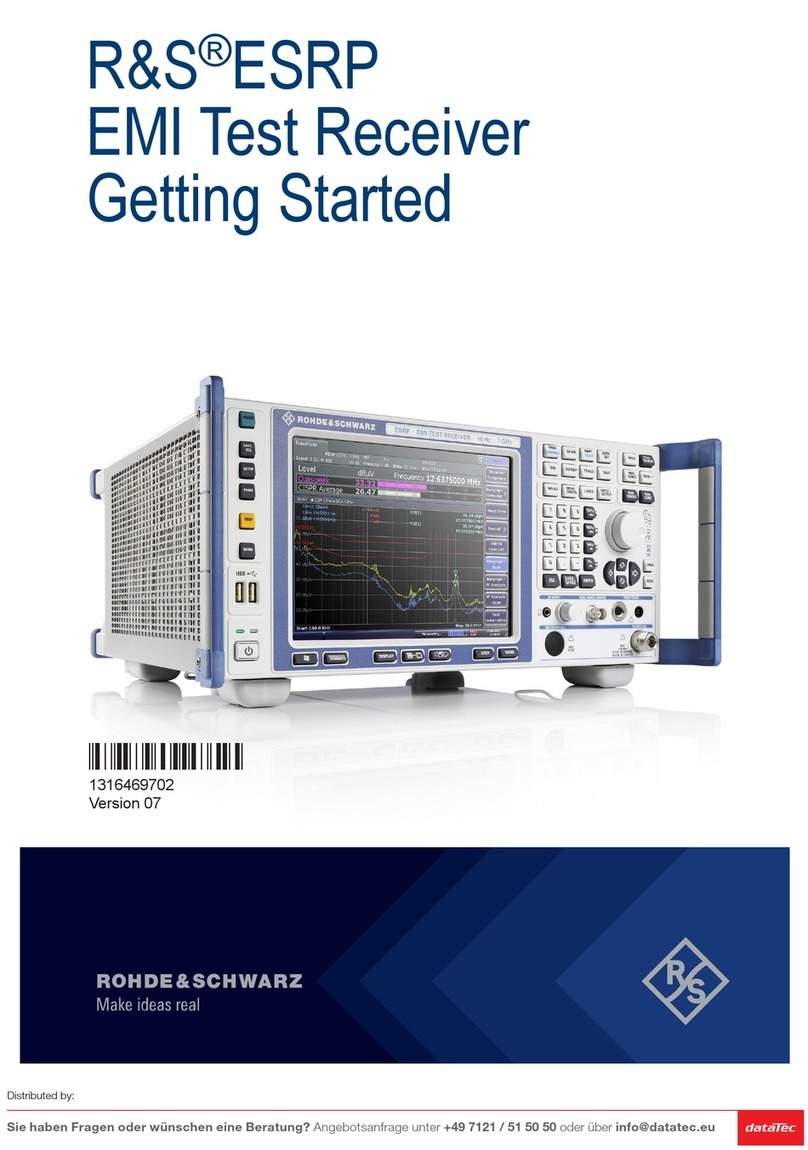
Rohde & Schwarz ESRP EMI User manual

Rohde & Schwarz

Rohde & Schwarz ESRP EMI User manual

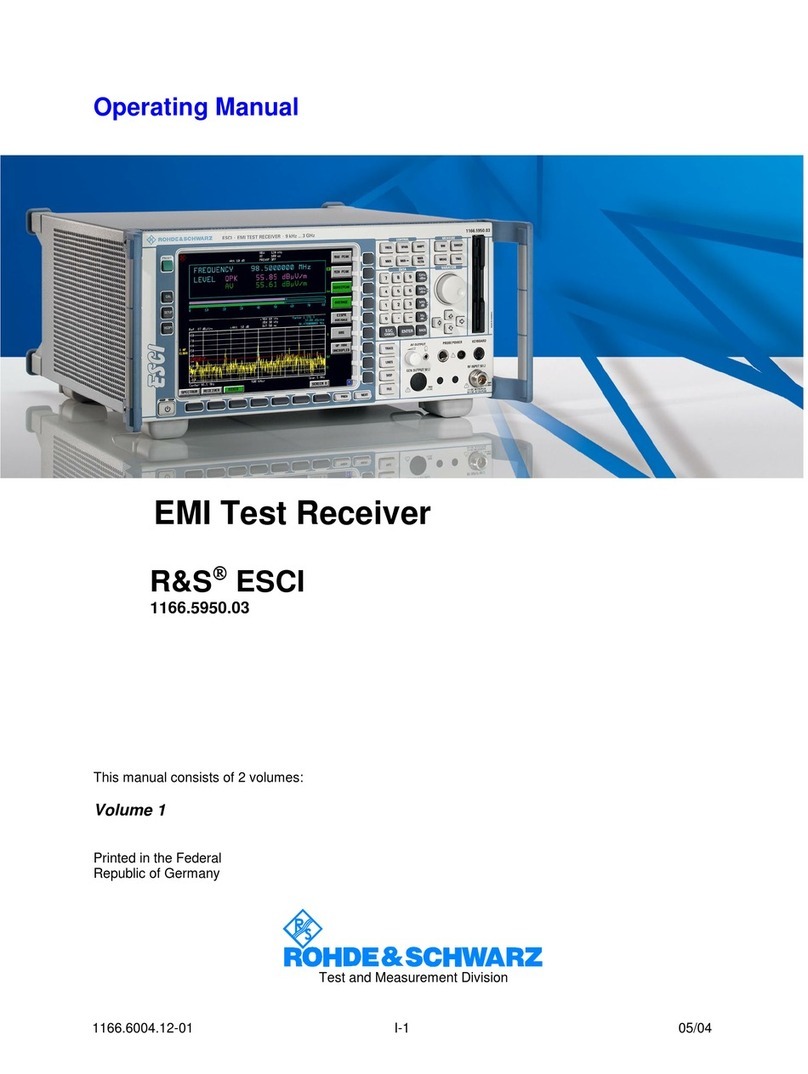
Rohde & Schwarz EMI Test ReceiverESCI User manual

Rohde & Schwarz

Rohde & Schwarz EMI Test ReceiverESCI User manual

Rohde & Schwarz ESL3 User manual

Rohde & Schwarz

Rohde & Schwarz ESL3 User manual

Rohde & Schwarz S4200 User manual

Rohde & Schwarz

Rohde & Schwarz S4200 User manual

Rohde & Schwarz EB200 User manual

Rohde & Schwarz

Rohde & Schwarz EB200 User manual

Rohde & Schwarz EK 895 User manual

Rohde & Schwarz

Rohde & Schwarz EK 895 User manual

Rohde & Schwarz R&S ESW User manual

Rohde & Schwarz

Rohde & Schwarz R&S ESW User manual

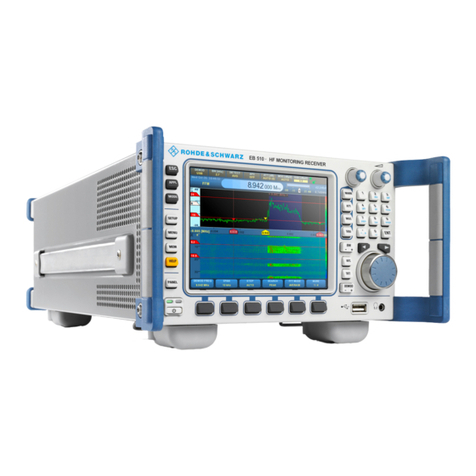
Rohde & Schwarz EB510 User manual

Rohde & Schwarz

Rohde & Schwarz EB510 User manual

Rohde & Schwarz 890 Series User manual

Rohde & Schwarz

Rohde & Schwarz 890 Series User manual

Popular Receiver manuals by other brands

Televes ZAS HD SAT user manual

Televes

Televes ZAS HD SAT user manual

Realistic DX-75 Operating and service instructions

Realistic

Realistic DX-75 Operating and service instructions

Saris 4620 Assembly instructions

Saris

Saris 4620 Assembly instructions

Mini DTR 206C PVR user manual

Mini

Mini DTR 206C PVR user manual

RF Elements TwistPort manual

RF Elements

RF Elements TwistPort manual

Denon DN-200WS user guide

Denon

Denon DN-200WS user guide

Yamaha RX-V467 owner's manual

Yamaha

Yamaha RX-V467 owner's manual

Russound SaphIR 858 instruction manual

Russound

Russound SaphIR 858 instruction manual

Quasonix RDMS Firmware update procedure

Quasonix

Quasonix RDMS Firmware update procedure

Pioneer XV-HTD1 Service manual

Pioneer

Pioneer XV-HTD1 Service manual

ATZ HDMI-V2-44HE150 manual

ATZ

ATZ HDMI-V2-44HE150 manual

Sony XNV-770BT MyTomTom Specifications

Sony

Sony XNV-770BT MyTomTom Specifications

Grundig STR 7122 TWIN Service manual

Grundig

Grundig STR 7122 TWIN Service manual

Creative Blaster Modem user guide

Creative

Creative Blaster Modem user guide

Panduit ATLONA AT-OME-RX11 installation guide

Panduit

Panduit ATLONA AT-OME-RX11 installation guide

VOLTCRAFT UTPS-40 operating instructions

VOLTCRAFT

VOLTCRAFT UTPS-40 operating instructions

JVC KW-ADV794 instructions

JVC

JVC KW-ADV794 instructions

Litelink VT-1001 operating instructions

Litelink

Litelink VT-1001 operating instructions

manuals.online logo
manuals.online logoBrands
  • About & Mission
  • Contact us
  • Privacy Policy
  • Terms and Conditions

Copyright 2025 Manuals.Online. All Rights Reserved.

R&S®EPL1000
EMI Test Receiver
Getting Started
1179567602
Version 01
(;ÝÆÚ2)
This manual applies to the following R&S®EPL1000 models with firmware version
1.00 and later:
●R&S®EPL1000 (1350.4444K10)
© 2023 Rohde & Schwarz GmbH & Co. KG
Muehldorfstr. 15, 81671 Muenchen, Germany
Phone: +49 89 41 29 - 0
Email: [email protected]
Internet: www.rohde-schwarz.com
Subject to change – data without tolerance limits is not binding.
R&S® is a registered trademark of Rohde & Schwarz GmbH & Co. KG.
Trade names are trademarks of the owners.
1179.5676.02 | Version 01 | R&S®EPL1000
Throughout this manual, products from Rohde & Schwarz are indicated without the ® symbol , e.g.
R&S®EPL1000 is indicated as R&S EPL1000, R&S® EPL1-Bxx/-Kxx is indicated as R&S EPL1-Bxx/-Kxx.
Contents
R&S®EPL1000
3Getting Started 1179.5676.02 ─ 01
Contents
1 Safety and regulatory information....................................... 5
1.1 Safety instructions................................................................................5
1.2 Labels on R&S EPL1000.......................................................................9
1.3 Warning messages in the documentation........................................ 10
1.4 Korea certification class A.................................................................10
2 Documentation overview.................................................... 11
2.1 Getting started manual....................................................................... 11
2.2 User manuals and help.......................................................................11
2.3 Service manual....................................................................................12
2.4 Instrument security procedures........................................................ 12
2.5 Printed safety instructions.................................................................12
2.6 Data sheets and brochures................................................................12
2.7 Release notes and open source acknowledgment (OSA)...............13
2.8 Application notes, application cards, white papers, etc................. 13
2.9 Video tutorials..................................................................................... 13
2.10 Calibration certificate......................................................................... 13
3 Key features......................................................................... 14
4 Preparing for use................................................................. 15
4.1 Lifting and carrying............................................................................ 15
4.2 Unpacking and checking....................................................................15
4.3 Choosing the operating site.............................................................. 16
4.4 Setting up the R&S EPL1000............................................................. 16
4.5 Connecting to power.......................................................................... 19
4.6 Switching on or off............................................................................. 22
Contents
R&S®EPL1000
4Getting Started 1179.5676.02 ─ 01
4.7 Connecting to LAN............................................................................. 24
4.8 Connecting a keyboard...................................................................... 25
4.9 Connecting an external monitor........................................................25
4.10 Windows operating system................................................................27
4.11 Logging on.......................................................................................... 29
4.12 Checking the supplied options..........................................................31
4.13 Performing a self-alignment.............................................................. 32
4.14 Considerations for test setup............................................................ 32
5 Instrument tour.................................................................... 34
5.1 Front panel view..................................................................................34
5.2 Rear panel view...................................................................................41
6 Operating the instrument....................................................48
6.1 Understanding the display information............................................ 48
6.2 Accessing the functionality............................................................... 56
6.3 Entering data....................................................................................... 61
6.4 Touchscreen gestures........................................................................63
6.5 Getting help......................................................................................... 66
7 Customer support................................................................68
7.1 Collecting information for support....................................................68
7.2 Contacting customer support............................................................70
Index..................................................................................... 72
Safety and regulatory information
R&S®EPL1000
5Getting Started 1179.5676.02 ─ 01
1 Safety and regulatory information
The product documentation helps you use the product safely and efficiently. Fol-
low the instructions provided here and in the following chapters.
Intended use
The product is intended for the development, production and verification of elec-
tronic components and devices in industrial, administrative, and laboratory envi-
ronments. Use the product only for its designated purpose. Observe the operating
conditions and performance limits stated in the data sheet.
Where do I find safety information?
Safety information is part of the product documentation. It warns you of potential
dangers and gives instructions on how to prevent personal injury or damage
caused by dangerous situations. Safety information is provided as follows:
●In Chapter 1.1, "Safety instructions", on page 5. The same information is
provided in many languages as printed "Safety Instructions". The printed
"Safety Instructions" are delivered with the product.
●Throughout the documentation, safety instructions are provided when you
need to take care during setup or operation.
1.1 Safety instructions
Products from the Rohde & Schwarz group of companies are manufactured
according to the highest technical standards. To use the products safely, follow
the instructions provided here and in the product documentation. Keep the prod-
uct documentation nearby and offer it to other users.
Use the product only for its intended use and within its performance limits. Inten-
ded use and limits are described in the product documentation such as the data
sheet, manuals and the printed "Safety Instructions". If you are unsure about the
appropriate use, contact Rohde & Schwarz customer service.
Using the product requires specialists or specially trained personnel. These users
also need sound knowledge of at least one of the languages in which the user
interfaces and the product documentation are available.
Safety instructions
Safety and regulatory information
R&S®EPL1000
6Getting Started 1179.5676.02 ─ 01
Reconfigure or adjust the product only as described in the product documentation
or the data sheet. Any other modifications can affect safety and are not permitted.
Never open the casing of the product. Only service personnel authorized by
Rohde & Schwarz are allowed to repair the product. If any part of the product is
damaged or broken, stop using the product. Contact Rohde & Schwarz customer
service at https://www.rohde-schwarz.com/support.
Lifting and carrying the product
The maximum weight of the product is provided in the data sheet. You can lift or
carry the product by yourself, if you can manage the weight on your own. Alterna-
tively, you can use lifting or transporting equipment. Follow the instructions provi-
ded by the equipment manufacturer.
Choosing the operating site
Only use the product indoors. The product casing is not waterproof. Water that
enters can electrically connect the casing with live parts, which can lead to elec-
tric shock, serious personal injury or death if you touch the casing. If
Rohde & Schwarz provides accessories designed for your product, e.g. a carrying
bag, you can use the product outdoors.
Unless otherwise specified, you can operate the product up to an altitude of
2000 m above sea level. The product is suitable for pollution degree 2 environ-
ments where nonconductive contamination can occur. For more information on
environmental conditions such as ambient temperature and humidity, see the
data sheet.
Setting up the product
Always place the product on a stable, flat and level surface with the bottom of the
product facing down. If the product is designed for different positions, secure the
product so that it cannot fall over.
If the product has foldable feet, always fold the feet completely in or out to ensure
stability. The feet can collapse if they are not folded out completely or if the prod-
uct is moved without lifting it. The foldable feet are designed to carry the weight of
the product, but not an extra load.
If stacking is possible, keep in mind that a stack of products can fall over and
cause injury.
If you mount products in a rack, ensure that the rack has sufficient load capacity
and stability. Observe the specifications of the rack manufacturer. Always install
Safety instructions
Safety and regulatory information
R&S®EPL1000
7Getting Started 1179.5676.02 ─ 01
the products from the bottom shelf to the top shelf so that the rack stands
securely. Secure the product so that it cannot fall off the rack.
Connecting to power
The product is an overvoltage category II product. Connect the product to a fixed
installation used to supply energy-consuming equipment such as household
appliances and similar loads. Keep in mind that electrically powered products
have risks, such as electric shock, fire, personal injury or even death. Replace
parts that are relevant to safety only by original parts, e.g. power cables or fuses.
Take the following measures for your safety:
●Before switching on the product, ensure that the voltage and frequency indica-
ted on the product match the available power source. If the power adapter
does not adjust automatically, set the correct value and check the rating of the
fuse.
●If a product has an exchangeable fuse, its type and characteristics are indica-
ted next to the fuse holder. Before changing the fuse, switch off the product
and disconnect it from the power source. How to change the fuse is described
in the product documentation.
●Only use the power cable delivered with the product. It complies with country-
specific safety requirements. Only insert the plug into an outlet with protective
conductor terminal.
●Only use intact cables and route them carefully so that they cannot be dam-
aged. Check the power cables regularly to ensure that they are undamaged.
Also ensure that nobody can trip over loose cables.
●If you connect the product to an external power supply, use the one delivered
with the product or recommended in the product documentation. The external
power supply must conform to the country-specific regulations.
●Only connect the product to a power source with a fuse protection of maxi-
mum 20 A.
●Ensure that you can disconnect the product from the power source at any
time. Pull the power plug to disconnect the product. The power plug must be
easily accessible. If the product is integrated into a system that does not meet
these requirements, provide an easily accessible circuit breaker at the system
level.
Safety instructions
Safety and regulatory information
R&S®EPL1000
8Getting Started 1179.5676.02 ─ 01
Handling batteries safely
The product contains exchangeable or built-in lithium polymer or lithium ion cells
or batteries. The use of the word battery in the following always means all types.
Only the battery contents are potentially hazardous. As long as a battery is
undamaged and the seals remain intact, there is no danger.
Impact, shock or heat can cause damage such as dents, punctures and other
deformations. A damaged battery poses a risk of personal injury. Handle a dam-
aged or leaking battery with extreme care. Immediately ventilate the area since
the battery releases harmful gases. If you come into contact with the battery fluid,
immediately remove all contaminated clothing. Irritation can occur if the battery
fluid comes in contact with your skin or eyes. Immediately and thoroughly rinse
your skin or eyes with water and seek medical aid.
For safe handling, follow these rules:
●Do not short-circuit the battery.
●Do not mechanically damage the battery. Do not open or disassemble the bat-
tery.
●Do not expose the battery to high temperatures such as open flames, hot sur-
faces and sunlight.
●Only use the battery with the designated Rohde & Schwarz product.
●Only use the appropriate Rohde & Schwarz charger to charge the batteries. If
the batteries are improperly charged, there is a risk of explosion. For charging
and discharging temperature ranges, see the product documentation.
●Replace exchangeable batteries only with the same battery type.
●Store the battery in the product or use the product packaging.
●Dispose of exchangeable batteries separately from normal household waste
as specified by the local waste disposal agency.
If you disregard these rules, you risk serious personal injury or even death due to
explosion, fire or hazardous chemical substances. The product documentation
provides further details.
If exchangeable batteries or products with built-in batteries are defective, contact
the Rohde & Schwarz customer service. Rohde & Schwarz classifies the severity
of the defect. When returning batteries or Rohde & Schwarz products containing
batteries, use a carrier qualified to transport dangerous goods and notify the car-
rier of this classification. Follow the carrier’s transport stipulations in line with
IATA-DGR, IMDG-Code, ADR or RID.
Safety instructions

Safety and regulatory information
R&S®EPL1000
9Getting Started 1179.5676.02 ─ 01
Using headphones
Take the following measures to prevent hearing damage. Before using head-
phones, check the volume and reduce it if necessary. If you monitor varying sig-
nal levels, take off the headphones and wait until the signal has settled. Then
adjust the volume.
Cleaning the product
Use a dry, lint-free cloth to clean the product. When cleaning, keep in mind that
the casing is not waterproof. Do not use liquid cleaning agents.
Meaning of safety labels
Safety labels on the product warn against potential hazards.
Potential hazard
Read the product documentation to avoid personal injury or product damage.
Electrical hazard
Indicates live parts. Risk of electric shock, fire, personal injury or even death.
Hot surface
Do not touch. Risk of skin burns. Risk of fire.
Protective conductor terminal
Connect this terminal to a grounded external conductor or to protective ground. This
connection protects you against electric shock if an electric problem occurs.
1.2 Labels on R&S EPL1000
Labels on the casing inform about:
●Personal safety, see "Meaning of safety labels" on page 9
●Product and environment safety, see Table 1-1
●Identification of the product, see Chapter 5.2.14, "Device ID", on page 47
Labels on R&S EPL1000
Safety and regulatory information
R&S®EPL1000
10Getting Started 1179.5676.02 ─ 01
Table 1-1: Labels regarding R&S
EPL1000 and environment safety
Labeling in line with EN 50419 for disposal of electrical and electronic equipment after
the product has come to the end of its service life.
For more information, see the product user manual, chapter "Disposal".
Labeling in line with directive 2006/66/EC for disposal of batteries after they have come
to the end of their service life.
For more information, see the product user manual, chapter "Disposal".
1.3 Warning messages in the documentation
A warning message points out a risk or danger that you need to be aware of. The
signal word indicates the severity of the safety hazard and how likely it will occur
if you do not follow the safety precautions.
CAUTION
Potentially hazardous situation. Could result in minor or moderate injury if not
avoided.
NOTICE
Potential risks of damage. Could result in damage to the supported product or to
other property.
1.4 Korea certification class A
이 기기는 업무용(A급) 전자파 적합기기로서 판매자 또는 사용자는 이 점을 주의하
시기 바라며, 가정외의 지역에서 사용하는 것을 목적으로 합니다.
Korea certification class A