PRODUCT MANUAL 16GB Pathnder IR Watch : SB-WR9800
Page 9
www.SafetyBasement.com Phone: 877-345-2336 Fax: 888-236-2524
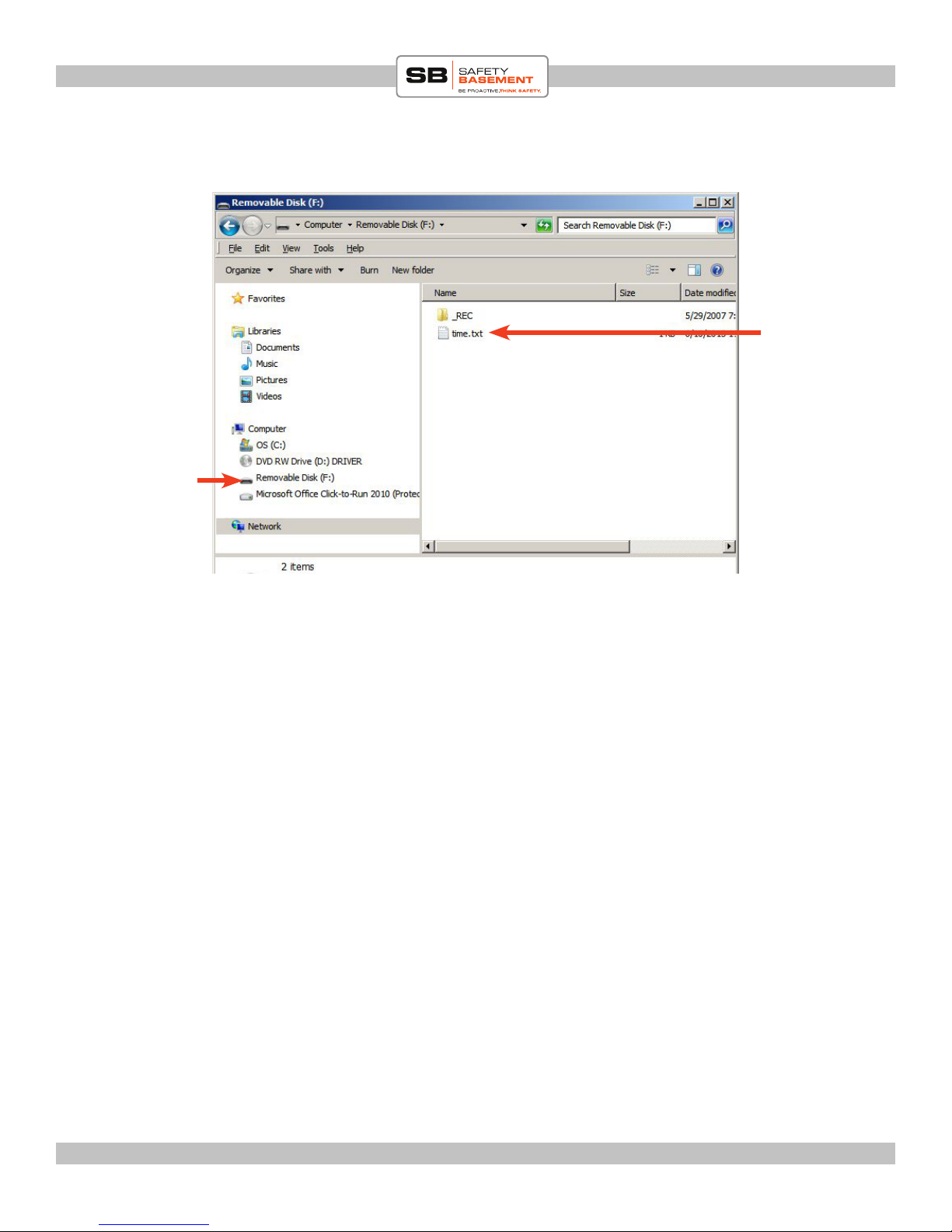
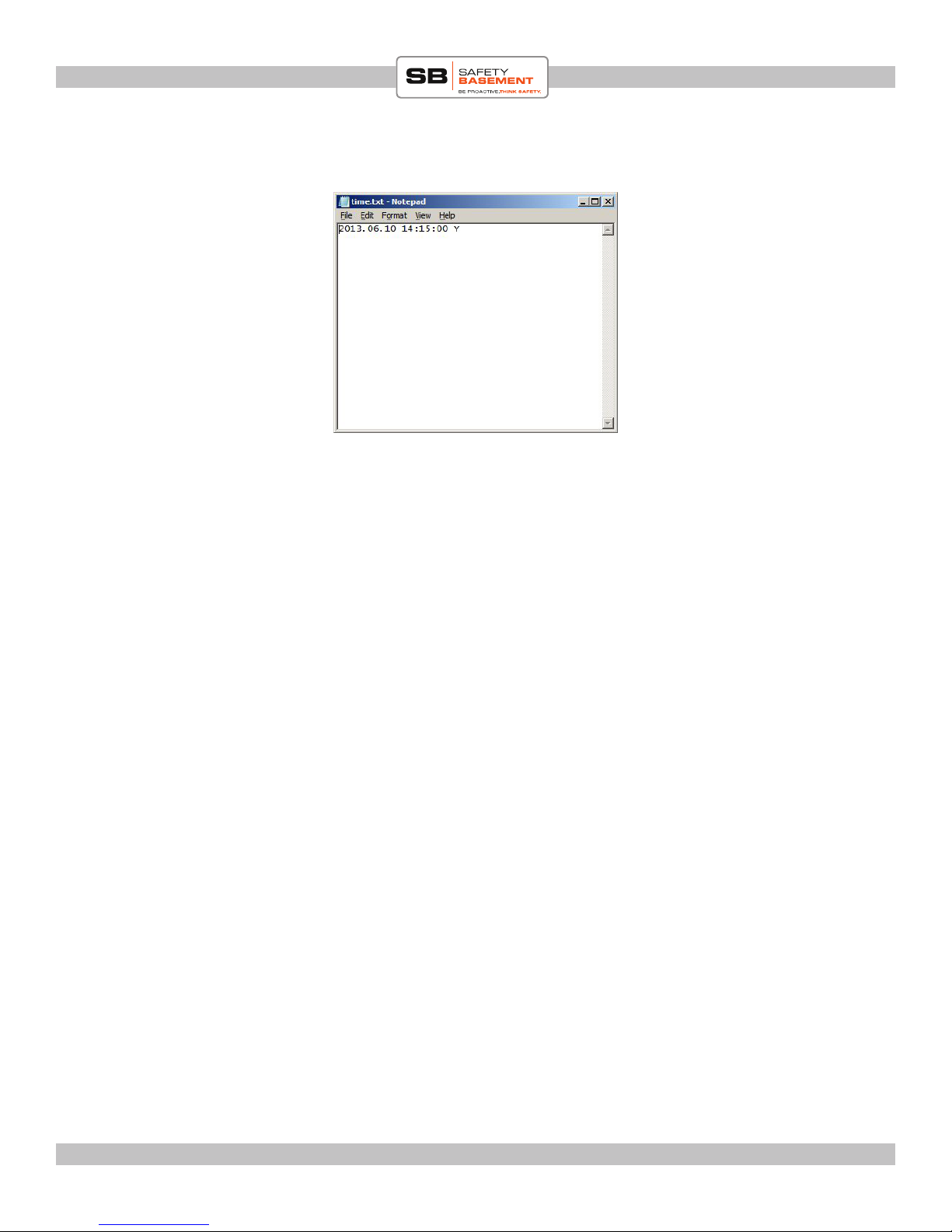
You will now set the correct time in the time.txt le.
DOUBLE-CLICK (le button) on the TIME.TXT le on your watch.
A text editor window will appear. Please adjust the year, month, day, hours, minutes and
seconds to the proper time. Please note the punctuation must remain, and there is a space
between the date and time. Also note the use of a 24 hour clock. And the letter “Y” is used
to turn TIMESTAMP ON. To disable the onscreen timestamp, use the letter “N” instead.
For May 31, 2013 at 1:15pm, WITH timestamp, it would appear like this:
2013.05.31 13:15:00 Y
When complete, SAVE this le and exit your text editor.
You must start your watch for this time to be set.
EJECT the watch from your PC as you would any external device. (Windows, right-click
the drive and choose EJECT.)
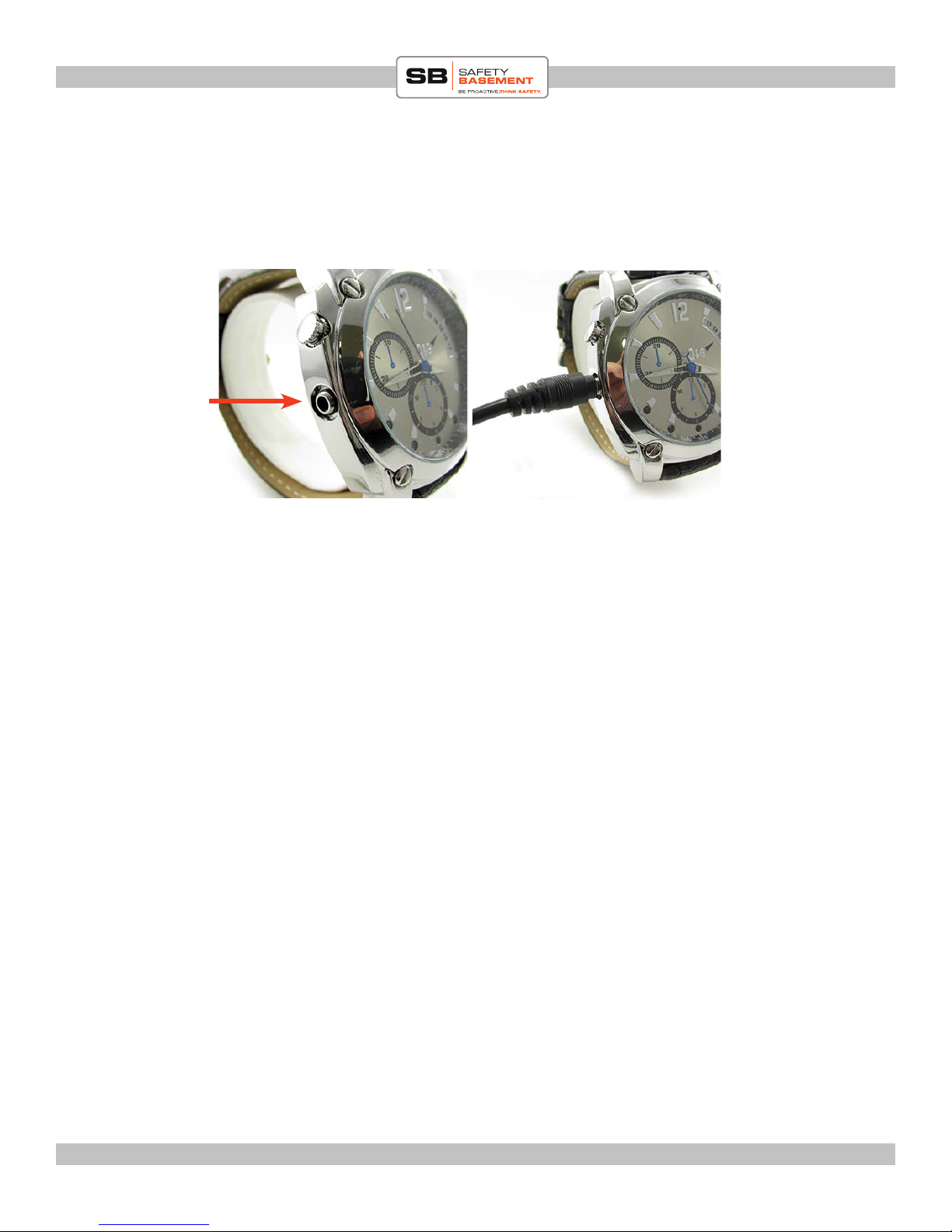
Remove the USB cable from the PC.
Remove the USB cable from the watch.
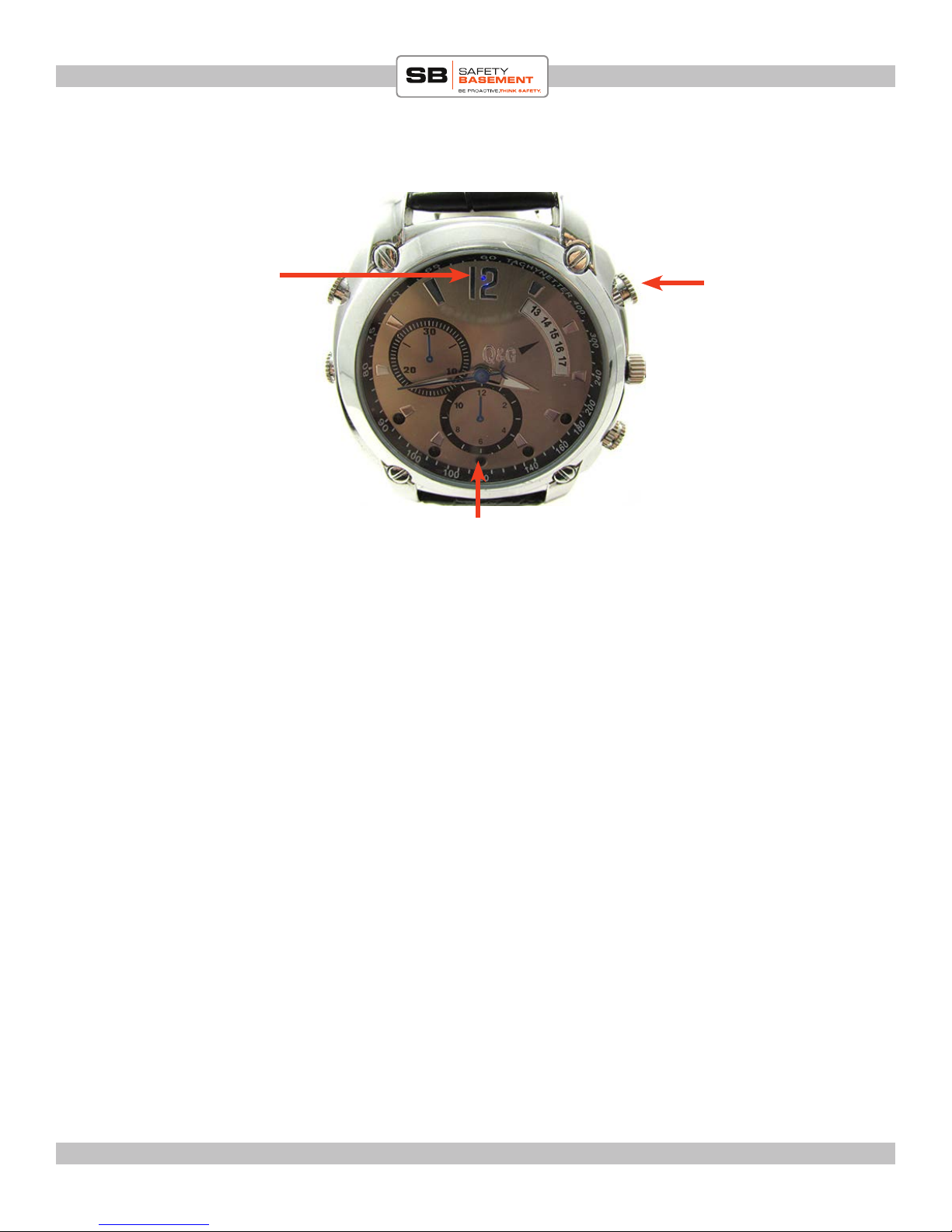
Press the A button. e status light will appear blue, and aer a few moments start
blinking. It is now recording video. Press the A button 2 times to stop recording.
If the timestamp is not correct, please redo the steps in this section of the manual.
SET THE TIMESTAMP