manuals.online logo
Brands
  1. Home
  2. •
  3. Brands
  4. •
  5. Samsung
  6. •
  7. Lighting Equipment
  8. •
  9. Samsung BP81-00631A-00 User manual

Samsung BP81-00631A-00 User manual

Other Samsung Lighting Equipment manuals

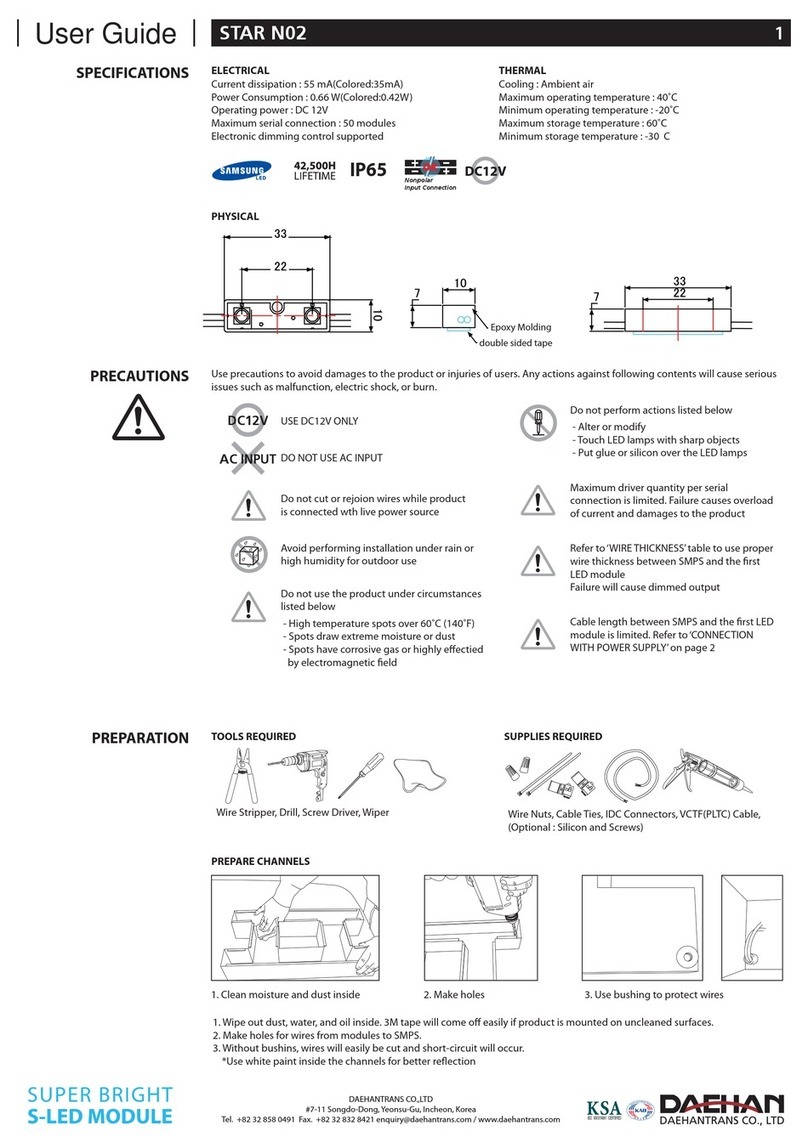
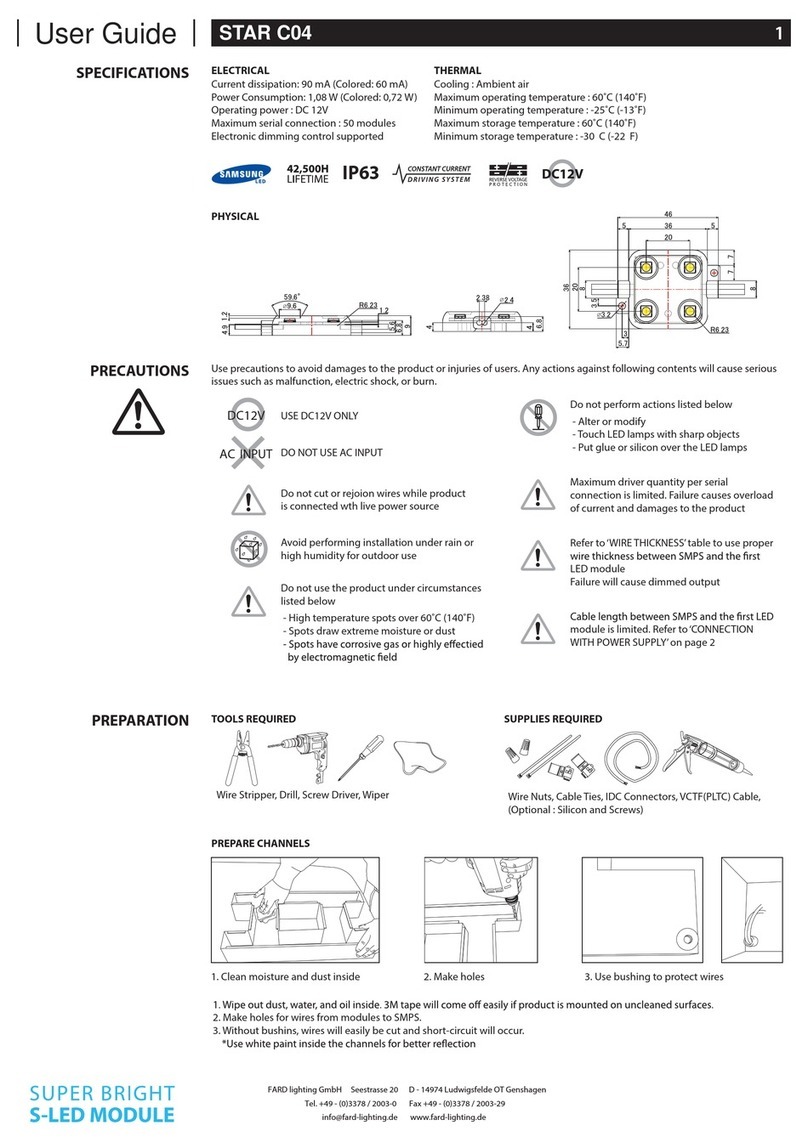
Samsung STAR C04 User manual

Samsung

Samsung STAR C04 User manual

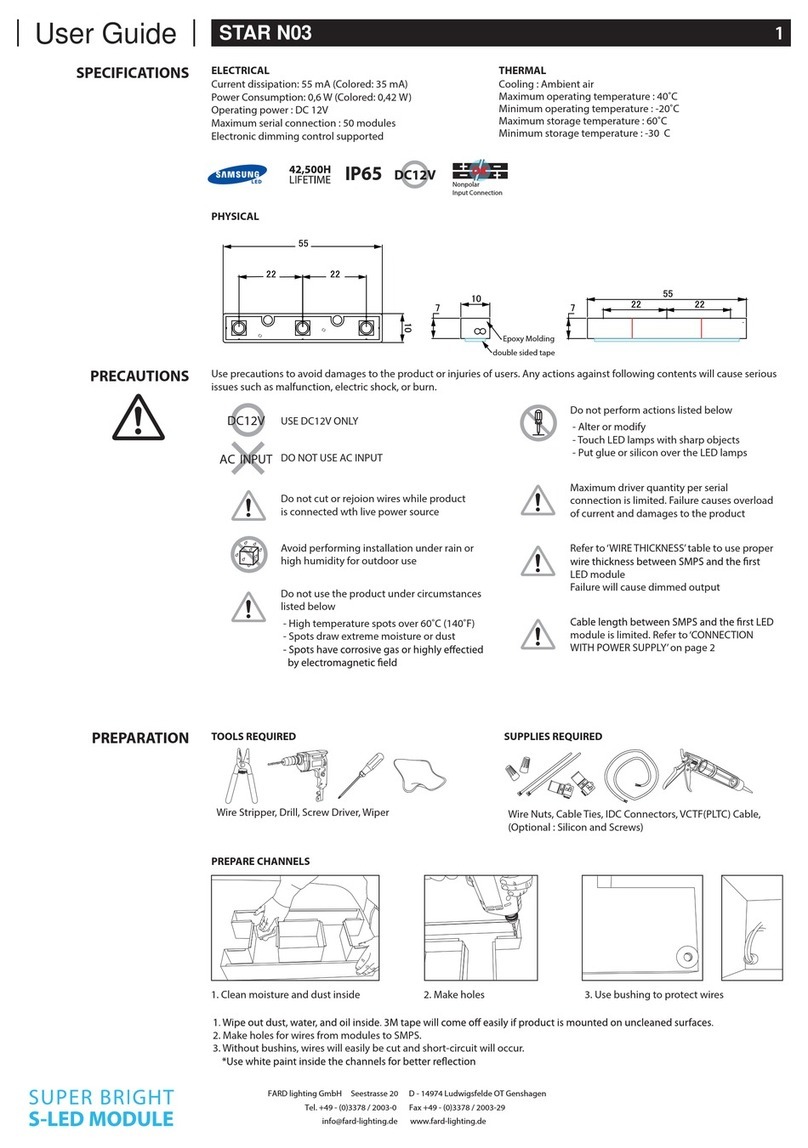
Samsung STAR N03 User manual

Samsung

Samsung STAR N03 User manual

Samsung STAR C0640 User manual

Samsung

Samsung STAR C0640 User manual

Samsung STAR N02 User manual

Samsung

Samsung STAR N02 User manual

Samsung SEK-2000/ZA Guide

Samsung

Samsung SEK-2000/ZA Guide

Popular Lighting Equipment manuals by other brands

Life 39.9F70020C quick start guide

Life

Life 39.9F70020C quick start guide

EuroLite LED ML-20 user manual

EuroLite

EuroLite LED ML-20 user manual

LIGMAN OD-50141 installation manual

LIGMAN

LIGMAN OD-50141 installation manual

Home Accents Holiday 1002461144 instructions

Home Accents Holiday

Home Accents Holiday 1002461144 instructions

Experia IRiS Ripple Light instruction manual

Experia

Experia IRiS Ripple Light instruction manual

Erco Gecko Mounting instructions

Erco

Erco Gecko Mounting instructions

Inter-lux ZTA.100.Surface Installation and maintenance instructions

Inter-lux

Inter-lux ZTA.100.Surface Installation and maintenance instructions

Whelen Engineering Company TN Series installation guide

Whelen Engineering Company

Whelen Engineering Company TN Series installation guide

IKEA BJÖRKSPIREA manual

IKEA

IKEA BJÖRKSPIREA manual

Toolland PM 6640 instruction manual

Toolland

Toolland PM 6640 instruction manual

GTD GTD-LP200 user manual

GTD

GTD GTD-LP200 user manual

LIVARNO home 1105-W-UK manual

LIVARNO home

LIVARNO home 1105-W-UK manual

ProLights EclPar IPMFC user manual

ProLights

ProLights EclPar IPMFC user manual

Velvet EVO Series user manual

Velvet

Velvet EVO Series user manual

IDTOLIGHT GENT installation instructions

IDTOLIGHT

IDTOLIGHT GENT installation instructions

MAYTONI S35 installation manual

MAYTONI

MAYTONI S35 installation manual

MaxLite MLFP14DP4535 user manual

MaxLite

MaxLite MLFP14DP4535 user manual

SLV Elektronik 550621 instruction manual

SLV Elektronik

SLV Elektronik 550621 instruction manual

manuals.online logo
manuals.online logoBrands
  • About & Mission
  • Contact us
  • Privacy Policy
  • Terms and Conditions

Copyright 2025 Manuals.Online. All Rights Reserved.

[English]
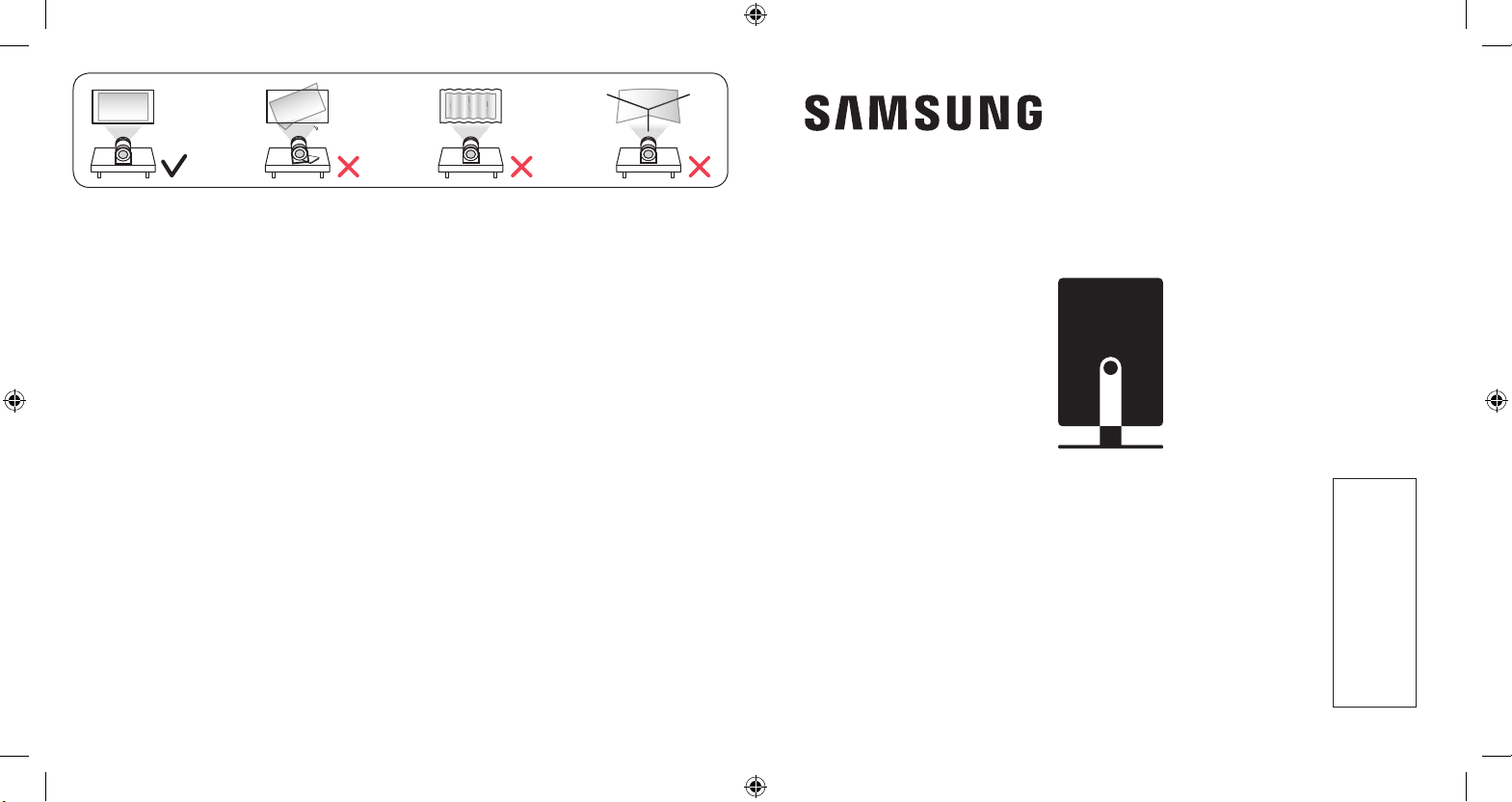
Cautions for screen projection
-When using the automatic keystone feature, make sure to
use the recommended projection angle.
xWhen using a wall as the screen: 45° or lower
xWhen using a ceiling as the screen: 45° - 90°
(Recommended)
NThis is when the Samsung logo is facing downward.
-Do not project the light onto another source of light or
an obstacle.
-Keep the product’s top surface (sensor area) clear of dust
and foreign matter.
[Français]
Mises en garde pour la projection à l’écran
-Si vous utilisez la fonction de correction automatique
de la distorsion, assurez-vous de respecter l’angle de
projection recommandé.
xSi vous utilisez un mur en tant qu’écran: 45° ou moins
xSi vous utilisez un plafond en tant qu’écran: de 45° à
90° (recommandé)
NLorsque le logo de Samsung est orienté vers le bas.
-Ne projetez pas la lumière sur une autre source de
lumière ou un obstacle.
-Gardez la surface supérieure du produit (zone du capteur)
exempte de poussière et de matières étrangères.
[Español]
Precauciones para la proyección de pantalla
-Cuando use la función de ajuste trapezoidal automático,
asegúrese de usar el ángulo de proyección recomendado.
xCuando use una pared a modo de pantalla: 45º o menor
xCuando use el cielorraso a modo de pantalla: 45a90º
(recomendado)
NPor eso el logotipo de Samsung mira hacia abajo.
-No proyecte la luz sobre otra fuente de luz o un obstáculo.
-Mantenga la supercie superior del producto (área donde
está el sensor) libre de polvo y sustancias extrañas.
[Português]
Cuidados ao projetar a tela
-Ao usar o recurso de keystone automático, verique se
está usando o ângulo de projeção recomendado.
xAo usar uma parede como a tela: 45° ou menos
xAo usar um teto como a tela: 45° a 90° (Recommended)
NIsso é quando o logotipo da Samsung está apontado
para baixo.
-Não projete a luz em outra fonte de luz nem em um
obstáculo.
-Mantenha a parte de cima do produto (área do sensor)
livre de poeira e objetos estranhos.
[한국어]
화면 투사시 주의사항
-자동 키스톤 기능 사용 시 권장 투사 각도를 맞추어 사용하세요.
x벽면 사용시: 45° 이하
x천장 사용시: 45°-90° 권장
N제품의 삼성로고가 바닥을 보도록 기울였을 때 기준입니다.
-불빛이나 장애물에 투사하지 마세요.
-제품 윗면(센서부)에 먼지나 이물질이 묻지 않도록 하세요.
QUICK SETUP GUIDE
GUIDE D’INSTALLATION RAPIDE
GUÍA RÁPIDA DE CONFIGURACIÓN
GUIA RÁPIDO DE INSTALAÇÃO
간단 설치 가이드
BP81-00631A-00

2.66 m
(8.7 ft)
2.39 m
(7.8 ft)
2.13 m
( 7. 0 f t )
1.86 m
(6.1 ft)
1.59 m
(5.2 ft)
1.33 m
(4.4 ft)
1.06 m
(3.5 ft)
0.80 m
(2.6 ft)
A
B
C
D
E
F
G
H
[English]
The screen sizes for each projection distance
may differ depending on the installation
environment.
[Français]
Les tailles d’écran pour chaque distance
de projection peuvent différer selon
l’environnement d’installation.
[Español]
Los tamaños de las pantallas para cada
distancia de proyección pueden variar según
el entorno de instalación.
[Português]
Os tamanhos da tela para cada distância
de projeção podem diferir dependendo do
ambiente de instalação.
[한국어]
투사 거리에 따른 화면 크기는 설치 환경에 따라
다를 수 있습니다.
A
100 inches / 2540 mm / 254.0 cm
E
60 inches / 1524 mm / 152.4 cm
B
90 inches / 2286 mm / 228.6 cm
F
50 inches / 1270 mm /127.0 cm
C
80 inches / 2032 mm / 203.2 cm
G
40 inches / 1016 mm / 101.6 cm
D
70 inches / 1778 mm / 177.8 cm
H
30 inches / 762 mm / 76.2 cm
* inches / pouces / pulgadas / polegadas / 인치
1
2
3