- 4 -EN
3.2 Charging the internal battery
Charge the unit as soon as possible after use. Never completely discharge the battery.
Use a 2 A USB charger (not included), or a 2 A USB charging port to quickly recharge the booster.
Using a charger with less than 2 A will increase charge time.
1. Plug the USB-C end of the charging cable into the input port. Next, plug the USB end
of the charging cable into a charger’s USB port.
2. Plug your charger into a live AC or DC power outlet.
3.
charging has begun.
4. By using the 5 V DC, 2 A charging input, the booster will be fully charged in about:
SL472: 2.5-4 hours
SL473: 3-5 hours
SL474: 7-8 hours
5.
6. When the battery is fully charged, disconnect your charger from the outlet, and then
remove the charging cable from the charger and the unit.
4.
1. Press the display button.
2. Hold down the display button for 3 seconds.
3. Once the LED light is on (steady glow), press and release the display button to cycle
through the following modes:
- Flash for an SOS signal;
- Flash in strobe mode
4.
5. Recharge the unit as soon as possible after each use.
5.
5.1
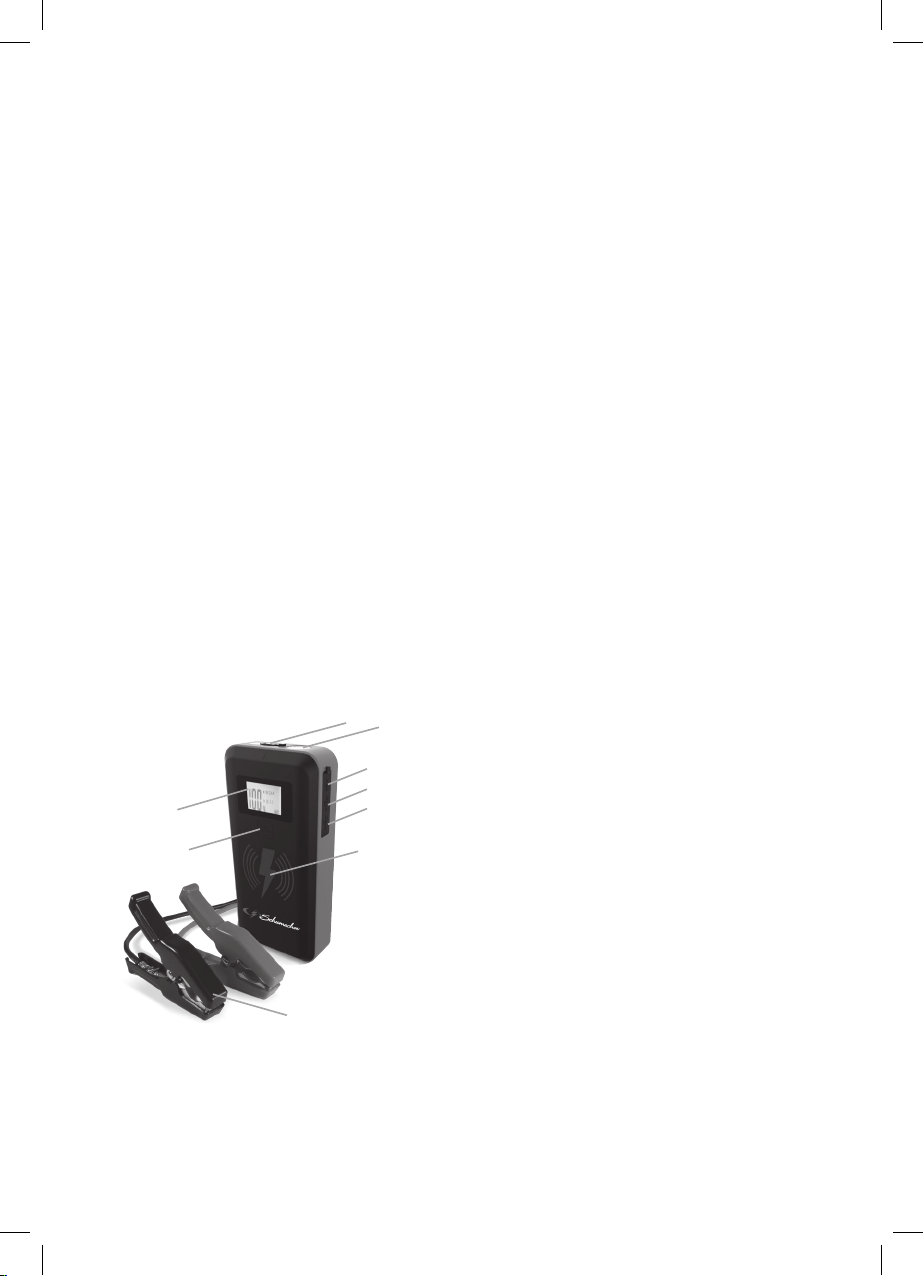
The booster includes two USB ports. One provides up to 2.4 A at 5 V DC; the other is a Quick
Charge 3.0, which provides up to 5 V at 3 A, 9 V at 2 A or 12 V at 1.5 A.
1.
Connect a mobile device cable to the appropriate USB port.
2. Press the display button. Charging should begin automatically. The display will show
which port is in use.
3. Charging time will vary, based on the mobile device battery size and the charging port
used.
NOTE: Most devices will charge with either USB port, but may charge at a slower rate.
4.
device and then disconnect the charging cable from the unit. The unit switch OFF
automatically.
5. Recharge the unit as soon as possible after each use.
NOTE:
30 seconds.
5.2 Wireless charging
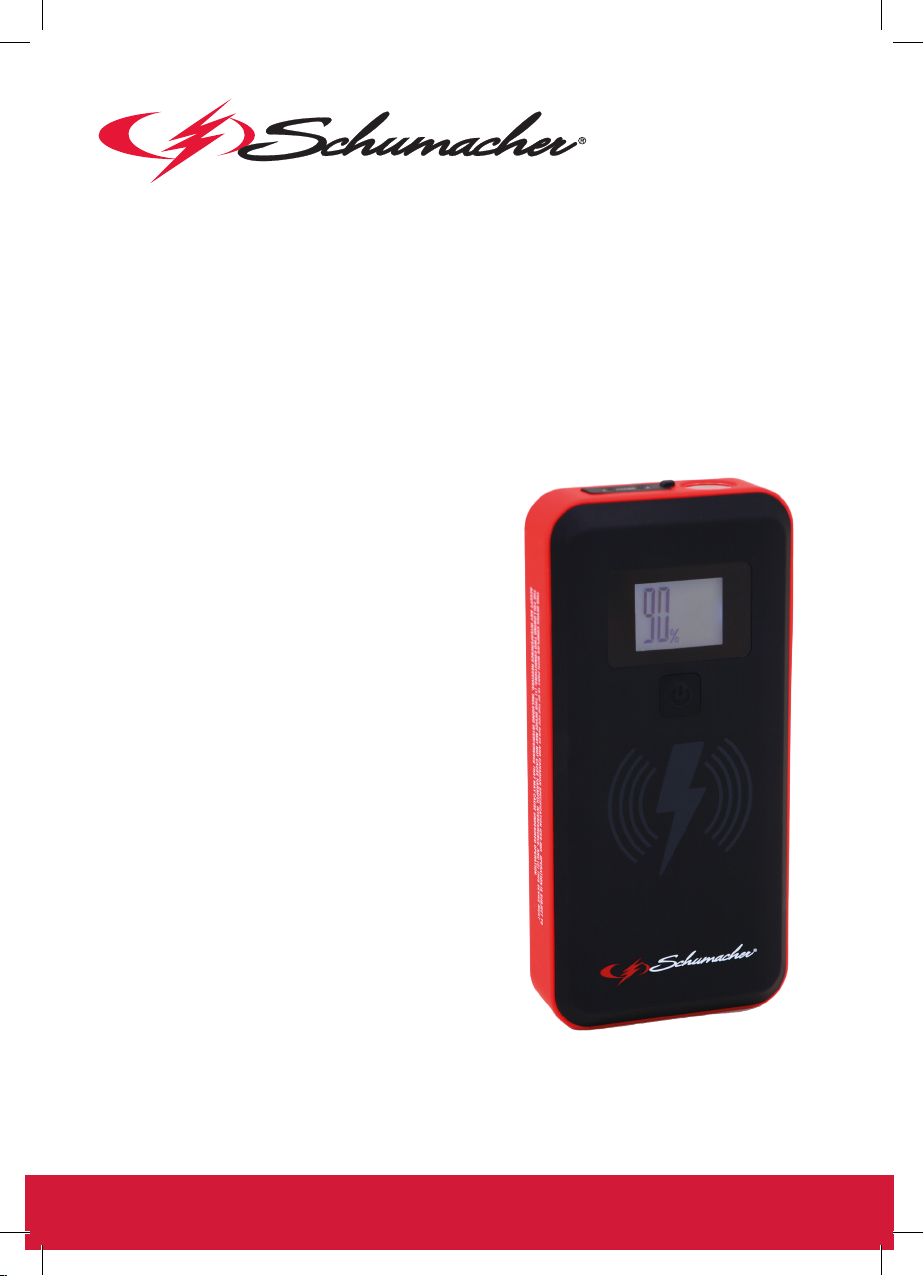
The wireless charging pad provides 10 W of power to quickly charge your compatible mobile
devices.
Consult your mobile device manufacturer to make sure your device supports wireless charging.
Place the compatible device face-up on top of the charging pad.
1. Press the display button.
2. Charging should begin automatically. A symbol appears on the display.
3.
4. Recharge the unit as soon as possible after each use.