Appendix A –Troubleshooting
Serial Utility test software is supplied with the Sealevel Systems adapter and will be used in the
troubleshooting procedures. Using this software and following these simple steps, most common
problems can be eliminated without the need to call Technical Support.
1. If your adapter is not working, first check to make sure that USB support is enabled in the
System BIOS, and it is functioning properly in the operating system. This can be done by using
either the Windows 98/ME or Windows 2000 Device Manager.
2. Ensure that the Sealevel Systems software has been installed on the machine so that the
necessary files are in place to complete the installation.
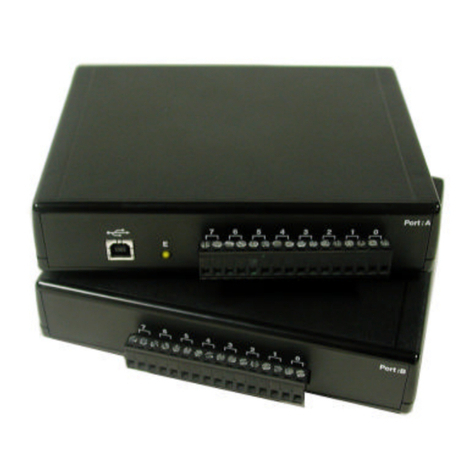
3. When the SeaPORT+2/232 is configured properly, the USB Enabled LED (E) will be lit. This
should allow you to use Sealevel’s WinSSD utility and the supplied loopback plug to check
communications. The supplied loopback plug connects TD to RD. If you decide to test the
Modem Control Signals, a full pin loopback plug will be required. Details on loopback plugs are
included on WinSSD. Contact Sealevel Systems if you need further assistance.
4. When testing the SeaPORT+2/232 in loopback mode, you should see the port LED’s flashing
as well as seeing echoed data on the screen. The loopback test first transmits a HEX pattern,
55AA, and then a ASCII string of data. If this test passes, then the SeaPORT+2/232 is ready for
use in your application.
If these steps do not solve your problem, please call Sealevel Systems’ Technical Support, (864) 843-4343.
Our technical support is free and available from 8:00AM-5PM Eastern Time Monday through Friday. For
email support contact support@sealevel.com.