manuals.online logo
Brands
  1. Home
  2. •
  3. Brands
  4. •
  5. Sena
  6. •
  7. Motorcycle Accessories
  8. •
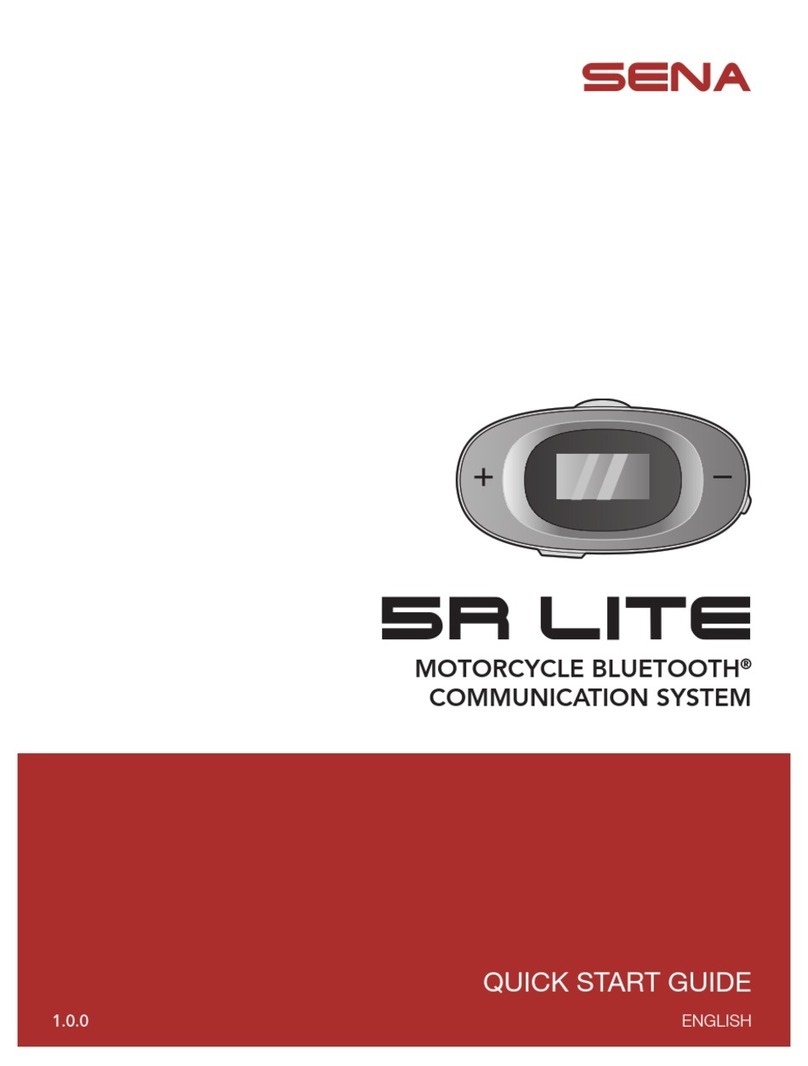
  9. Sena RC4 User manual

Sena RC4 User manual

Other manuals for RC4

3

Other Sena Motorcycle Accessories manuals

Sena 10C Operating and maintenance instructions

Sena

Sena 10C Operating and maintenance instructions

Sena 50S-01 User manual

Sena

Sena 50S-01 User manual

Sena Latitude SR User manual

Sena

Sena Latitude SR User manual

Sena R1 User manual

Sena

Sena R1 User manual

Sena 5S User manual

Sena

Sena 5S User manual

Sena MOMENTUM EVO User manual

Sena

Sena MOMENTUM EVO User manual

Sena RUMBA User manual

Sena

Sena RUMBA User manual

Sena R1 EVO User manual

Sena

Sena R1 EVO User manual

Sena OUTRUSH R User manual

Sena

Sena OUTRUSH R User manual

Sena AGV ARK User manual

Sena

Sena AGV ARK User manual

Sena cavalry User manual

Sena

Sena cavalry User manual

Sena SP38 User manual

Sena

Sena SP38 User manual

Sena SMH10R User manual

Sena

Sena SMH10R User manual

Sena SMH5 FM User manual

Sena

Sena SMH5 FM User manual

Sena 10Upad User manual

Sena

Sena 10Upad User manual

Sena X1 PRO User manual

Sena

Sena X1 PRO User manual

Sena Momentum User manual

Sena

Sena Momentum User manual

Sena 50S User manual

Sena

Sena 50S User manual

Sena Handlebar Remote User manual

Sena

Sena Handlebar Remote User manual

Sena SAVAGE User manual

Sena

Sena SAVAGE User manual

Sena Momentum User manual

Sena

Sena Momentum User manual

Sena 50C User manual

Sena

Sena 50C User manual

Sena 10U User manual

Sena

Sena 10U User manual

Sena DWO 1-Lite User manual

Sena

Sena DWO 1-Lite User manual

Popular Motorcycle Accessories manuals by other brands

SRC B-TRK502-01-01-SL quick start guide

SRC

SRC B-TRK502-01-01-SL quick start guide

hepco & becker 6307520 00 01 manual

hepco & becker

hepco & becker 6307520 00 01 manual

HOMCOM AA0-077 user manual

HOMCOM

HOMCOM AA0-077 user manual

hepco & becker 6307558 00 01 manual

hepco & becker

hepco & becker 6307558 00 01 manual

Wunderkind Custom 106503-F15 Installation and safety

Wunderkind Custom

Wunderkind Custom 106503-F15 Installation and safety

Dräger HPS 3500 Instructions for use

Dräger

Dräger HPS 3500 Instructions for use

M-WAVE SKI manual

M-WAVE

M-WAVE SKI manual

Kuryakyn 6212 installation instructions

Kuryakyn

Kuryakyn 6212 installation instructions

hepco & becker 6507504 00 01 installation instructions

hepco & becker

hepco & becker 6507504 00 01 installation instructions

Tool it PROMAX LCD 9.13G manual

Tool it

Tool it PROMAX LCD 9.13G manual

Custom Dynamics TruWrapz installation instructions

Custom Dynamics

Custom Dynamics TruWrapz installation instructions

Roof RO200 CARBON How to use and maintain

Roof

Roof RO200 CARBON How to use and maintain

Kabuto Japan IBUKI instruction manual

Kabuto

Kabuto Japan IBUKI instruction manual

PUIG 5051 Mounting instructions

PUIG

PUIG 5051 Mounting instructions

rizoma ZTH050 user manual

rizoma

rizoma ZTH050 user manual

Joubert 10001711 instruction manual

Joubert

Joubert 10001711 instruction manual

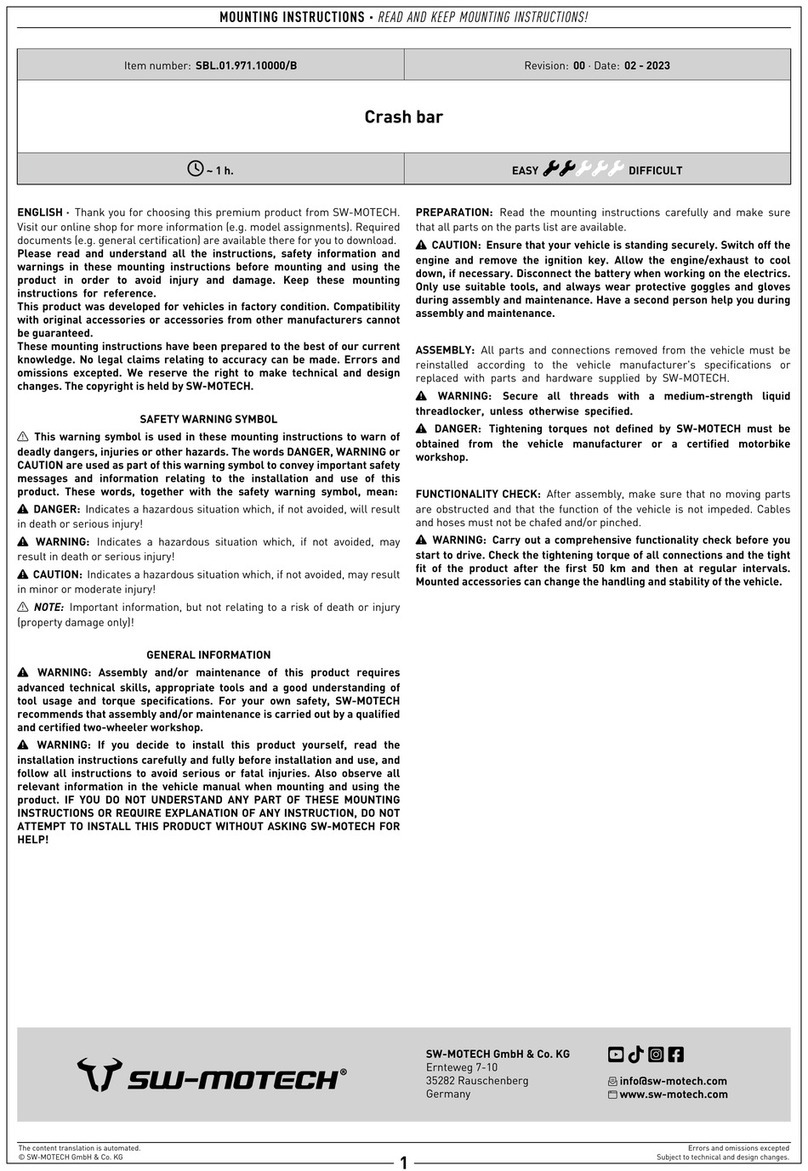
SW-Motech SBL.01.971.10000/B Mounting instructions

SW-Motech

SW-Motech SBL.01.971.10000/B Mounting instructions

GÜDE GSH 180-TC-2 Translation of the original instructions

GÜDE

GÜDE GSH 180-TC-2 Translation of the original instructions

manuals.online logo
manuals.online logoBrands
  • About & Mission
  • Contact us
  • Privacy Policy
  • Terms and Conditions

Copyright 2025 Manuals.Online. All Rights Reserved.

2
Installation
Remove the plastic tape from the battery slot to
begin using the RC4.
RC4
Quick Start Guide
Getting Started
Replacing the Battery
17.Jan
1
Center Button
Battery Slot
(-) Button
(+) Button
Multifunction
Button
200 220
180
160
140
120
100
80
60
40 20 1
240
260
Note:
If your handlebar requires better grip for holding
the RC4 in place, apply the rubber band around
the handlebar.
Button Operation
Press for 1 sec
1”
Tapping
Tap
Double Tapping
Tap
Battery Check
70 ~ 100%
30 ~ 70%
0 ~ 30%
Power On
LED
Bluetooth Pairing
8”
Press
(+) Button
Remote Control Pairing
Headset
Pairing
Note:
• You can control the headset using the RC4 only
after you pair them together.
• The RC4 supports Sena headsets with Bluetooth
4.1 or higher.
Factory Reset
1”
Press
(-) Button
(+) Button
+ +
Center
Button
Headset Control
To control your headset using the RC4, please refer to the
Quick Reference Guide for button operations on functions
such as phone, music, and intercom.
Sena Technologies, Inc.
www.sena.com
Customer Support: support.sena.com
E-mail: [email protected]
3
Power On/Off
Tap
Power On
Center
Button
Deep Sleep
1”
Press
(+) Button
+
Center
Button
Note:
The Multifunction Button remotely controls special
buttons such as the Ambient Mode Button of the
20S and the Camera Button of the 10C. Please refer
to the Quick Reference Guide for more details.