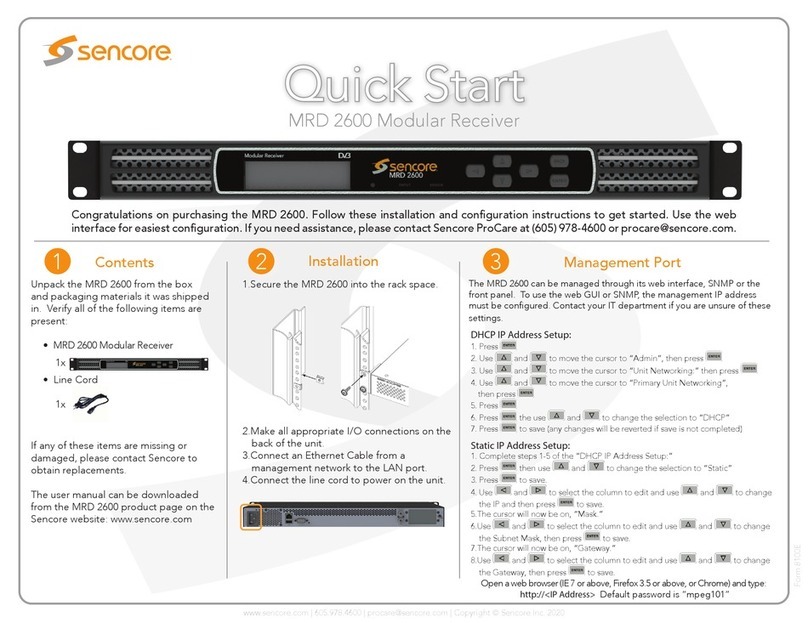
MRD 5800 – User Manual
Page 8 (116)
Table of Contents
Section 1 Overview...........................................................................................10
1.1 Product Introduction...................................................................................................11
1.2 Front Panel Overview................................................................................................11
1.3 Rear Panel Overview.................................................................................................11
1.4 Cooling.......................................................................................................................12
1.5 Rack Information........................................................................................................12
Section 2 Installation........................................................................................13
2.1 Rack Installation ........................................................................................................14
2.2 Power Connection .....................................................................................................14
2.3 AC Power Connection ...............................................................................................14
2.4 AC Dual Redundant Power Connection (optional)....................................................15
2.5 DC Power Connection...............................................................................................15
2.6 Maintenance ..............................................................................................................15
2.7 Network Setup via Front Panel..................................................................................15
Section 3 Operating the Front Panel...............................................................18
3.1 MRD 5800 Front Panel Overview..............................................................................19
Section 4 Operating the Web Interface...........................................................20
4.1 MRD 5800 Web Interface Overview..........................................................................21
4.1.1 Logging into the MRD 5800 Web Interface..........................................................21
4.1.2 Hiding Unused Inputs ...........................................................................................21
4.1.3 Buttons and Status Indicators...............................................................................21
4.1.4 Drag and Drop Menus ..........................................................................................22
4.2 Main Panel.................................................................................................................22
4.2.1 Configuring Active Inputs......................................................................................23
4.2.2 Configuring ASI Input ...........................................................................................25
4.2.3 Configuring MPEG/IP Input..................................................................................26
4.2.4 Configuring DVB-S/S2 Input.................................................................................29
4.2.5 Configuring 8VSB/QAM Input...............................................................................31
4.2.6 Configuring Turbo PSK Input ...............................................................................32
4.2.7 Configuring DVB-T2/C2/ISDB-T Input..................................................................33
4.2.8 Configuring DVB-CI Descrambling.......................................................................35
4.2.9 Configuring BISS Descrambling...........................................................................37
4.2.10 Configuring Service Selection..............................................................................39
4.2.11 Configuring Video Services..................................................................................43
4.2.12 Configuring Secondary Video Services................................................................45
4.2.13 Configuring Audio.................................................................................................47
4.2.14 Configuring Genlock.............................................................................................48
4.2.15 SCTE35................................................................................................................49
4.2.16 ESAM....................................................................................................................53
4.2.17 Configuring Ancillary Data Options ......................................................................55
4.2.18 Configuring SDI Outputs Port 1 & 2 .....................................................................55
4.2.19 Configuring SDI Audio Embedding.......................................................................60
4.2.20 Configuring Secondary SDI Outputs ....................................................................62
4.2.21 Configuring Secondary SDI Audio Embedding ....................................................64
4.2.22 Configuring Composite Output.............................................................................66
4.2.23 Configuring Analog Audio Output.........................................................................67
4.2.24 Configuring Digital Audio Output..........................................................................68
4.2.25 PID Filter...............................................................................................................68
4.2.26 Configuring ASI Output.........................................................................................69
4.2.27 Configuring the MPEG/IP Outputs .......................................................................70
4.2.28 Configuring the MPEG/IP MPE Outputs...............................................................72