English
2Silvercrest GTA2000 pen pad
Contents
Supplied items .............................................................................................. 3
Safety instructions........................................................................................ 4
General precautions ................................................................................. 4
Intended use .............................................................................................4
Legal stipulations ......................................................................................4
Notes on CE conformity............................................................................ 4
EMC and safety precautions..................................................................... 5
Operating environment/Environmental conditions.................................... 5
Operational safety..................................................................................... 5
Repair .......................................................................................................6
Cleaning....................................................................................................6
Disposal of old devices ............................................................................. 6
Technical data ............................................................................................... 7
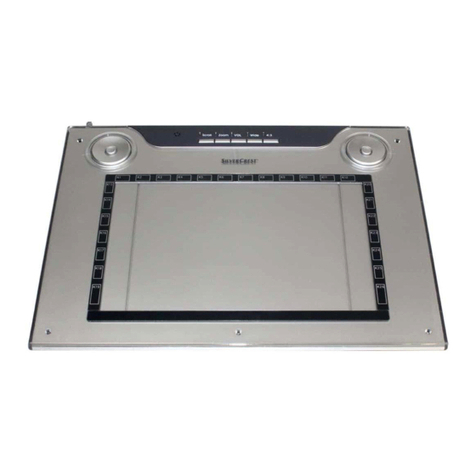
Product description ...................................................................................... 8
Minimum system requirements.................................................................8
Supplied software .....................................................................................8
Operating elements and connections ....................................................... 9
Getting started ............................................................................................ 11
Step 1: Insert the battery into the digital pen.......................................... 11
Step 2: Install the pen pad driver and Macro Key Manager ................... 12
Step 3: Connect the pen pad..................................................................13
Step 4: Adjust the active area to the screen format................................14
Step 5: Install "Free Notes / Office Ink" ..................................................15
Step 6: Install "CorelDRAW Essentials 4" .............................................. 16
First steps .................................................................................................... 19
Working with the function keys and the control button ........................... 19
Working with the digital pen (for example when using "Free Notes")..... 21
Configuration .............................................................................................. 23
Programming macro keys....................................................................... 23
Customising the digital pen..................................................................... 27
Troubleshooting.......................................................................................... 29
Replacing the pen battery.......................................................................30
Replacing the pen nib............................................................................. 30
Getting assistance ..................................................................................31
Licence terms – licence contract .............................................................. 31
Warranty information and hotline numbers ............................................. 32