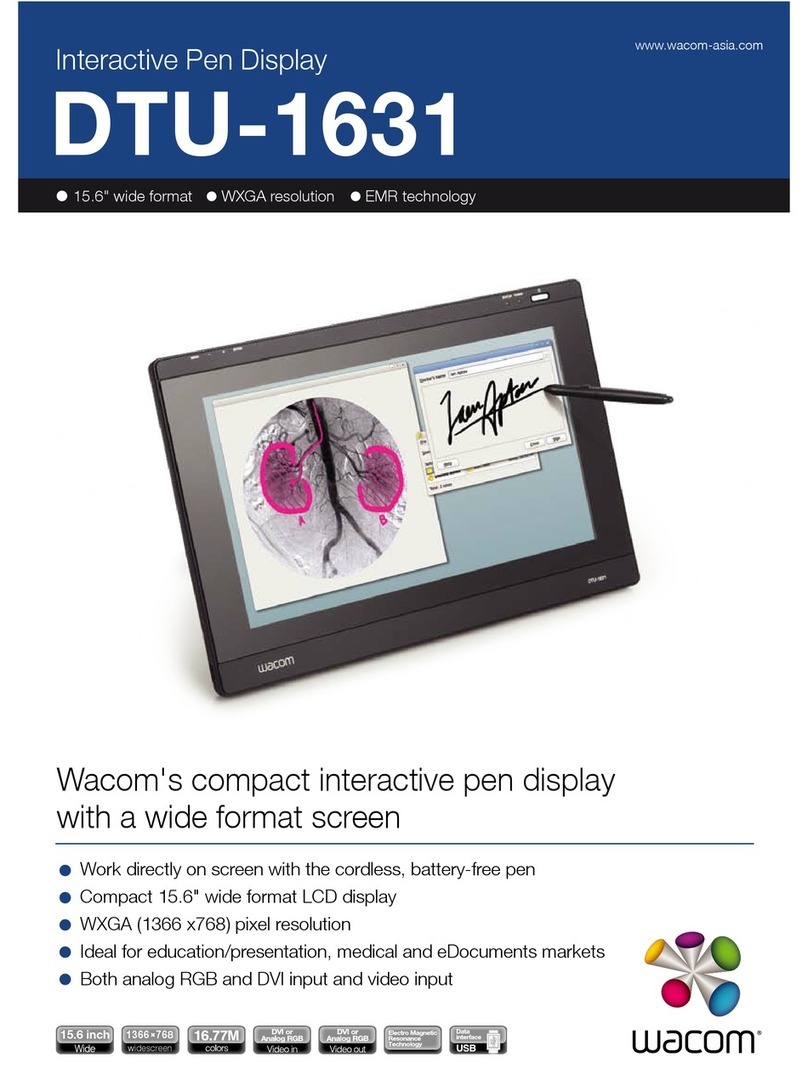
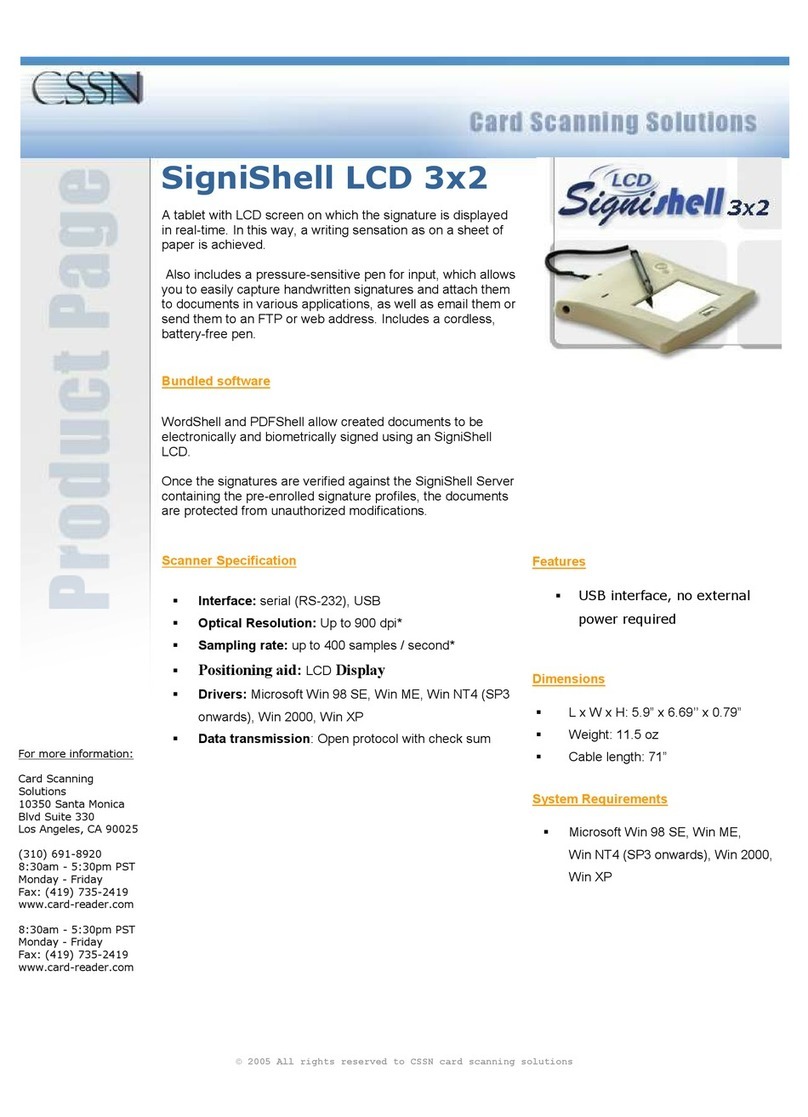
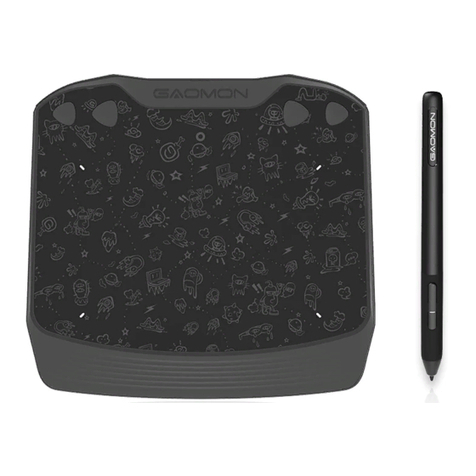
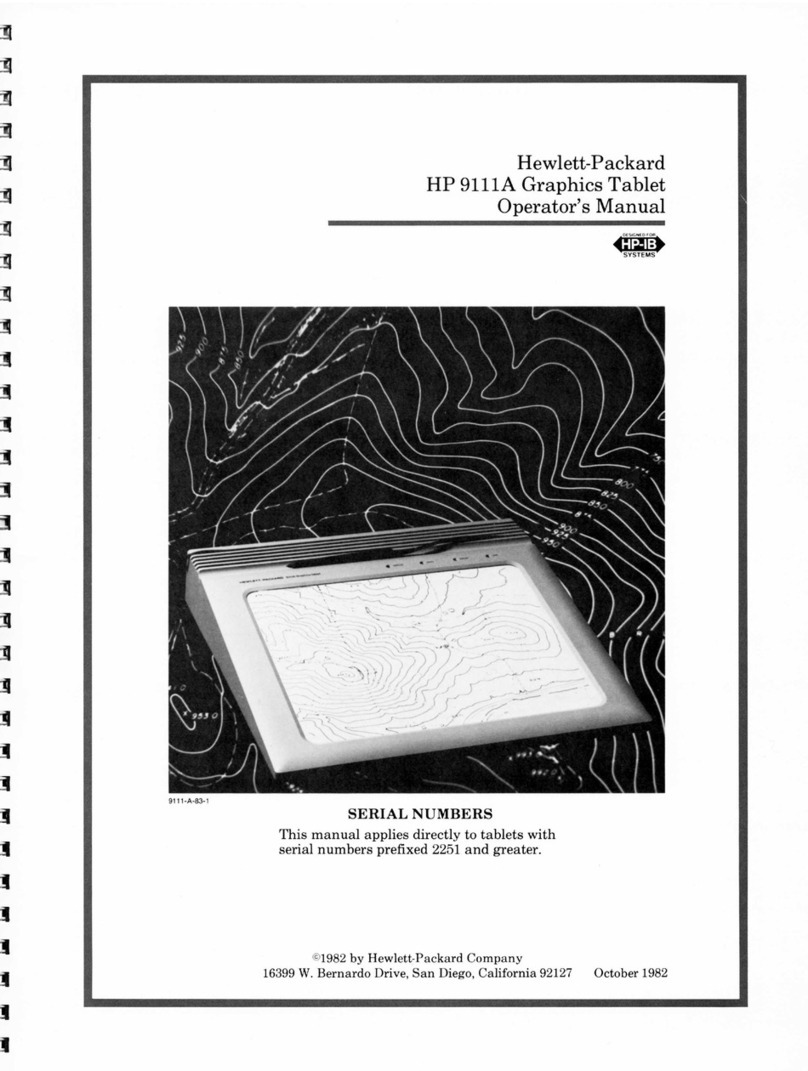
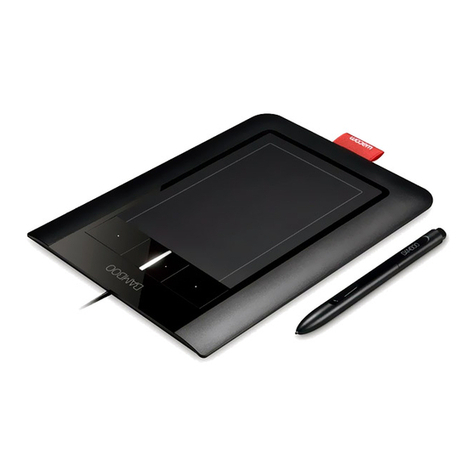
SilverCrest graphics tablet SGT 10.6 A2
2 - English
Contents
Registered trademarks ....................................................................................... 3
Introduction ........................................................................................................ 3
Intended use....................................................................................................... 3
Supplied items .................................................................................................... 4
Supplied software.............................................................................................................................5
Licence terms –licence agreement ...................................................................... 5
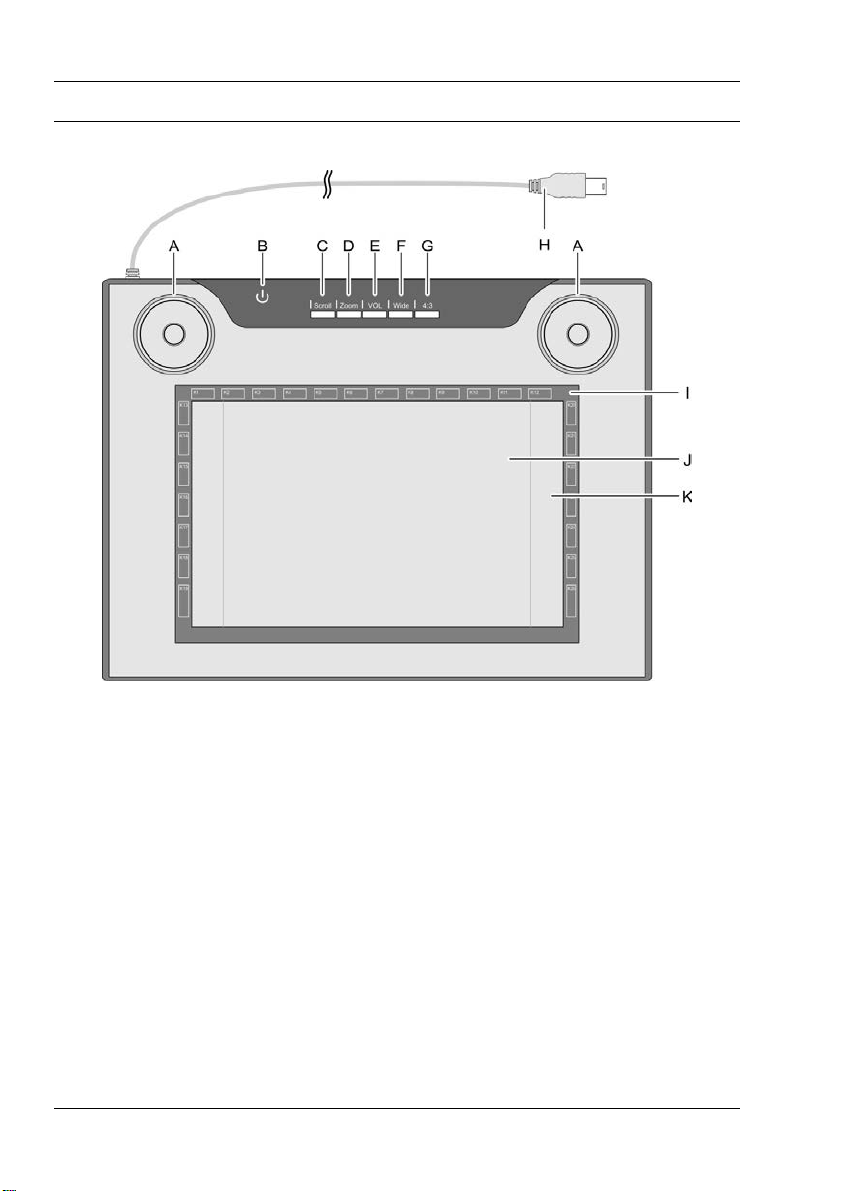
Operating elements and connections .................................................................. 6
Technical data..................................................................................................... 8
Minimum system requirements .........................................................................................................8
Safety instructions .............................................................................................. 9
General precautions.........................................................................................................................9
EMC and safety precautions............................................................................................................9
Operating environment/Environmental conditions.........................................................................9
Operational safety............................................................................................................................9
Prior to use ....................................................................................................... 10
Step 1: Inserting the battery into the digital pen.......................................................................... 10
Step 2: Installing the graphics tablet driver and Macro Key Manager..................................... 11
Step 3: Connecting the graphics tablet........................................................................................ 12
Step 4: Adjusting the active area to the screen format ............................................................... 13
Step 5: Installing "Free Notes / Office Ink" ................................................................................. 14
Step 6: Installing "Power Presenter RE II" ..................................................................................... 15
Step 7: Installing "CorelDRAW®Essentials OEM" ...................................................................... 16
First use ............................................................................................................ 19
Working with the function keys and the control button............................................................... 19
Working with the digital pen (for example when using "Free Notes") ...................................... 21
Configuration ................................................................................................... 23
Programming macro keys.............................................................................................................. 23
Customising the digital pen........................................................................................................... 27
Troubleshooting................................................................................................ 29
Replacing the battery..................................................................................................................... 30
Replacing the pen nib.................................................................................................................... 30
Cleaning / maintenance.................................................................................... 31
Disposal of old devices ................................................................................................................. 31
Conformity information .................................................................................... 31
Warranty and servicing information................................................................. 32