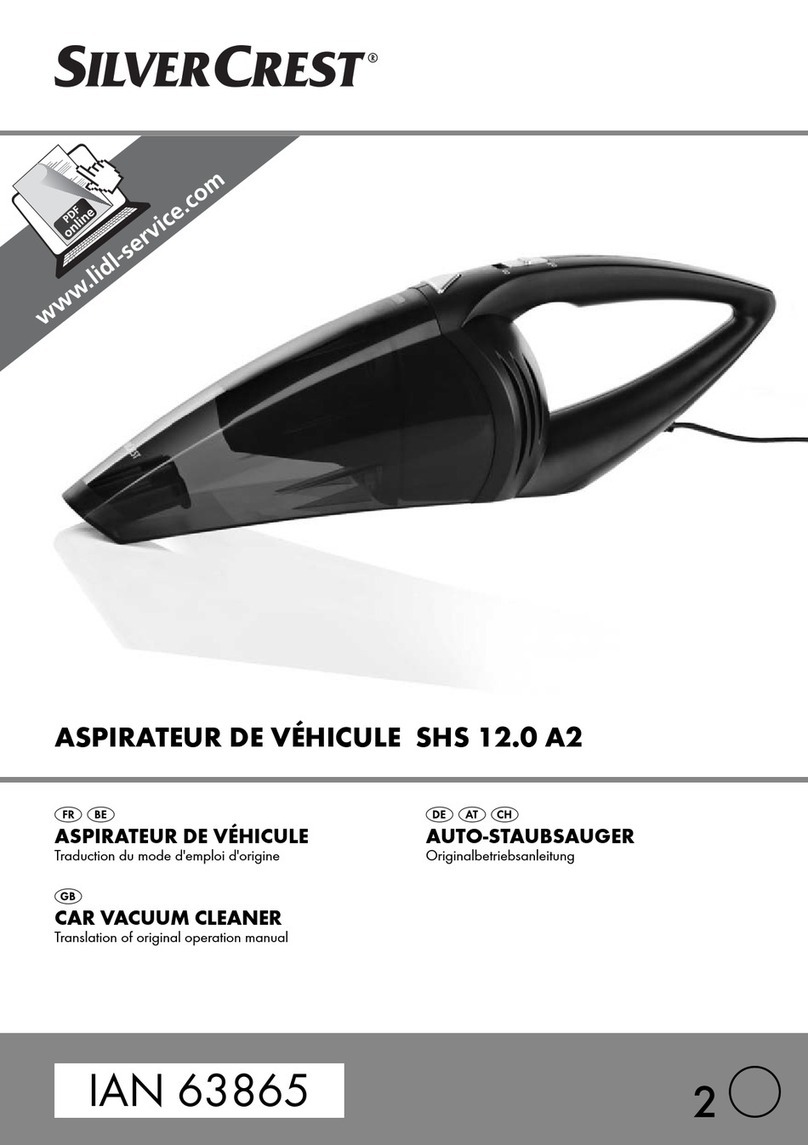
6SFR 3.7 A2
GB
CY
Prior to first use
Assembling the appliance
1) Remove all packaging materials from the
appliance.
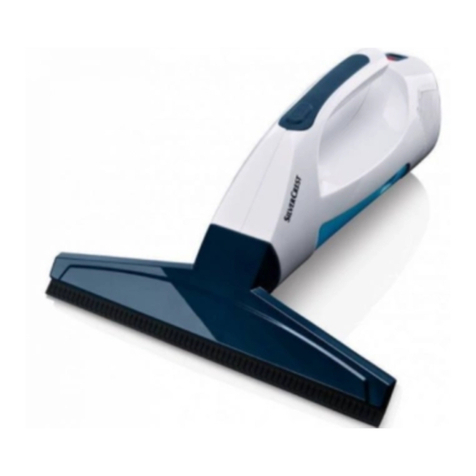
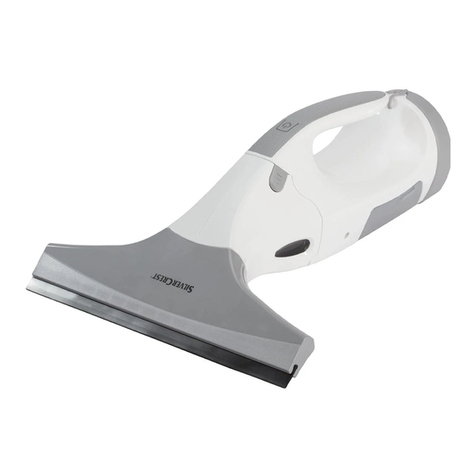
2) Push the vacuum attachment 1onto the
connecting piece 2.
NOTE
► This appliance is supplied with non-charged
batteries. The batteries must be charged for
3.5 hours before the first use.
3) Charge the appliance (see Chapter “Charging
the appliance”).
The appliance is now ready for use.
Operation
ATTENTION! DAMAGE TO PROPERTY!
► Do not use foaming, corrosive, aggressive,
abrasive or chemical cleaning agents.
These can damage the appliance.
1) Set the tip of the spray nozzle qto STREAM
(fine water mist) or SPRAY (coarse water mist).
2) Attach the spray nozzle qto the wiping attach-
ment 0.
3) Place the positioning ring wover the tube and
put it onto the spray nozzle qso that it clicks
into place.
4) Fill the spray bottle with water and, if desired,
with a cleaning agent suitable for window
cleaning e.
5) Screw the spray nozzle qwith the fitted
wiping attachment 0onto the spray bottle e.
6) Pull the microfibre attachment zover the
retainer on the wiping attachment 0and
secure it with the velcro fastener.
7) Spray the surface that you wish to clean.
8) Using the microfibre attachment, zwipe over
the sprayed areas and loosen any stubborn
dirt.
9) Press the on/off switch 6. The indicator light 8
lights up red.
NOTE
► If the indicator light 8fl
ashes red during
use, this indicates that the appliance needs
to be charged (see chapter on "Charging the
appliance").
10) Move the blade of the vacuum attachment 1
slowly from top to bottom across the wet
surfaces. The moisture is removed and sucked
into the dirt container 5.
NOTE
► Never drag the blade sideways across wet
surfaces. Doing so prevents the water from
being vacuumed up; instead, it runs off the
side of the blade.
11) After you have finished a section, always start
again at the top.
ATTENTION! DAMAGE TO PROPERTY!
► Only continue working until the MAX mark
on the dirt container 5is reached. Then
switch off the appliance and empty the dirt
container 5.
Remove the plug on the dirt container 5.
Pour away the dirty water and reclose the dirt
container 5. You can then resume working.
12) Once the entire surface is dry, press the on/
off switch 6again to switch the appliance off.
The indicator light 8goes out.
13) If necessary, dry off any streaks or remaining
moisture on the surface with a dry cloth.
Charging the appliance
NOTE
► Ensure that the appliance is switched off
before starting to charge the batteries.
■ To charge the appliance, connect the charger t
to a mains socket and insert the connecting jack
rinto the charging socket 9on the motor unit 7.
The indicator light 8lights up red. When the
appliance is fully charged, the indicator light 8
lights up green.