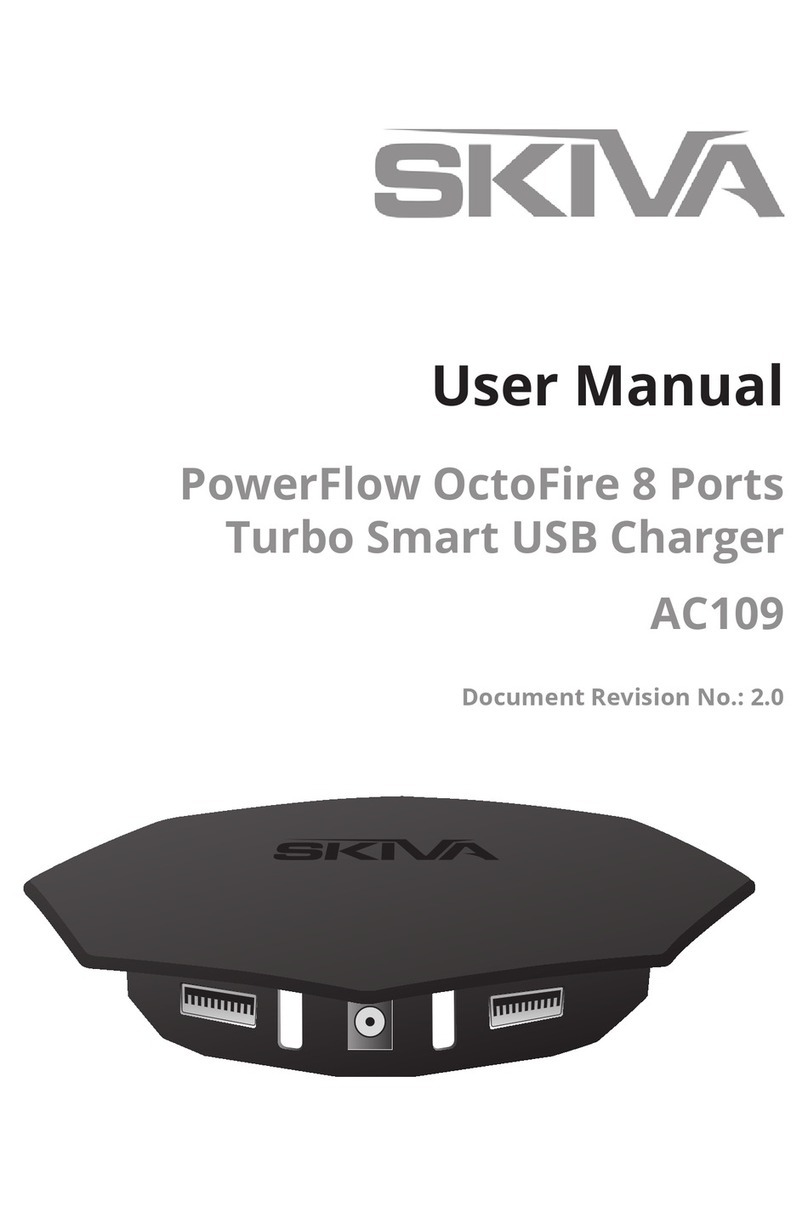
Skiva AC111 User manual

User Manual
QuadFire 9.6Amps
4 Ports Turbo USB Charger
AC111
Document Revision No.: 1.0

About your USB charger
QuadFire can charge 4 USB devices (simultaneous-
ly) each at 2.4A / 5V power (when device permits).
USB devices could be cellphones, smartphones, tab-
lets, MP3 Player, GPS, Bluetooth headset or any other
popular electronics that are powered from USB port.
Read this user manual carefully before using the product.
www.skivatech.com
QuadFire 9.6Amps
4 Ports Turbo USB Charger
2
(c) 2015 Skiva Technologies, Inc. All rights reserved. All trade names
are registered trademarks of respective manufacturers listed.

Technical Specications
Input:
Input AC Voltage 100-240V (50/60 Hz)
AC Input Current 0 to 1.1 Amps
OutPut:
Output Ports 4 USB Female Type A Ports
Total Output Wattage 48 Watts
Output Voltage 4.80V – 5.10V
Total Output Current (Max) 9.6 Amps
Regulatory:
Certications FCC, CE and RoHS Certied.

Mechanical:
Dimension/Weight QuadFire 4.7 x 2.4 x 1.4 inches / 7.35 oz
AC Cable Length 4.92 feet
AC Plug Pin Format USA 2 Pin Plug
Cooling Fan-less Passive (No Noise)
www.skivatech.com
QuadFire 9.6Amps
4 Ports Turbo USB Charger
Environmental:
Operating Temperature 0 to 35°C
Storage Temperature -10°C to 45°C
Compatibility:
Most Brands Almost all USB chargeable devices.
3
(c) 2015 Skiva Technologies, Inc. All rights reserved. All trade names
are registered trademarks of respective manufacturers listed.
Key Parts
1. QuadFire main unit 2. AC Supply Cable

1. Connect the 2 Pin AC Cable to the power port of the
QuadFire Turbo USB Charger.
2. Connect the USB charger cable of your Phone/Device
into the USB port of the QuadFire Turbo USB Charger.
3. Plug the AC Cable into a power outlet and turn it ON.
The Red LED will turn ON in the QuadFire Turbo USB
Charger.
Usage
www.skivatech.com
QuadFire 9.6Amps
4 Ports Turbo USB Charger
4
(c) 2015 Skiva Technologies, Inc. All rights reserved. All trade names
are registered trademarks of respective manufacturers listed.

Troubleshooting
Below are some basic troubleshooting steps.
1. QuadFire Red LEDs are not turning ON.
a) Make sure AC plug is connected properly with power
outlet and power outlet is turned ON.
b) Make sure AC cable is connected properly with
QuadFire main unit.
2. The Phone/Tablet/Device doesn’t charge
In case you don’t see the devices charging, try removing
and re-plugging the USB cable in the QuadFire.
Try an alternate USB cable to verify in case the cable has
gone bad.
Also try an alternate device at the same port on the
QuadFire charger to rule out the possibility of the de-
vice’s charging port being bad.
You can also contact Skiva Support at support@skivat-
ech.com or visit Skiva website @ www.skivatech.com, in
case you are not able to resolve the issue.
www.skivatech.com
QuadFire 9.6Amps
4 Ports Turbo USB Charger
5
(c) 2015 Skiva Technologies, Inc. All rights reserved. All trade names
are registered trademarks of respective manufacturers listed.

Product and safety information
Take care of your device. Handle your device, charger
and accessories with care. The following suggestions
help you protect your warranty coverage.
• Keep the device dry. Precipitation, humidity, and all
types of liquids or moisture can contain minerals that
corrode electronic circuits. If your device gets wet, allow
the device to dry.
• Do not use or store the device in dusty or dirty areas.
Moving parts and electronic components can be dam-
aged.
• Do not store the device in high temperatures. High
temperatures can shorten the life of the device, dam-
age the battery, and warp or melt plastics.
• Do not store the device in cold temperatures. When
the device warms to its normal temperature, moisture
can form inside the device and damage electronic cir-
cuits.
• Do not attempt to open the device.
• Unauthorised modications may damage the device
and violate regulations governing radio devices.
• Do not drop, knock, or shake the device. Rough han-
dling can break internal circuit boards and mechanics.
• Only use a soft, clean, dry cloth to clean the surface of
the device.
• Do not paint the device. Paint can clog moving parts
and prevent proper operation.
www.skivatech.com
QuadFire 9.6Amps
4 Ports Turbo USB Charger
6
(c) 2015 Skiva Technologies, Inc. All rights reserved. All trade names
are registered trademarks of respective manufacturers listed.

Copyright and other notices
DECLARATION OF CONFORMITY
www.skivatech.com
QuadFire 9.6Amps
4 Ports Turbo USB Charger
7
Recycle
Always return your used electronic products, batteries,
and packaging materials to dedicated collection points.
This way you help prevent uncontrolled waste disposal
and promote the recycling of materials.
(c) 2015 Skiva Technologies, Inc. All rights reserved. All trade names
are registered trademarks of respective manufacturers listed.
Hereby, SKIVA TECHNOLOGIES INC. declares that this prod-
uct is in compliance with the essential requirements.
All rights reserved. SKIVA and SKIVA’s logo are trademarks
or registered trademarks of SKIVA TECHNOLOGIES INC.

www.skivatech.com
QuadFire 9.6Amps
4 Ports Turbo USB Charger
8
(c) 2015 Skiva Technologies, Inc. All rights reserved. All trade names
are registered trademarks of respective manufacturers listed.
For support please contact us
at support@skivatech.com
Table of contents
Other Skiva Batteries Charger manuals