EnglishDeutsch
 logo
Brands
  1. Home
  2. •
  3. Brands
  4. •
  5. SkyLink
  6. •
  7. Transmitter
  8. •
  9. SkyLink 4B-201 User manual

SkyLink 4B-201 User manual

Other SkyLink Transmitter manuals

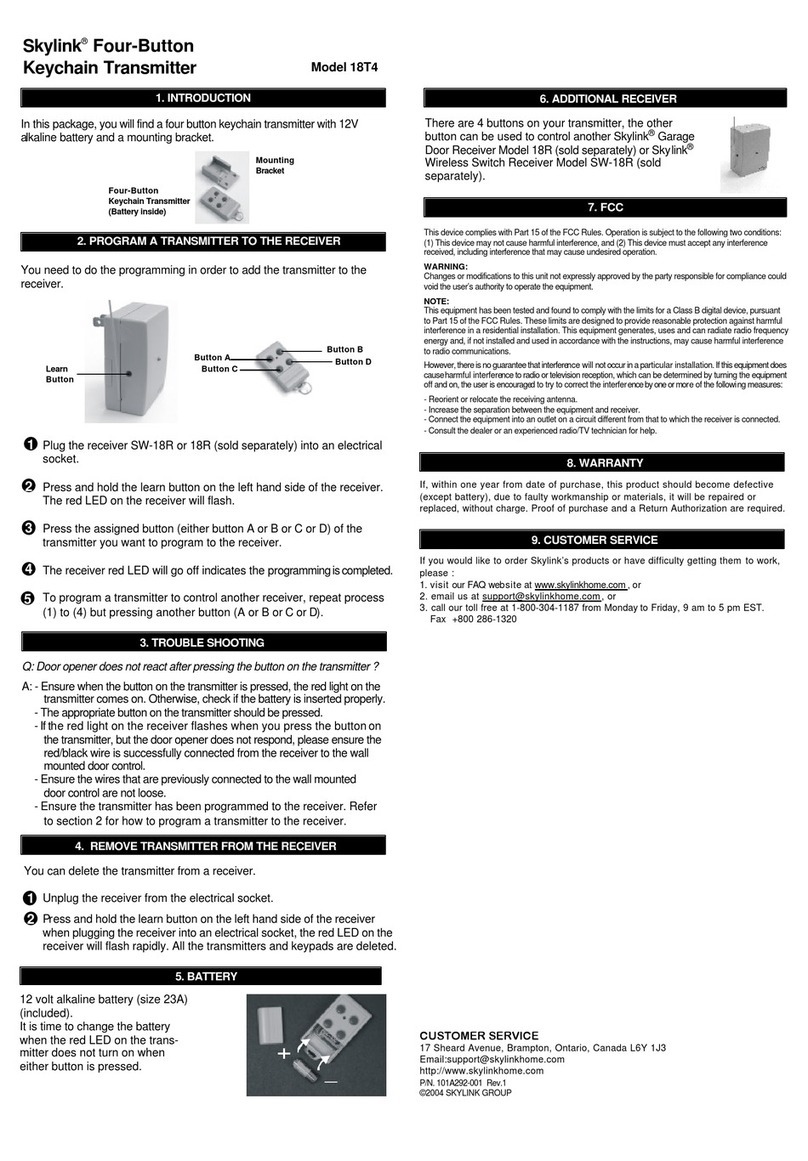
SkyLink 18T4 User manual

SkyLink

SkyLink 18T4 User manual

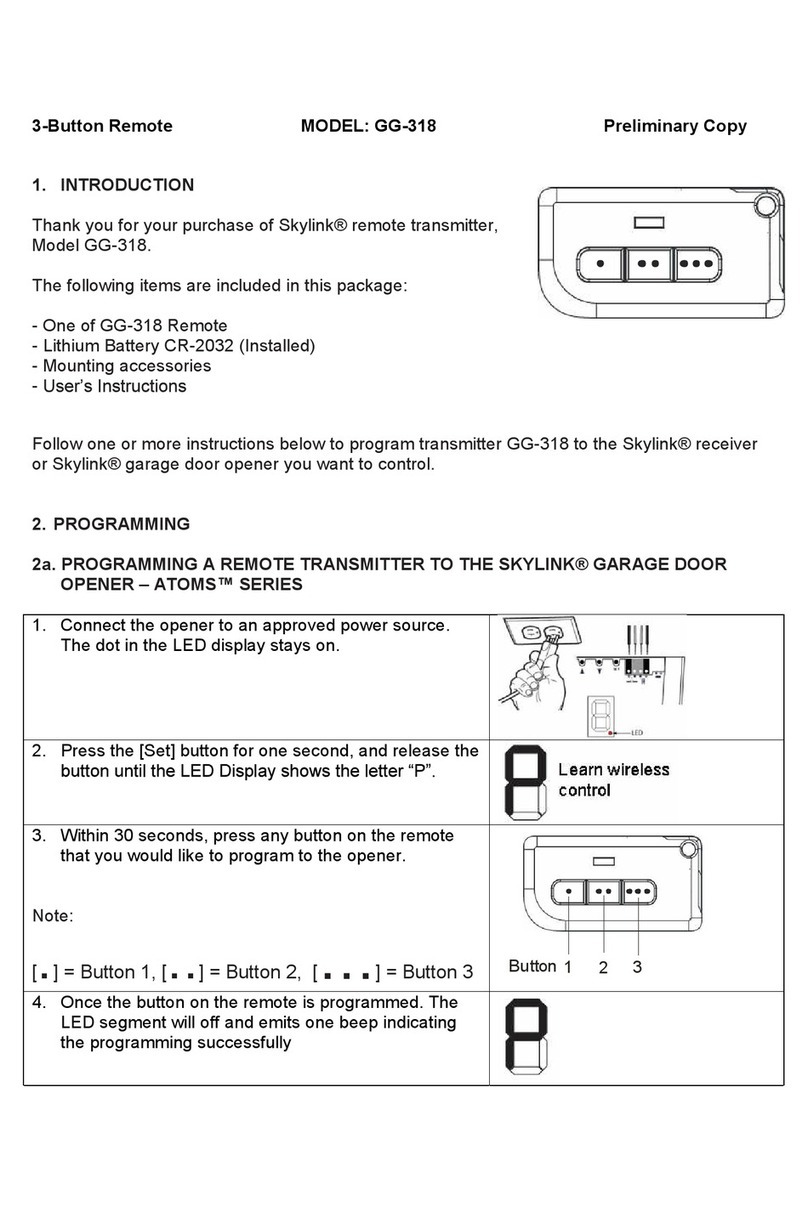
SkyLink GG-318 User manual

SkyLink

SkyLink GG-318 User manual

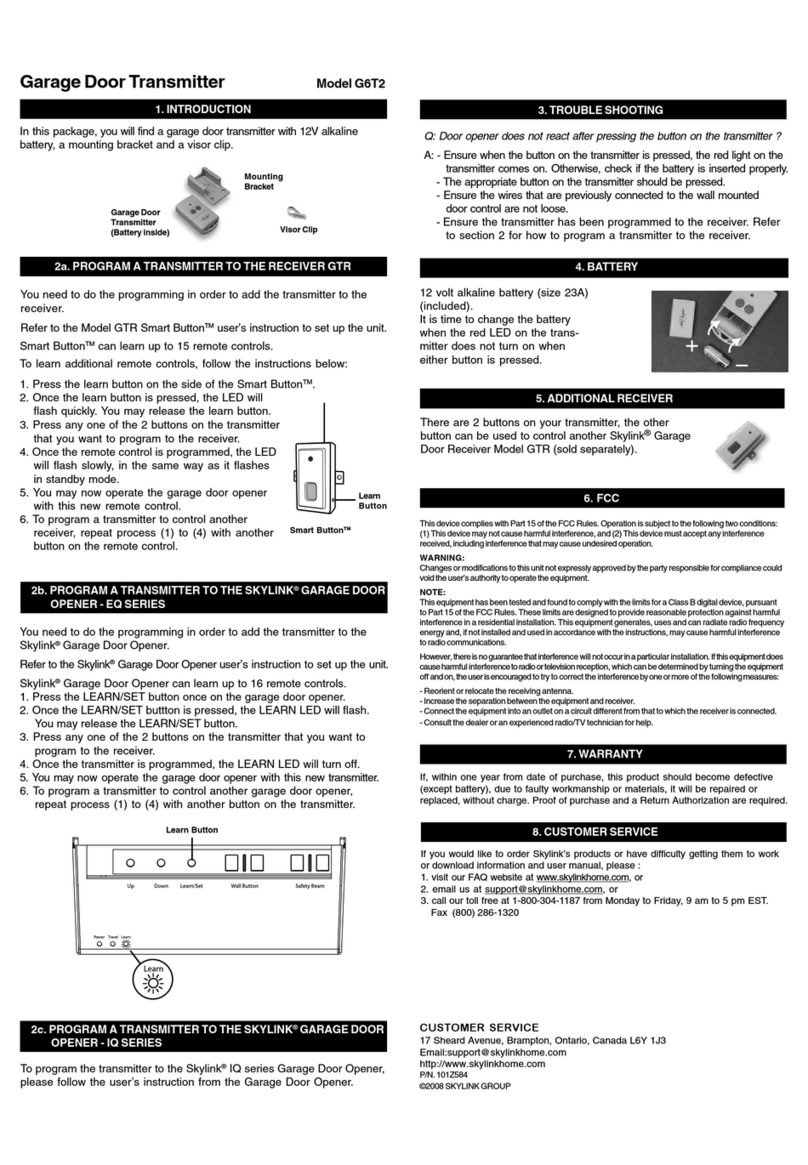
SkyLink G6T2 User manual

SkyLink

SkyLink G6T2 User manual

SkyLink TC-318-1 User manual

SkyLink

SkyLink TC-318-1 User manual

SkyLink KP-433 User manual

SkyLink

SkyLink KP-433 User manual

SkyLink TB-318 User manual

SkyLink

SkyLink TB-318 User manual

SkyLink PT-434 User manual

SkyLink

SkyLink PT-434 User manual

SkyLink HW-434 User manual

SkyLink

SkyLink HW-434 User manual

SkyLink 318K User manual

SkyLink

SkyLink 318K User manual

SkyLink TB-318 User manual

SkyLink

SkyLink TB-318 User manual

Popular Transmitter manuals by other brands

NIVELCO EasyTREK SCA-300 Series Programming manual

NIVELCO

NIVELCO EasyTREK SCA-300 Series Programming manual

Honeywell 5816WMBR installation instructions

Honeywell

Honeywell 5816WMBR installation instructions

Kamstrup READy MTU Installation and operation guide

Kamstrup

Kamstrup READy MTU Installation and operation guide

Omega ZW Series user guide

Omega

Omega ZW Series user guide

ABB Field 264H Instructions for installation

ABB

ABB Field 264H Instructions for installation

Alinco DJ-V17T Service manual

Alinco

Alinco DJ-V17T Service manual

Dejero EnGo 3x manual

Dejero

Dejero EnGo 3x manual

Rosemount 4600 Reference manual

Rosemount

Rosemount 4600 Reference manual

Speaka Professional 2342740 operating instructions

Speaka Professional

Speaka Professional 2342740 operating instructions

trubomat GAB 1000 instruction manual

trubomat

trubomat GAB 1000 instruction manual

Teledyne Analytical Instruments LXT-380 instructions

Teledyne Analytical Instruments

Teledyne Analytical Instruments LXT-380 instructions

Rondish UT-11 quick start guide

Rondish

Rondish UT-11 quick start guide

MG 10JRE instruction manual

MG

MG 10JRE instruction manual

Burkert 8177 operating instructions

Burkert

Burkert 8177 operating instructions

Firetide HotPort 3203 Hardware installation guide

Firetide

Firetide HotPort 3203 Hardware installation guide

Tele Radio T9-02 User instructions

Tele Radio

Tele Radio T9-02 User instructions

Rotronic HygroFlex HF3 Series user guide

Rotronic

Rotronic HygroFlex HF3 Series user guide

Jamara FCX6 Pro Tel Instruction

Jamara

Jamara FCX6 Pro Tel Instruction

https://manuals.online logo
https://manuals.online logoBrands
  • About & Mission
  • Contact us
  • Privacy Policy
  • Terms and Conditions

Copyright 2026 Manuals.Online. All Rights Reserved.

4-Button Keychain Transmitter
1. INTRODUCTION
Model 4B-201
2. PROGRAM THE KEYCHAIN TRANSMITTER TO
THE SWING DOOR OPENER
The 4-button keychain transmitter is designed to operate Skylink swing
door opener. It can operate up to 4 swing door openers in toggle mode,
or 2 swing door openers in open / close mode.
In this package, you should find a keychain transmitter with battery
installed and an user’s instructions.
Please follow the instructions below to program the keychain transmitter
to the swing door opener.
12V alkaline battery
(installed)
3. OPERATION
4. ERASE TRANSMITTER FROM SWING DOOR OPENER
If your swing door opener operates in open / close mode, you need to
program the open button first, then repeat the above procedrue to
program the close button.
Depending on the operating modes, the keychain transmitter operates
differently.
There are 3 operating modes for the swing door opener:
-Toggle
-Open / Close
-Timer
Please refer to the user’s instructions of the swing door opener for
more information on each operating mode.
Toggle Mode
If your swing door opener operates in toggle mode, pressing the
programmed button will open / close the door.
Open / Close Mode
If your swing door opener operates in open / close mode, pressing the
open button will open the door, pressing the close button will close the
door.
You can program up to 15 single button-transmitters to the swing door
opener. This is ideal if you have multiple users for one door and they
can carry their own remotes. To program transmitter, follow the
instructions below:
In order to erase any unwanted transmitter (buttons), you must first
erase all of them. Then reprogram each transmitter (button) you wish to
use.
To erase all transmitters:
1. Unplug the door opener when it is in standby mode.
2. Press and hold the learn button, then plug the adapter back in while
holding the learn button.
3. You should see the red LED flashing and buzzer beeping rapidly. This
indicates all the transmitters have been erased and you may release
the learn button. You can now program the transmitter you wish to
use based on the instructions “2. Program the keychain transmitter to
the swing door opener”.
Learn button
1. The operator should be in standby mode, i.e. adapter plugged in but
the swing door opener should not be operating, only the red LED
should be on steadily.
2. Press and hold the “Learn” button, the red LED will start to flash
and buzzer will beep indicating the door opener is now in learn
mode.
3. Press and hold the button on the transmitter you would like to program
while you are holding onto the learn button on the door opener, you
should hear a long beep and the LED will be off. You may now
release both the learn button on the door opener and the button on
the transmitter. You have now successfully programmed the trans-
mitter to the door opener.
Door 1
Open
Close
Door 2
Open
Close
Door 1
Open
Close
Door 2
Open
Close
The battery of the keychain remote (Alkaline, Type 23A, 12V) needs to
be replaced when either one of the followings occurs:
1. The LED on the keychain doesn’t flash or on when a key is pressed; or
2. The operating range starts to decrease.
To replace the battery:
1. Undo the two screws on the back of the
transmitter.
The bottom case will then come off.
2. Using a small screwdriver or pen, pry out
the old battery from one end.
3. Place the new battery in position. A diagram
in the battery compartment indicateswhich
end is positive and which is negative.
4. Close the battery cover and reinsert
two screws. +
-
5. BATTERY
4-button
keychain transmitter

6. OTHER SWING DOOR OPENER ACCESSORIES
The swing door opener can work with different accessories include:
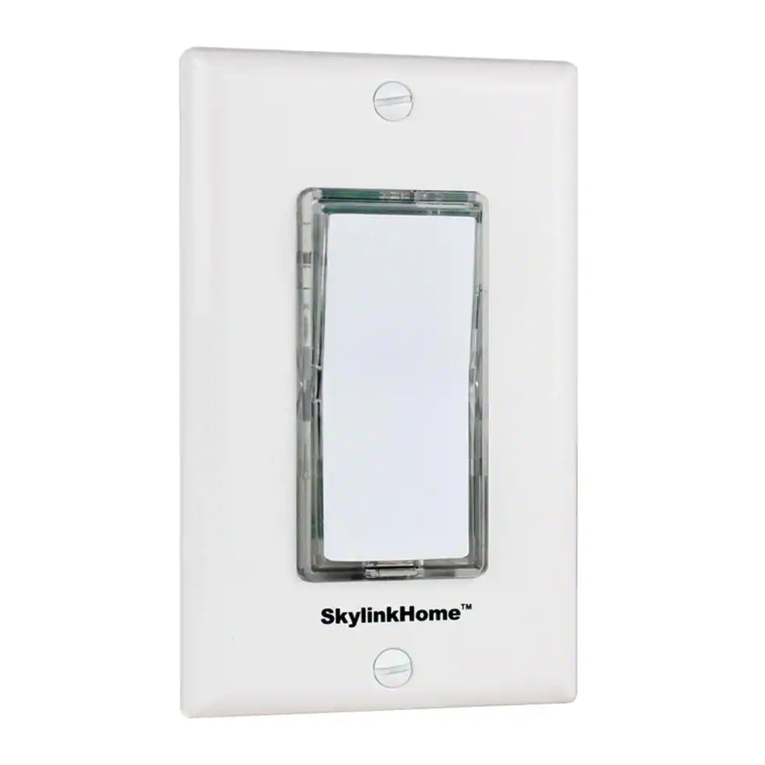
keychain/wallmount transmitter, motion sensor, electric strike, electromag-
netic lock kit &keypad transmitter, etc. Please visit www.skylinkhome.com or
contact us at [email protected] for more information of how to
fully utilize your swing door opener.
9. WARRANTY
If, within one year from date of purchase, this product should become
defective (except battery), due to faulty workmanship or materials, it will
be repaired or replaced, without charge. Proof of purchase and a Return
Authorization are required.
This device complies with Part 15 of the FCC Rules. Operation is subject to the
following two conditions: (1) This device may not cause harmful interference, and
(2) This device must accept any interference received, including interference that
may cause undesired operation.
WARNING:
Changes or modifications to this unit not expressly approved by the party
responsible for compliance could void the user’s authority to operate the equipment.
NOTE:
This equipment has been tested and found to comply with the limits for a Class B
digital device, pursuant to Part 15 of the FCC Rules. These limits are designed to
provide reasonable protection against harmful interference in a residential installation.
This equipment generates, uses and can radiate radio frequency energy and, if not
installed and used in accordance with the instructions, may cause harmful inter-
ference to radio communications.
However, there is no guarantee that interference will not occur in a particular
installation. If this equipment dose cause harmful interference to radio or television
reception, which can be determined by turning the equipment off and on, the user is
encouraged to try to correct the interference by one or more of the following measures:
- Reorient or relocate the receiving antenna.
- Increase the separation between the equipment and receiver.
- Connect the equipment into an outlet on a circuit different from that to which the
receiver is connected.
- Consult the dealer or an experienced radio/TV technician for help.
7. FCC
CUSTOMER SERVICE
17 Sheard Avenue, Brampton, Ontario, Canada L6Y 1J3
Email:[email protected]
http://www.skylinkhome.com
P/N. 101A414
©2006 SKYLINK GROUP
If you would like to order Skylink’s products or have difficulty getting them to
work, please :
1. visit our FAQ section at www.skylinkhome.com , or
2. email us at [email protected], or
3. call our toll free at 1-800-304-1187 from Monday to Friday, 9 am to 5 pm EST.
Fax (800) 286-1320
10. CUSTOMER SERVICE
8. CE
Declaration of Conformity
This equipment complies with the requirements relating to electromagnetic
compatibility, EN 301489-3:2002, EN300220-3:2000, EN60950-1:2001,
EN50371:2002. This equipment conforms to the essential requirement of the
Directive (1999/5/EC) of the European Parliament and of the Council.