manuals.online logo
Brands
  1. Home
  2. •
  3. Brands
  4. •
  5. SMA
  6. •
  7. Inverter
  8. •
  9. SMA 10000TL User manual

SMA 10000TL User manual

This manual suits for next models

3

Other SMA Inverter manuals

SMA Sunny Central SC 100 User manual

SMA

SMA Sunny Central SC 100 User manual

SMA SUNNY BOY 2500HF User manual

SMA

SMA SUNNY BOY 2500HF User manual

SMA SUNNY BOY 3.0-US User manual

SMA

SMA SUNNY BOY 3.0-US User manual

SMA 9000TL User manual

SMA

SMA 9000TL User manual

SMA SOLID-Q 50 Manual

SMA

SMA SOLID-Q 50 Manual

SMA sunny boy 2000hf-us User manual

SMA

SMA sunny boy 2000hf-us User manual

SMA SUNNY SENSORBOX User manual

SMA

SMA SUNNY SENSORBOX User manual

SMA NR-STP90-5-AST Operating and safety instructions

SMA

SMA NR-STP90-5-AST Operating and safety instructions

SMA MLX 60 Guide

SMA

SMA MLX 60 Guide

SMA SUNNY BOY 2500TL Single Tracker User manual

SMA

SMA SUNNY BOY 2500TL Single Tracker User manual

SMA SUNNY BOY 1.5 User manual

SMA

SMA SUNNY BOY 1.5 User manual

SMA SUNNY BOY 3000TL Single Tracker Original operating instructions

SMA

SMA SUNNY BOY 3000TL Single Tracker Original operating instructions

SMA SUNNY ISLAND 4.4M Use and care manual

SMA

SMA SUNNY ISLAND 4.4M Use and care manual

SMA FUEL SAVE CONTROLLER 2.0M User manual

SMA

SMA FUEL SAVE CONTROLLER 2.0M User manual

SMA Sunny Island 4548-US User manual

SMA

SMA Sunny Island 4548-US User manual

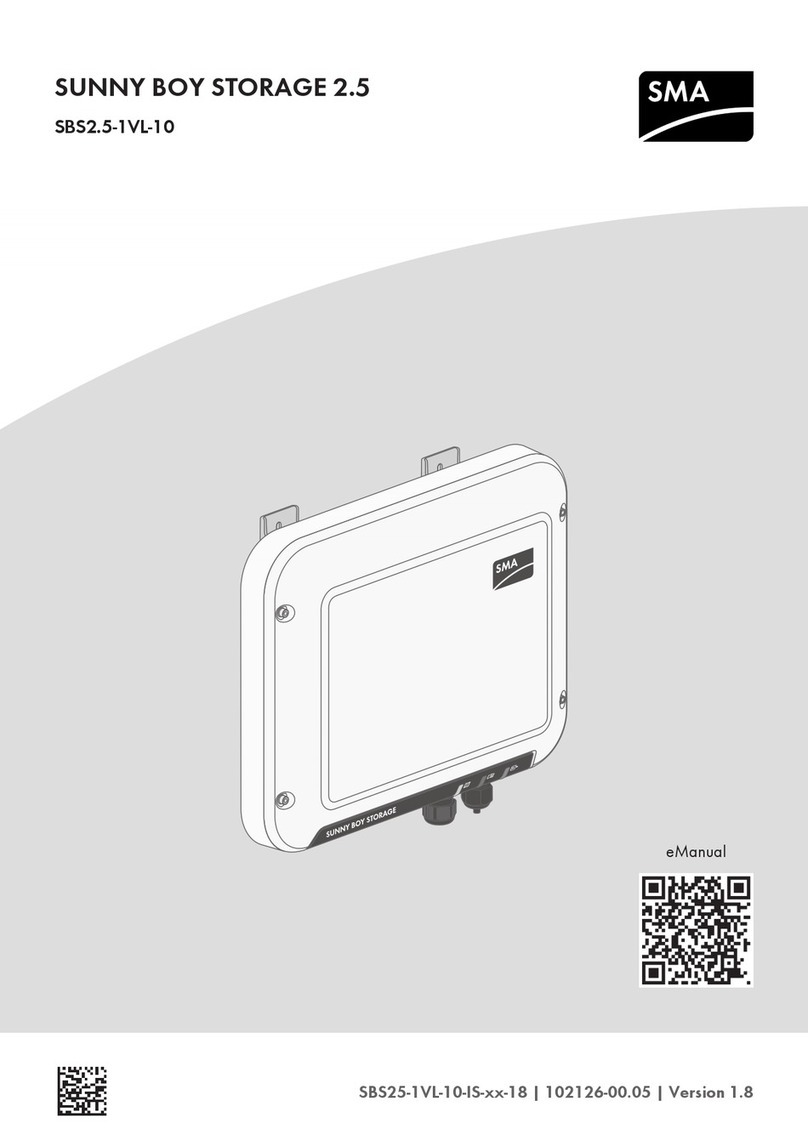
SMA SUNNY BOY STORAGE 2.5 User manual

SMA

SMA SUNNY BOY STORAGE 2.5 User manual

SMA NR-STP-DC-EMV Operating and safety instructions

SMA

SMA NR-STP-DC-EMV Operating and safety instructions

SMA SUNNY BOY 1100 User manual

SMA

SMA SUNNY BOY 1100 User manual

SMA SUNNY BOY STORAGE 2.5 User manual

SMA

SMA SUNNY BOY STORAGE 2.5 User manual

SMA 3000TL-US User manual

SMA

SMA 3000TL-US User manual

SMA SUNNY BOY 8000TL?US User manual

SMA

SMA SUNNY BOY 8000TL?US User manual

SMA Sunny Island SI3300 Manual

SMA

SMA Sunny Island SI3300 Manual

SMA SUNNY TRIPOWER 12000TL-US User manual

SMA

SMA SUNNY TRIPOWER 12000TL-US User manual

SMA SUNNY BOY 3000 User manual

SMA

SMA SUNNY BOY 3000 User manual

Popular Inverter manuals by other brands

Fourgroup Easy use and Programming Handbook

Fourgroup

Fourgroup Easy use and Programming Handbook

Velleman PI300M user manual

Velleman

Velleman PI300M user manual

Sungrow SG350HX-US user manual

Sungrow

Sungrow SG350HX-US user manual

WilTec 61897 Operation manual

WilTec

WilTec 61897 Operation manual

Simplicity LANDLORD 316 product manual

Simplicity

Simplicity LANDLORD 316 product manual

Santak SMAX 3000 user manual

Santak

Santak SMAX 3000 user manual

ATON RA.Store-3 user manual

ATON

ATON RA.Store-3 user manual

ZIEHL-ABEGG FXET4AMQ operating instructions

ZIEHL-ABEGG

ZIEHL-ABEGG FXET4AMQ operating instructions

Tektronix CFG250 Operator's manual

Tektronix

Tektronix CFG250 Operator's manual

Champion 200989 Operator's manual

Champion

Champion 200989 Operator's manual

Vanner 20-500 Series owner's manual

Vanner

Vanner 20-500 Series owner's manual

GE GEP user manual

GE

GE GEP user manual

MULTIQUIP GDP-5H Operation and parts manual

MULTIQUIP

MULTIQUIP GDP-5H Operation and parts manual

Astrel Group Power Reducer Installation and instruction manual

Astrel Group

Astrel Group Power Reducer Installation and instruction manual

GoWISE PS1007 user manual

GoWISE

GoWISE PS1007 user manual

Promate PM13500D ES Operator's manual

Promate

Promate PM13500D ES Operator's manual

Mastervolt WHISPER 3.5M3000 RPM user manual

Mastervolt

Mastervolt WHISPER 3.5M3000 RPM user manual

Mitsubishi Electric FR-A7AZ instruction manual

Mitsubishi Electric

Mitsubishi Electric FR-A7AZ instruction manual

manuals.online logo
manuals.online logoBrands
  • About & Mission
  • Contact us
  • Privacy Policy
  • Terms and Conditions

Copyright 2025 Manuals.Online. All Rights Reserved.

SMA Solar Technology AG
www.SMA.de
STP10-17TL-BEN102612 | IMEN-STP10-17TL | Version 1.2 EN
PV Inverter
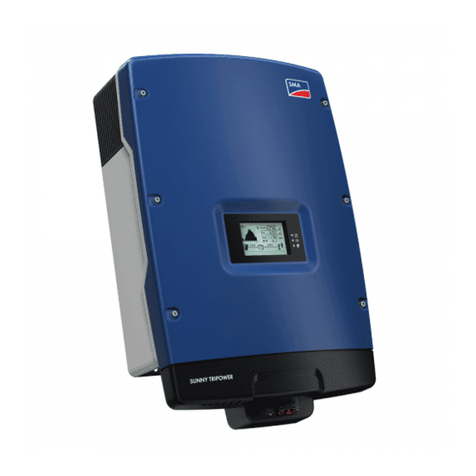
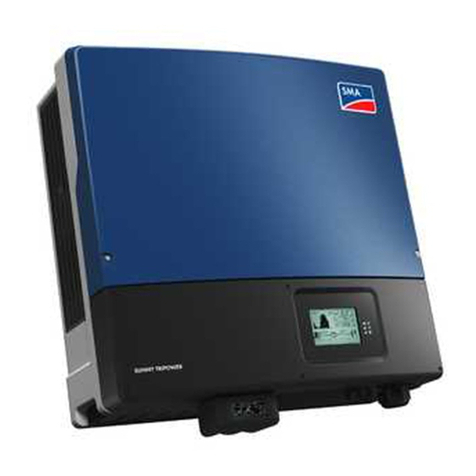
SUNNY TRIPOWER 10000TL / 12000TL / 15000TL / 17000TL
User Manual
ES
Symbols on the Inverter
Operation display. The inverter is in operating mode.
An error has occurred. Please inform your installer immediately.

Bluetooth®. Bluetooth communication is active.*
NOTICE, danger!
Symbols on the type plate
Beware of dangerous electrical voltage.
The inverter operates at high voltages. Any work on the inverter must be carried out by
quali󹻭ed personnel only.

Beware of hot surface.

The inverter can become hot during operation. Avoid contact during operation.
Observe enclosed documentation.
The inverter must not be disposed of with the household waste.
Further disposal information can be found in the enclosed installation guide.
CE mark. The inverter complies with the requirements of the applicable EC guidelines.
Device class label. The inverter is equipped with a wireless component that complies
with the harmonized standards.
RAL quality mark for solar products. The inverter complies with the requirements of the
German Institute for Quality Assurance and Labeling.
Direct Current (DC)
Alternating current (AC)
The inverter is protected against dust deposits in the interior and against splashes of
water from all angles.
The inverter is transformerless.
The Bluetooth®word mark and logos are registered trademarks owned by Bluetooth SIG, Inc. and any use of these marks
by SMA Solar Technology AG is under license.
Explanation of Symbols
Contact
If you have technical problems, 󹻭rst contact your installer. The following information is required in
order to provide you with the necessary assistance:
• Inverter device type
• Inverter serial number
• Event number or display message of the inverter
• Optional equipment (e.g. communication devices)
SMA Solar Technology AG
Sonnenallee 1
34266 Niestetal, Germany
www.SMA.de
SMA Serviceline
Inverters: +49 561 9522 1499
Communication: +49 561 9522 2499
Fax: +49 561 9522 4699
E-mail: [email protected]
Installer contact
Glossary
Bluetooth
Bluetooth is a radio technology that allows Sunny Tripower and communication devices to com-
municate with each other. Bluetooth communication does not require visual contact between the
devices.
Electronic Solar Switch (ESS)
The Electronic Solar Switch is part of the Sunny Tripower's DC isolator. The Electronic Solar
Switch must be securely inserted into the bottom of the Sunny Tripower and may only be remo-
ved by a quali󹻭ed personnel.
Energy
Energy is measured in Wh (watt hours), kWh (kilowatt hours) or MWh (megawatt hours). The
energy is the power calculated over time. If, for example, your Sunny Tripower operates at a con-
stant output of 3000 W for half an hour and then at a constant output of 2000 W for another
half hour, it has fed 2500 Wh of energy into the grid within that hour.
Power
Power is measured in W (watts), kW (kilowatts) or MW (megawatts). Power is a momentary
value. It displays the power your Sunny Tripower is currently feeding into the grid.
PV
Abbreviation for photovoltaics
DANGER!
Electric shock caused by high voltage in the inverter.
Do not open the inverter!
The following work must be carried out by quali󹻭ed personnel only.
• Electrical installation
• Repairs
• Modi󹻭cation
WARNING!
New safety concept!
If the Sunny Tripower beeps, the inverter has found the error and short-circuited
the PV generator. The PV system is now in a safe state.
• On no account disconnect the Electronic Solar Switch or the DC plug
connector.
• Please inform your installer immediately so that he can eliminate the error.
CAUTION!
Risk of burns through contact with the enclosure during operation.
• Only touch the lower lid and display during operation.
Graphic Display
Safety Instructions Product Overview
Serial number
Identi󹻭cation of the Sunny Tripower by the type plate
System Overview
The display updates the values of your PV system every 5 seconds.
Current output
Daily energy
Total energy generated since the Sunny Tripower was installed
Text line for displaying an event
Graphic display of the Sunny Tripower’s output
Disturbance
Contact installer,
Specify event and serial numbers
Switch open: no feeding
Switch closed: feeding
Switches between the inputs
A and B every 10 seconds
Output voltage / output current of the phase as shown below
Bluetooth connection to other devices
PV voltage/ PV current
Grid event number
PV generator event number Sunny Tripower event number
Power reduction due to excessive temperature
• Clean the fan
• Provide better ventilation for Sunny Tripower
Lower
enclosure lid
Graphic display
Electronic
Solar Switch
The output of the Sunny Tripower is shown as a diagram in the display.
The daily graph is displayed by default. The right bar of the diagram
represents the current hour. In case the Sunny Tripower does not feed
any power to the grid over a longer period of time (e.g. in darkness or in
case the modules are covered with snow) a gap is inserted into the chart.
The bar for the current hour is updated automatically every 󹻭ve seconds.
After four seconds, the bar goes out for one second and then displays the
current value.
Diagram
Green LED is glowing: Operating mode
Red LED is glowing: Disturbance: contact the installer and specify the event and the serial number
Blue LED is glowing: Sunny Tripower is connected to a Bluetooth network and can communicate
with other devices that have the same network ID.
The power and energy of the Sunny Tripower are displayed in the three 󹻭elds: Power, Day and
Total. The display is updated every 󹻭ve seconds.
Power
Current power that the Sunny Tripower is feeding into the grid.
Day
The energy fed into the grid on this day. This equals the energy
generated between the Sunny Tripower’s start up in the morning to the
current time.
Total
Total energy which the Sunny Tripower has fed into the grid during its
entire operating time.
Power Display
AB
Measurement Accuracy
The display values may deviate from the actual values and must not be used as a basis for invoicing.
The Sunny Tripower’s measured values are required for the system management and to control the
current to be fed to the grid. The Sunny Tripower is not equipped with a calibrated meter.
Tapping on the lower lid:
• Activating the background illumination
• Switching through the energy values of the past 16 feed-in
hours to the daily energy values of the past 16 days
• Switching through the line display
Green LED
is 󹻮ashing: Waiting for su󹻯cient irradiation.
Visual Inspection, Maintenance and Cleaning
LEDs
Phase Assignment
Visual Inspection
Check the inverter and cables for any signs of external damage. Contact your installer if you 󹻭nd
any defects. Do not carry out any repairs on your own.
Maintenance and Cleaning
Ask your installer to check for proper inverter operation at regularly.