Customers
in
the U.S.A.
http://www.sony.comlwalkmansupportt
Customers
in
Canada
http://www.sony.calEletronicsSupportl
For
the
customers
in
the
U.S.A.
Important
Safety
Instructions
I) Read these instructions.
2) Keep these instructions.
3) Heed all warnings.
4) Follow all instructions.
5) Do not use this apparatus near water.
6) Clean only with dry cloth.
7) Do not block any ventilation openings.
Install
in
accordance with the manufacturer's instructions.
8)
Do not install near any heat sources such as radiators, heat
registers. stoves,
or
other apparatus (including amplifiers)
thal produce heat.
9) Do not defeat the safely purpose
of
the polarized or
grounding-type plug. Apolarized plug has two blades with
one wider than the other. Agrounding type plug has two
blades and athird grounding prong. The wide blade or the
third prong are provided for your safety.
If
the provided
plug does not fit into your outlet, consult an electrician for
replacement
of
the obsolete outle£.
10)
Protect the power cord from being walked on
or
pinched
particularly
at
plugs, convenience receptacles. and the point
where they exit from the apparatus.
11) Only use attachments/accessories specified by the
manufacturer.
12) Use only with the cart, stand, tripod. bracket, or table
specified by the manufacturer,
or
sold with the apparatus.
When a
can
is used, use caution when moving the cartl
apparatus combination to avoid injury from tip-over.
I)
13)
Unplug this apparatus during lightning storms or when
unused for long periods
of
time.
14) Refer all servicing to qualified service personnel. Servicing
is required when the apparatus has been damaged
in
any
way, such as power-supply cord or plug is damaged, liquid
has been spilled or objects have fallen into the apparatus, the
apparatus has been exposed to rain or moisture. does not
operate nonnally.
or
has been dropped.
)t
Disposal
of
Old
Electrical &
Electronic
Equipment (Applicable in the European
Union and
other
European
countries
with
separate
collection
systems)
This symbol
on
the product or on its packaging
_
~no~~:~~~h:~:~~~
r:~~~\:~~~I~~~
~a~~:~e~v~~
to
the applicable collection point for the recycling
of
electrical and
electronic equipment. By ensuring this product is disposed
of
correctly, you will help prevent potential negative consequences
for the environment and human health, which could otherwise
be caused by inappropriate waste handling
of
this product. The
recycling
of
materials will help to conserve natural resources.
For more detailed infonnation about recycling
of
this product.
please contact your local Civic Office, your household waste
disposal service or the shop where you purchased the product.
)t
Disposal
of
waste batteries (applicable
in
the European Union
and
other
European
countries
with
separate
collection
systems)
This symbol on the battery
or
on the packaging indicates that the
battery provided with this product shall not be treated as
household waste.
By
ensuring these batteries are disposed
of
correctly, you will
help prevent potentially negative consequences for the
environment and human health which'could otherwise
be
caused
by inappropriate waste handling
of
the battery. The recycling
of
the materials will help to conserve natural resources.
In
case
of
products that for safety, perfonnance
or
data integrity
reasons require apennanent connection with an incorporated
battery, this battery should be replaced by qualified service staff
only.
To
ensure that the battery will be treated properly, hand over the
product
at
end-of-life to the applicable collection point for the
recycling
of
electrical and electronic equipment.
For all other batteries, please view the section on how to remove
the battery from the product safely. Hand the battery over to the
applicable collection point for the recycling
of
waste batteries.
For more detailed infonnation about recycling
of
this product or
battery, please contact your local Civic Office, your household
waste disposal service or the shop where you purchased the
product.
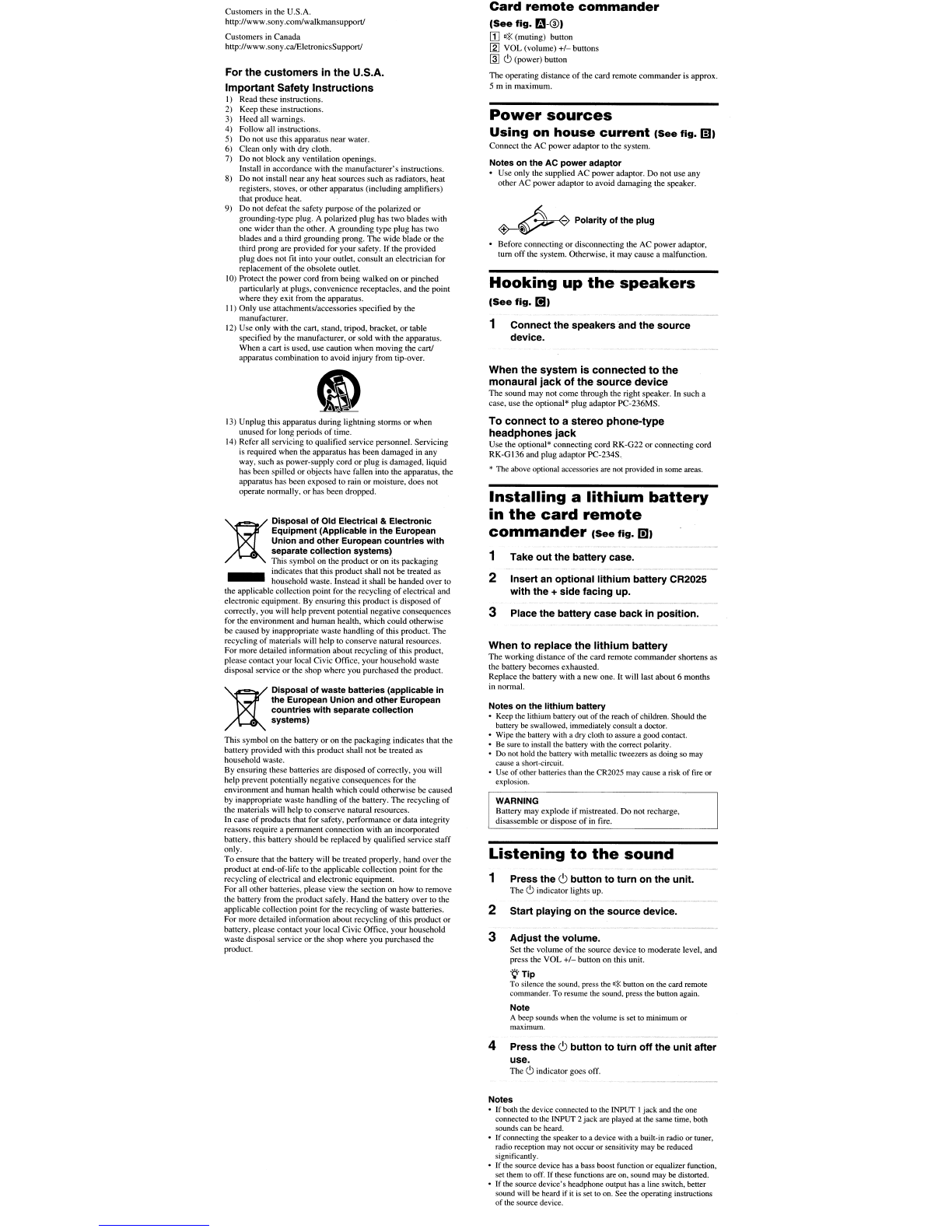
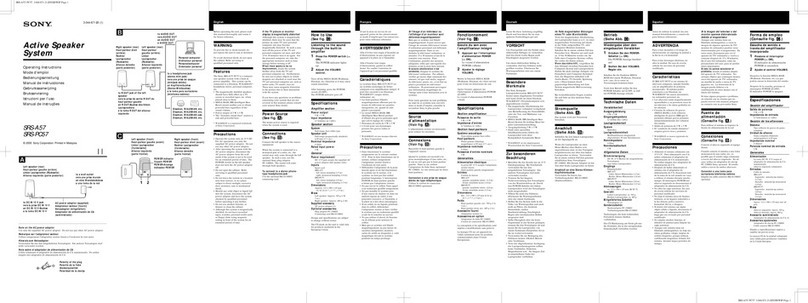
Card
remote
commander
(See
fig.
m-@I
(I]
D*
(muting) button
[gJ
VOL (volume)
+1-
buttons
~
c';>
(power) button
The operating distance
of
the card remote commander is approx.
5m
in
maximum.
Power
sources
Using
on
house
current
(See
fig.
ml
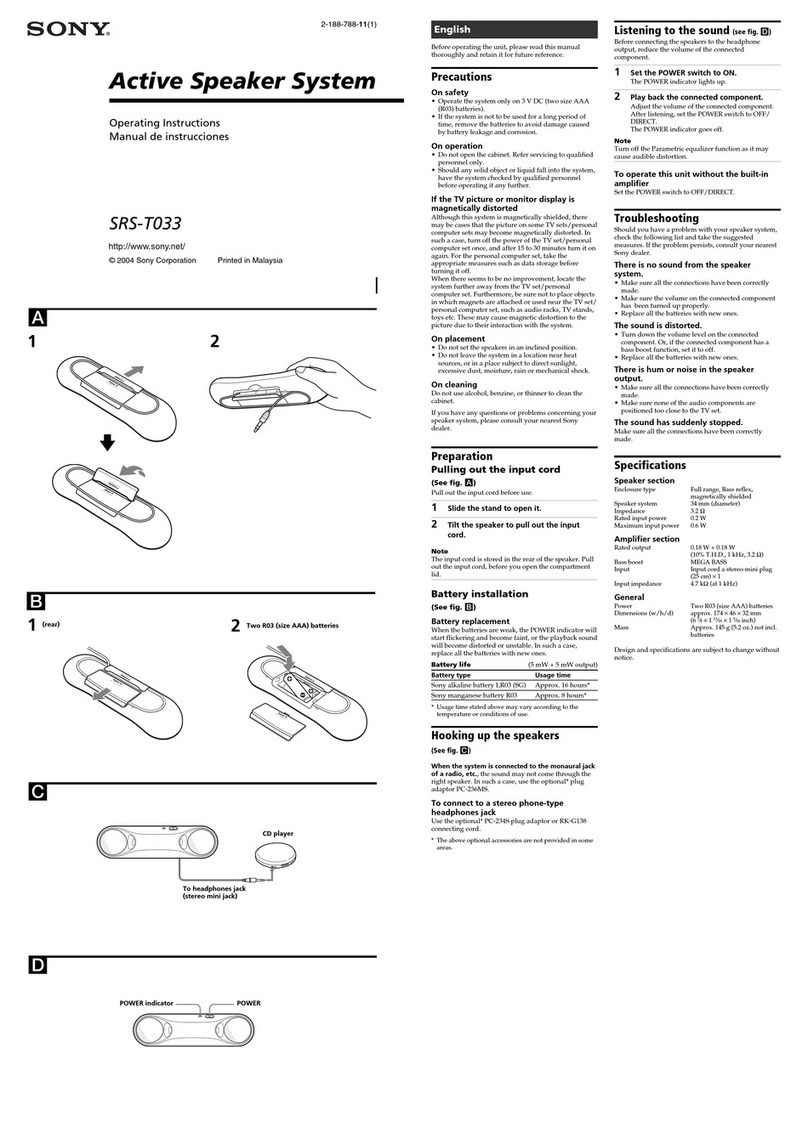
Connect the AC power adaptor to the system.
Notes
on
the AC
power
adaptor
Use only the supplied
AC
power adaptor. Do not use any
other AC power adaptor to avoid damaging the speaker.
~
Polarity
01
the
plug
Before connecting or disconnecting the AC power adaptor,
turn offthe system. Otherwise,
it
may cause amalfunction.
Hooking
up
the
speakers
(See
fig.
[!II
1Connect the speakers and the source
device.
When
the
system
is
connected
to
the
monaural
jack
of
the
source
device
The sound may not come through the right speaker. In such a
case, use the optional* plug adaptor PC-236MS.
To
connect
to
a
stereo
phone-type
headphones
jack
Use the optional* connecting cord RK-G22 or connecting cord
RK-G136 and plug adaptor PC-234S"
*The above optional accessories
are
not
provided
in
some areas.
Installing
a
lithium
battery
in
the
card
remote
commander
(See
fig.
OJI
1Take
out
the battery case.
2Insert an optional lithium battery CR2025
with the +side facing up.
3Place the battery case back In position.
When
to
replace
the
lithium
battery
The working distance
of
the card remote commander shortens as
the battery becomes exhausted.
Replace the battery with anew one.
It
will last about 6months
in
normal.
Notes
on
the
lithium
battery
•
Keep
lhe
lithium battery out
of
the
reach ofchildren. Should the
battery
be
swallowed, immediately consult adoctor.
•
Wipe
the
battery
with
a
dry
cloth
to
assure agood contact.
•
Be
sure
to
install
the
baltery with
the
correct polarity.
•
Do
not
hold
the battery
with
metallic tweezers
as
doing
so
may
cause ashan-circuit.
•
Use
ofother batteries
than
the
CR202S
may
cause arisk offire or
explosion.
WARNING
Battery may explode
if
mistreated. Do not recharge,
disassemble or dispose
of
in
fire.
Listening
to
the
sound
1Press the
<.'>
button
to
turn on the unit.
The
Q)
indicator lights up.
2Start playing on the source device.
3Adjust the volume.
Set the volume
of
the source device to moderate level, and
press the VOL
+1-
button on this unit.
"Q"Tlp
To silence
the
sound. press
the
0:5.<
button
on
the card remote
commander. To resume the sound, press
the
button again.
Note
Abeep sounds
when
the
volume
is
set
to
minimum or
maximum.
4Press the
<.'>
button
to
turn
off
the
unit
after
use.
The
Q)
indicator goes off.
Notes
•
If
both
the
device connected
to
the
INPUT 1jack and the one
connected
10
the
LNPUT
2jack are played
at
the same time, both
sounds
can
be
heard.
•Ifconnecting
the
speaker
to
adevice
with
abuilt-in radio or tuner,
radio reception
may
not
occur or sensitivity
may
be
reduced
significantly.
•If
the
source device
has
a
bass
boost function or equalizer function,
set
them
to
off.
If these functions
are
on,
sound
may
be
distorted.
•If the source device's headphone output
has
aline switch, better
sound
will
be
heard if it
is
sel
to
on.
See
the
operating instructions
of
the
source device.