manuals.online logo
Brands
  1. Home
  2. •
  3. Brands
  4. •
  5. Sony
  6. •
  7. Speakers
  8. •
  9. Sony SS-CN7700 User manual

Sony SS-CN7700 User manual

Other Sony Speakers manuals

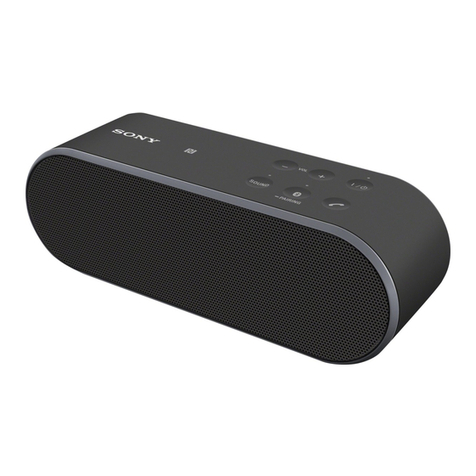
Sony SS-MB300H User manual

Sony

Sony SS-MB300H User manual

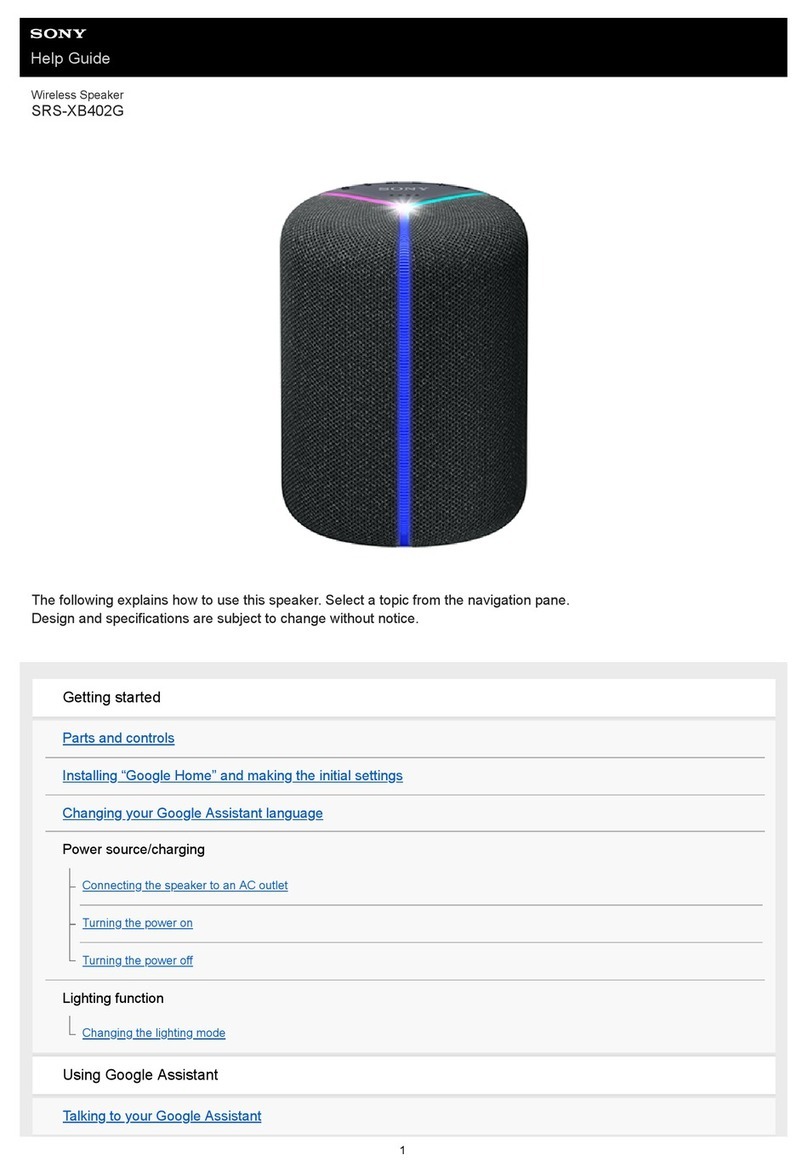
Sony RDH-GTK33iP Guide

Sony

Sony RDH-GTK33iP Guide

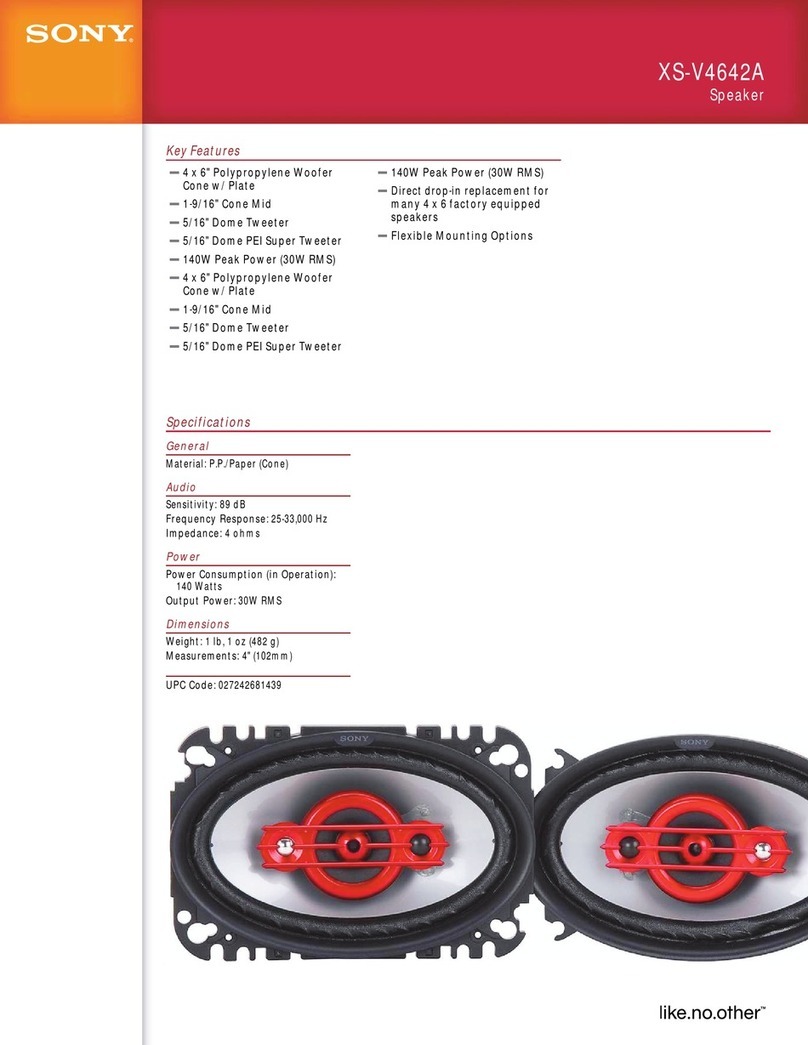
Sony XS-A1723 Product guide

Sony

Sony XS-A1723 Product guide

Sony CWS-OD100/B User manual

Sony

Sony CWS-OD100/B User manual

Sony XS-7603 User manual

Sony

Sony XS-7603 User manual

Sony XS-V1333 User manual

Sony

Sony XS-V1333 User manual

Sony SRS-XB21 Reference guide

Sony

Sony SRS-XB21 Reference guide

Sony SRS-ZR7 User manual

Sony

Sony SRS-ZR7 User manual

Sony SA-NS400 User manual

Sony

Sony SA-NS400 User manual

Sony SRS-XE300 User manual

Sony

Sony SRS-XE300 User manual

Sony XS-MP61 Instructions  (primary manual) User manual

Sony

Sony XS-MP61 Instructions (primary manual) User manual

Sony XS-W1321 User manual

Sony

Sony XS-W1321 User manual

Sony SA-NS400 User manual

Sony

Sony SA-NS400 User manual

Sony SRS-XG500 User manual

Sony

Sony SRS-XG500 User manual

Sony XS-V1635M User manual

Sony

Sony XS-V1635M User manual

Sony SRS-X2 User manual

Sony

Sony SRS-X2 User manual

Sony SA-RS3S User manual

Sony

Sony SA-RS3S User manual

Sony SRS-NS7 User manual

Sony

Sony SRS-NS7 User manual

Sony SCA-S30 User manual

Sony

Sony SCA-S30 User manual

Sony SRS-XB23 User manual

Sony

Sony SRS-XB23 User manual

Sony SRS-XE200 Reference guide

Sony

Sony SRS-XE200 Reference guide

Sony SRS-XB32 User manual

Sony

Sony SRS-XB32 User manual

Sony BDV-N9100W User manual

Sony

Sony BDV-N9100W User manual

Sony WAHT-SBP1 User manual

Sony

Sony WAHT-SBP1 User manual

Popular Speakers manuals by other brands

Electro-Voice LR4S engineering data

Electro-Voice

Electro-Voice LR4S engineering data

Definitive Technology Sound Cylinder user guide

Definitive Technology

Definitive Technology Sound Cylinder user guide

AudioSource LS545 user manual

AudioSource

AudioSource LS545 user manual

Paso C402-T Instructions for use

Paso

Paso C402-T Instructions for use

Altec Lansing 416-8C LF SPEAKER manual

Altec Lansing

Altec Lansing 416-8C LF SPEAKER manual

Kenwood KFC-1072 Servise manual

Kenwood

Kenwood KFC-1072 Servise manual

Peavey ProSys 112 user guide

Peavey

Peavey ProSys 112 user guide

JBL Control Contractor 60 Series installation instructions

JBL

JBL Control Contractor 60 Series installation instructions

Aura STORM-8 owner's manual

Aura

Aura STORM-8 owner's manual

Oontz ANGLE 3 PLUS quick start guide

Oontz

Oontz ANGLE 3 PLUS quick start guide

Electro-Voice LR4A engineering data

Electro-Voice

Electro-Voice LR4A engineering data

Rave RK-650-ICA-B owner's manual

Rave

Rave RK-650-ICA-B owner's manual

Flux Reference Series installation manual

Flux

Flux Reference Series installation manual

Lanzar AQAWBS64BK installation manual

Lanzar

Lanzar AQAWBS64BK installation manual

DAPAudio DCS-6230 manual

DAPAudio

DAPAudio DCS-6230 manual

Aluratek ABS03F quick start guide

Aluratek

Aluratek ABS03F quick start guide

Kenwood KES-5A instruction manual

Kenwood

Kenwood KES-5A instruction manual

Sonance ORIGINAL SERIES instruction manual

Sonance

Sonance ORIGINAL SERIES instruction manual

manuals.online logo
manuals.online logoBrands
  • About & Mission
  • Contact us
  • Privacy Policy
  • Terms and Conditions

Copyright 2025 Manuals.Online. All Rights Reserved.

4-150-536-E1 (1)
Speaker System
SS-CN7700
Operating Instructions
Thank you for purchasing this product.
Failure to observe the safety instructions
for electric appliances may cause a fire or
serious personal injury.
This operating instructions describes important safety rules to
avoid the risk of injury, as well as the functions and operations of
this unit. Carefully read “For Your Safety” provided in a
separate volume before using this unit. After reading it, be sure to
keep this operating instructions in a safe place for later reference.
Connecting to an amplifier
When connecting to an amplifier, be sure to turn off the power
of the amplifier.
This speaker system has been designed for use with amplifiers or
receivers rated at the specifications identified in this operating
instructions.
CAUTION
Do not send output signals beyond the maximum allowed input
level of the speakers.
Connect the speaker cords to the output terminals (CENTER) of
your component, such as an amplifier.
• A simple tip to remember to avoid making wrong connections is
to connect the cord with letters or lines to the minus Eterminal.
© 2009 Sony Corporation Printed in Malaysia
Notes on use
Pay attention to the position of the volume control on the amplifier
not to exceed the allowable level of input.
An extremely large sound output may damage the speakers.
Turning on or off the amplifier or the program source
Set the volume of the amplifier to the minimum level.
If the bass sound is imperceptible or the sound source position
of a musical instrument is unclear
Check whether the plus (+) or minus (-) terminal of each speaker
cord is properly connected.
Cleaning the cabinet with care
• Wipe it with soft dry cloth (non-starched). (Do not ever use a
scrubbing brush or sponge.)
• To maintain the continued polish of the cabinet, do not wipe it
vigorously right from the start, but first brush away dust with a
soft brush or a duster before you wipe it with soft dry cloth.
• If it is stained with oil or fingerprints, breath on the surface and
wipe it with soft dry cloth.
• If the stain is tough to remove, wipe it with soft cloth washed in
lukewarm soapy water. (Do not use a neutral detergent.)
• Do not use thinner, benzene, alcohol, or hair liquid, which may
damage the surface.
• Be careful not to scrape the cabinet.
• Be careful not to drop a lit cigarette or match, as it may damage
the surface.
To prevent damage to the speakers
Do not disassemble or modify each speaker unit, network, or
enclosure.
Placing the speakers
Avoid placing the speakers in the following locations.
• In a hot place or in direct sunlight
• In a dusty place
• In a humid place
• In a place near other players
When placing the speakers on the TV
Attach the supplied pads to the four corners on the bottom of each
speaker, and place the speakers such that they are evenly balanced
on the TV.
CAUTION
• Do not place magnetic stripe cards, such as cash cards and
commutation tickets, near the speakers. The magnetic field of the
speakers may erase the information on the magnetic stripe.
• The system is heavy and needs to be placed on a solid level base
with sufficient rigidity. Insecure installation may cause the
system to fall, causing serious injury.
(1)
E
CENTER
SPEAKER
AV Amplifier
This unit
Pads
Warranty and after-sales service
Warranty card
This product comes with a warranty card. Receive one at the time
of purchase.
Please keep it in a safe place after filling in all needed information
and confirming relevant details. The warranty period is one year
from the date of purchase.
After-sales service
Checking out the conditions beforehand when this unit is not
working properly
Refer to this operating instructions again and confirm the
conditions.
Contacting a service representative if the conditions persist
Contact the retailer where you purchased the product or a Sony
service representative in your area listed on the attached
"Information on service and inquiry".
Repairing during the warranty period
Repairing during the warranty period will be based on the
description of the warranty. Please read the warranty card for
details.
Repairing after the warranty period
Repair will be done upon request with a service charge if the repair
can maintain the proper functionality of this unit.
The holding period of the parts
Sony retains performance parts for repair (parts needed to maintain
the proper functionality of the product) of a stereo system for 8
years after the manufacture has been discontinued.
This holding period of the parts is a period when repair can be
done. Even when the holding period has elapsed, there may be
cases where repair can still be done depending on the conditions
subject to repair. For more information, please contact the retailer
where you purchased the product or a Sony service representative
in your area.
Please provide the following information when you make an
inquiry.
• Model name: SS-CN7700
• Conditions of failure: Be as detailed as possible.
• Date of purchase
To prevent circuit breakage
Do not input the following signals in a continued manner.
• White noise between FM radio stations
• Consistent high-frequency sound of an electronic musical
instrument
• Loud high-frequency sound generated by fast-forwarding on a
tape deck
Troubleshooting
If color fluctuation occurs on the TV screen
This speaker system is magnetically shielded to allow it to be
installed near a TV set. However, color fluctuation may still be
observed on certain types of TV sets.
If color fluctuation occurs
Turn off the TV and turn it back on 15 to 30 minutes later.
If color fluctuation persists
Place the speakers away from the TV.
In addition
Make sure there are no magnetic objects near the speakers.
The magnetic field interacting with the speakers may cause color
fluctuation.
Examples of magnetic objects
Magnets attached to a rack or a stand, magnets used in health
devices or toys, etc.
If a system failure or malfunction occurs
In the event that the system behaves abnormally or malfunctions,
contact the retailer where you purchased the product or a Sony
service representative in your area.
Specifications
Type Bass-reflex full-range speaker system
Anti-magnetic type
Speaker unit 70 mm ×2 cone type
Rated impedance 8 Ω
Maximum input 100 W (JEITA*)
Output sound pressure level 85 dB (1 W, 1 m)
Effective frequency range 150 - 20,000 Hz
Anti-magnetic type (JEITA*)
Maximum external dimensions
Approx. 430 ×87 ×95 mm (W ×H ×D)
Including the speaker grills
Mass Approx. 1.6 kg (for each unit including
the speaker grill)
Accessories Operating Instructions (1)
Information on service and inquiry (1)
Warranty card (1)
Request for product registration (1)
Speaker cords (1)
Pads (4)
* Measured values conform to the standards set forth by JEITA (Japan
Electronics and Information Technology Industries Association).
Please understand that the specifications and external designs of this
unit are subject to change for improvement without prior notice.
See the following website for a FAQ and solutions.
*Contact to this Sony service for consulting to purchase the
After connecting to
the number shown left,
press
“306”and
“#”during the first
announcement is
hearing.
Then, it is connected to
the Sony customer
service.
Toll free 0120-333-020
0466-31-2511
0120-222-330
0466-31-2531
Toll free
From Mobile phone, PHS, and
some IP phone
From Mobile phone, PHS, and
some IP phone
Sony service for operation the products
Sony service for repairing
Operating Instructions, Remote, etc.
Fax (for both service): 0120-333-389
Sony Corporation 1-7-1, Konan, Minato-ku, Tokyo, 108-0075, Japan