RADIO OPERATION
• BAND SELECTION
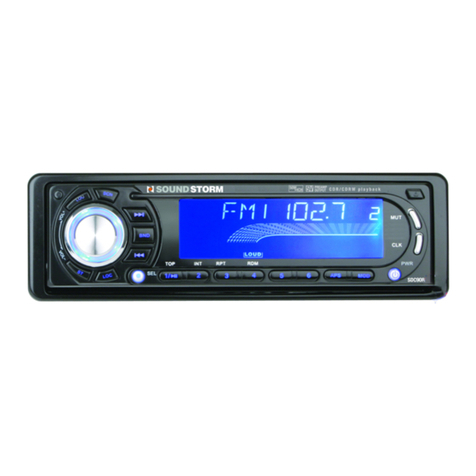
For tuner mode, press BND/LOU button (13) briefly to select the desired band.
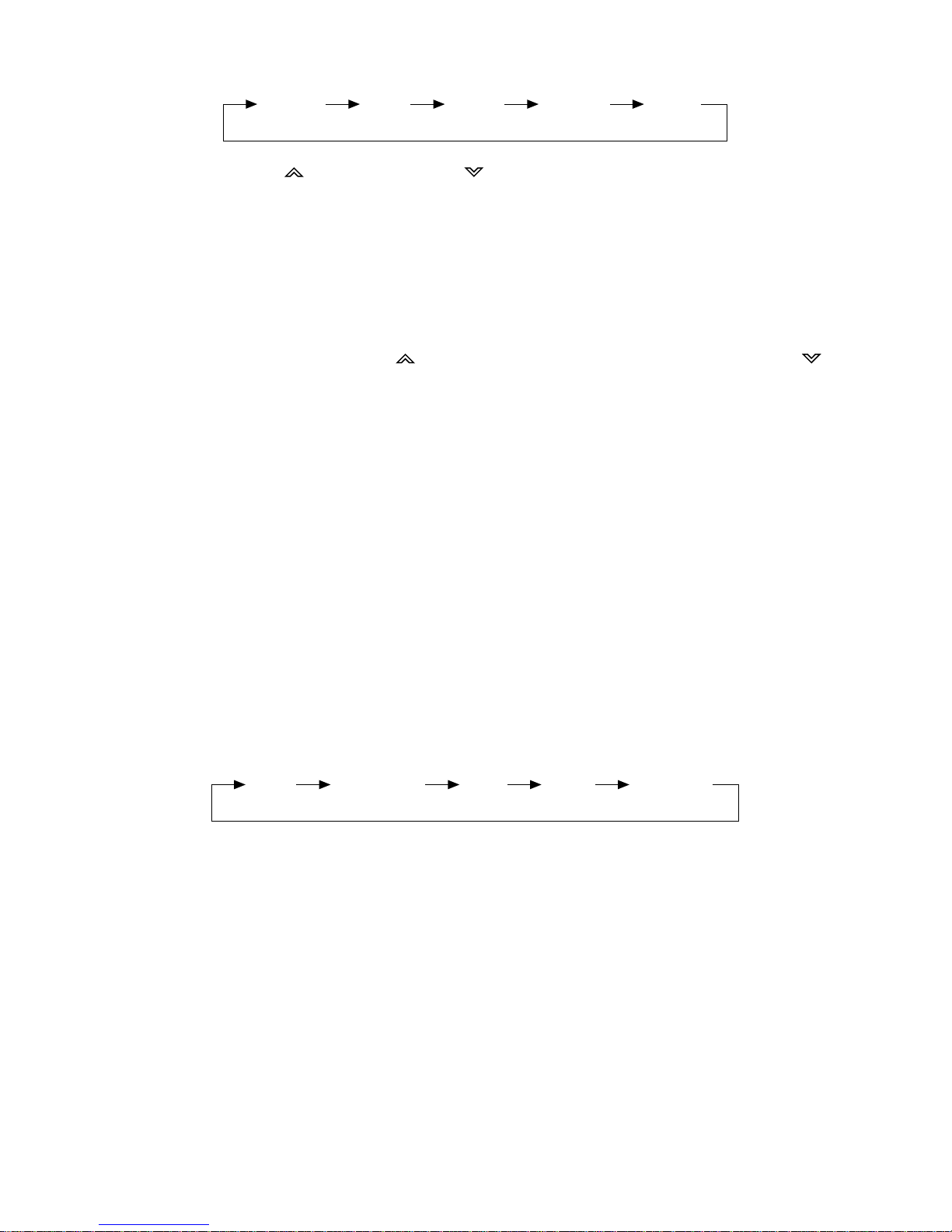
The reception band will change in the following order:
• STATION SELECTION
Press TUNE/TRACK button (17) or TUNE/TRACK button (16) briefly to activate
automatic seek function. Press for several seconds until “MANUAL” appears on
the display. The manual tuning mode is now active. If both buttons have not been
pressed for several seconds, they will return to “seek tuning” mode and “AUTO”
will appear on the display.
• LOCAL/DISTANCE
Press LOC button (1) briefly to select between local and distant stations.
“Local” setting is for reception of strong stations, and “distant” setting is for
reception of weaker stations. This function is in during AUTO SEEK operation.
• AUTOMATIC MEMORY STORING & PROGRAM SCANNING
- Automatic Memory Storing
Press AMS button (18) for several seconds. The radio searches from the current
frequency and checks the signal strength until one cycle search is finished.
The 6 strongest stations are stored into the location corresponding to the preset
buttons.
- Program Scanning
Press AMS button (18) briefly to scan preset stations. When the field strength
level is more than the tuners threshold sensitivity level, the tuner will hold at that
preset number for several seconds with muting released, then searches again.
• STATION STORING
Select a station. Then press any one of the preset buttons (14) (M1 to M6) to store
a station into memory. Press this button for several seconds, the station is then
stored into the number button.
• MONO/STEREO
Press MONO button (25) to select mono or stereo mode. You can sometimes
improve reception of distant stations by selecting mono operation.
• SCAN
Press SCAN button (2) to set the function to scan mode. The tuner will stop at
each station with a receivable signal and will stay tuned for several seconds, long
enough to decide whether to stop at that station or to let the tuner continue to scan.
9
FM1 FM2 FM3 AM