Dear Customer,
Thank you for purchasing ourproduct. Please read and follow these instructions,
in ordertoavoid damagingthe item. We do notcoverany damage thatmay arise
fromimproperuse of the item of the disregardof the safety instructions.
IMPORTANT SAFETY INSTRUCTIONS:
1. Read the instructions. All uses guidelines must be read before startdevice.
2. Keep the instructions forfutureuse.
3. Attention, use and security guidelines must be respected.
4. The device must not be used nearwateror be put in contact withmoisture.
5. Make sure has no liquid is spilled on device and device openings.
6. Move device carefully, avoid shocks.
7. Do not blockthe breakdown of the device outputs.
8. Do not place the device near from a heat source (e.g. radiator). Do not
expose it to the Sun.
9. Plug the device asindicate on this information form.
10. This device has a connection with overload protection (security device)
decision-making. If the replacement of decision-making is required, please you
send has an experienced or the device manufacturer technician.
11. The sector cord should be unplugged a long period of use.
12. Device should be repaired by aqualified person when:
•The taken or the power cord is damaged.
•Objects have fallen into the apparatus oraliquid has been spilled intodevice.
•Device wasexposesto the rain.
•Device does not work correctly without notableexteriorchange
•Device fell andthe subwooferis broken.
13. The user shall nottry tomaintain device beyond that which is described
in this information form.
FUNCTIONS:
RADIO RECEPTION
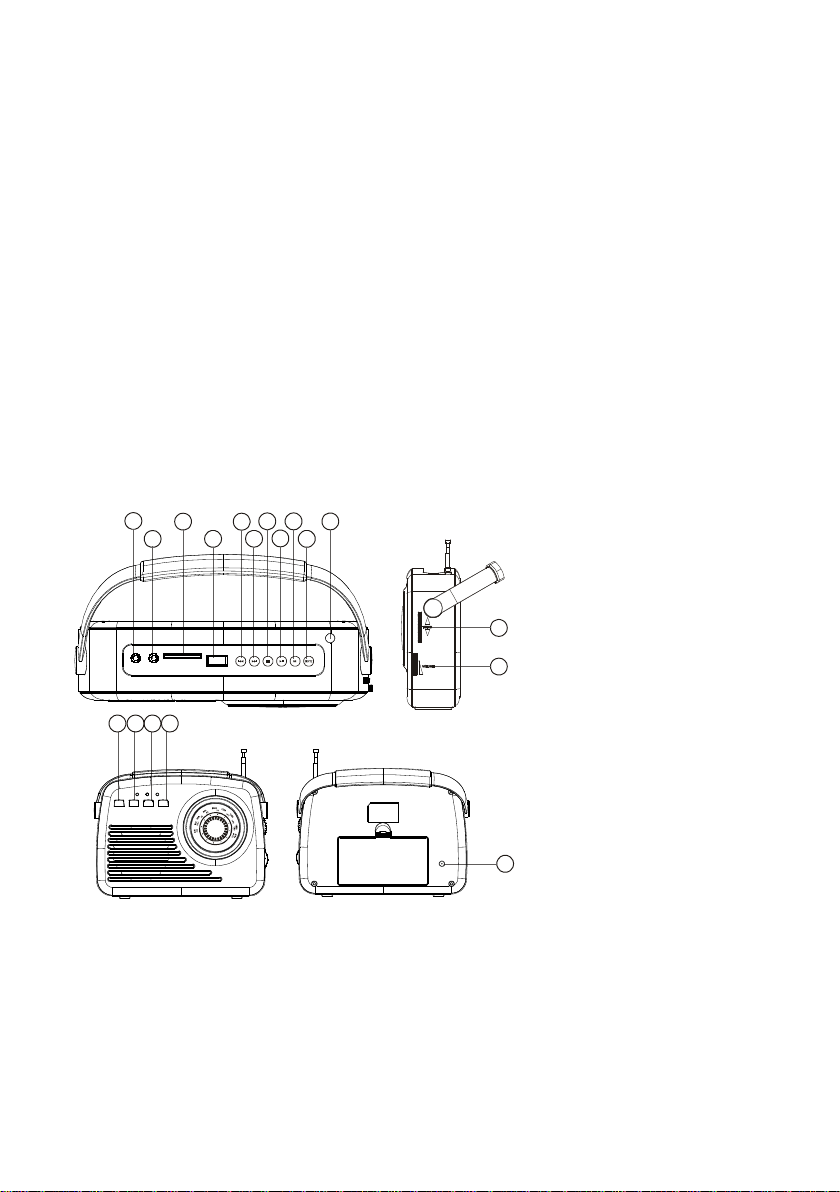
1. Press FUNCION button to selectRadio mode.
2. In radio, press this button to change FM to AM.
3. Rotate volume control to adjust volumelevel.
4. Extend TELESCOPIC ANTENNA to its full length if you are listening to FM
broadcasting.
PLAYING USB/SD
1) Press FUNCION button to select USB/SD state.
2) Press PLAY/PAUSE to start or pause music playback.
3) Press STOP button to stop the playing, when you press play button it will start
Playing the first track.
4) PREV/NEXT button: Press the button to go to next/back track; Press and hold
to fast backwards or forwards.
ENGLISH 2|6