manuals.online logo
Brands
  1. Home
  2. •
  3. Brands
  4. •
  5. SWIT
  6. •
  7. Camera Accessories
  8. •
  9. SWIT S-2070 User manual

SWIT S-2070 User manual

Other SWIT Camera Accessories manuals

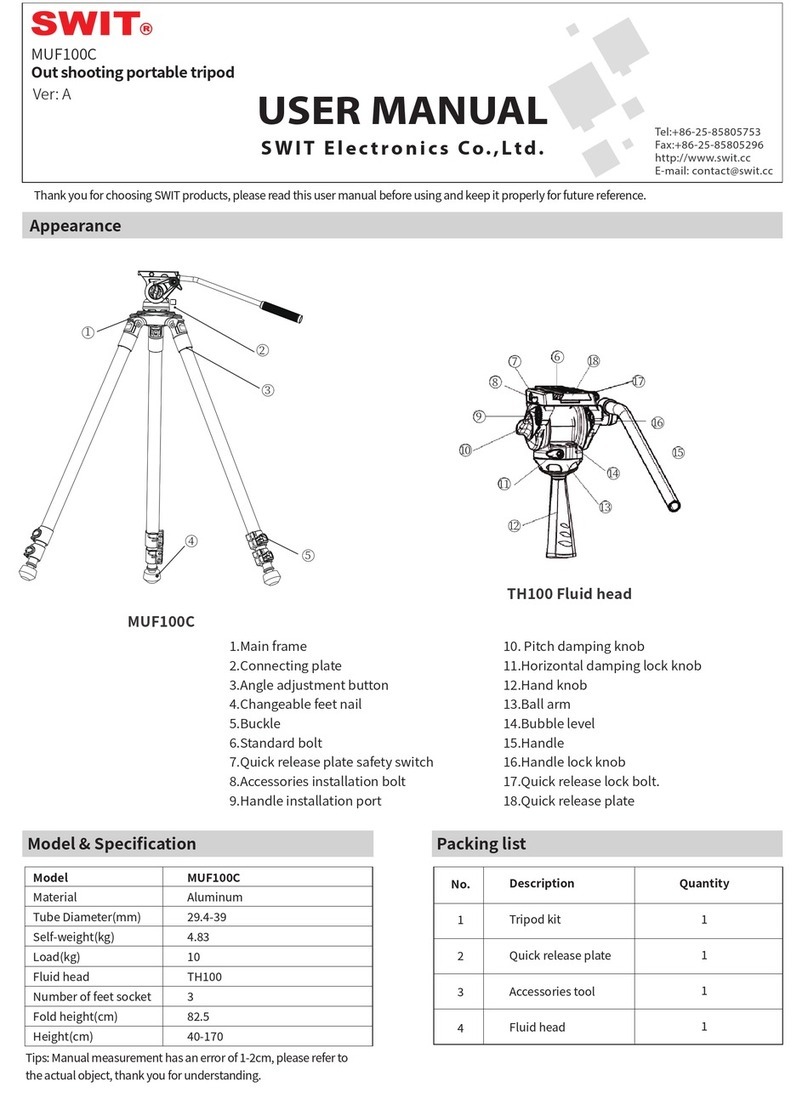
SWIT MUF100C User manual

SWIT

SWIT MUF100C User manual

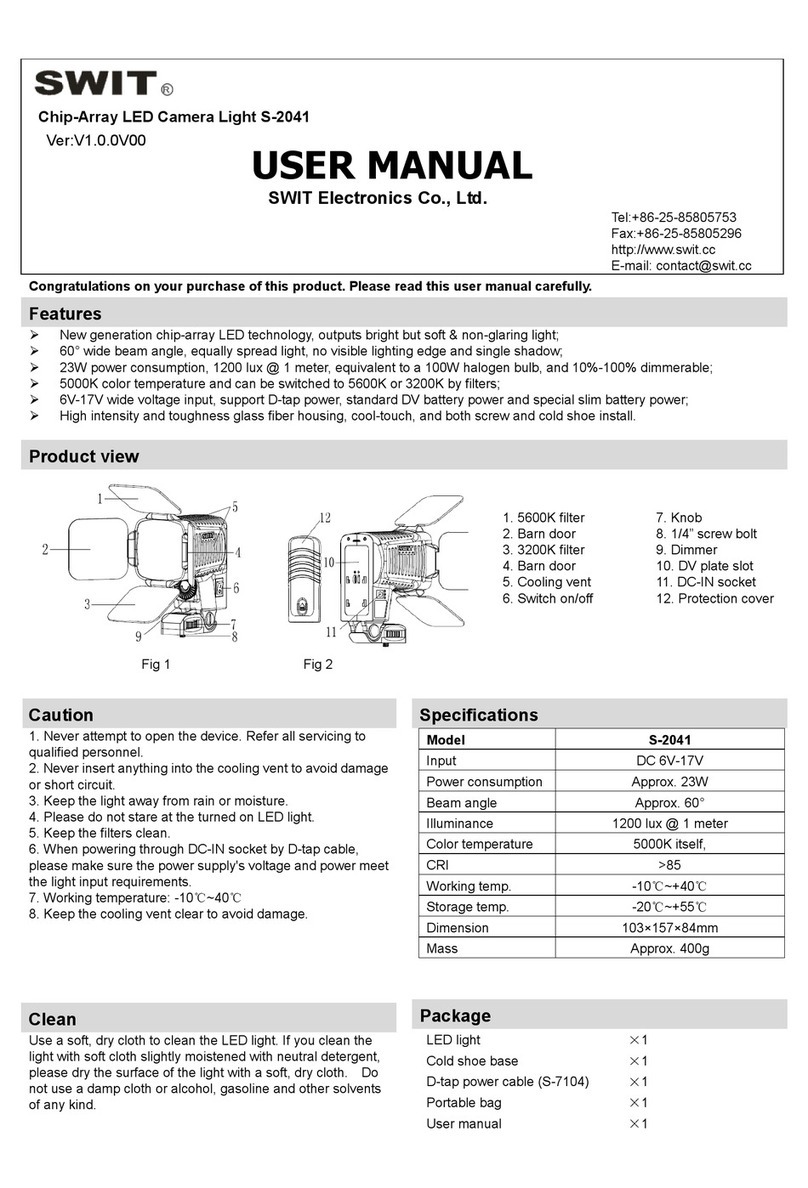
SWIT S-2041 User manual

SWIT

SWIT S-2041 User manual

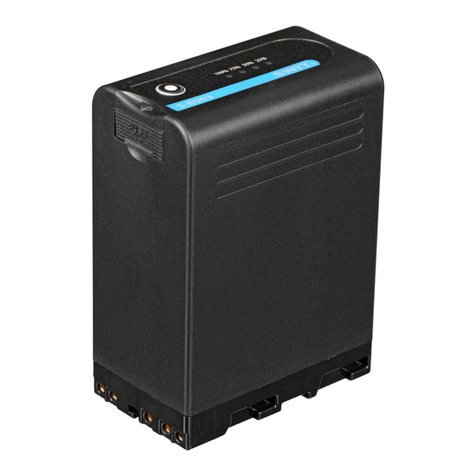
SWIT S-8U63 User manual

SWIT

SWIT S-8U63 User manual

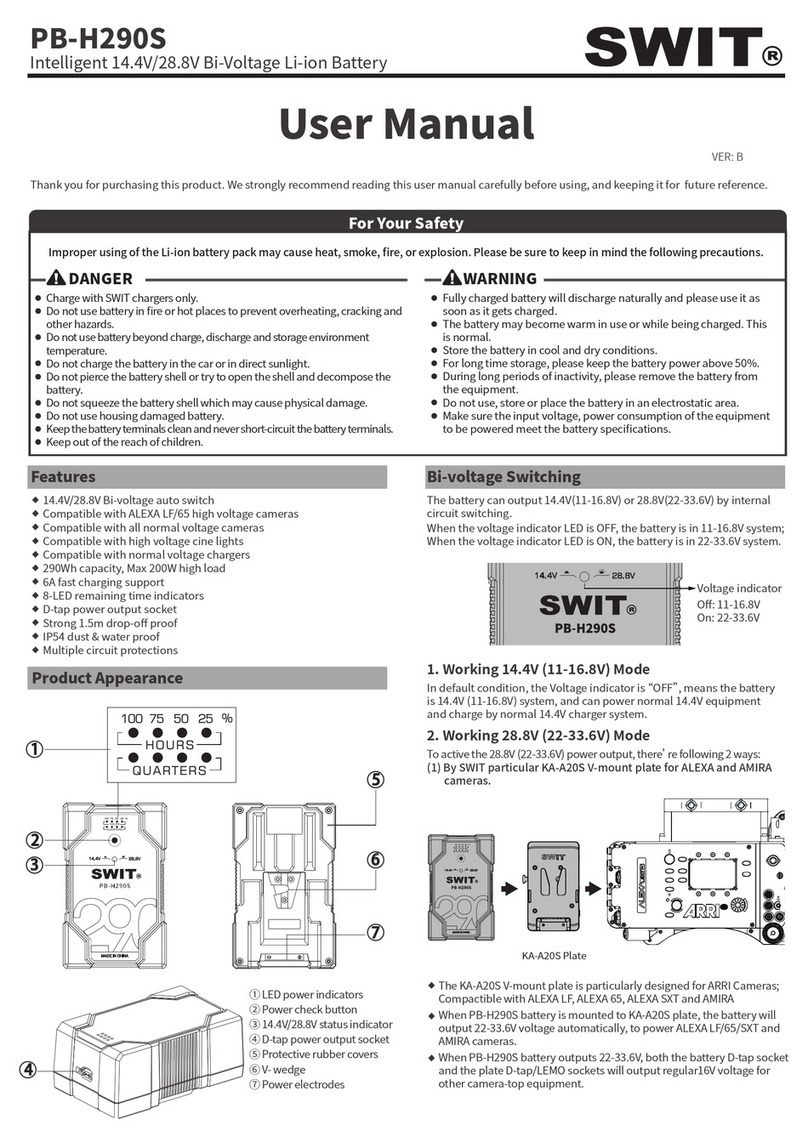
SWIT PB-H290S User manual

SWIT

SWIT PB-H290S User manual

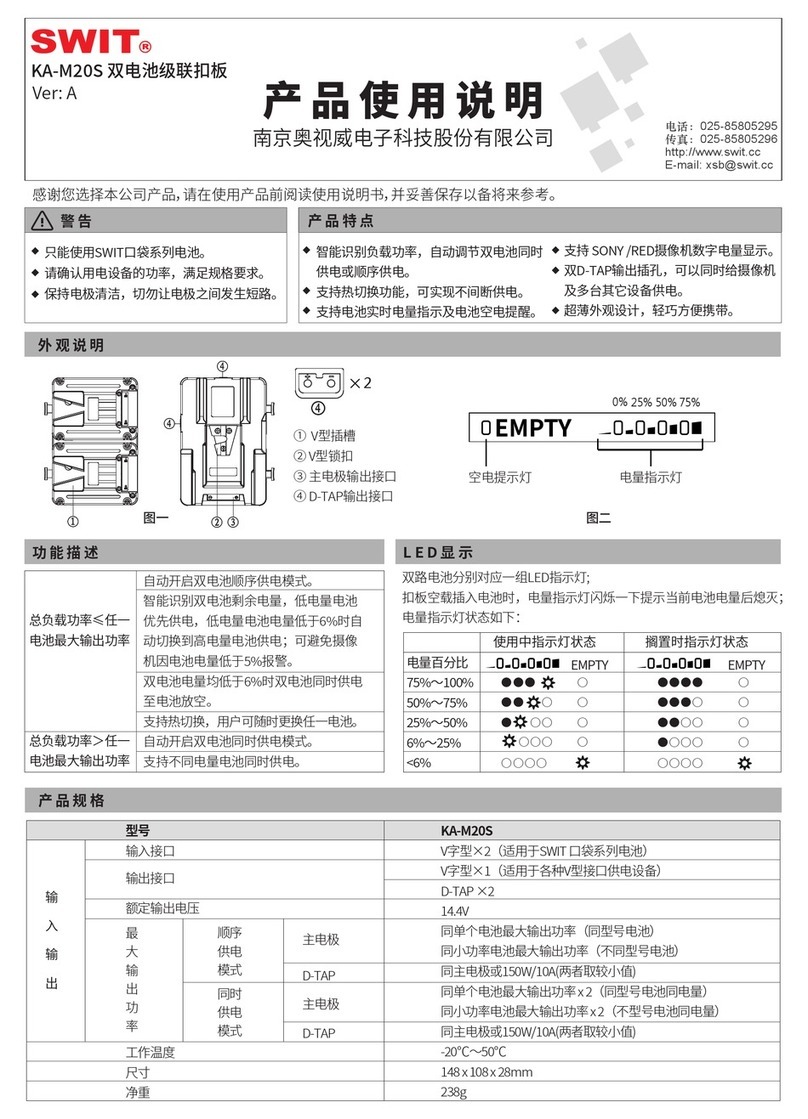
SWIT KA-M20S User manual

SWIT

SWIT KA-M20S User manual

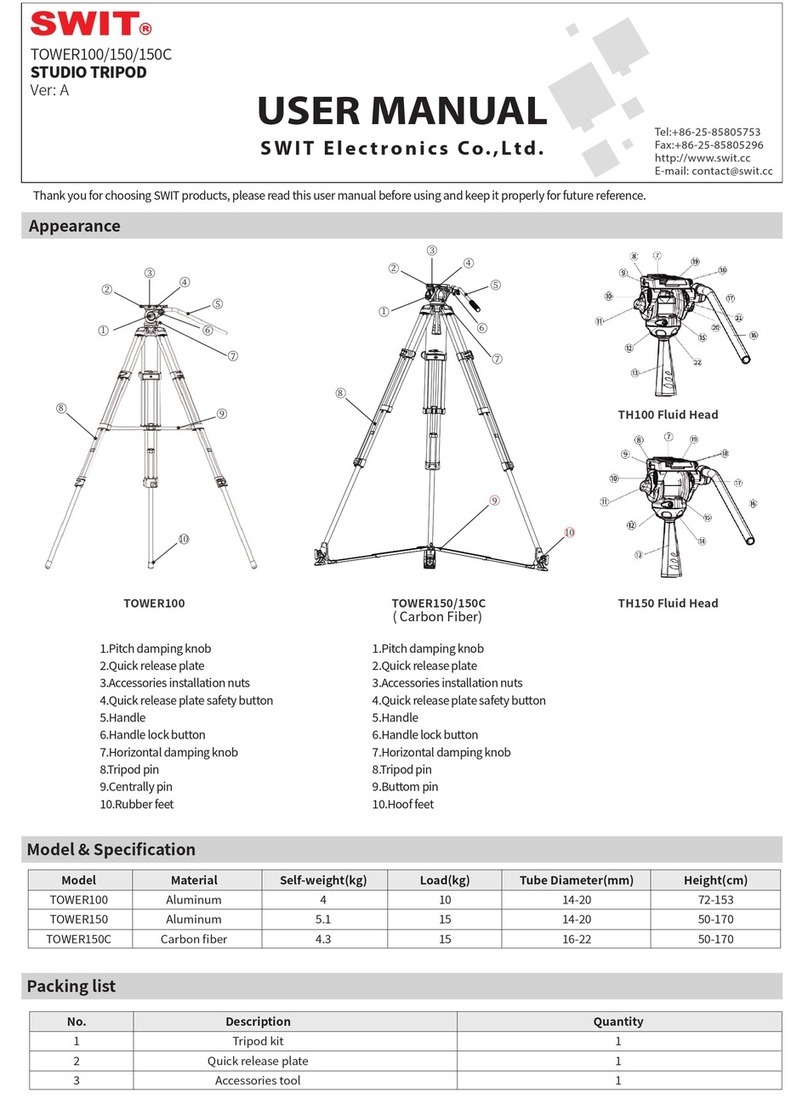
SWIT TOWER100 User manual

SWIT

SWIT TOWER100 User manual

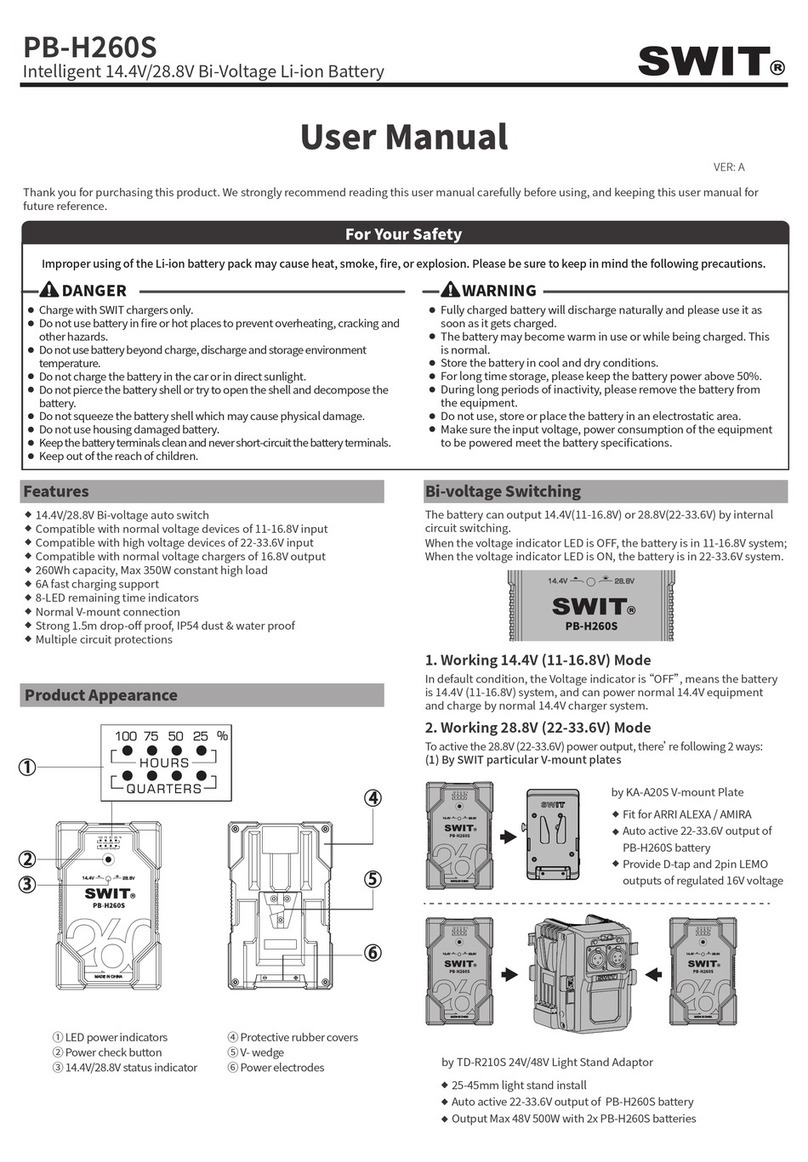
SWIT PB-H260S User manual

SWIT

SWIT PB-H260S User manual

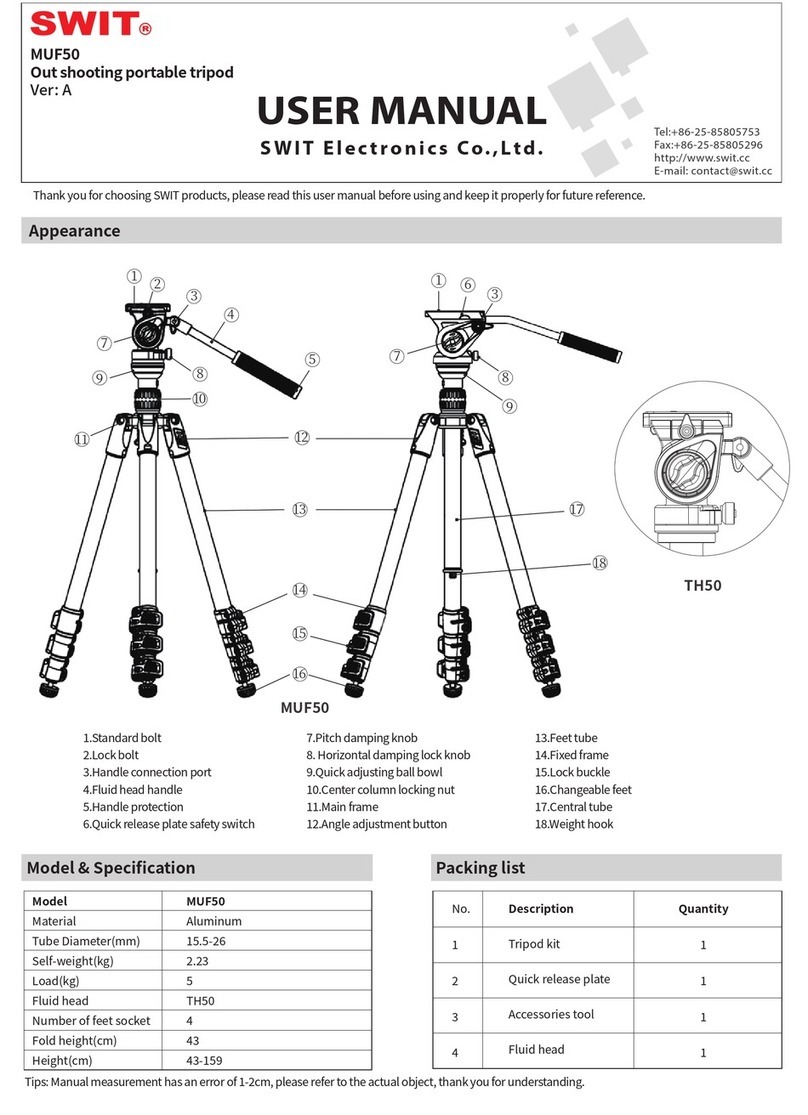
SWIT MUF50 User manual

SWIT

SWIT MUF50 User manual

Popular Camera Accessories manuals by other brands

CamRanger CamRanger user manual

CamRanger

CamRanger CamRanger user manual

Custom Brackets HDV CAGE KIT Instructions for use

Custom Brackets

Custom Brackets HDV CAGE KIT Instructions for use

Aegis ABL052010P user manual

Aegis

Aegis ABL052010P user manual

Saft SRA Series Installation and operating instructions

Saft

Saft SRA Series Installation and operating instructions

Kodak TIB5200 technical information

Kodak

Kodak TIB5200 technical information

Videotec HEG instruction manual

Videotec

Videotec HEG instruction manual

Ikelite 6171.11 manual

Ikelite

Ikelite 6171.11 manual

Pentax Auto Bellows Slide Copier K user manual

Pentax

Pentax Auto Bellows Slide Copier K user manual

Nikon UT-1 user manual

Nikon

Nikon UT-1 user manual

dji RONIN 4D quick start guide

dji

dji RONIN 4D quick start guide

SLIK ABLE 300DX user manual

SLIK

SLIK ABLE 300DX user manual

Rebelcell 36V70 user manual

Rebelcell

Rebelcell 36V70 user manual

Trojan GC2 48V quick start guide

Trojan

Trojan GC2 48V quick start guide

Calumet 7100 Series CK7114 operating instructions

Calumet

Calumet 7100 Series CK7114 operating instructions

Ropox 4Single Series User manual and installation instructions

Ropox

Ropox 4Single Series User manual and installation instructions

Cambo Wide DS Digital Series Main operating instructions

Cambo

Cambo Wide DS Digital Series Main operating instructions

Samsung SHG-120 Specification sheet

Samsung

Samsung SHG-120 Specification sheet

Ryobi BPL-1820 Owner's operating manual

Ryobi

Ryobi BPL-1820 Owner's operating manual

manuals.online logo
manuals.online logoBrands
  • About & Mission
  • Contact us
  • Privacy Policy
  • Terms and Conditions

Copyright 2025 Manuals.Online. All Rights Reserved.

1
Features
◆New generation chip-array LED technology, outputs bright but soft and glareless light;
◆60°wide beam angle, equally spread light, single shadow;
◆13W power consumption, 1100Lux @ 1meter, 10%-100% dimmer;
◆5000K color temperature, 5600K and 3200K filter;
◆6V-17V wide voltage input via D-tap power cable or standard DV battery;
◆High intensity and toughness glass fiber housing, screw and cold shoe mount.
Product view
Fig 1 Fig 2
Cautions
1. Do not disassemble the light or touch the interior with
metal objects to prevent damaging the equipment.
2. Do not store the light in dusty or wet environment to
avoid damage.
3. Working temperature is between -10℃ and 40℃.
4. Storage temperature is between -20℃ and 55℃.
5. Do not block the cooling vent.
Cleaning
Clean the light and diffuser with a soft dry cloth, or clean
with a soft cloth dipped with neutral detergent first, and
then wipe with a soft dry cloth. Do not clean the light and
diffuser with a wet cloth, anhydrous alcohol, benzene,
mixture of anhydrous alcohol and ether to avoid damage.
Specification
Packing List
1
S-2070 LED light
X1
2
S-7004 series snap-on DV plate(optional for different types)
X1
3
Portable bag
X1
4
Warranty card
X1
5
User manual
X1
Chip-Array LED Camera Light S-2070
USER MANUAL
SWIT Electronics Co., Ltd.
Tel:+86-25-85805753
Fax:+86-25-85805296
http://www.swit.cc
E-mail: [email protected]
1 5600K filter
7 Cooling vent
2 Barn door
8 Fasten knob
3 3200K filter
9 Cold shoe
4 Barn door
10 Cooling vent
5 Dimmer knob
11 DV plate slot
6 Power Switch
12 DC-IN socket
Input voltage
DC 6V~17V
Power consumption
Approx. 13W
Beam angle
Approx. 60°
illuminance
Approx. 1100lux @1m(5000K)
Approx. 800lux@1m(5600K)
Approx. 400lux @1m(3200K)
Color temperature
5000K and 5600K/3200K switchable
CRI
88
Weight
Approx. 274g
Dimensions
108mm×80mm×133mm
Ver: B
2
Usage
1 Power supply
S-2070 accepts three ways of power supply: 1. By special slim battery S-8040; 2. By various standard DV camera
batteries; 3. By DC cable.
● By special slim battery S-8040 (Optional purchase)
Make sure there’s no power lead connected into DC-IN socket and the light is
switched off (turn the switch to “O”). Align a fully charged S-8040 battery to the DV
mount slot to the same side, and press tightly in. Slide the battery downward to snap
together. See Fig 3.
●By various standard DV camera batteries
①Align the S-7004 series battery plate to the DV mount slot to the same side,
and press tightly in. Slide S-7004 downward to snap together.
See Fig 4.
②Fix the DV mount with two screws.
③Make sure the light is switched off (turn the switch to “O”). Mount a
fully charged battery to the S-7004 mount. See Fig 4.
Remark: Select a compatible S-7004 battery plate to match your DV battery:
●By DC cable
① Make sure the light is switched off (turn the switch to “O”). Plug S-7104
(Optional) into the DC-IN port of S-2070 and get power from D-tap power output
sockets, such as batteries, battery plates. You can also select SWIT pole-tap to pole-
tap DC cable S-7108 (Optional)) to get power from pole-tap DC adaptors.
② For third-party DC cables, please make sure the DC connector is 5.5/2.1mm
pole and input voltage should be 6-17V; and polarity inner positive, outer negative.
See Fig 5.
2 Fix the LED light to the camera
● By Cold shoe
①Anticlockwise revolve the fasten knob, till the screw bolt is back into the cold shoe slice.
②Align the cold shoe slice with the cold shoe mount on the camera handle.
③Clockwise revolve the fasten knob to install the light onto the camera.
● By 1/4” screw mount
①Clockwise revolve the fasten knob, till the screw bolt is out of the cold shoe slice.
②Align the screw bolt with the 1/4” screw thread on the camera handle.
③Continuously clockwise revolve the fasten knob to install the light onto the camera.
④
3 Adjust the angle of the light:
Hold the light, and adjust the light upward or downward. See Fig 7.
4. Open barn doors and filters:
Open the barn doors and filters to about 45°. See Fig 1
5. Switch on: Turn the switch to “I”.
6. Adjust the illuminance:
Adjust the illuminance from 10% to 100% by the dimmer knob.
7. Adjust color temperature:
Output 5600K light by using 5600K filter (See Fig1 -①)
Output 3200K light by using 3200K filter (See Fig1 –③)

Model
Compatible battery
Recommended SWIT battery
S-7004F
SONY NP-970/770
S-8975/S-8972/8970/8770/LB-SF65C
S-7004D
Panasonic D54S, VW-VBD58
S-8D62/S-8D58/S-8D98/LB-PD65C
S-7004C
Canon BP-945/970G
S-8945/8845
S-7004U
SONY BP-U60/U30
S-8U63/LB-SU90C
S-7004E
Canon DSLR LP-E6
S-8PE6
S-7004B
Panasonic VW-VBG6
S-8BG6
S-7004V
JVC BN-VF823
S-8823
S-7004I
JVC SSL-JVC50
S-8i50/S-8i75