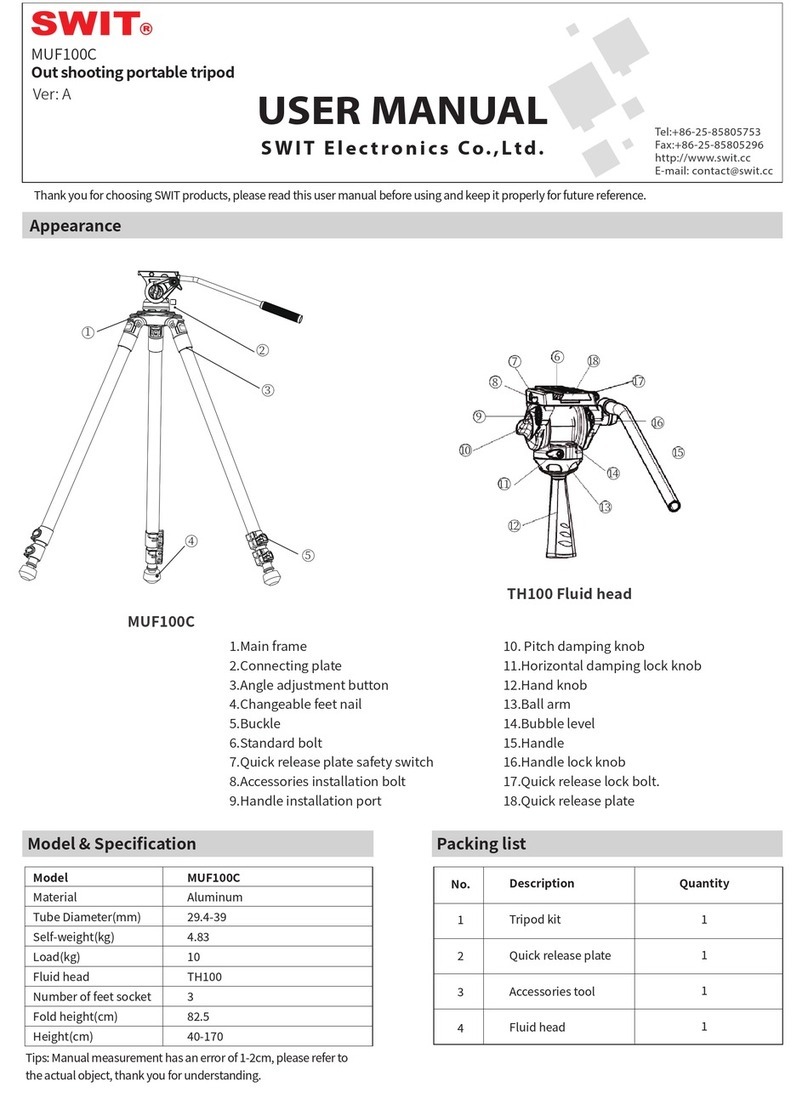
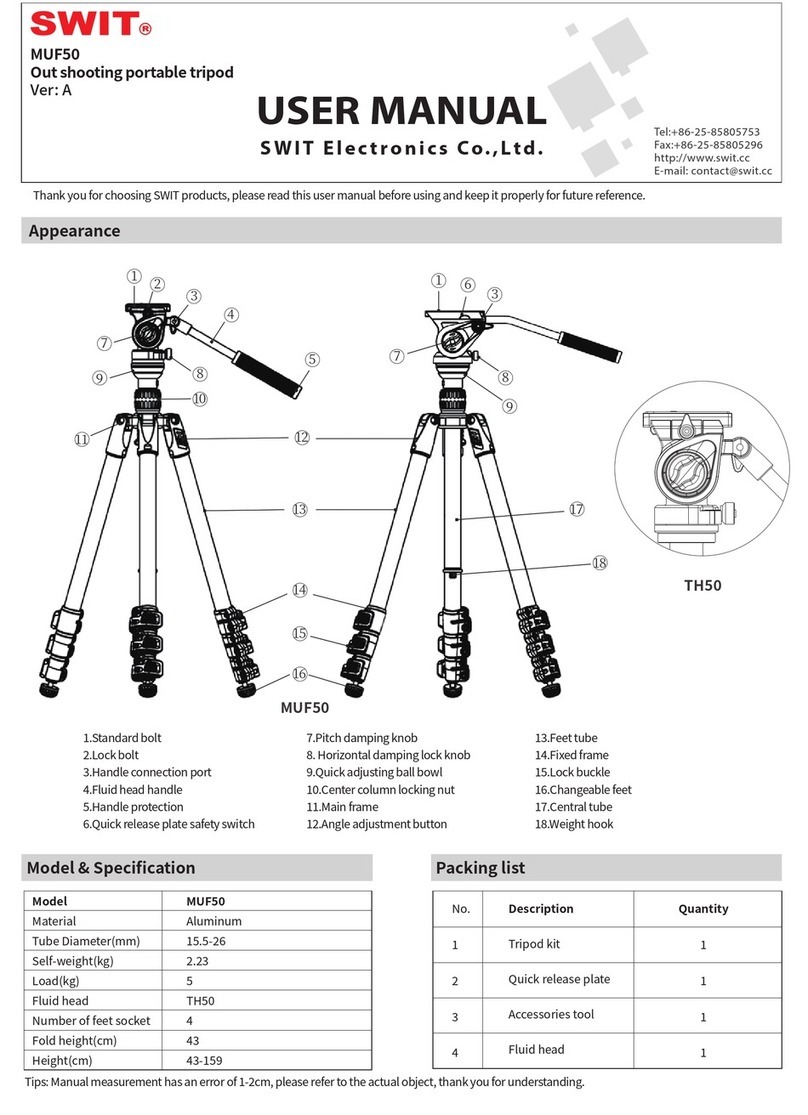
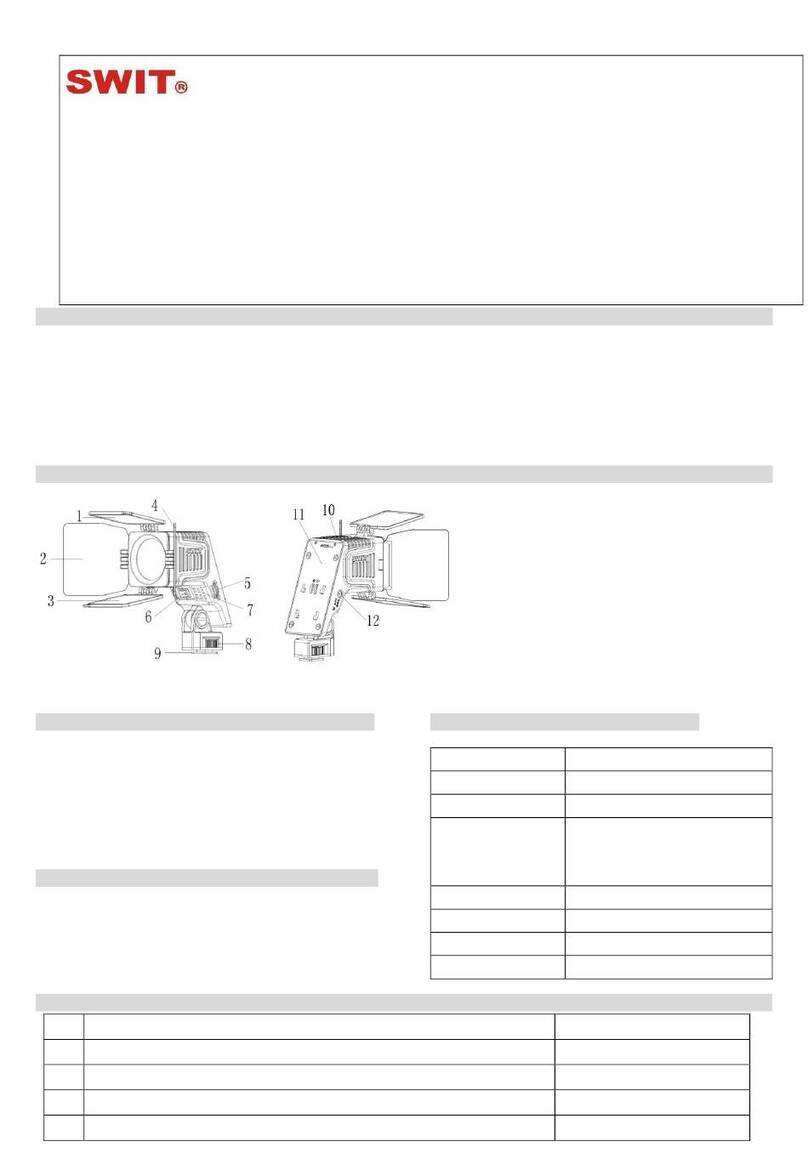
1.Camera installation
SLR camera or camcorder can be installed.
①Rotate the lock knob for release quick
release plate counterclockwise.
②Press the safety switch and take out the
quick release plate.
③Press the quick release plate diagonally
into the platform from the direction of
the safety bolt,Turn the knob to lock.
2.Accessories & other device installation
The external nut can be connected with the
rocker arm, display LED lights and other
equipment.Choose 1/4 or 3/8 screw according
to the equipment you have,you can locking
with the coin in the tool kit.
3. Handle installation
① Rotate the handle lock button counter
clockwise And remove the handle.
② Re install the handle on the left or right
handle Install the handle according to
your use habit.
4. Adjust the head angle
①The head can be pitch adjusted the upper
and lower Angles can be adjusted is between
+90 and -70 degrees. If it needs to be fixed, the
pitch damping knob can be used for locking.
In the absence of load, the head will be
automatically return to a horizontal state.
②The head can rotate 360 degrees horizontally,
and the horizontally locked knob can be used
to control the horizontally damping.
5. The use of the bubble level
The tripod will be perpendicular to the
ground when Bubble inside the level is in the
most middle position.
6. Unfold and fold the tripod
①Pull open the buckle and the foot frame will
slide automatically. According to the required
height, buckle the buckle again to fix the
height of the foot frame.
②Open the pins of the tripod to an appropriate
Angle.For the foot of fixed middle tube, only
1. Do not use at temperatures below minus 40℃ and above 70℃.
2. When in damp, sand and dust environment, please wipe dry with
dry cloth after use When in a rain environment, after use, please pull
the pin to full elongation Until the inside of the pin is dry and then
closed; Not recommended for use in seawater.
3. Do not carry camera or photography equipment on the tripod.
4. The product does not need to be equipped with lubricating oil, do
not add improper lubricating products without authorization, if
necessary, use standard lubricants and oils Or please call our
customer service hotline+49(0)2131 6632331 for consultation.
5. Please do not disassemble the product under the guidance of
non-professionals. If you have any questions, please call SWIT
customer service hotline +49(0)2131 6632331.
6. In order to ensure personal safety, do not use this product with
live products, high voltage equipment and strong chemical
exposure.
7. When adjusting the device, do not exert too much force to avoid
component damage.
8. Do not exceed the maximum load (see parameter description).
9. Do not expose the product to the sun or high temperature for a
long time in the car or under the glass.
10. When working, do not let the product be seen in a dangerous
public place out of the reach of children.
If you have any comments and suggestions about this product, you can contact us through the following ways to give us feedback.
Your comments are valuable resources for our growth.Thank you very much!
Customer service hotline: +49(0)2131 6632331
E-mail: info@swit
-europe.com (Eur
opean offic
e) /
[email protected]c (China headquarters)
Quick release plate
safety switch
Take out the quick
release plate
Lock knob
Install quick
release plate
Adjust handle usage
Adjust the head
pitching angle
-70° +90°
Directions
Notice
Common problems and solutions
Contact
Left handle
Installation Port
Right handle
Installation Port
Angle
adjustment
Height
adjustment
fixed Angle can be selected.The Angle can be
adjusted for a moving tube or a leg that extends
to the ground.
Faults
The head shaking
Quick release plate can not be removed
After installing the equipment,
The head tilt forward or backward
Quick release plate can not be inserted,
or the safety bolt loses its protective
effect.
Reason
The head is not connect to the tripod
Lock knob not loosened/
Failure to press safety bolt
Quick release plate is not in the right place
Insertion direction of quick release plate is
wrong
Treatment
Connect the head with the tripod
Loose the lock knob,and press the safety bolt,
simultaneously pull out the quick release plate
Adjust the front and back position of the quick release
plate until the platform is in a horizontal state.
Keep the arrows at the bottom of the quick release
plate in the same direction as the head.