manuals.online logo
Brands
  1. Home
  2. •
  3. Brands
  4. •
  5. Symmons
  6. •
  7. Control Unit
  8. •
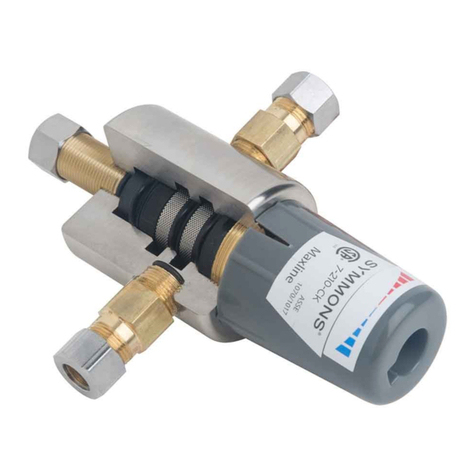
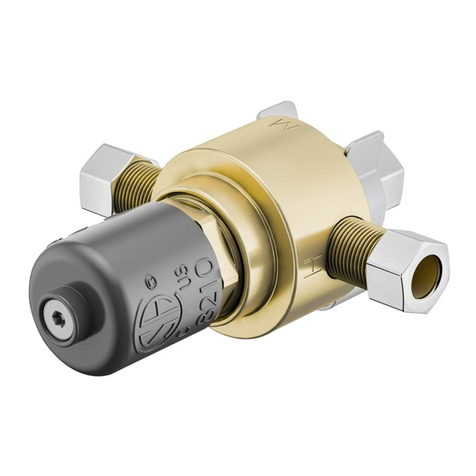
  9. Symmons 7-210-CK Manual

Symmons 7-210-CK Manual

Other Symmons Control Unit manuals

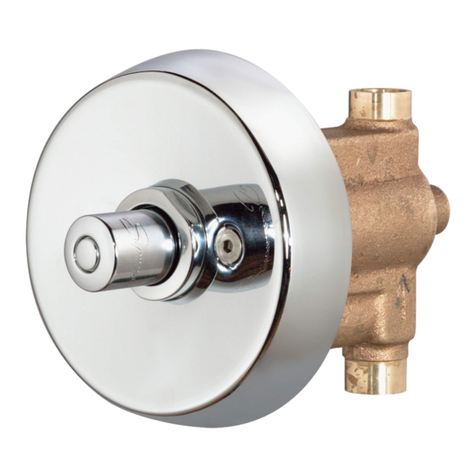
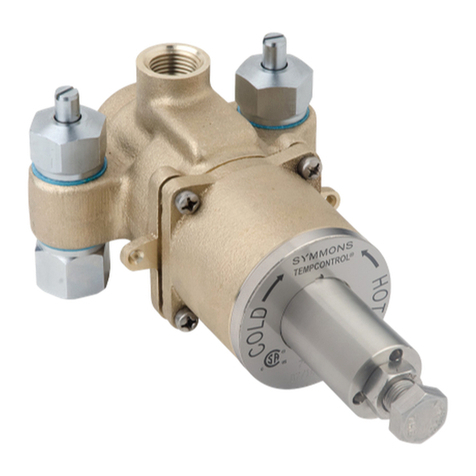
Symmons Temptrol VersaFlex S262BODY User manual

Symmons

Symmons Temptrol VersaFlex S262BODY User manual

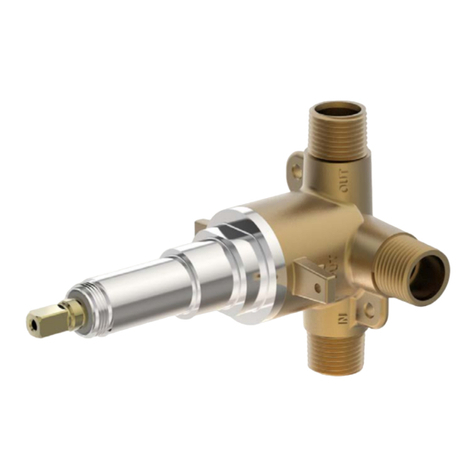
Symmons Showeroff 4-420 Manual

Symmons

Symmons Showeroff 4-420 Manual

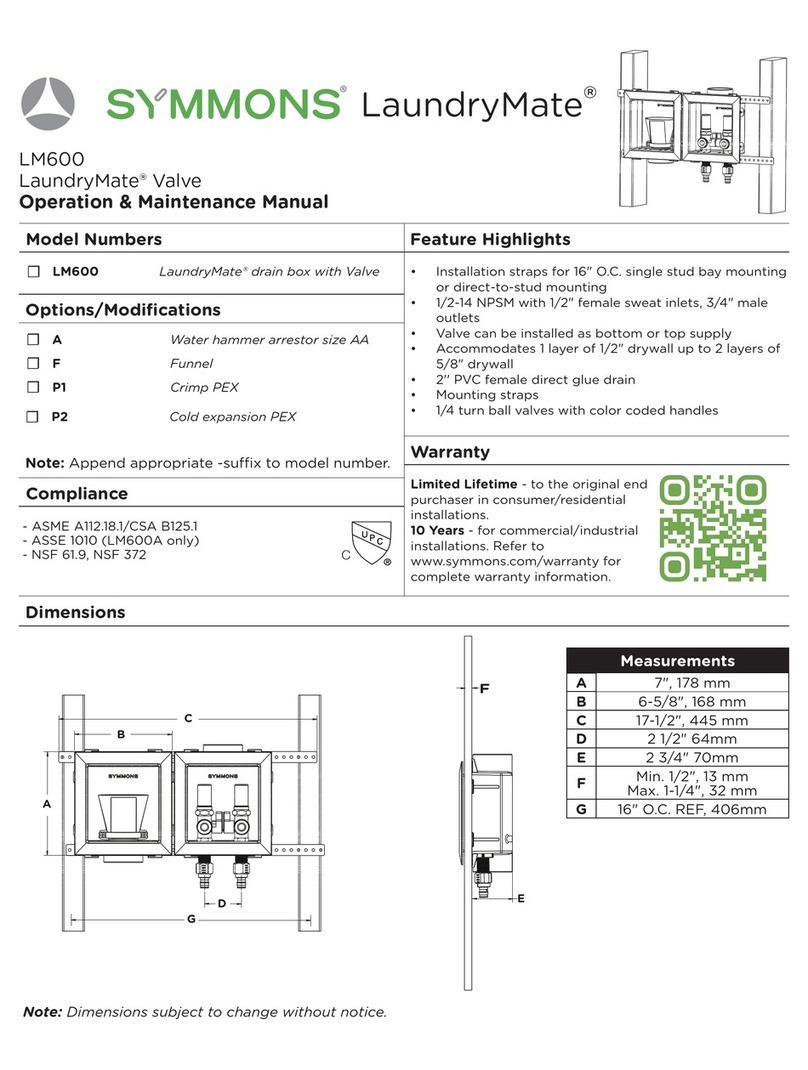
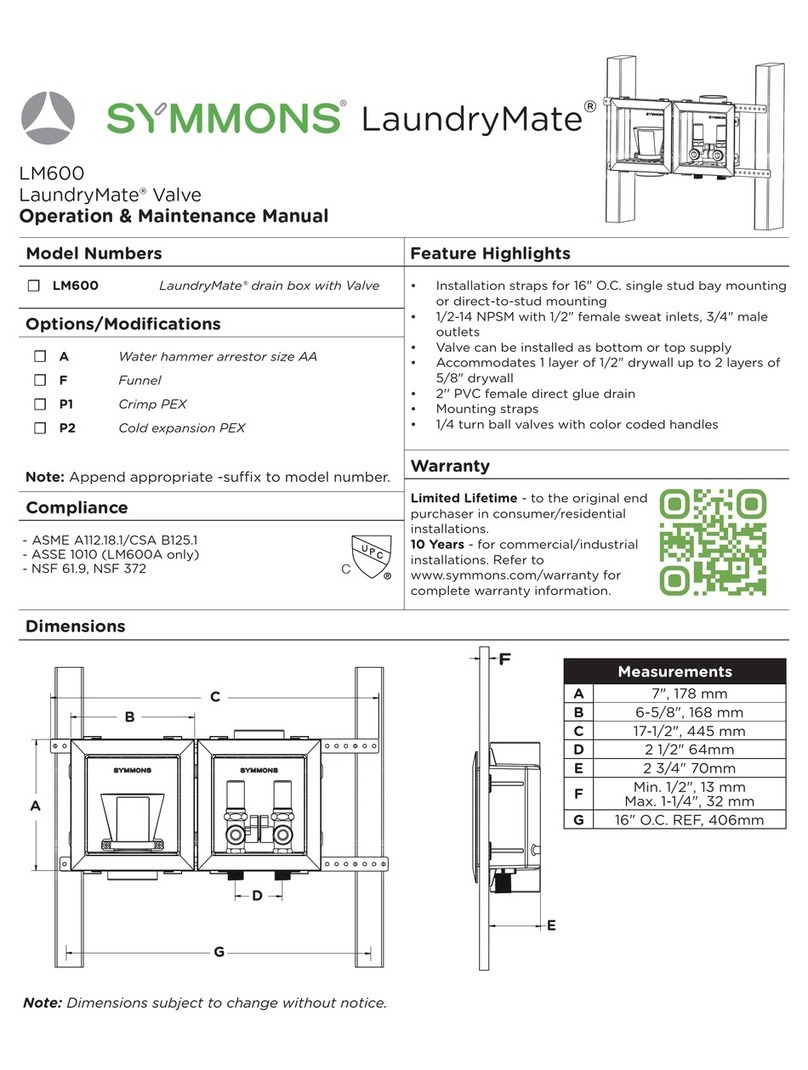
Symmons LaundryMate LM600 Manual

Symmons

Symmons LaundryMate LM600 Manual

Symmons Maxline 7-210-CK Manual

Symmons

Symmons Maxline 7-210-CK Manual

Symmons Temptrol II Operation manual

Symmons

Symmons Temptrol II Operation manual

Symmons Temptrol 262BODY User manual

Symmons

Symmons Temptrol 262BODY User manual

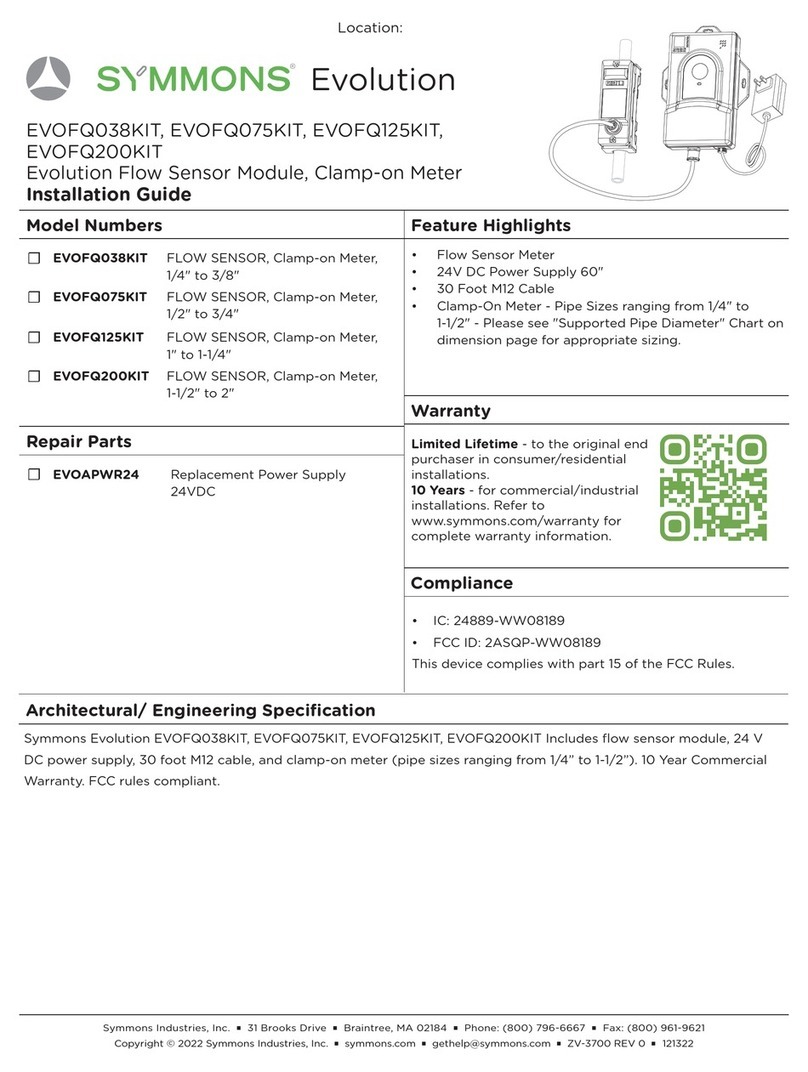
Symmons Evolution EVOFQ038KIT User manual

Symmons

Symmons Evolution EVOFQ038KIT User manual

Symmons 2DIVBODYNSSRT Manual

Symmons

Symmons 2DIVBODYNSSRT Manual

Symmons 7-102 Manual

Symmons

Symmons 7-102 Manual

Symmons LaundryMate LM600 Manual

Symmons

Symmons LaundryMate LM600 Manual

Symmons 3DIVBODYSRT Manual

Symmons

Symmons 3DIVBODYSRT Manual

Symmons Maxline 8210CK Manual

Symmons

Symmons Maxline 8210CK Manual

Symmons Temptrol 262XBODY User manual

Symmons

Symmons Temptrol 262XBODY User manual

Symmons Temptrol S261BODY User manual

Symmons

Symmons Temptrol S261BODY User manual

Symmons 2DIV-BODY-NS Manual

Symmons

Symmons 2DIV-BODY-NS Manual

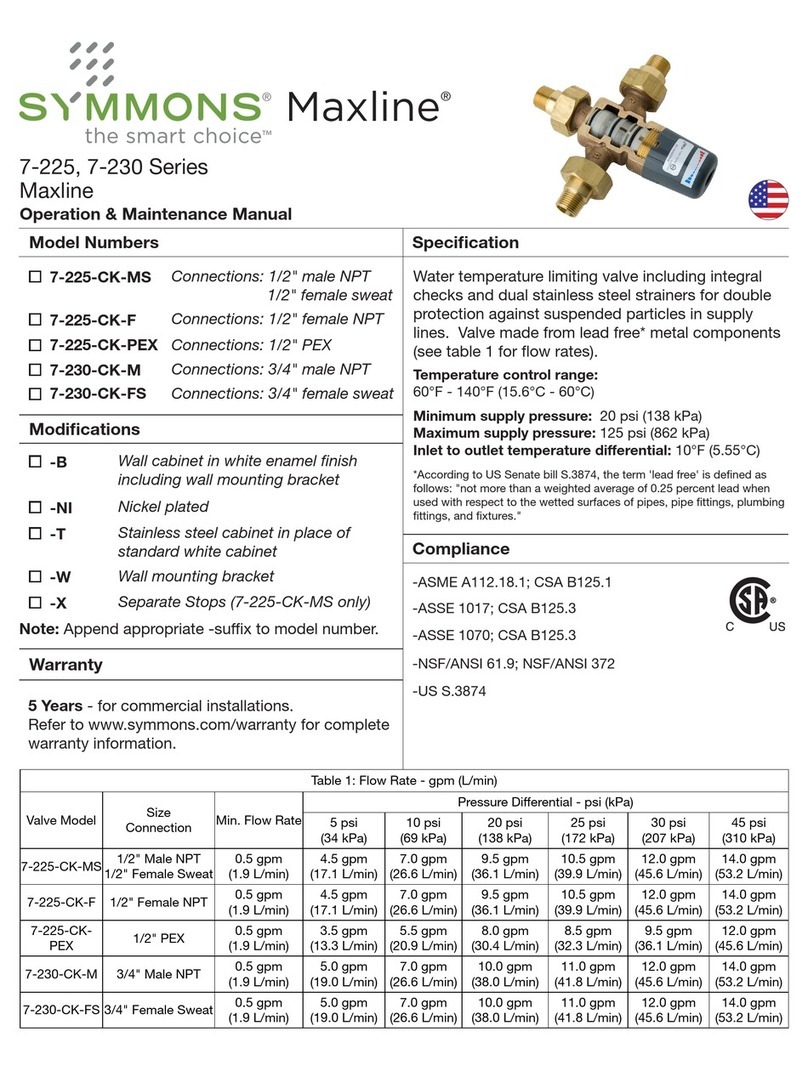
Symmons Maxline 7-225 Series Manual

Symmons

Symmons Maxline 7-225 Series Manual

Popular Control Unit manuals by other brands

Seitz 14A80 user manual

Seitz

Seitz 14A80 user manual

Wilo RS485 Installation and operating instructions

Wilo

Wilo RS485 Installation and operating instructions

Becker CentralControl CC41 Commissioning Instruction

Becker

Becker CentralControl CC41 Commissioning Instruction

SICK CDB650 operating instructions

SICK

SICK CDB650 operating instructions

Panduit NetKey NKP5E88M Series installation instructions

Panduit

Panduit NetKey NKP5E88M Series installation instructions

MX Options Concentric Petite Fitting instructions

MX

MX Options Concentric Petite Fitting instructions

Clean Water Systems Fleck 2510 Installation & start?up guide

Clean Water Systems

Clean Water Systems Fleck 2510 Installation & start?up guide

Fairchild FSB44104A user guide

Fairchild

Fairchild FSB44104A user guide

LEGRAND Wattstopper LMIN-104 installation instructions

LEGRAND

LEGRAND Wattstopper LMIN-104 installation instructions

PMK ATT10BNCS instruction manual

PMK

PMK ATT10BNCS instruction manual

Tektronix TDS3FFT user manual

Tektronix

Tektronix TDS3FFT user manual

Woodward easYgen Technical manual

Woodward

Woodward easYgen Technical manual

Balluff BNI EIP-502-105-R015 user guide

Balluff

Balluff BNI EIP-502-105-R015 user guide

NXP Semiconductors TWR-LS1021A Getting started

NXP Semiconductors

NXP Semiconductors TWR-LS1021A Getting started

Advantech PCM-3117 Startup manual

Advantech

Advantech PCM-3117 Startup manual

Danfoss MCO 101 manual

Danfoss

Danfoss MCO 101 manual

Moons' Lin Engineering R701P user manual

Moons'

Moons' Lin Engineering R701P user manual

Aventics RV1 operating instructions

Aventics

Aventics RV1 operating instructions

manuals.online logo
manuals.online logoBrands
  • About & Mission
  • Contact us
  • Privacy Policy
  • Terms and Conditions

Copyright 2025 Manuals.Online. All Rights Reserved.

3
Installation
Symmons Industries, Inc. ■31 Brooks Drive ■Braintree, MA 02184 ■(800)796-6667 ■ Fax: (800)961-9621
©2014 Symmons Industries, Inc.
■
www.symmons.com
■
[email protected]
■
ZV-3010 REV D 05/27/14
Sizing Valve
For assistance in sizing and selection of the proper
valve, consult your local representative or Symmons
Customer Service.
Installing Valve
1) Flush piping thoroughly prior to installing.
2) Install valve so as to allow clearance for replacing
cartridge. Valve can be installed in any orientation.
valve body
(shown without
valve fittings)
safety cap
retaining nut
cartridge
3-1/2"
(89 mm)
Valve
clearance
3) Connect valve input/ouput to supply ports.
a. Hot port marked (H)
b. Cold port marked (C)
c. Mixed output port marked (M)
Setting Valve Temperature
1) Turn hot and cold water supply on.
2) Open faucet to allow hot water to ow for a
minimum of one minute. For two handle faucets
turn on hot water only. For single handle faucets
turn on to the hot position.
3) Remove the safety cap by inserting a small at
tip screw driver into the wide slot at the base of
the cap and pry upward, then ip the safety cap
over 180 degrees and t onto the end of valve
spindle.
Temperature
Adjust
Safety Cap
4) Place thermometer in the outlet stream. Measure
and accurately set temperature. Inlet temperature
must be ± 10°F (5.55°C) of desired output.
5) To increase temperature turn safety cap
counter-clockwise. To decrease temperature turn
safety cap clockwise.
For single temperature applications adjust valve
outlet temperature with full ow of tempered
water from tting.
For dual temperature applications open
approximately 50% of all faucets to their full hot
position to ensure proper operating temperature
at peak demand.
6) Remove safety cap from end of valve spindle and
ip over 180 degrees, then press cap down and
snap back onto valve body to replace.
Note: Once the safety cap is snapped onto the
valve body the outlet temperature cannot be
changed without repeating steps 2-6.
Warning: Water temperatures in excess of
110°F (43°C) may cause scalding, or
severe injury!
Maxline
Operation & Maintenance Manual
7-210-CK

4Symmons Industries, Inc. ■31 Brooks Drive ■Braintree, MA 02184 ■(800)796-6667 ■ Fax: (800)961-9621
©2013 Symmons Industries, Inc.
■
www.symmons.com
■
[email protected]
■
ZV-3010 REV D 05/27/14
HOT
WATER
TANK,
HEATER,
ETC.
Main hot supply Cold supply
Lavatory
faucet Kitchen
faucet
valve
(V1) valve
(V2)
MAXLINE
valve
MAXLINE
valve
Tempered
hot supply
Tempered
hot supply
Cold supply
Single supply faucets Two supply faucet
Tempered hot supply
High temperature hot supply
(if required for laundry, etc.)
valve
Thermometer
recommended
HOT
WATER
TANK,
HEATER,
ETC.
MAXLINE
valve
Installation
Point of Use Diagram
Multiple Fixtures Diagram
Maxline
Operation & Maintenance Manual
7-210-CK