Synway Information Engineering Co., Ltd
NTP-480A/PCIe(2.0) Hardware Manual (Version 1.0) Page 5
Memory: 1G or more
HD: Depends on individual requirements
Supported Operating Systems
Refer to SynCTI Programmer’s Manual.pdf.
2.3 Installation Procedure
Note: Always turn off the power before installation!
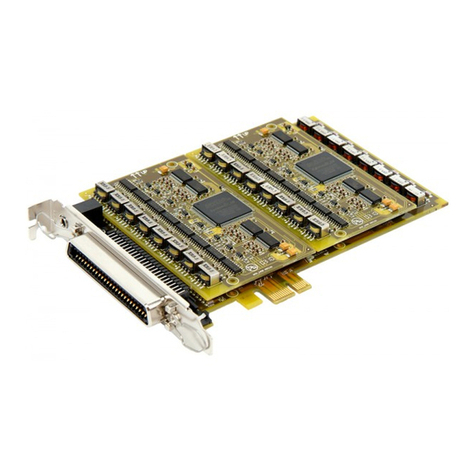
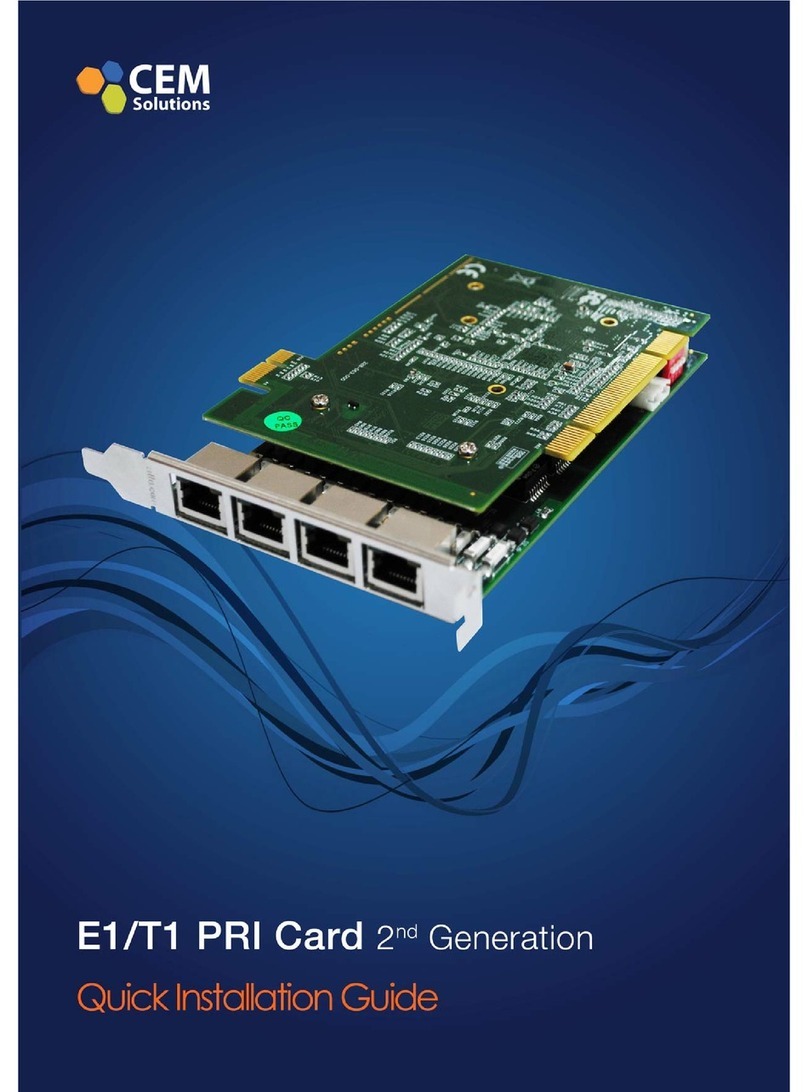
Step 1: Properly fit the required NTP board into the PCIe slot (compatible with X1-16) on
the PC chassis.
Notes:
①For the installation of other voice boards from Synway which are used with the NTP board,
refer to corresponding hardware manuals.
②Other necessary hardware devices (such as network cable) used to set up a whole VoIP
application environment should be installed by users themselves.
Step 2: Boot your computer and install the driver.
Regarding driver installation, refer to SynCTI_InstManual.pdf.
Note:
After installation, you should just set the IP of the network card but not the gateway;
otherwise the local network connection may fail.
Step 3: Connect network cable.
Connect the network cable from the mirror port to an RJ45 interface of the board. Set the mirror
port of the target network depending on your requirements.
Key Tips:
As the system is expected to run for long hours unmannedly, ‘energy-saving’ mode
should be turned off for both the CPU and the HD in CMOS or WINDOWS operating
system. This is to ensure full-speed operation of the computer, or it may lead to a drop in
performance or unexpected errors after running for some time.
A chassis installed with voice boards must be grounded for safety reasons, according to
standard industry requirements. A simple way is earthing with the third pin on the plug.
No or improper grounding may cause instability in operation as well as decrease in
lightning resistance.