manuals.online logo
Brands
  1. Home
  2. •
  3. Brands
  4. •
  5. TA Instruments
  6. •
  7. Measuring Instrument
  8. •
  9. TA Instruments TMA 2940 User manual

TA Instruments TMA 2940 User manual

Other manuals for TMA 2940

1

This manual suits for next models

1

Other TA Instruments Measuring Instrument manuals
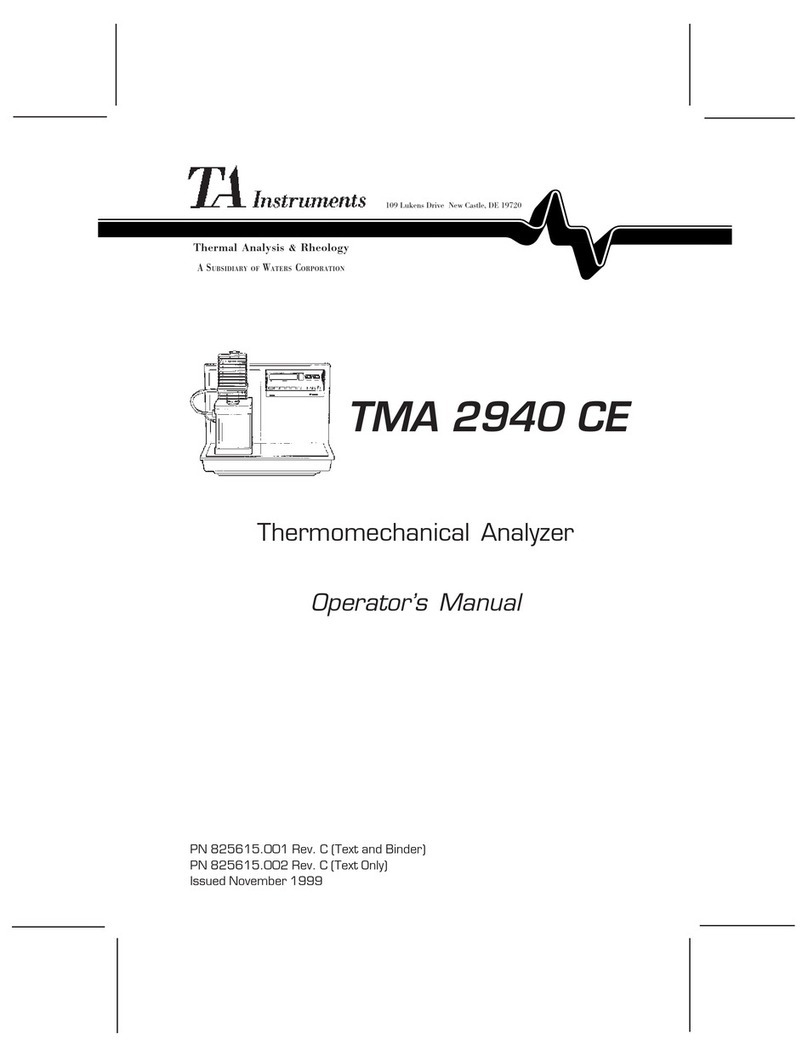
TA Instruments TMA 2940 CE User manual

TA Instruments

TA Instruments TMA 2940 CE User manual

TA Instruments Nano ITC Series User manual
TA Instruments

TA Instruments Nano ITC Series User manual

TA Instruments TGA 2950 User manual

TA Instruments

TA Instruments TGA 2950 User manual

TA Instruments DHR Series User manual

TA Instruments

TA Instruments DHR Series User manual
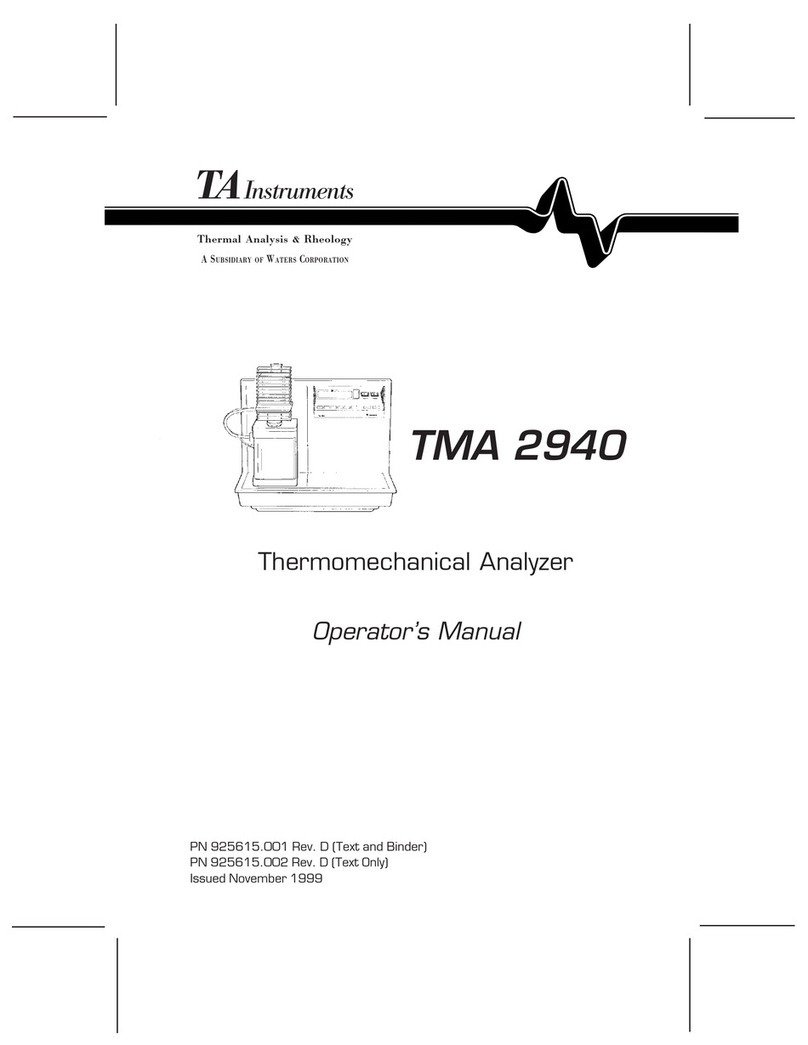
TA Instruments TMA 2940 User manual

TA Instruments

TA Instruments TMA 2940 User manual
TA Instruments ARES-G2 User manual

TA Instruments

TA Instruments ARES-G2 User manual

TA Instruments DSC Q Series User manual

TA Instruments

TA Instruments DSC Q Series User manual

TA Instruments DHR Series User manual

TA Instruments

TA Instruments DHR Series User manual
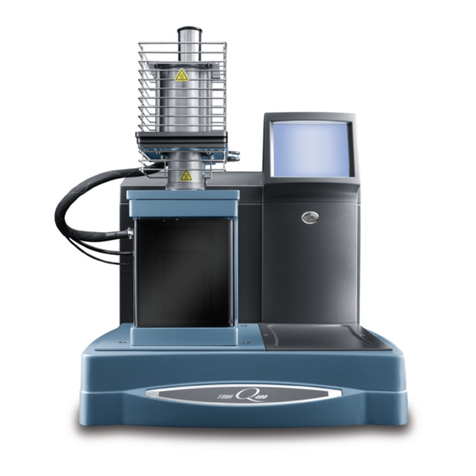
TA Instruments TMA Q400 User manual

TA Instruments

TA Instruments TMA Q400 User manual
TA Instruments DISCOVERY XENON FLASH User manual
TA Instruments

TA Instruments DISCOVERY XENON FLASH User manual

TA Instruments Q1000 User manual

TA Instruments

TA Instruments Q1000 User manual

TA Instruments TGA 2050 User manual

TA Instruments

TA Instruments TGA 2050 User manual

TA Instruments TGA5500 User manual

TA Instruments

TA Instruments TGA5500 User manual

TA Instruments AR 2000 User manual

TA Instruments

TA Instruments AR 2000 User manual

Popular Measuring Instrument manuals by other brands

Powerfix Profi 278296 Operation and safety notes

Powerfix Profi

Powerfix Profi 278296 Operation and safety notes

Test Equipment Depot GVT-427B user manual

Test Equipment Depot

Test Equipment Depot GVT-427B user manual

Fieldpiece ACH Operator's manual

Fieldpiece

Fieldpiece ACH Operator's manual

FLYSURFER VIRON3 user manual

FLYSURFER

FLYSURFER VIRON3 user manual

GMW TG uni 1 operating manual

GMW

GMW TG uni 1 operating manual

Downeaster Wind & Weather Medallion Series instruction manual

Downeaster

Downeaster Wind & Weather Medallion Series instruction manual

Hanna Instruments HI96725C instruction manual

Hanna Instruments

Hanna Instruments HI96725C instruction manual

Nokeval KMR260 quick guide

Nokeval

Nokeval KMR260 quick guide

HOKUYO AUTOMATIC UBG-05LN instruction manual

HOKUYO AUTOMATIC

HOKUYO AUTOMATIC UBG-05LN instruction manual

Fluke 96000 Series Operator's manual

Fluke

Fluke 96000 Series Operator's manual

Test Products International SP565 user manual

Test Products International

Test Products International SP565 user manual

General Sleep Zmachine Insight+ DT-200 Service manual

General Sleep

General Sleep Zmachine Insight+ DT-200 Service manual

Sensa Core Lacto Spark user manual

Sensa Core

Sensa Core Lacto Spark user manual

VOLTCRAFT UTS-1980 operating instructions

VOLTCRAFT

VOLTCRAFT UTS-1980 operating instructions

EBCHQ 94915 Operation manual

EBCHQ

EBCHQ 94915 Operation manual

Balluff BIP LD2-T017-01-EP-S4 Series user guide

Balluff

Balluff BIP LD2-T017-01-EP-S4 Series user guide

Pulsar IMP Lite Series instruction manual

Pulsar

Pulsar IMP Lite Series instruction manual

ETCR 6800 user manual

ETCR

ETCR 6800 user manual

manuals.online logo
manuals.online logoBrands
  • About & Mission
  • Contact us
  • Privacy Policy
  • Terms and Conditions

Copyright 2025 Manuals.Online. All Rights Reserved.

TMA 2940/Q400 Packup instructions
Back to Thermal Menu
1. Remove the probe and stage from the instrument.
2. Remove the outer cover around the shuttle assembly.
3. Remove the weight tray. Tape the nylon screw in place and lay the weight tray in
the top of the furnace. (Fig 1 & 2).
Weight Tray
N
ylon Screw
Figure 1
Figure 2
Ehc 1 of 1
Back to Thermal Menu Back to Top
TMA 2940/Q400 Packup instructions
Back to Thermal Menu
4. Remove the 8 shoulder screws from the front support bracket. (Figure 3).
Shoulder bolts (8)
Front Support
Rear Supports (2)
Outer Clamp
Figure 3
5. Carefully slide the front support bracket between the upper and lower
suspensions, behind the weight tray mounting bracket (Fig. 5)
Front Support
Upper Suspension
Lower Suspension
Figure 5
Ehc 2 of 2
Back to Thermal Menu Back to Top
TMA 2940/Q400 Packup instructions
Back to Thermal Menu
6. Carefully slide the rear supports between the upper and lower suspensions. (Fig 7)
Rear Supports
Shuttle Lift Arm
Figure 7
7. Install the shoulder bolts through the front support bracket and thread them into
the rear support brackets (Fig 8).
Shoulder bolt
Figure 8
Ehc 3 of 3
Back to Thermal Menu Back to Top
TMA 2940/Q400 Packup instructions
Back to Thermal Menu
8. Remove one of the bolts from the outer clamp and install the outer clamp. The
clamp should go above and below the upper and lower suspensions. (Fig 9)
Outer Clamp
Upper Suspension
Lower Suspension
Figure 9
Ehc 4 of 4
Back to Thermal Menu Back to Top
TMA 2940/Q400 Packup instructions
Back to Thermal Menu
9. Install the bolt in the other end of the outer clamp and tighten. (Fig 10).
10. The suspension should now be immobilized.
Figure 10
11. Install the rear shipping foam support under the lower weights. (Fig 11)
Shipping Foam Lower Weights
Figure 11
Ehc 5 of 5
Back to Thermal Menu Back to Top
TMA 2940/Q400 Packup instructions
Back to Thermal Menu
12. Lower the furnace. Tape the weight tray into the top of the furnace.
13. Place the cardboard sleeve over the furnace lift shaft. (Fig 12 & 13)
Lockdown Cap Cardboard Sleeve
Figure 12
Figure 13
Ehc 6 of 6
Back to Thermal Menu Back to Top
TMA 2940/Q400 Packup instructions
Back to Thermal Menu
14. Tighten the lockdown cap into the top of the furnace lift shaft. This will
immobilize the furnace.
15. If this is a 2940, turn off the power switch. If this is a Q400, go to the next step.
16. On the Q400 display panel, press the “Display Menu” button.
17. Press the “Shutdown” button. Wait for the display screen to show that the
instrument is shutdown and it is safe to turn off the instrument.
18. Turn off the power switch located on the back of the instrument near the power
cord.
Back to Top
2940:
19. Remove the instrument feet and place the instrument on the shipping plywood.
20. Secure the instrument to the plywood with the long ¼-20 bolts provided.
21. Place the board with the instrument attached into the shipping box.
22. Place the inner sleeve inside the box.
23. Seal box and place the green return label on the outside of the box.
Q400:
24. Bolt the Q400 down on the shipping pallet. Place the cardboard box over the
pallet.
25. Strap the cardboard box down over the pallet and instrument.
26. Seal the box and place the green return label on the top of the box.
Ehc 7 of 7
Back to Thermal Menu