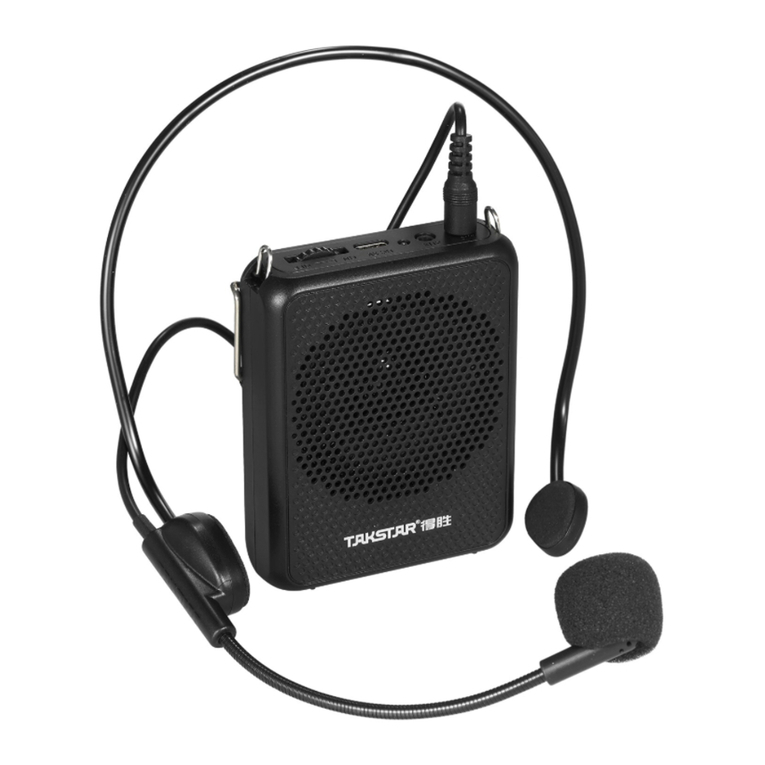
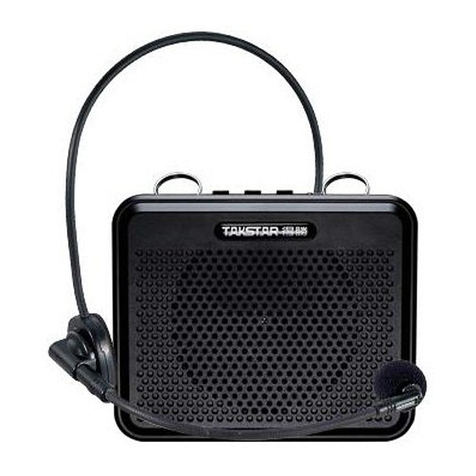
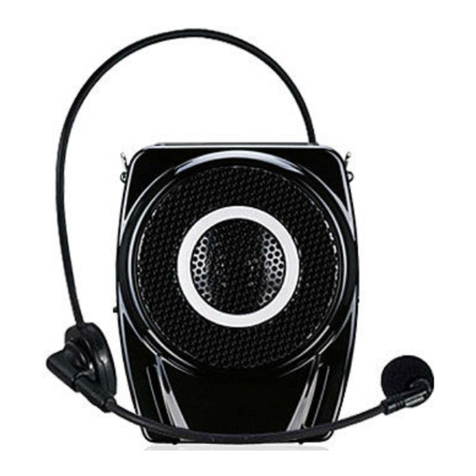
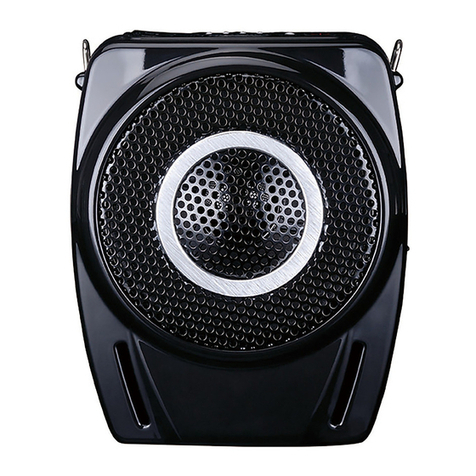
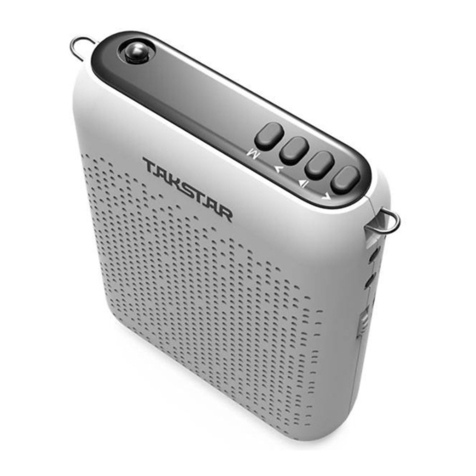
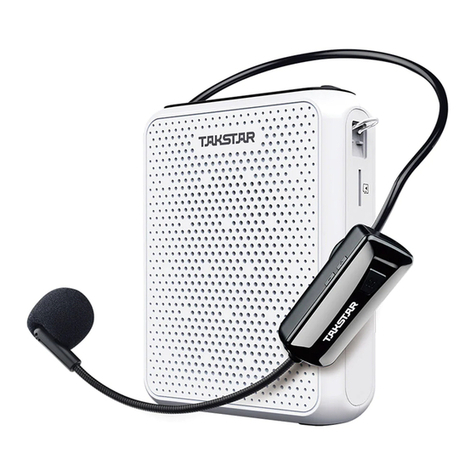
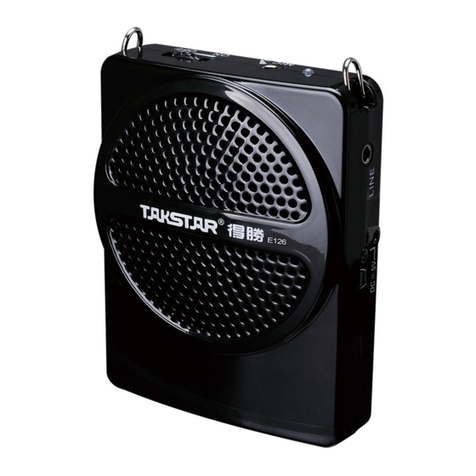
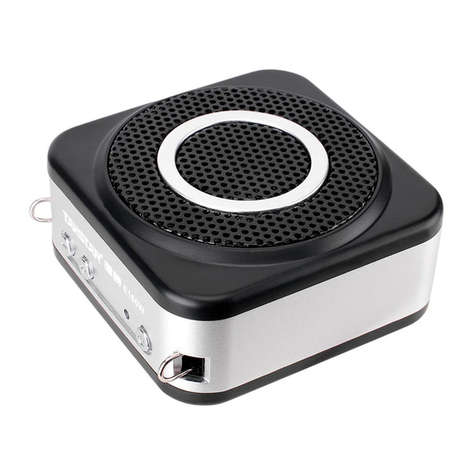
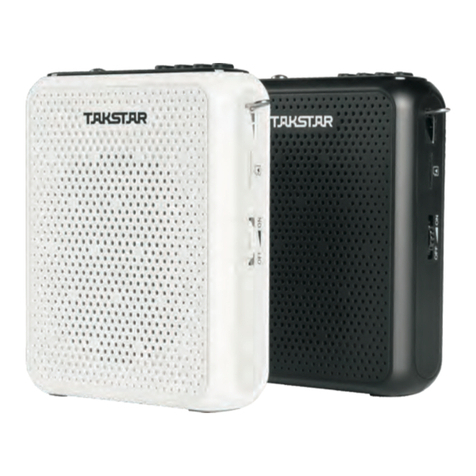
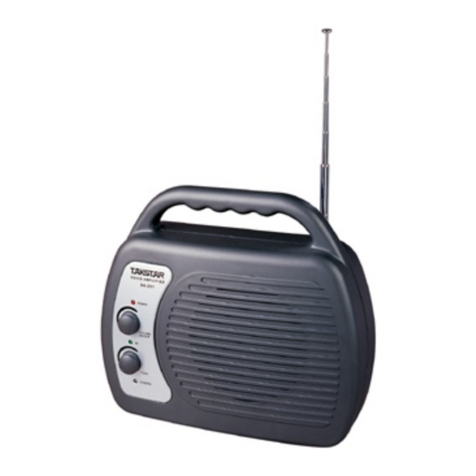
E188
Welcome to use TAKSTAR portable digital voice amplifier. This
product is ideal for teaching, tour guide etc. because of the
excellent digital technology, long battery playtime and high
output power. Please read this user manual detailedly before
using to make sure the correct operation.
Digital circuitry technology, 10W output power
High-efficiency and strong-magnetism neodymium iron boron
speaker features light weight, excellent sound quality and loud
output volume
LOW-THD AT Adaptive Technology features low distortion even
at high output power
Built-in high capacity rechargeable lithium-ion battery
Built-in MCU intelligent recharging management system for
secure battery charging and discharging, fast charging time
(4-6hrs) and long play time (more than 20hrs)
With AUX audio signal input function, as a small speaker
Exquisite and durable design
Choices of waist or shoulder hanging wear style for convenient
use
Features
Function Illustration
Specification
1. Aim at the headworn mic capsule when speaking and keep the
distance between vocal and mic as 1-2cm to avoid howling.
2. Put the battery into the battery compartment according to the polar.
3. Wear the headworn microphone correctly and adjust the suitable
microphone pick-up angle.
4. Adjust the volume according to the actual space size.
5. When long time no use, fully recharge the battery to assure the battery
life time, and then take out the battery.
6. Don’t insert external audio signal such as DVD or MP3 into the MIC
socket to avoid distortion due to extreme high voice.
7. Use the DC 5V/600-750mA power adapter provided with the voice
amplifier to make sure the best performance.
8. Non professional technician is prohibited to open/modify/repair the
voice amplifier.
Operation & Caution
User Manual
Guangdong Takstar Electronic Co., Ltd.
Add: Longqiao Road Longxi Boluo Huizhou Guangdong China 516100
Tel: +86 752 6383644 Fax: +86 752 6383952 Website: E-mail: sales@takstar.comwww.takstar.com
1
2
3
4
5
6
7
Frequency Response: 80Hz-12kHz
Rated Output Power: 5W
Max. Output Power: 10W
Output Impedance: 4Ω
Operating Voltage: 3.7V
Battery specification: 3.7V/2000mAh lithium-ion battery
Power Adaptor: DC 5V/600-750mA
Recharging Period: 4-6hrs
Playtime: ≥20hrs
Dimension: 86×98×46mm
Net Weight: 350g
1
2
3
4
5
65
7
Standard Configuration
Application
Teaching, tour guiding, training.
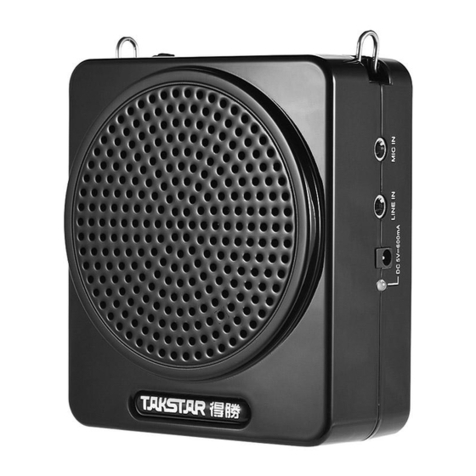
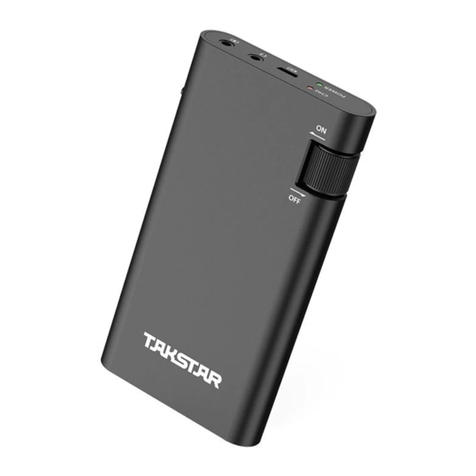
Power switch with volume control: Turn the wheel ① to the left
until you hear a clicking sound”Di”, the amplifier is now
switched on and the power LED will light, turn left for louder
voice, turn right for lower voice until power off.
Power indicator: It will light green when the amplifier is power-
on. If the battery is low, it will turn red, please recharge the
battery in time.
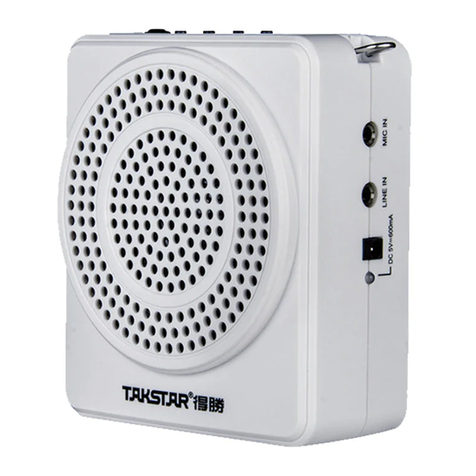
Microphone input socket: insert the microphone Φ3.5mm plug
into this socket; do not point the microphone directly to
amplifier, or it will cause howling.
Line input socket: Plug signal such as DVD, MP3 into the LINE IN
socket with a Φ3.5mm audio cable, the amplifier will be used as
a speaker.
DC 5V/600-750mA power adaptor socket.
2
Recharging Indicator: Plug in the power adaptor into socket , the
indicator will light, indicating that the rechargeable battery is under
charging. The indicator will change from red to green when the
battery is fully charged.
Hanging buckle
E188
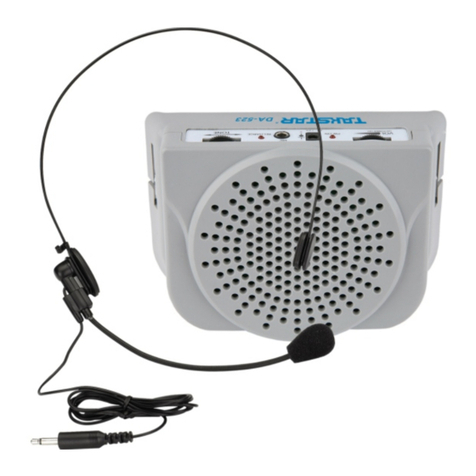
Digital Amplifier Headworn Microphone
Power Adapter Strap User Manual