manuals.online logo
Brands
  1. Home
  2. •
  3. Brands
  4. •
  5. Takstar
  6. •
  7. Microphone
  8. •
  9. Takstar BM-600 User manual

Takstar BM-600 User manual

This manual suits for next models

1

Other Takstar Microphone manuals

Takstar MS200-2 Series User manual

Takstar

Takstar MS200-2 Series User manual

Takstar TS-8808HH User manual

Takstar

Takstar TS-8808HH User manual

Takstar DA10 User manual

Takstar

Takstar DA10 User manual

Takstar SGC-600 User manual

Takstar

Takstar SGC-600 User manual

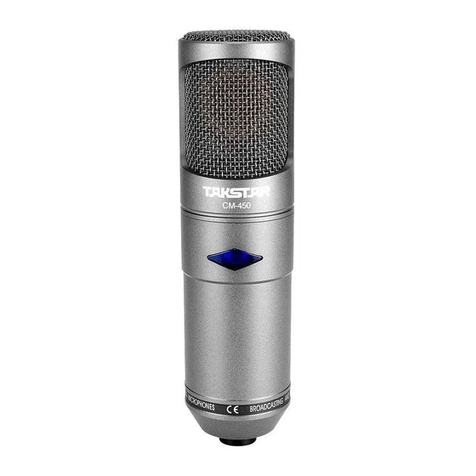
Takstar CM-450 User manual

Takstar

Takstar CM-450 User manual

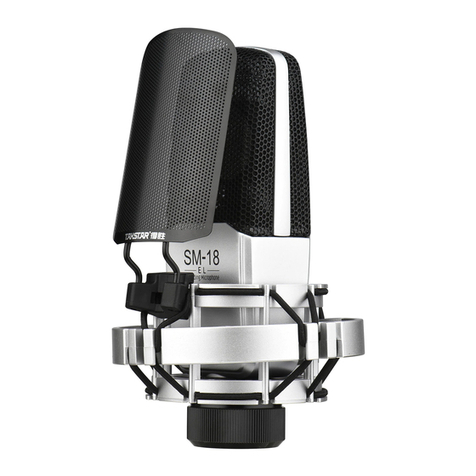
Takstar SM-18 PRO User manual

Takstar

Takstar SM-18 PRO User manual

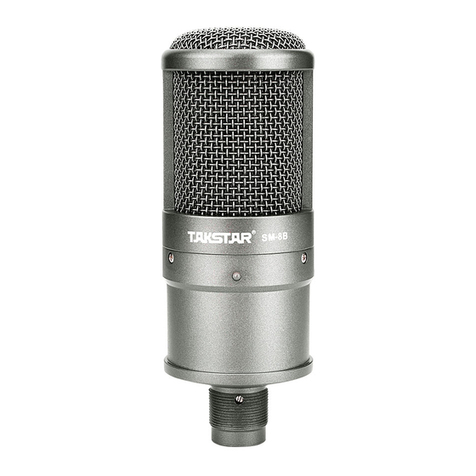
Takstar SM-9 User manual

Takstar

Takstar SM-9 User manual

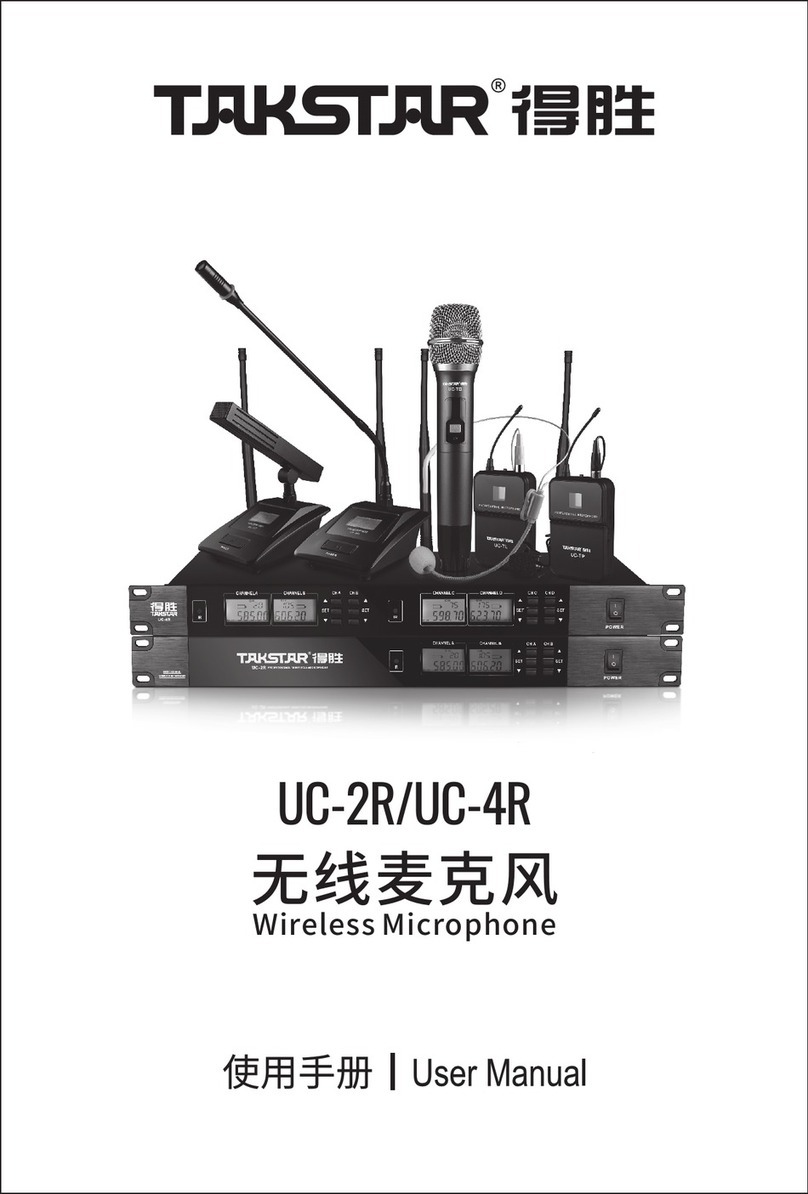
Takstar UC-2R User manual

Takstar

Takstar UC-2R User manual

Takstar MS-580W1 User manual

Takstar

Takstar MS-580W1 User manual

Takstar TS-K201 User manual

Takstar

Takstar TS-K201 User manual

Takstar BM-630 User manual

Takstar

Takstar BM-630 User manual

Takstar SM-10 User manual

Takstar

Takstar SM-10 User manual

Takstar TS-8807 User manual

Takstar

Takstar TS-8807 User manual

Takstar HM-300W User manual

Takstar

Takstar HM-300W User manual

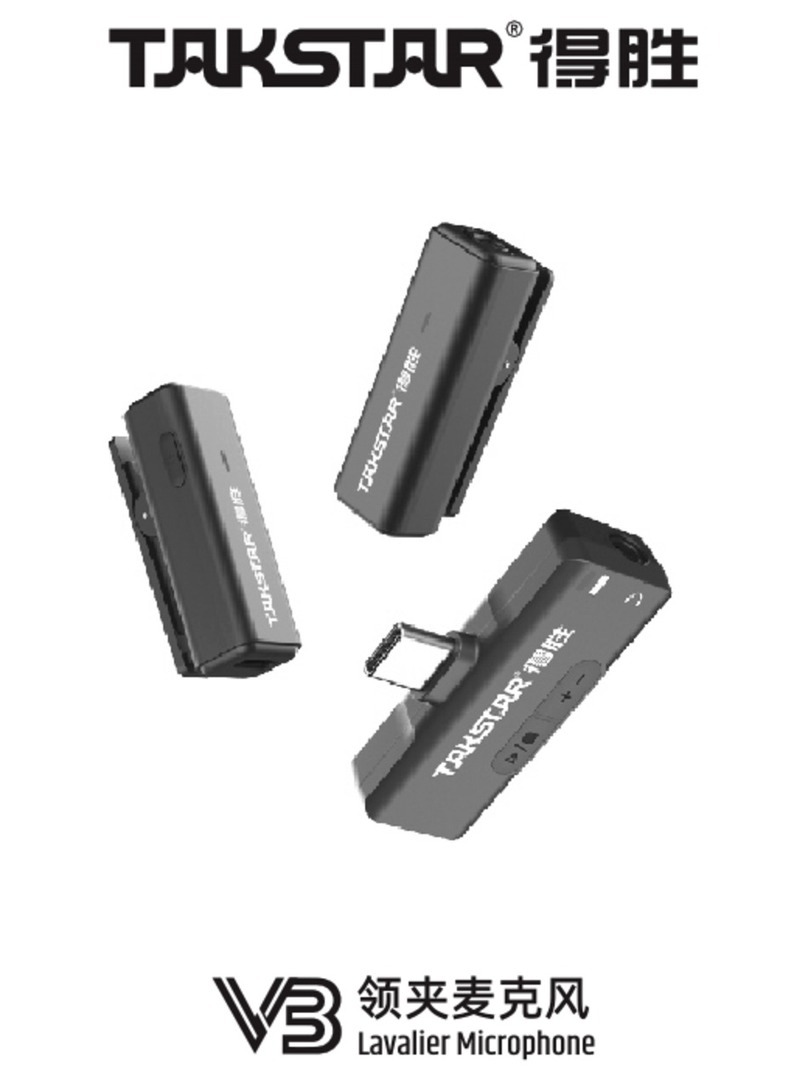
Takstar V3 User manual

Takstar

Takstar V3 User manual

Takstar BM-650 User manual

Takstar

Takstar BM-650 User manual

Takstar ECM-220 User manual

Takstar

Takstar ECM-220 User manual

Takstar MS-118 User manual

Takstar

Takstar MS-118 User manual

Takstar SGC-598 User manual

Takstar

Takstar SGC-598 User manual

Takstar V1 User manual

Takstar

Takstar V1 User manual

Takstar PC-K820 User manual

Takstar

Takstar PC-K820 User manual

Takstar PC-K320 User manual

Takstar

Takstar PC-K320 User manual

Takstar TS-6310 User manual

Takstar

Takstar TS-6310 User manual

Takstar PH 125 User manual

Takstar

Takstar PH 125 User manual

Popular Microphone manuals by other brands

Betzold 760932 operating instructions

Betzold

Betzold 760932 operating instructions

Shure A88SM user guide

Shure

Shure A88SM user guide

JTS UF-10TH/12 instruction manual

JTS

JTS UF-10TH/12 instruction manual

Shure BETA 58A User giude

Shure

Shure BETA 58A User giude

Shure SM7 user guide

Shure

Shure SM7 user guide

Sony ECM-Z200 Service manual

Sony

Sony ECM-Z200 Service manual

Electro-Voice 652 engineering data

Electro-Voice

Electro-Voice 652 engineering data

mantona 21150 instruction manual

mantona

mantona 21150 instruction manual

Loewe We. SEE 55 user manual

Loewe

Loewe We. SEE 55 user manual

IK Multimedia iRig Stream MIC PRO user manual

IK Multimedia

IK Multimedia iRig Stream MIC PRO user manual

DAPAudio RM-101 user manual

DAPAudio

DAPAudio RM-101 user manual

AKG CHM 21 User instructions

AKG

AKG CHM 21 User instructions

Sennheiser evolution wireless series EM 100 instruction manual

Sennheiser

Sennheiser evolution wireless series EM 100 instruction manual

Sony C-48 operating instructions

Sony

Sony C-48 operating instructions

GIGAMEDIA GGM PAMICUHFG user manual

GIGAMEDIA

GIGAMEDIA GGM PAMICUHFG user manual

Shure WH30TQG user guide

Shure

Shure WH30TQG user guide

auna PRO MIC-900 manual

auna PRO

auna PRO MIC-900 manual

Shure MV51 manual

Shure

Shure MV51 manual

manuals.online logo
manuals.online logoBrands
  • About & Mission
  • Contact us
  • Privacy Policy
  • Terms and Conditions

Copyright 2025 Manuals.Online. All Rights Reserved.

专业界面式麦克风
BM-600 BM-601
专业界面式麦克风是专为工程安装
它小巧的外形极具隐蔽性,所配备的螺母及绝缘垫片,
使安装更简单。为配合工程安装,麦克风使用9-52V幻像
电源供电,尾端为标准XLR连接,可与各种设备相匹配。
同时,还有两种颜色可选择:BM-600为黑色,BM-601为银
白色
TAKSTAR 而设计。
单体:背极式驻极体
指向性:全指向
频率响应:50Hz-16kHz
灵敏度:-38dB±3dB(0dB=1V/Pa at 1kHz)
输出阻抗:200Ω±30%(at 1kHz)
使用电压:9-52V幻像电源
技术参数
频率响应曲线图
1.把卡侬(XLR)插头插入麦克风,旋转插头使上面的扣键与
麦克风上的槽口对准,然后将插头推入麦克风,直至扣
键定位。
2.麦克风与连接线分开时,可握住插头,同时按压扣键,然
后将插头从麦克风拉出。
1.用手罩住麦克风头部,或使麦克风接近扩音器,可能产
生啸叫声,遇此情形时,首先降低音量,拉开同扩音器
的距离,尽量使麦克风不同扩音器相对。
2.麦克风灵敏度高,必须注意不要从高处掉下,打击或给
矛强烈冲击。
3.麦克风应安装在干燥清洁的地方,避免在温度、湿度过
高的场所保管或使用,以免影响灵敏度和音色。
※本产品相关规格及参数如有变更,恕不另行通知。
※如需服务和配件方面的信息,请就近和得胜代理商联系,
或请访问得胜网站www.takstar.com

连接线的安装与拆卸
使用说明
-30
-40
-50
-60
-70
(dBV/Pa )
20 2K 20K
50 100 200 500 1K 5K
(Hz)
Frequency Response Graph
Omni-directional
(at 1kHz)
0
30
60
90
120
150
330
300
270
240
210
180
国内销售 部
服务热线 :400 6828 333 传真:0752-6383950
地址:广东省惠州市博罗县龙溪镇富康一路2号 邮编:516121
网址:www.takstar.com
BOUNDARY MICROPHONES
The boundary microphones is most successfully mounted on
existing surfaces such as tables, floors, and walls. The small and
exquisite modeling makes it easy to hide. They are designed with
nut collar for easy setup. In order to coordinate with engineering
installation, the microphone operates at 9~52V phantom power.
The microphone is complied with standard XLR connector.
BM-600 BM-601
Specifications:
Cautions:
Frequency response graph:
Connecting and disconnecting the microphone cable:
Element: Back Electret Condenser
Polar Pattern: Omni-directional
Frequency Response: 50Hz~16kHz
Sensitivity: -38dB±3dB (0dB=1V/Pa at 1kHz)
Output Impedance: 200Ω±30% (at 1kHz)
Operating Voltage: DC 9~52V Phantom
-30
-40
-50
-60
-70
(dBV/Pa )
20 2K 20K
50 100 200 500 1K 5K
(Hz)
Frequency Response Graph
Omni-directional
(at 1kHz)
0
30
60
90
120
150
330
300
270
240
210
180
1. Insert the XLR connector into the microphone. If necessary,
rotate the connector to align the key on the connector and the
groove in the microphone. Push the connector into the
microphone until it clicks.
2. To disconnect the cable and microphone, grasp the connector
while depressing the tab. Pull the connector away from the
microphone.
1. If the head of the microphone is covered by hand or brought
close to the speaker, a howling sound may be generated. To
prevent this, first decrease the volume, then place the
microphone so that it is not pointed to the speaker and that
there is a sufficient distance between the microphone and
speaker.
2. Due to the high sensitivity of the cartridge, do not drop it from
high or apply strong shock to it.
3. To maintain the sensitivity and quality of sound reproducing,
avoid exposing it to moisture and extreme temperatures.
* Specifications are subject to change without prior notice
* For service requirement or accessory information, please
contact TAKSTAR local authorized agent
International Sales Department
Address: No.2 Fu Kang Yi Rd., Longxi Boluo Huizhou, Guangdong 516121 China
Website: www.takstar.com Tel: +86 752 6383951 Fax: +86 752 6383950 E-mail: sales@takstar.com