manuals.online logo
Brands
  1. Home
  2. •
  3. Brands
  4. •
  5. Taoglas
  6. •
  7. Antenna
  8. •
  9. Taoglas MA114 Series User manual

Taoglas MA114 Series User manual

Other Taoglas Antenna manuals

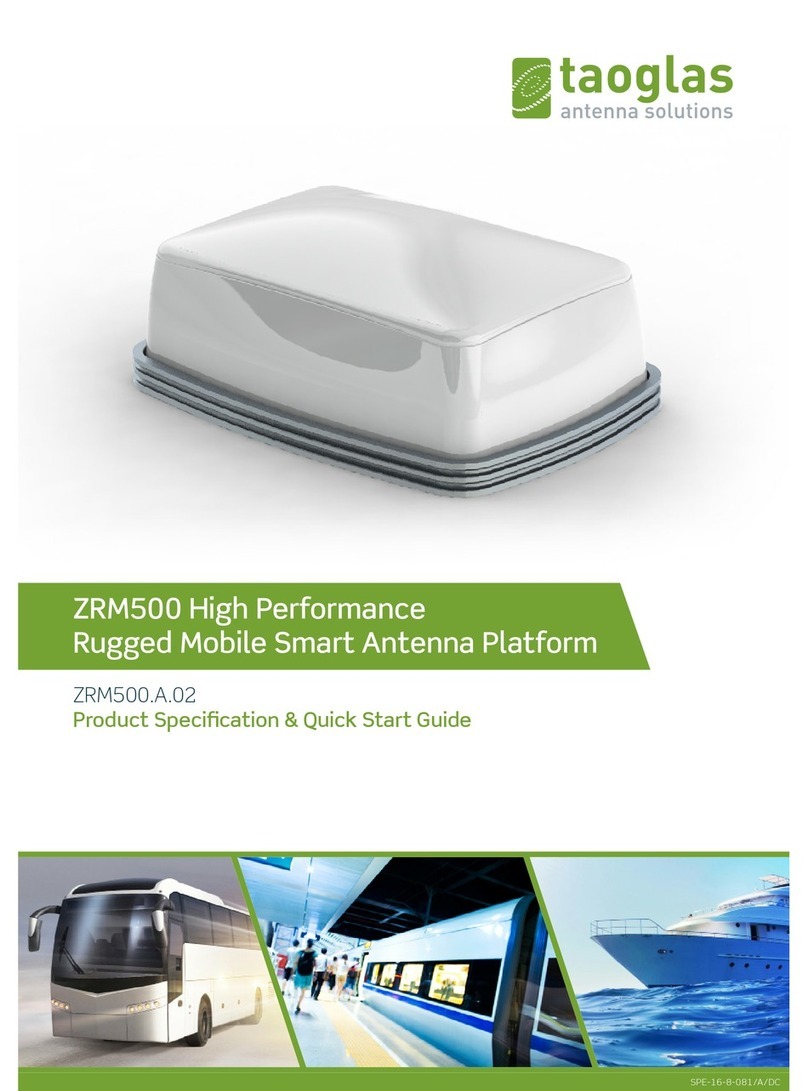
Taoglas ZRM500 User manual

Taoglas

Taoglas ZRM500 User manual

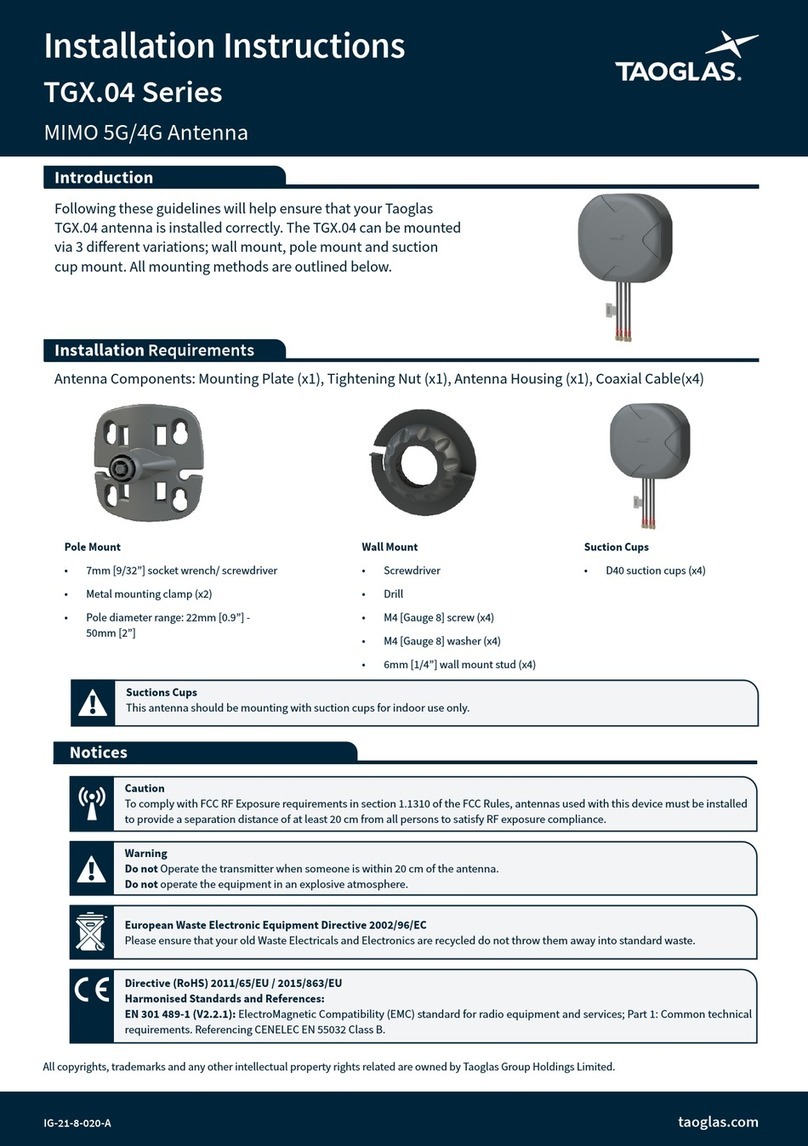
Taoglas TGX.04 Series User manual

Taoglas

Taoglas TGX.04 Series User manual

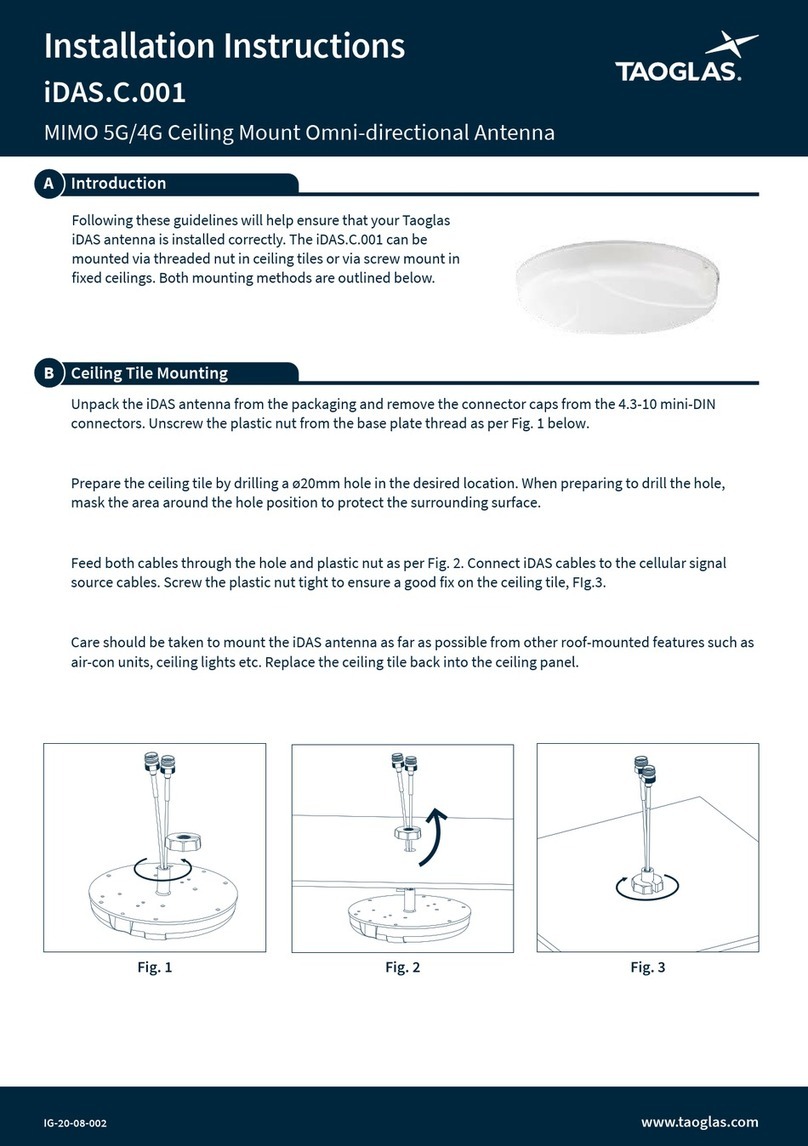
Taoglas iDAS.C.001 User manual

Taoglas

Taoglas iDAS.C.001 User manual

Taoglas TGX45 Series User manual

Taoglas

Taoglas TGX45 Series User manual

Taoglas PA.11 User manual

Taoglas

Taoglas PA.11 User manual

Popular Antenna manuals by other brands

DAVIS Windex AV 3160 installation instructions

DAVIS

DAVIS Windex AV 3160 installation instructions

Belden Hirschmann BAT-ANT-N-14G-IP23 Mounting instruction

Belden

Belden Hirschmann BAT-ANT-N-14G-IP23 Mounting instruction

Vtronix YHK Fitting instructions

Vtronix

Vtronix YHK Fitting instructions

KVH Industries TracVision 6 Technical manual

KVH Industries

KVH Industries TracVision 6 Technical manual

Leica Geosystems GS10 user manual

Leica Geosystems

Leica Geosystems GS10 user manual

Sirio Antenne Gain-Master manual

Sirio Antenne

Sirio Antenne Gain-Master manual

Sony VCA-41 Installation/connections

Sony

Sony VCA-41 Installation/connections

ZCG Y100 Series installation guide

ZCG

ZCG Y100 Series installation guide

Advantech Wireless INTREPID120 Assembly instructions

Advantech Wireless

Advantech Wireless INTREPID120 Assembly instructions

Cerio ANT-10AO installation guide

Cerio

Cerio ANT-10AO installation guide

Alfa Network APA-L01 Specifications

Alfa Network

Alfa Network APA-L01 Specifications

Naval PR-422CA Operation manual

Naval

Naval PR-422CA Operation manual

Feig Electronic ID ISC.ANTH200/200 Series manual

Feig Electronic

Feig Electronic ID ISC.ANTH200/200 Series manual

TERK Technologies TV44 owner's manual

TERK Technologies

TERK Technologies TV44 owner's manual

TERK Technologies SIR3 owner's manual

TERK Technologies

TERK Technologies SIR3 owner's manual

Directive Systems & Engineering DSE2324LYRMK quick start guide

Directive Systems & Engineering

Directive Systems & Engineering DSE2324LYRMK quick start guide

HP J8999A instructions

HP

HP J8999A instructions

MobilSat MSP-S Mounting instructions

MobilSat

MobilSat MSP-S Mounting instructions

manuals.online logo
manuals.online logoBrands
  • About & Mission
  • Contact us
  • Privacy Policy
  • Terms and Conditions

Copyright 2025 Manuals.Online. All Rights Reserved.

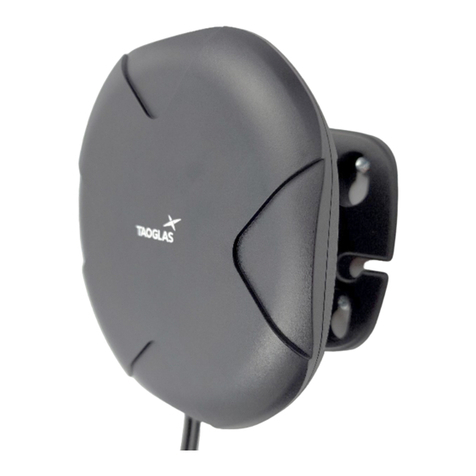
Following these guidelines will help ensure that your Taoglas
MA114 antenna is installed correctly. The MA114 is be
mounted via permanent through-hole mounting, as outlined
below.
MA114 Series
MIMO 5G/4G Antenna
Installation Instructions
Introduction
Installation Requirements
Antenna Components:
Hex Steel Nut & Washer (x1), Antenna Housing (x1), Coaxial Cable(x2), Pre-adhered Adhesive Pad(x1)
IG-21-8-017-A www.taoglas.com
•Additional Requirements:
Drill with 16mm(5/8”) drill bit/hole saw
19mm [3/4in] hex wrench (optional)
All copyrights, trademarks and any other intellectual property rights related are owned by Taoglas Group Holdings Limited.
Waiver: This document represents information compiled by Taoglas to the best of our current knowledge. This is not intended to be used as a
representation or warranty of fitness of the products described for any particular purpose. This document details guidelines for general information
purposes only. When planning installations, always seek specialist advice and ensure that the products are always installed by a properly qualified installer
in accordance with applicable regional laws and regulations.
Caution
To comply with FCC RF Exposure requirements in section 1.1310 of the FCC Rules, antennas used with this device must be installed
to provide a separation distance of at least 20 cm from all persons to satisfy RF exposure compliance.
Warning
Do not Operate the transmitter when someone is within 20 cm of the antenna.
Do not operate the equipment in an explosive atmosphere.
European Waste Electronic Equipment Directive 2002/96/EC
Please ensure that your old Waste Electricals and Electronics are recycled do not throw them away into standard waste.
Notices

IG-21-8-017-A www.taoglas.com
Unscrew the split steel nut from the antenna body and
slide the the coaxial cable out through nut and washer.
Determine where the antenna is to be mounted, please
ensure this is a flat surface. Drill a 16mm [5/8” ] diameter
hole.
Note: Min panel thickness 4mm [5/32in], Max panel
Permanent Mounting
Route the coaxial cables through the hole in the panel.
Align the antenna properly and press down to secure
the adhesive base in place.
Note: Avoid sharp bends when routing coaxial cable.
Ensure the mouting surface is clean and all debris,
dust, or any other contaminant is removed. Remove the
protective liner from the pre-installed base adhesive on
the antenna.
Note: Once exposed, avoid touching the adhesive.
Completed Installation.
Insert the coaxial cables through the washer and steel
nut and slide them upwards. Tighten to secure the
antenna in place. Ensure the nut is fully tightened.