manuals.online logo
Brands
  1. Home
  2. •
  3. Brands
  4. •
  5. Taylor
  6. •
  7. Grill
  8. •
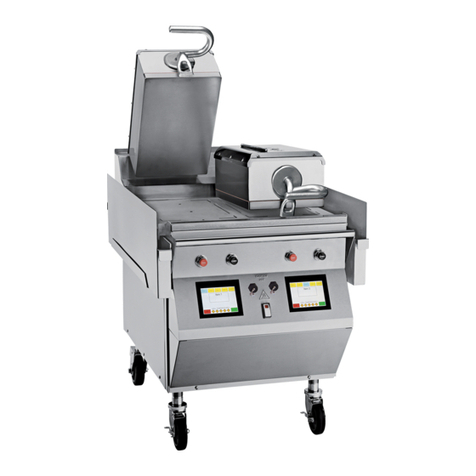
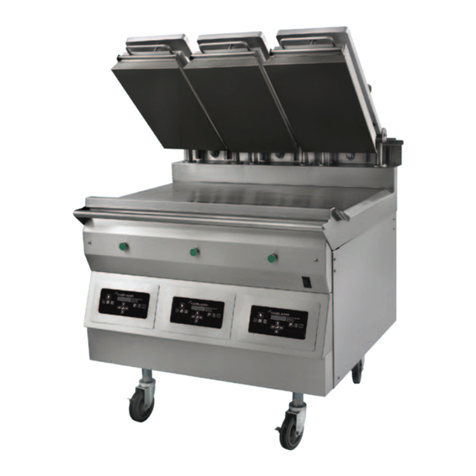
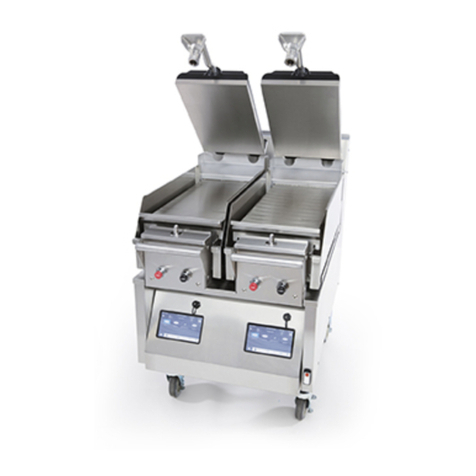
  9. Taylor C842 Installation manual

Taylor C842 Installation manual

This manual suits for next models

2

Other Taylor Grill manuals

Taylor C819 User manual

Taylor

Taylor C819 User manual

Taylor L850 User manual

Taylor

Taylor L850 User manual

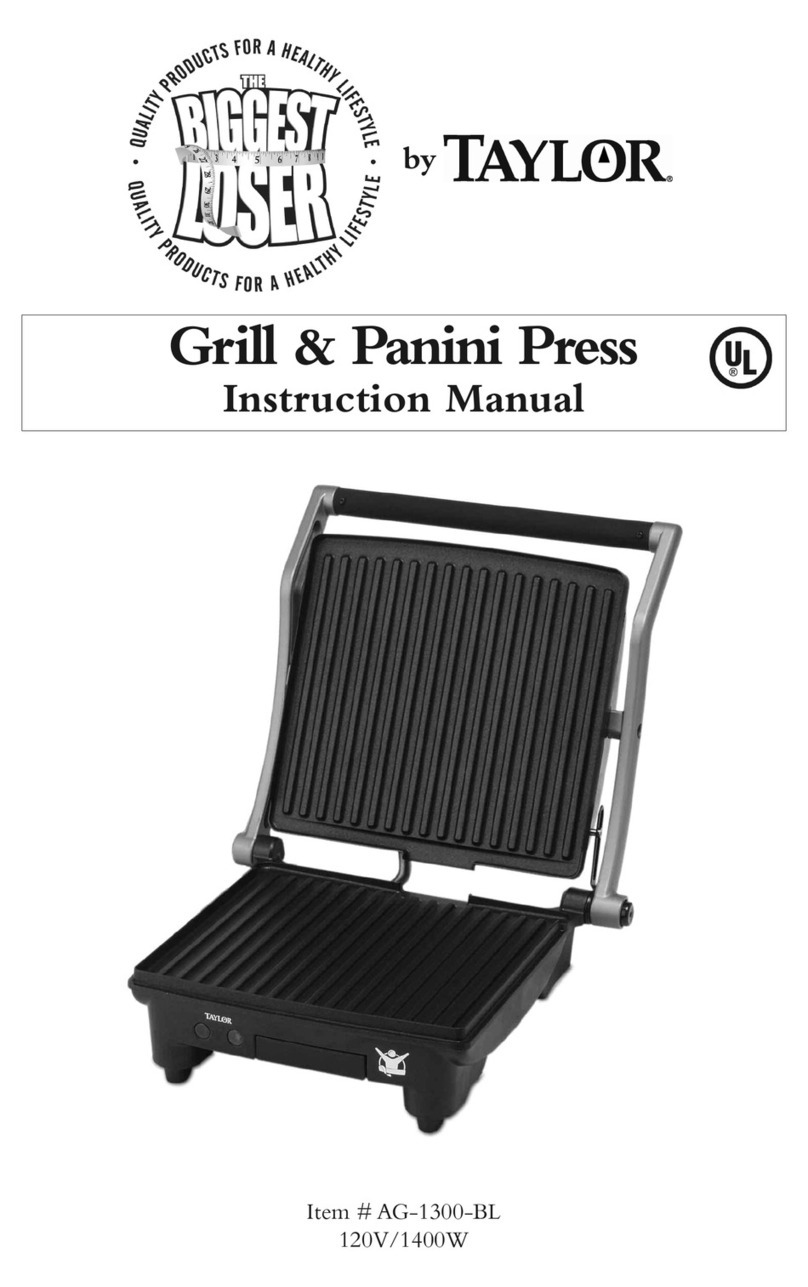
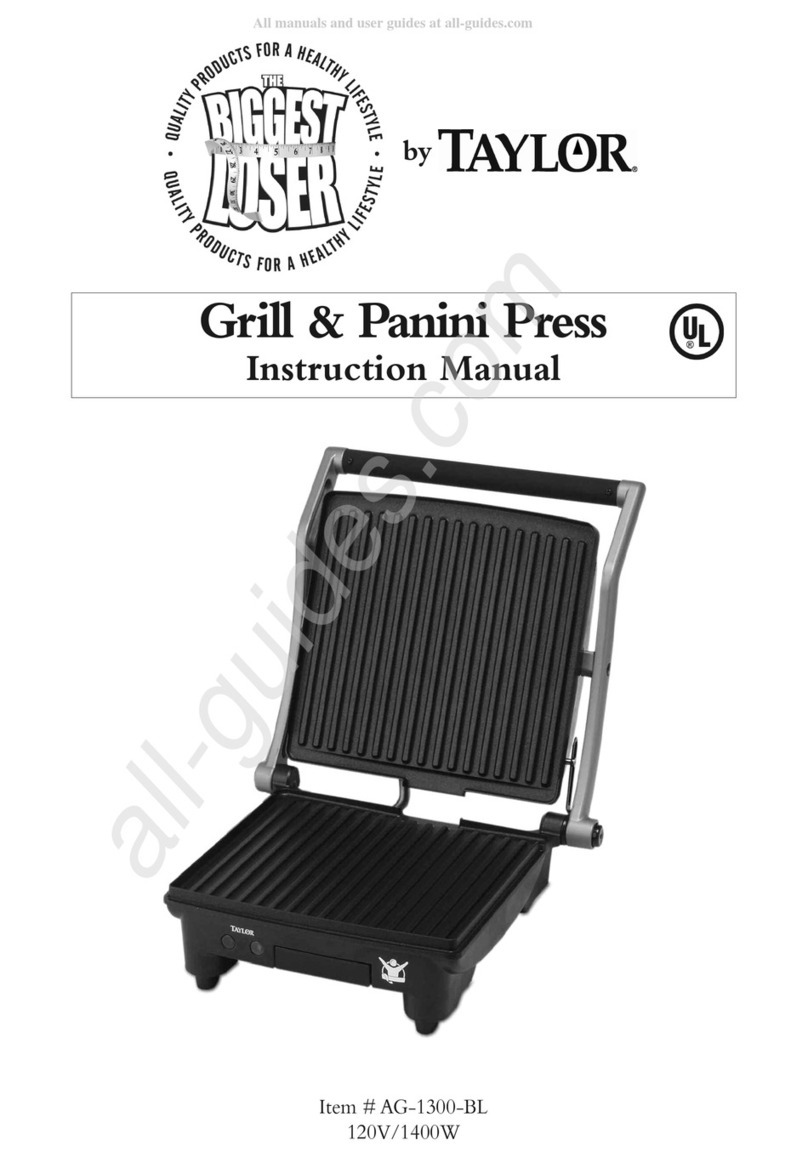
Taylor The Biggest Loser AG-1300-BL User manual
Taylor

Taylor The Biggest Loser AG-1300-BL User manual
Taylor The Biggest Loser AG-1300-BL User manual

Taylor

Taylor The Biggest Loser AG-1300-BL User manual

Taylor C801 User manual

Taylor

Taylor C801 User manual

Taylor 810 Series Operating instructions

Taylor

Taylor 810 Series Operating instructions

Taylor QS12 User manual

Taylor

Taylor QS12 User manual

Taylor The Biggest Loser AG-1350-BL User manual

Taylor

Taylor The Biggest Loser AG-1350-BL User manual

Taylor QS11 User manual

Taylor

Taylor QS11 User manual

Taylor C832 User manual

Taylor

Taylor C832 User manual

Taylor 810 Series User manual

Taylor

Taylor 810 Series User manual

Taylor C820 User manual

Taylor

Taylor C820 User manual

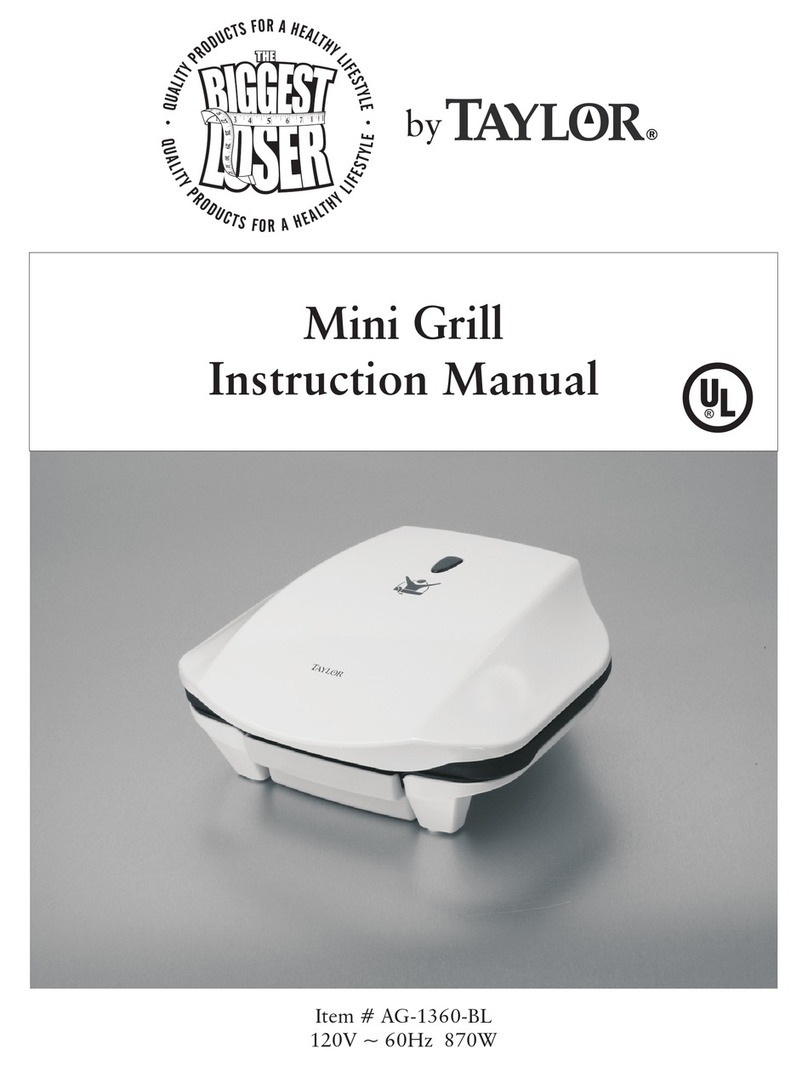
Taylor The Biggest Loser AG-1360-BL User manual

Taylor

Taylor The Biggest Loser AG-1360-BL User manual

Taylor QS10 User manual

Taylor

Taylor QS10 User manual

Taylor C850 Technical Document

Taylor

Taylor C850 Technical Document

Taylor QS11 User manual

Taylor

Taylor QS11 User manual

Taylor 811 series User manual

Taylor

Taylor 811 series User manual

Taylor QS12 User manual

Taylor

Taylor QS12 User manual
Popular Grill manuals by other brands
LMS BBQ08873P owner's manual

LMS

LMS BBQ08873P owner's manual

Cookworks LW-8010A Care & instruction manual

Cookworks

Cookworks LW-8010A Care & instruction manual

Campingaz CV Instructions for use

Campingaz

Campingaz CV Instructions for use

Metos XBL Series Installation and operation manual

Metos

Metos XBL Series Installation and operation manual

Fiesta ET34567 Use and care instructions

Fiesta

Fiesta ET34567 Use and care instructions

Mayer Barbecue BRENNA MKG-318A BASIC Assembly instructions

Mayer Barbecue

Mayer Barbecue BRENNA MKG-318A BASIC Assembly instructions

Landmann Avalon PTS Plus 5.1 Plus 12122 Assembly and operating manual

Landmann

Landmann Avalon PTS Plus 5.1 Plus 12122 Assembly and operating manual

Kenyon B70200 owner's manual

Kenyon

Kenyon B70200 owner's manual

Better Homes and Gardens GBC1486W owner's manual

Better Homes and Gardens

Better Homes and Gardens GBC1486W owner's manual

Orbegozo GR 2300 instruction manual

Orbegozo

Orbegozo GR 2300 instruction manual

bora PT11 Operating and installation instructions

bora

bora PT11 Operating and installation instructions

Klarstein 10031664 manual

Klarstein

Klarstein 10031664 manual

Garland MWE3W Installation and operation manual

Garland

Garland MWE3W Installation and operation manual

Char-Broil 463722714 Product guide

Char-Broil

Char-Broil 463722714 Product guide

MPM MOP-03 user manual

MPM

MPM MOP-03 user manual

Kenmore 415.16123800 Use and care guide

Kenmore

Kenmore 415.16123800 Use and care guide

Tucker Barbecues GTR Series Assembly, installation and operating instructions
Tucker Barbecues

Tucker Barbecues GTR Series Assembly, installation and operating instructions

Monogram ZGG540NCP1SS owner's manual

Monogram

Monogram ZGG540NCP1SS owner's manual

manuals.online logo
manuals.online logoBrands
  • About & Mission
  • Contact us
  • Privacy Policy
  • Terms and Conditions

Copyright 2025 Manuals.Online. All Rights Reserved.

Rev. F - 7/18/16 Page 1of 6
Intelli-Gap Grill / Programming Instructions
Complete Multi-Stage / 4:1 – Cooking on IRON
Thisstepmustbeperformedpriorto
settingupthenew4:1menuitem!
Nomenclature
Part A – Turn off the Old 4:1 Menu Item
Note: You must get through steps 1 and 2 within
the 10 sec. time frame or you will have to re-enter
the passcode.
1. Press the “PROGRAM” key. The LED
display will read “ENTER PASSCODE”.
ENTERPASSCODE
2. Enter the manager’s passcode by pressing
the following keys in the order shown:
Press the “ENTER” or “OK” key.
3. Press the “RIGHT ARROW” key until
the LED reads “4:1 CLAM”.
Press the “ENTER” or “OK” key.
4:1CLAM
4. Using the “UP” key, select the
“AM N PM N” option and press the
“ENTER” or “OK” key to accept.
G 
AMNPMN
Return to the Main Menu
1. Press the “PROGRAM” key twice.
2. Press the “ENTER” or “OK” key.
Rev. F - 7/18/16 Page 2of 6
Intelli-Gap Grill / Programming Instructions
Complete Multi-Stage / 4:1 – Cooking on IRON
Nomenclature
Part B - Removing an Add Item
Note: You must get through steps 1 and 2 within
the 10 sec. time frame or you will have to re-enter
the passcode.
1. Press the “PROGRAM” key. The LED
display will read “ENTER PASSCODE”.
ENTERPASSCODE
2. Enter the manager’s passcode by pressing
the following keys in the order shown:
Press the “ENTER” or “OK” key.
3. Press the “LEFT ARROW” key until
the LED displays an unused add item.
(Example: Onions) Press the “ENTER” or “OK” key.
Onions
4. When in the “REMOVE IN” screen press the “TIME”
key for 5 sec. The old menu item is removed and a
new ADD ITEM will be added.
Startpointcooktimeof136secondsisthehighendofthe
range.Remembertodialinthecooktimetoachievethe
qualityinternaltemperatureof160ºFto170ºFfora
minimumoftwopattiesonafullrun.

REMOVEIN:136
Return to the Main Menu
1. Press the “PROGRAM” key twice.
2. Press the “ENTER” or “OK” key.
Rev. F - 7/18/16 Page 3of 6
Intelli-Gap Grill / Programming Instructions
Complete Multi-Stage / 4:1 – Cooking on IRON
Nomenclature
Part C - Creating a 4:1 Menu Item
Note: You must get through steps 1 and 2 within
the 10 sec. time frame or you will have to re-enter
the passcode.
1. Press the “PROGRAM” key. The LED display
will read “ENTER PASSCODE”.
ENTER PASSCODE
2. Enter the manager’s passcode by pressing
the following keys in the order shown:
Press the “ENTER” or “OK” key.
3. Press the “LEFT ARROW” key until
the LED reads “ADD ITEM”.
Press the “ENTER” or “OK” key.
ADDITEM
4. Enter the product item name in the top line.
MMMMMMMMMMMMM
ENTER ITEM NAME
M
5. Press the “UP” & “DOWN” arrows to
change the far left flashing digit to change
the number or letter.
_MMMMMMMMMMMM
ENTER ITEM NAME
6. Press the “RIGHT ARROW” to move
to the next number or letter.
A_MMMMMMMMMM
ENTERITEMNAME

7. Press the “ON-OFF” key to erase
a number or letter.
4:1CLAM
Press the “OK” key to finish naming the product.
Rev. F - 7/18/16 Page 4of 6
Intelli-Gap Grill / Programming Instructions
Complete Multi-Stage / 4:1 – Cooking on IRON
8. Using the “UP” key, select the
“CLAM” option and press the
“ENTER” or “OK” key to accept.
TYPE: CLAM
9. Using the “UP” key, select “3”, and press
the “ENTER” or “OK” key to accept.
GAP STAGES: 3
10. Using the “UP” key, select the
“AM N PM Y” option and press the
“ENTER” or “OK” key to accept.
G AM N PM Y
11. For the “REMOVE IN” option use the “ON/OFF”
key to scroll left or right and the “UP ARROW”
to change the number to 136. Press the “ENTER”
or “OK” key to accept.
REMOVEIN:136

12. Using the “UP ARROW” key, select
the “AUTO” option and press
the “ENTER” or “OK” key to accept.
REMOVE ALARM: AUTO
13. Using the same keys in Step 11, enter in “500”.
Press the “ENTER” or “OK” key to accept.
REMOVE GAP: 500
14. Enter in “010”.
Press the “ENTER” or “OK” key to accept.
STAGE 1 TIME: 010
15. Enter in “425”.
Press the “ENTER” or “OK” key to accept.
STAGE 1 GAP: 425

Rev. F - 7/18/16 Page 5of 6
Intelli-Gap Grill / Programming Instructions
Complete Multi-Stage / 4:1 – Cooking on IRON
16. Enter in “017”.
Press the “ENTER” or “OK” key to accept.
STAGE 2 TIME: 017
17. Enter in “490”.
Press the “ENTER” or “OK” key to accept.
STAGE 2 GAP: 490
18. Enter in “057”.
Press the “ENTER” or “OK” key to accept.
STAGE 3 TIME: 057
19. Enter in “450”.
Press the “ENTER” or “OK” key to accept.
STAGE 3 GAP: 450
20. Enter in “000”.
Press the “ENTER” or “OK” key to accept.
MUST REMOVE IN: 000
21. Enter in “000”.
Press the “ENTER” or “OK” key to accept.
PREP BREAD IN: 000
22. Enter in “AUTO”.
Press the “ENTER” or “OK” key to accept.
PREP ALARM: AUTO
23. Enter in “425”.
Press the “ENTER” or “OK” key to accept.
TOP TEMP: 425F

Rev. F - 7/18/16 Page 6of 6
Intelli-Gap Grill / Programming Instructions
Complete Multi-Stage / 4:1 – Cooking on IRON
24. Enter in “365”.
Press the “ENTER” or “OK” key to accept.

BOTTOM TEMP: 365F
25. Enter in “YES”.
Press the “ENTER” or “OK” key to accept.
AUTO SELECTION: YES
26. Enter in “400 to 530”.
Set in the first group of numbers (ex: 400),
Press the “ENTER” or “OK” key to accept.
Set in the second group of numbers (ex: 530),
Press the “ENTER” or “OK” key to accept.
AUTO GAP: 400 TO 530
Return to the Main Menu
1. Press the “PROGRAM” key twice.
2. Press the “ENTER” or “OK” key.
Lower plate temperature adjustment in Auto Idle to
achieve 365°F temperature setting. This setting is
required to lock in the 365°F lower plate setting only.
Rev. F - 7/18/16 Page 7of 6
Intelli-Gap Grill / Programming Instructions
Complete Multi-Stage / 4:1 – Cooking on IRON