MDA800A Getting Started Guide 5
To achieve optimal signal integrity, connect the ground at the tip of the flying
lead for each channel used in measurements. Use either the provided ground
extenders or flying ground leads to
make the ground connection.
To connect the leadset to the
instrument, push the connector
into the mixed signal interface
until you hear a click.
To remove the leadset, press in
and hold the buttons on each
side of the connector, then pull
out to release it.
Powering On/Off
Plug the line cord only into a grounded AC power outlet. See Power in
“Safety” for ratings. Press the Power button to turn on the oscilloscope. The
button will light to show the oscilloscope is operational.
CAUTION. Do not power on or calibrate with a signal attached.
Press the Power button again or use or the File > Shutdown menu option
to execute a proper shut down process and preserve settings.
CAUTION. Do not press and hold the Power button. This will
execute a hard shutdown, but may not preserve setups and data.
The Power button does not disconnect the oscilloscope from the AC
power supply, but puts it into "Standby" mode. Some “housekeeping”
circuitry continues to draw power. The only way to fully power down the
instrument is unplug the AC line cord from the outlet. We recommend
unplugging the instrument if it will remain unused for a long period of time
CAUTION. Do not change the Windows® Power setting to System
Standby or System Hibernate. Doing so may cause failure.
OVERVIEW
The touch screen display is the principal viewing and control center of
the instrument. See p.10 for an overview of its components.
The front panel houses hard controls for different acquisition settings.
Operate the instrument using front panel controls, touch screen controls,
or a mix that is convenient for you. See "Front Panel" on p.9.
Shortcut buttons immediately below the touch screen launch MDA
functions, such as Drive Setup or Zoom+Gate Mode, etc.
The built-in stylus holder stores a stylus for use with the touch screen.
Channels 1–8 are used to input analog signal. EXT can be used to input
an external trigger signal.
Cal out emits a signal that can be used to compensate passive probes.
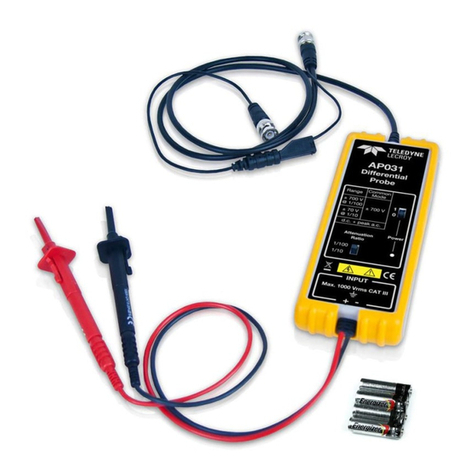
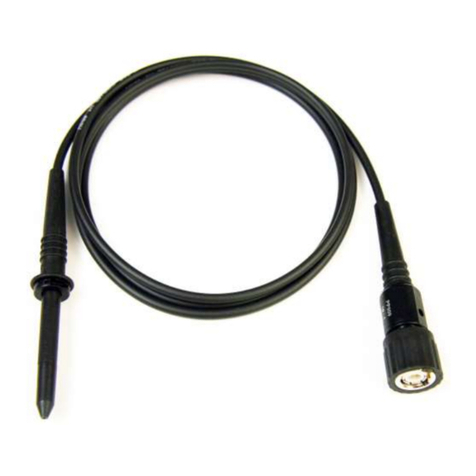
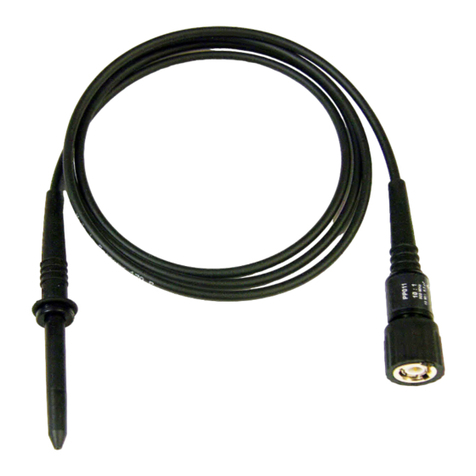
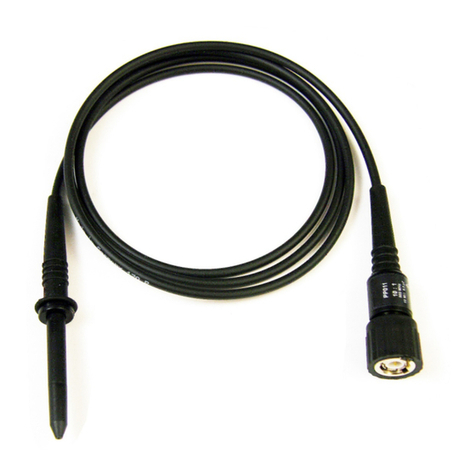
Motor Drive Analyzers are compatible with the included passive probes
and all ProBus active probes that are rated for the ’s bandwidth. Probe
specifications and documentation are at teledynelecroy.com/probes.
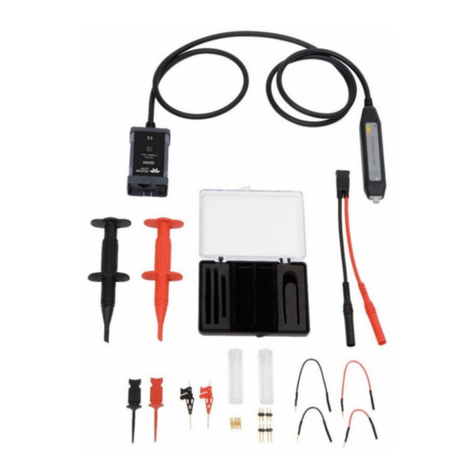
Supplied with the Mixed Signal
Option (HDO8K-MSO), the digital
leadset connects to the Mixed
Signal interface to input up-to-16
lines of digital data. Two digital
banks with separate threshold and
hysteresis controls make it
possible to simultaneously view
data from different logic families.
Each flying lead has a signal and a
ground connection. A variety of
ground extenders and flying
ground leads are available for
different probing needs.