- To make an internal call
- To transfer an incoming call to handset
- To set up a conference call
- Delete memory.
- During message play, press and hold to delete all old
messages.
- Press to play the messages.
- Press again to suspend the message playing.
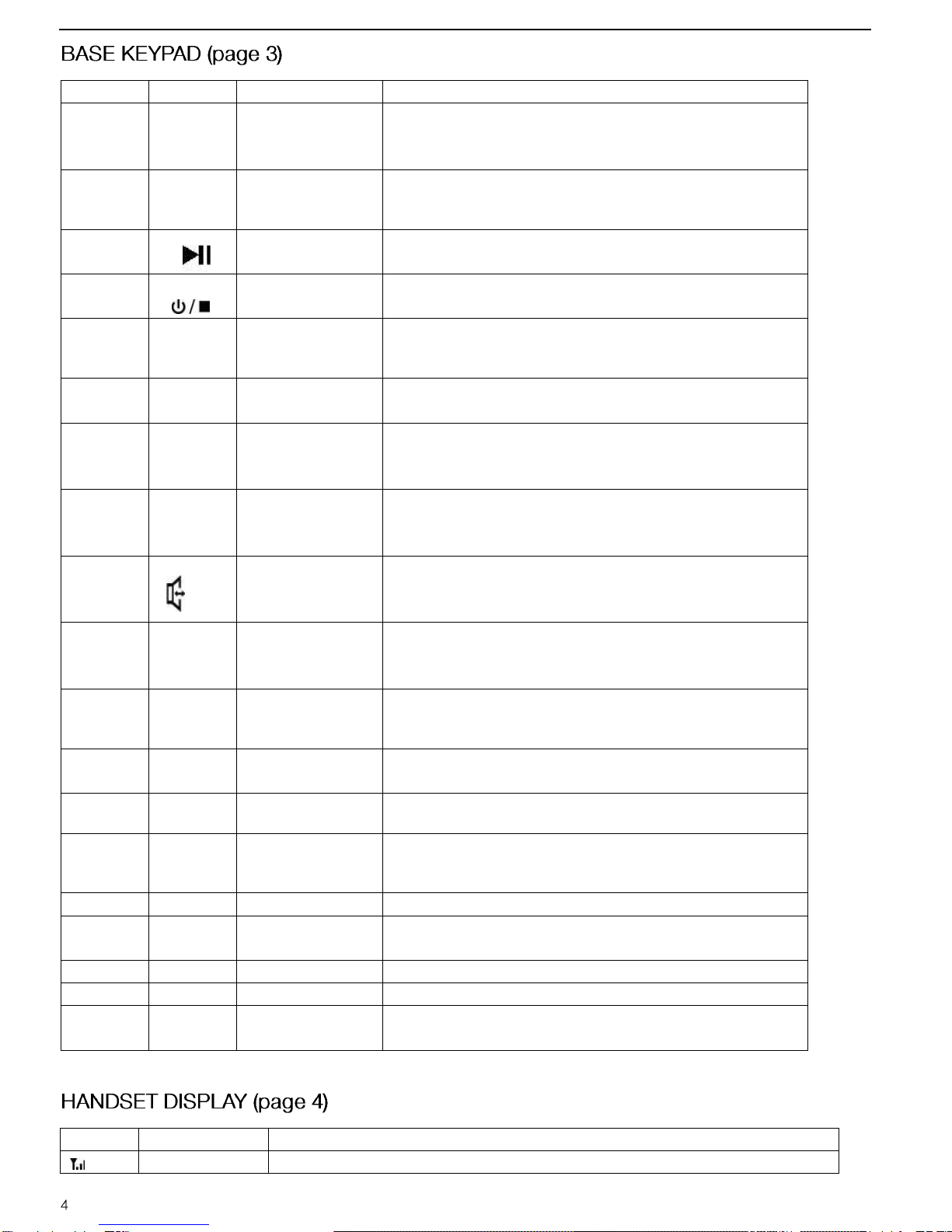
- Press and hold it to switch the answering machine ON or OFF.
- With TAM ON, press to select OGM 1 or OGM 2.
- Scroll down through menu options
- Decrease earpiece/speakerphone volume during a call
- Review outgoing calls.
Flash key to reset the line without leaving the handset
- Press one to redial the last dialed number
- Press while dialing a number to insert a pause.
Press this key to speakerphone mode
- Enter the phonebook
- Exiting from a function during menu operation
- Entry to the menu functions from idle mode
- Confirming (OK) selections & actions
- During a call, Mute/Un-mute the conversation
- Press and hold this key to record a memo.
- During conversation, press and hold it to record conversation.
- In idle state, press it to listen to current OGM.
- In idle state, press and hold it to record current OGM.
- Scroll up through menu options
- Increase earpiece/speakerphone volume during a call
- Review the incoming calls.
During message play, press it to delete current message.
During message play, press it to play back current message or
press it twice to go back to the previous message.
Press to pause (max 1 min) and restart the current message.
During message play, press to go forward to the next message.
When playing the message, press it to stop playing
immediately.
Displayed to indicate signal strength.