manuals.online logo
Brands
  1. Home
  2. •
  3. Brands
  4. •
  5. Tempo Communications
  6. •
  7. Tools
  8. •
  9. Tempo Communications FCL100 User manual

Tempo Communications FCL100 User manual

Other Tempo Communications Tools manuals

Tempo Communications 915CL User manual

Tempo Communications

Tempo Communications 915CL User manual

Tempo Communications 915FS User manual

Tempo Communications

Tempo Communications 915FS User manual

Popular Tools manuals by other brands

AGI Westfield MKX16 Assembly manual

AGI

AGI Westfield MKX16 Assembly manual

GYS HAND-DUCTION 056923 Translation of the original instructions

GYS

GYS HAND-DUCTION 056923 Translation of the original instructions

Grizzly H7583 instruction manual

Grizzly

Grizzly H7583 instruction manual

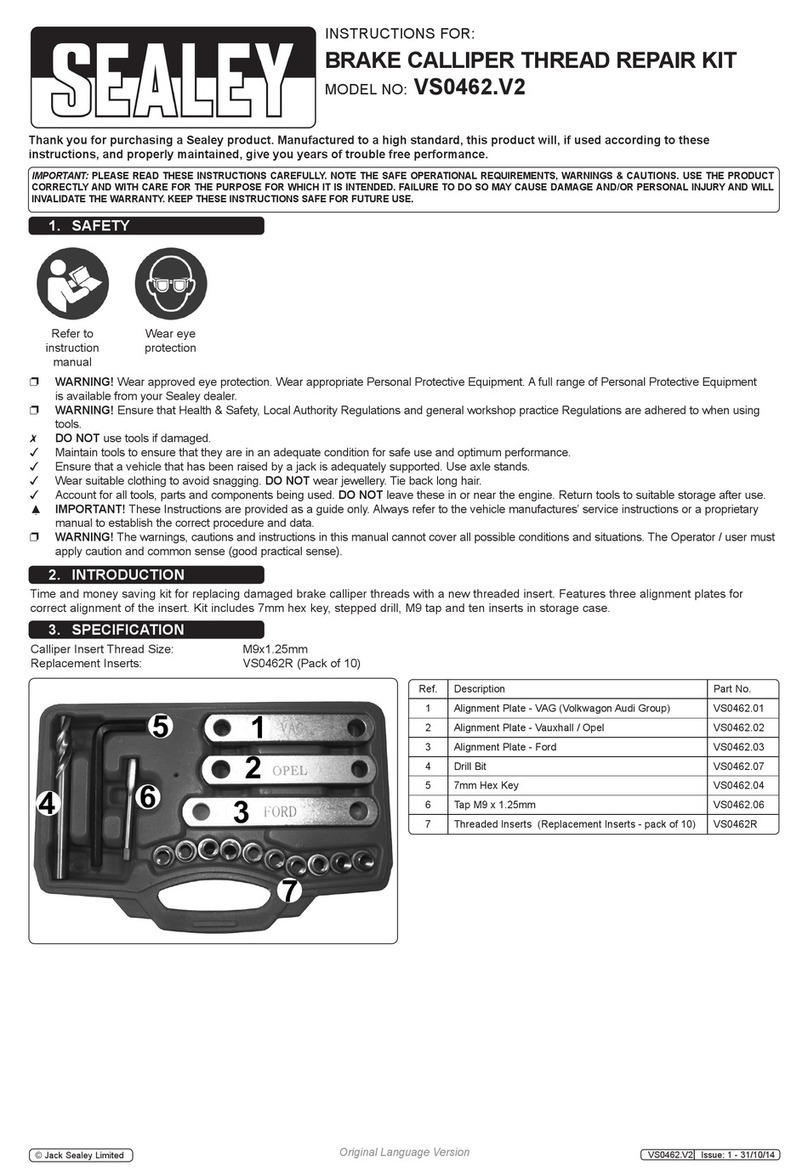
Sealey VS0462.V2 instructions

Sealey

Sealey VS0462.V2 instructions

Makita HR2650 instruction manual

Makita

Makita HR2650 instruction manual

Forza 1100H Series manual

Forza

Forza 1100H Series manual

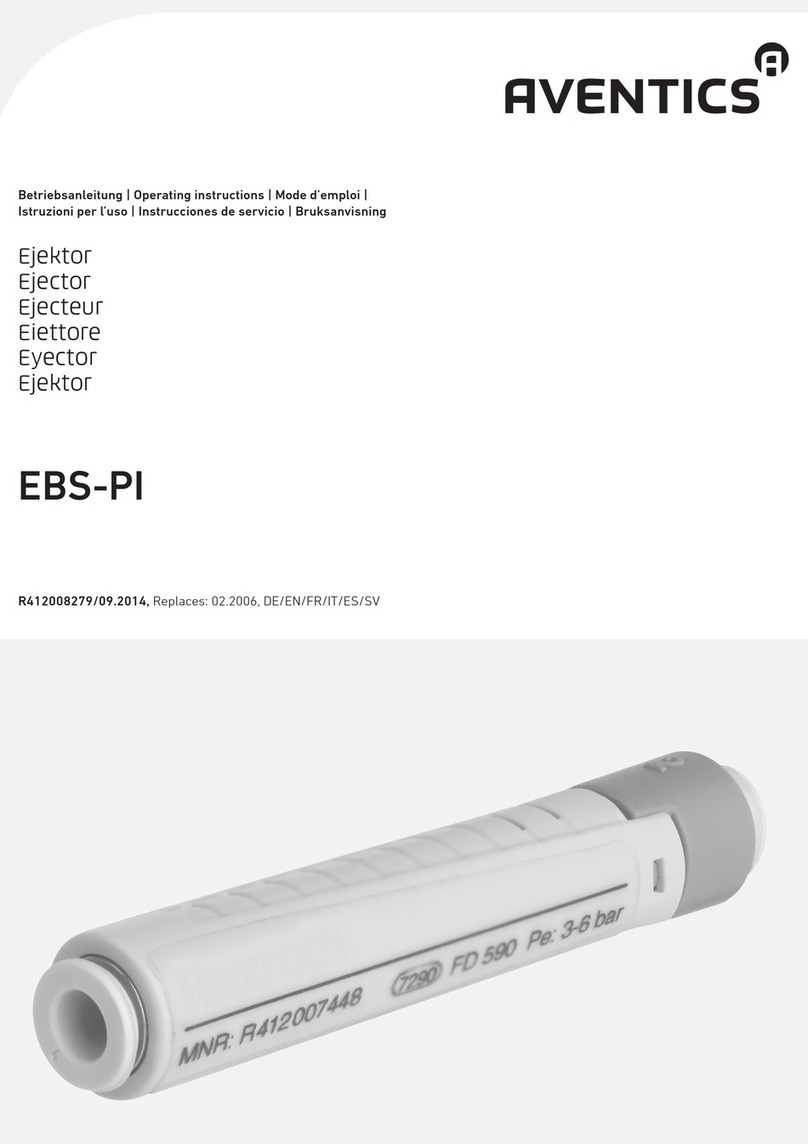
Aventics EBS-PI operating instructions

Aventics

Aventics EBS-PI operating instructions

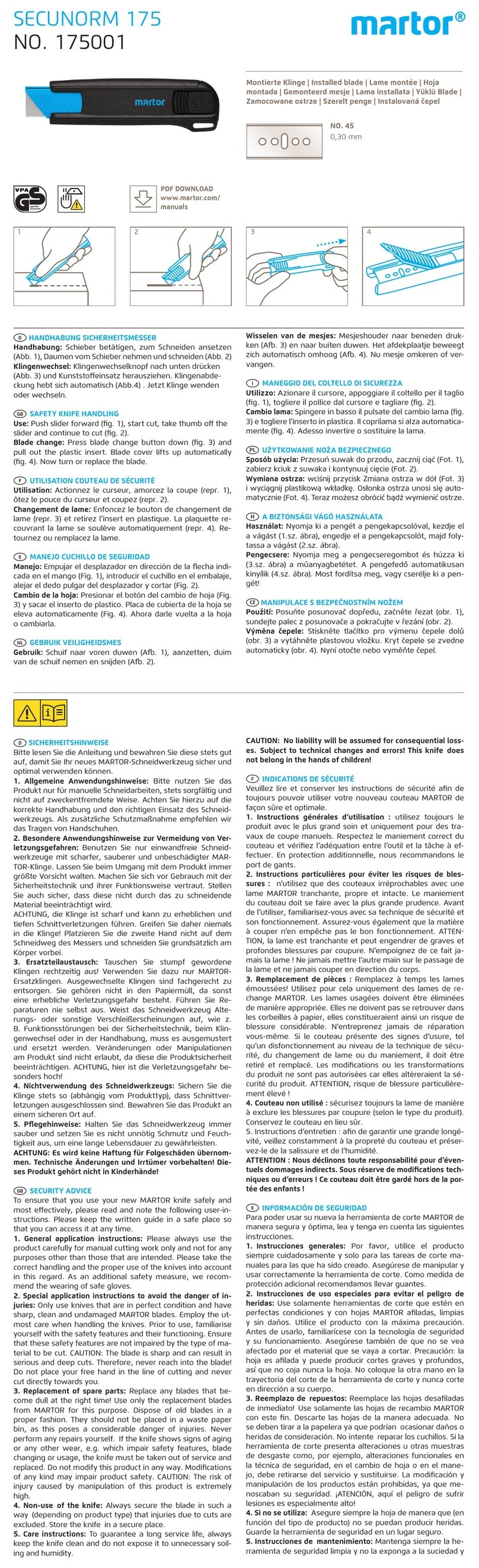
Martor SECUNORM 175 quick start guide

Martor

Martor SECUNORM 175 quick start guide

jbc N4473 instruction manual

jbc

jbc N4473 instruction manual

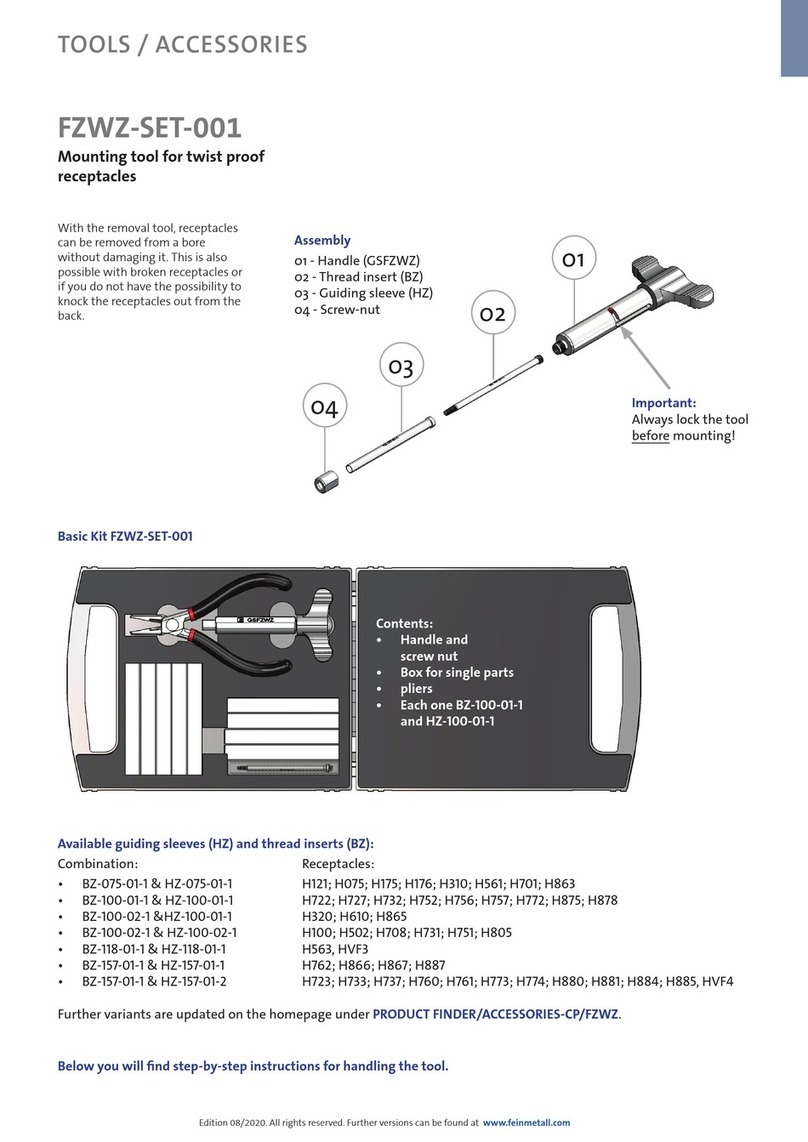
FEINMETALL FZWZ-SET-001 quick start guide

FEINMETALL

FEINMETALL FZWZ-SET-001 quick start guide

Worx Professional Sonicrafter WU676 Original instructions

Worx Professional

Worx Professional Sonicrafter WU676 Original instructions

Gage Bilt GB713SH Original instructions

Gage Bilt

Gage Bilt GB713SH Original instructions

Hilti DX 9-ENP Original operating instructions

Hilti

Hilti DX 9-ENP Original operating instructions

norbar NORTRONIC 34399 Operator's manual

norbar

norbar NORTRONIC 34399 Operator's manual

BGS technic 8578 manual

BGS technic

BGS technic 8578 manual

axing BWZ 5-02 Operation instructions

axing

axing BWZ 5-02 Operation instructions

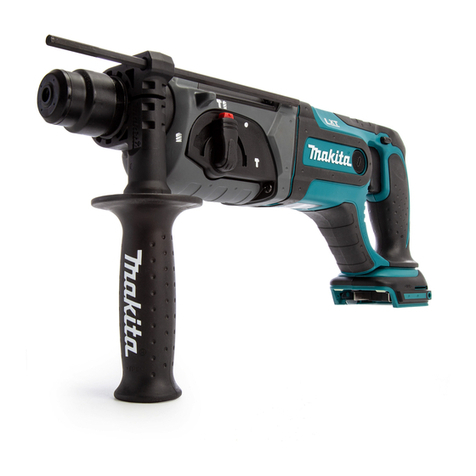
Makita DHR241 instruction manual

Makita

Makita DHR241 instruction manual

Motor Guard JMB-1250 instructions

Motor Guard

Motor Guard JMB-1250 instructions

manuals.online logo
manuals.online logoBrands
  • About & Mission
  • Contact us
  • Privacy Policy
  • Terms and Conditions

Copyright 2025 Manuals.Online. All Rights Reserved.

Read and understand all of the instructions
and safety information in this manual
before operating or servicing this tool.
Register this product at www.TempoCom.com
INSTRUCTION MANUAL
SAFETY
ALERT
SYMBOL
This symbol is used to call your attention to hazards or unsafe practices which could
result in an injury or property damage. The signal word, dened below, indicates the sever-
ity of the hazard. The message after the signal word provides information for preventing
or avoiding the hazard.
Immediate hazards which, if not avoided, WILL result in severe injury or death.
Hazards which, if not avoided, COULD result in severe injury or death.
Hazards or unsafe practices which, if not avoided, MAY result in injury or property damage.
Read and understand all of the instructions and safety information in this
manual before operating or servicing this tool.
Failure to observe this warning could result in severe injury or death.
Electric shock hazard:
• Do not operate in an explosive atmosphere such as in the presence of ammable
gases or fumes.
• Before applying power, verify that the unit is set to match the available line voltage.
Failure to observe these warnings could result in severe injury or death.
FCL100
Field Fiber
Optic Cleaver
55500187 REV0 © 2020 Tempo Communications Inc. 02/20
Description
The Field Fiber Optic Cleaver, FCL100
cleaves ber optic cables for use with
mechanical connectors and Bare Fiber
Adapters. It can also be used with
fusion splicers on a limited basis.
Specications:
• 125 micron ber
• 2.0mm to 20.0mm cleave
lengths
• Size: 4.88” x 0.79” x 1.57”
(124mm x 20mm x 40mm)
• Weight: 0.13lbs (60g)
• Spring activated

Operation
1. Strip and Clean Fiber
Remove approximately 1.5” (39mm) of the primary and secondary coatings form the ber.
Clean all residue from the ber using 99.9% pure isopropyl alcohol and a lint free wipe.
2. Set Fiber in Cleaver
Press the ber holding lever down and insert the cleaned ber into the V groove until the
tight buffer reaches the mark on the scale for the desired cleave length. Release the ber
holding lever so that the ber is held in place. Hold the ber on the leaf spring and reopen
the ber holding clamp using the lever to release any torsional stress. Allow the holding
clamp to once again hold the ber.
3. Score Fiber
Lightly and slowly press the blade lever down to “score” the ber while holding the ber
against the leaf spring. Release the blade lever. Do not attempt to cut the ber. Do not
attempt two scores of the same ber.
4. Cleave Fiber
Carefully bend the leaf spring down while continuing to hold the ber against leaf spring.
Bend the leaf spring just enough to cause the ber to cleave. Do not overbend the leaf
spring as this may damage the leaf spring. Release the ber end cut from the ber holding
mechanism. Dispose of the ber end cut in an approved disposal unit.
Tempo Communications
1390 Aspen Way • Vista, CA 92081 • USA
800-642-2155
Tempo Europe Ltd. • Brecon House, William Brown Close
Cwmbran, NP44 3AB, UK • Tel: +44 1633 927 050
www.TempoCom.com