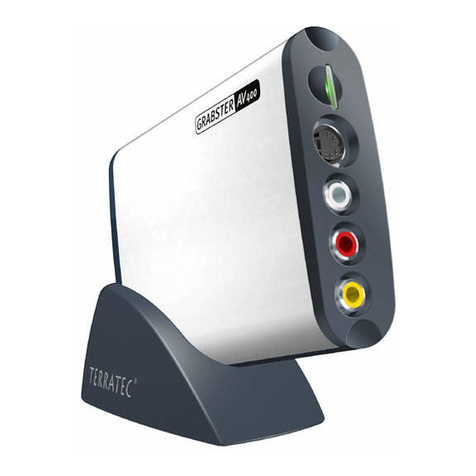
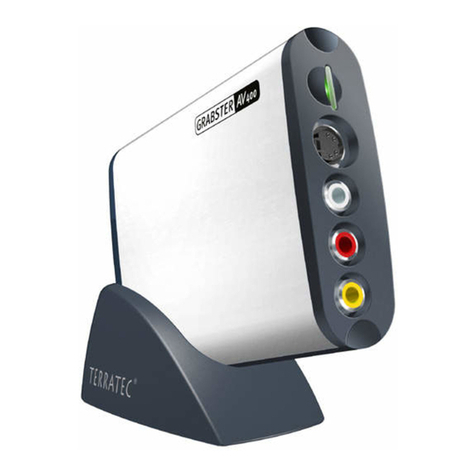
Using the Grabster AV 150 MX for the first time
The Grabster is extremely simple to set up. The installation can be completed without shutting
down your computer. Connect the USB cable to the Grabster AV 150 MX. Insert the included
installation DVD in your DVD drive. Connect the Grabster AV 150 MX to a free USB 2.0 port on
your computer with the USB cable. Your computer will recognize the new hardware and launch
the installation wizard.
Installing drivers under Windows XP
1. When connecting the Grabster AV 150 MX for the first time, Windows XP will recognize it
and will launch the hardware installation wizard. Next, select “Install the software auto-
matically [Recommended]” and click “Next”.
2. Windows XP will automatically find the correct driver on the installation DVD.
3. Conclude the installation by clicking “Finish”.
This completes the installation of the drivers and you can now start installing the MAGIX soft-
ware.
Installing drivers under Windows Vista
1. When connecting the Grabster AV 150 MX for the first time, Windows Vista will recognize it
and will launch the hardware installation wizard. Click “Locate and install drivers software
(recommended)”, followed by “Next”.
2. Windows Vista will automatically find the correct driver on the installation DVD. Windows
will now ask whether you really want to install the driver software. Click “Install” to start
the installation.
3. Conclude the installation by clicking “Close”.
This completes the installation of the drivers and you can now start installing the MAGIX soft-
ware.
Installing Magix Movies on CD & DVD application
To install the software, insert the DVD and wait for the autostarter to launch. Select your lan-
guage and the Software item. Click the MAGIX Software button to start the installation of Ma-
gix Movies on CD & DVD TerraTec Edition. Follow the instructions on the screen until the soft-
ware is completely installed.
For a detailed manual and a brief video introduction to the software, use the online help after
the installation is complete.
6 Grabster AV 150 MX (English)